




The Next Generation of MicroMobile

The Next Generation of MicroMobile

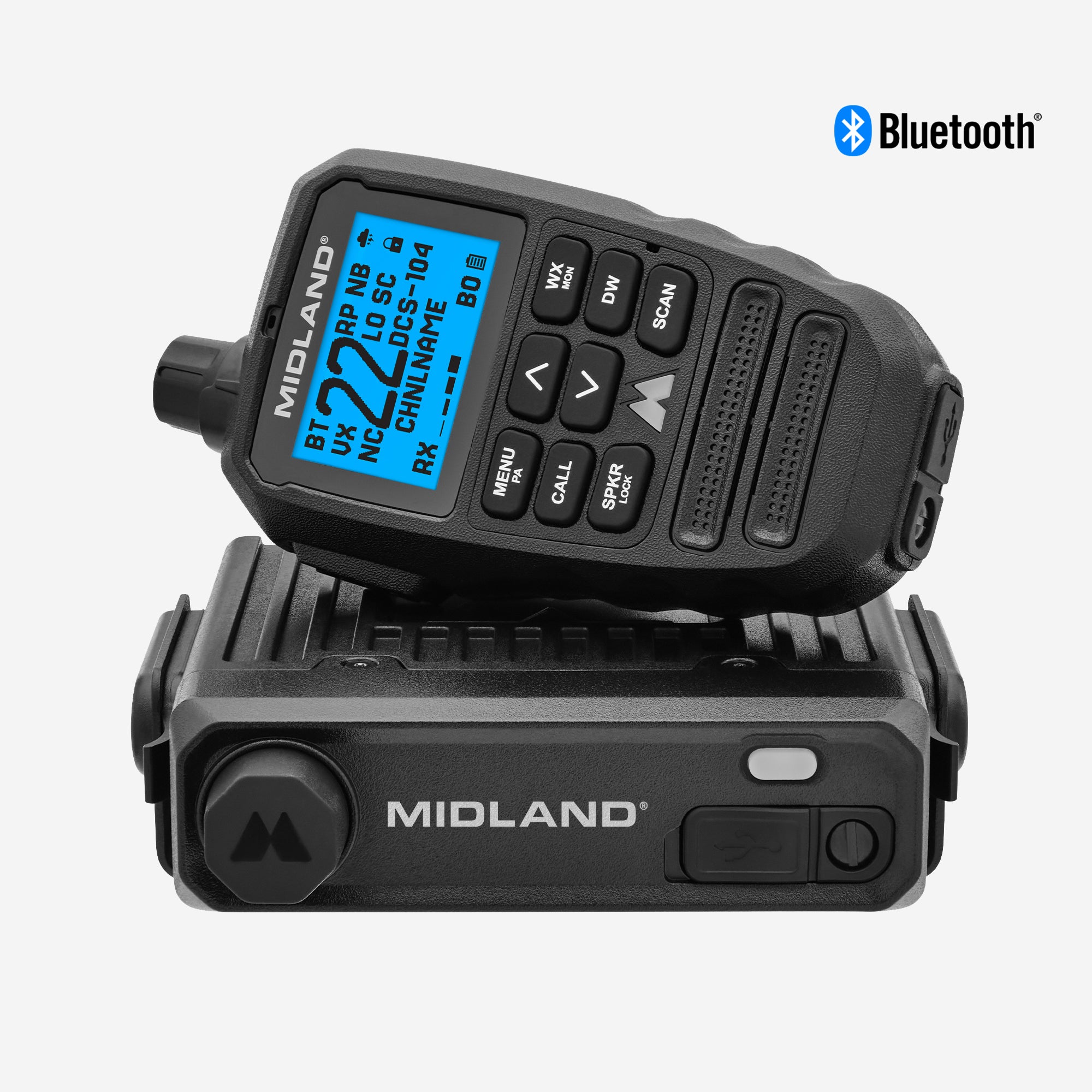
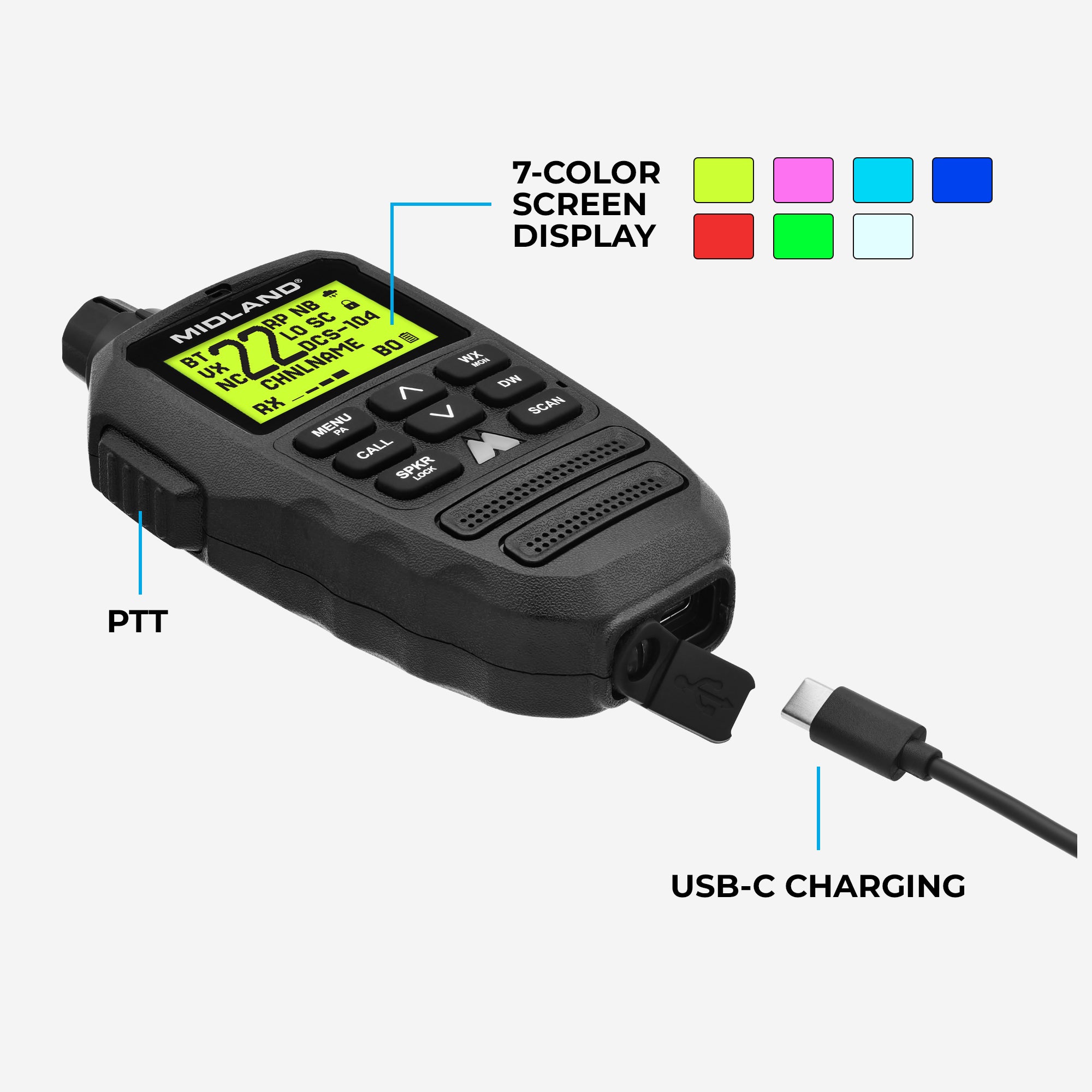
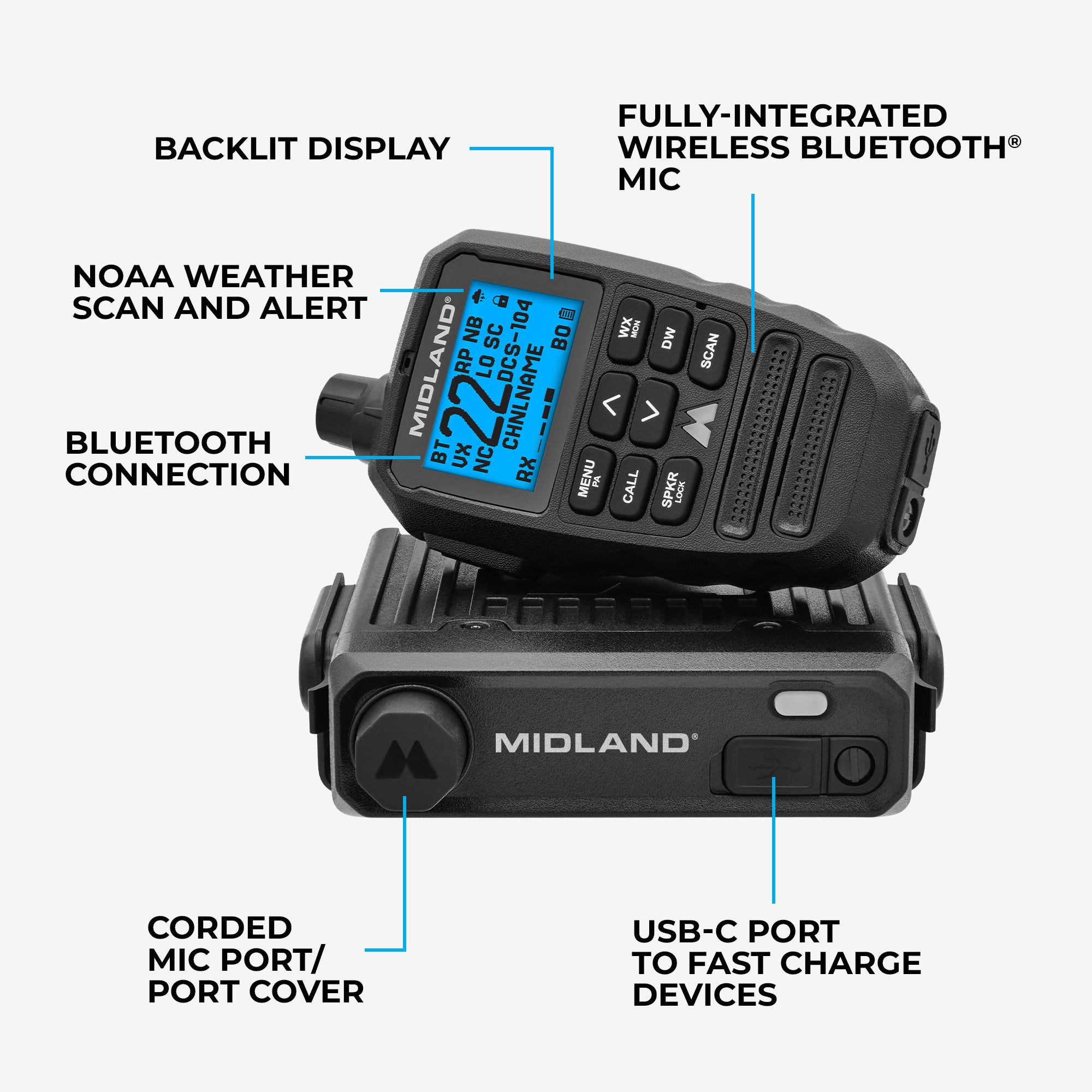
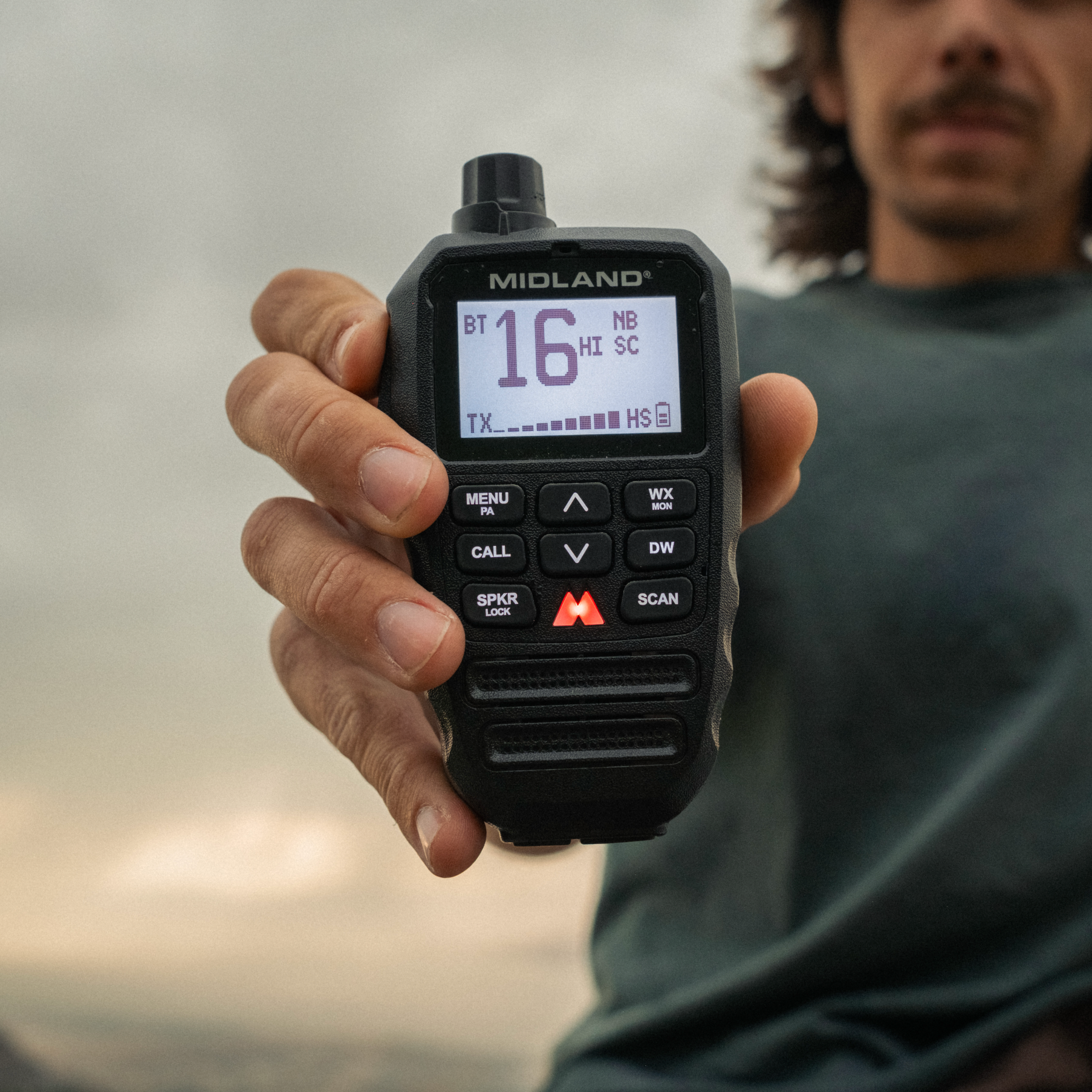
The MXT295 PRO is the ultimate plug-and-play GMRS two-way radio, designed to be simple. The MXT295 PRO combines easy installation, intuitive operation, and reliable 15-Watt performance so you can spend less time learning and more time communicating.

Cable Free Communication

Cable Free Communication

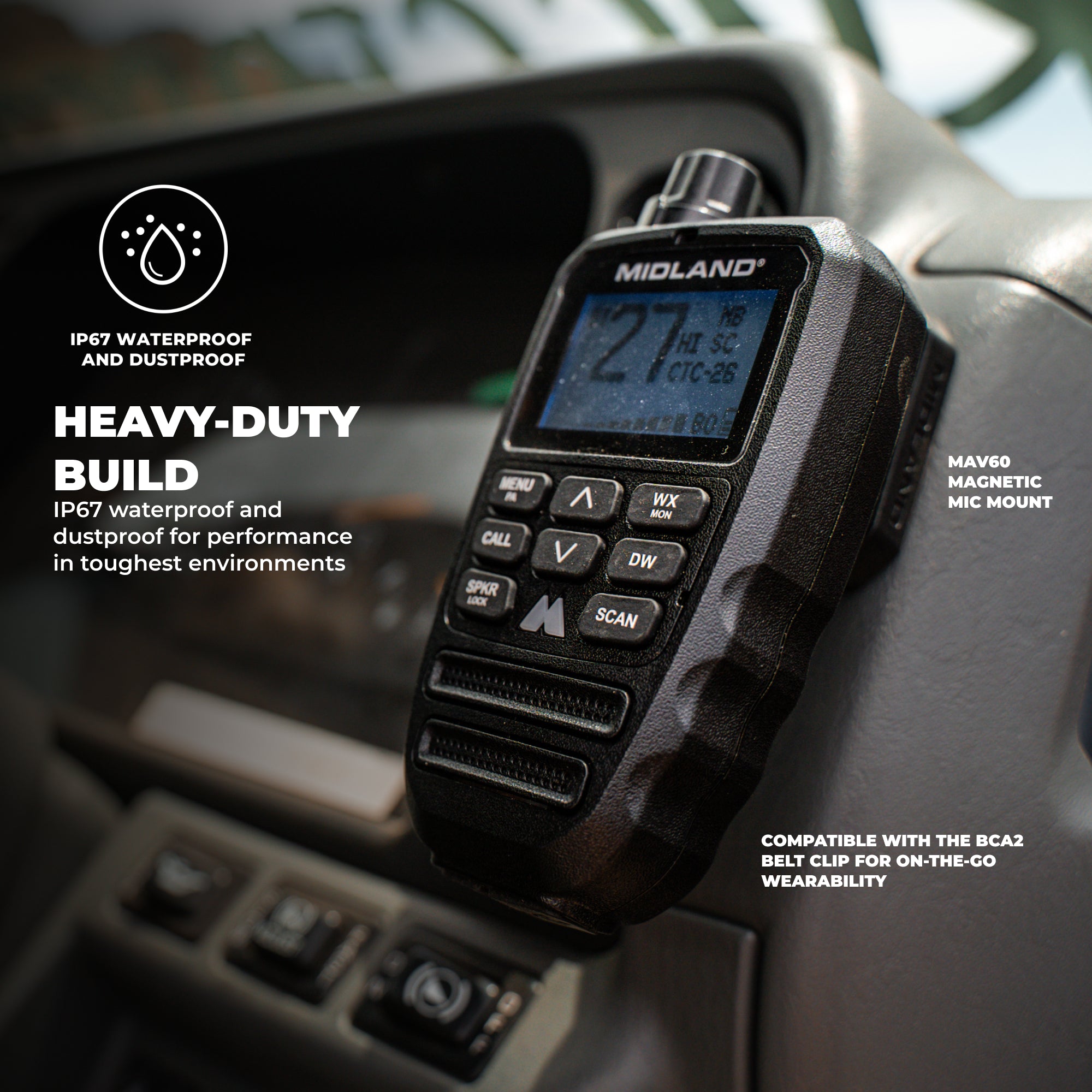
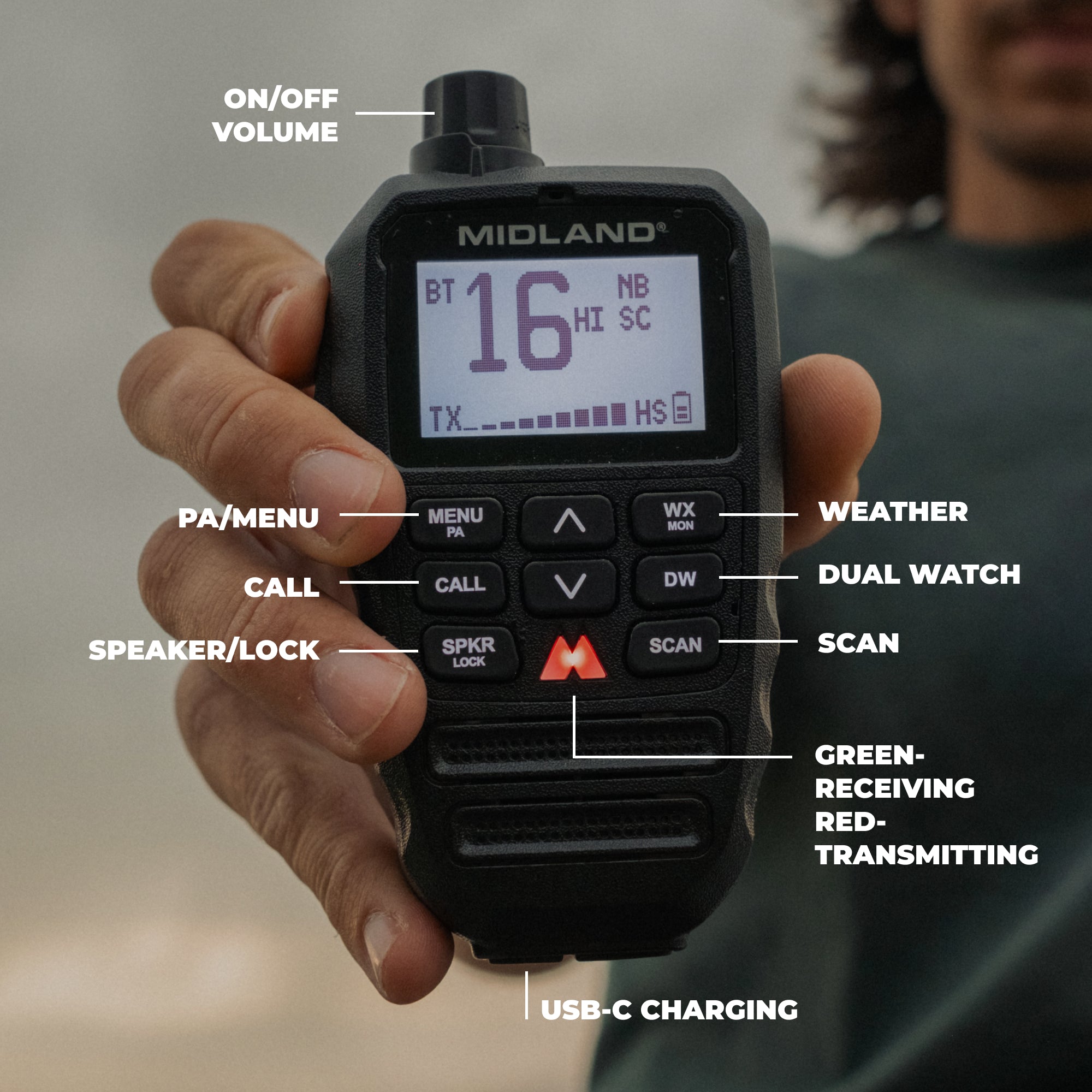
Upgrade to Midland's first Fully-IntegratedWireless Bluetooth® Microphone. With IP67 waterproof and dustproof rating and long lasting battery life, the MXT295 PRO is ready for any adventure.

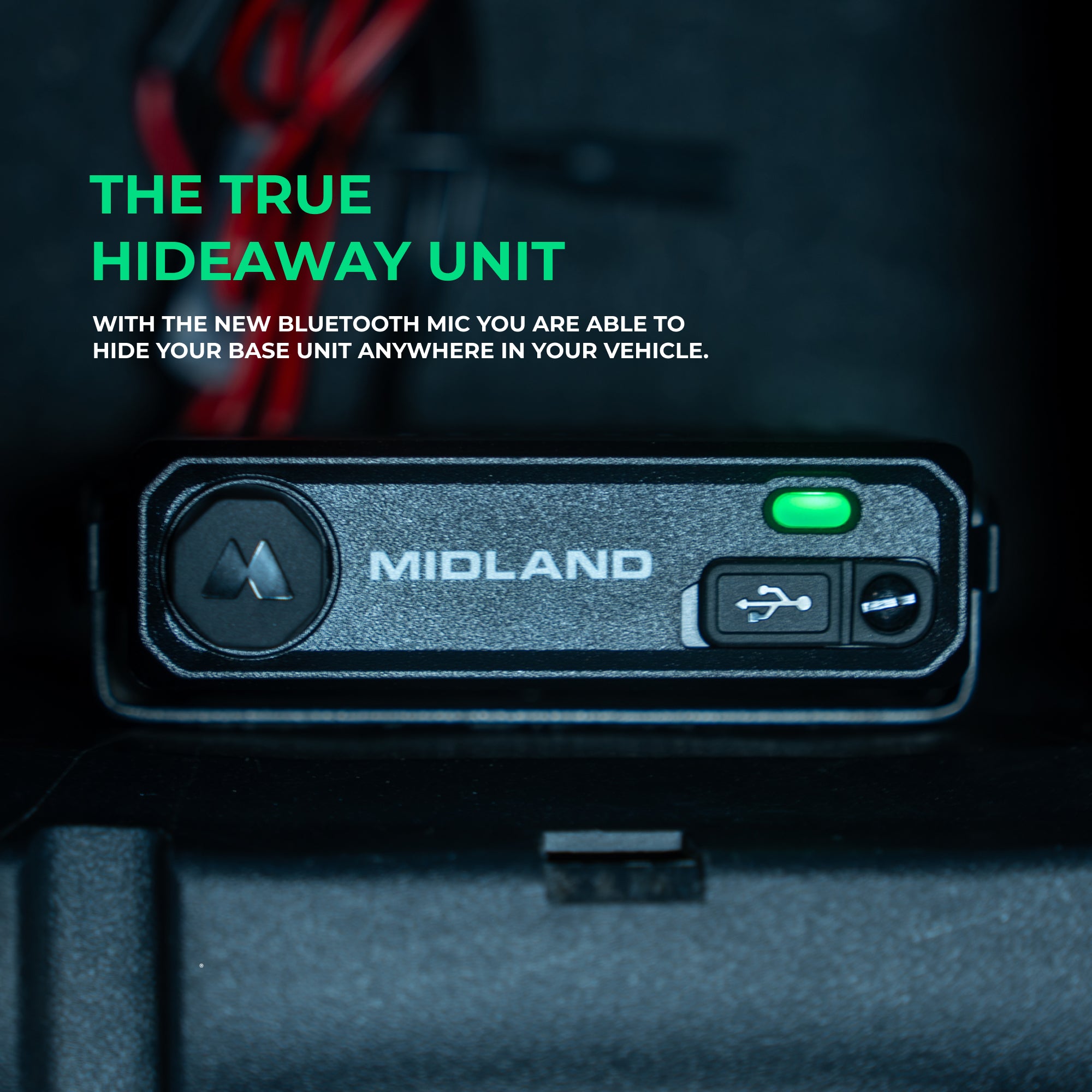
The True Hideaway Unit

The True Hideaway Unit

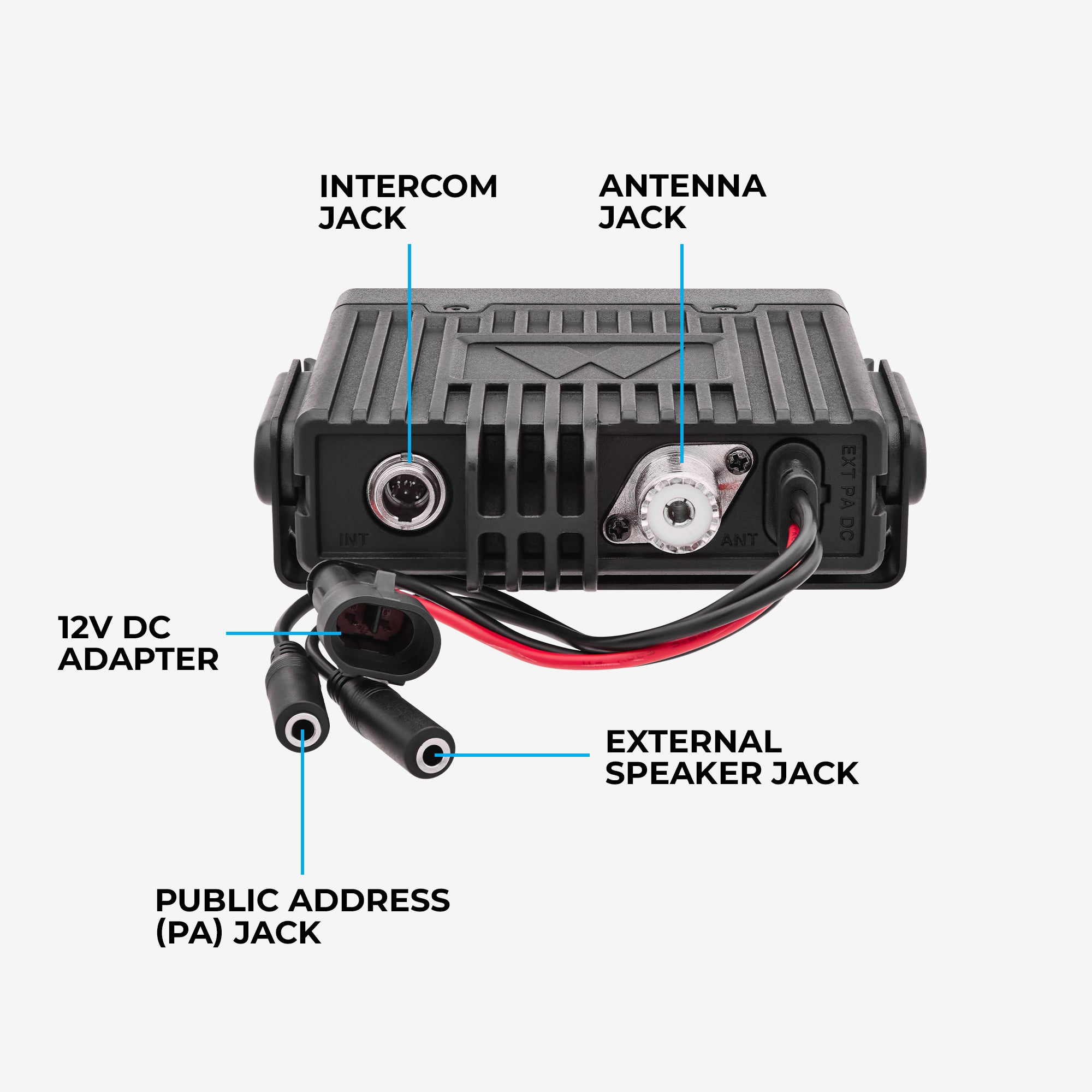
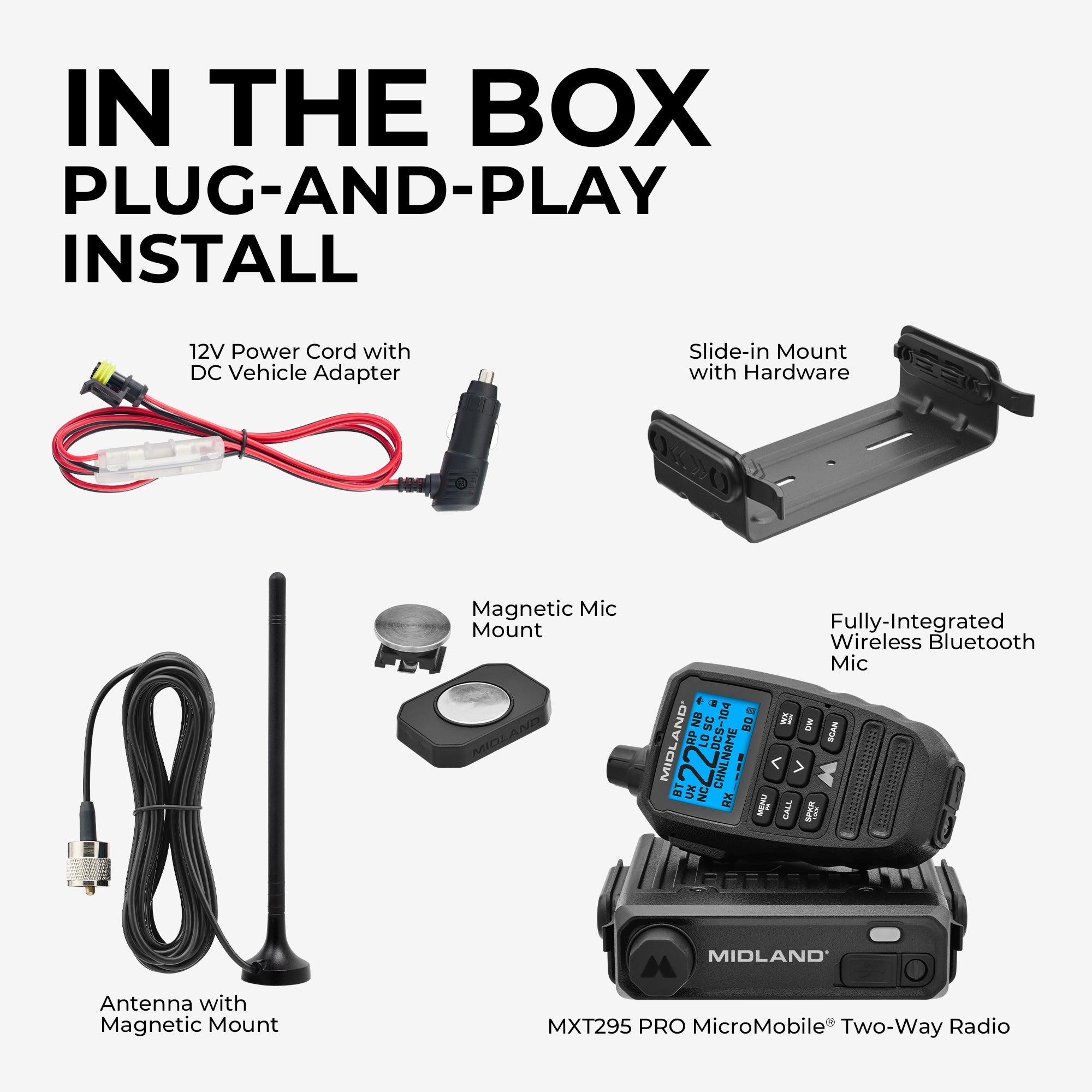
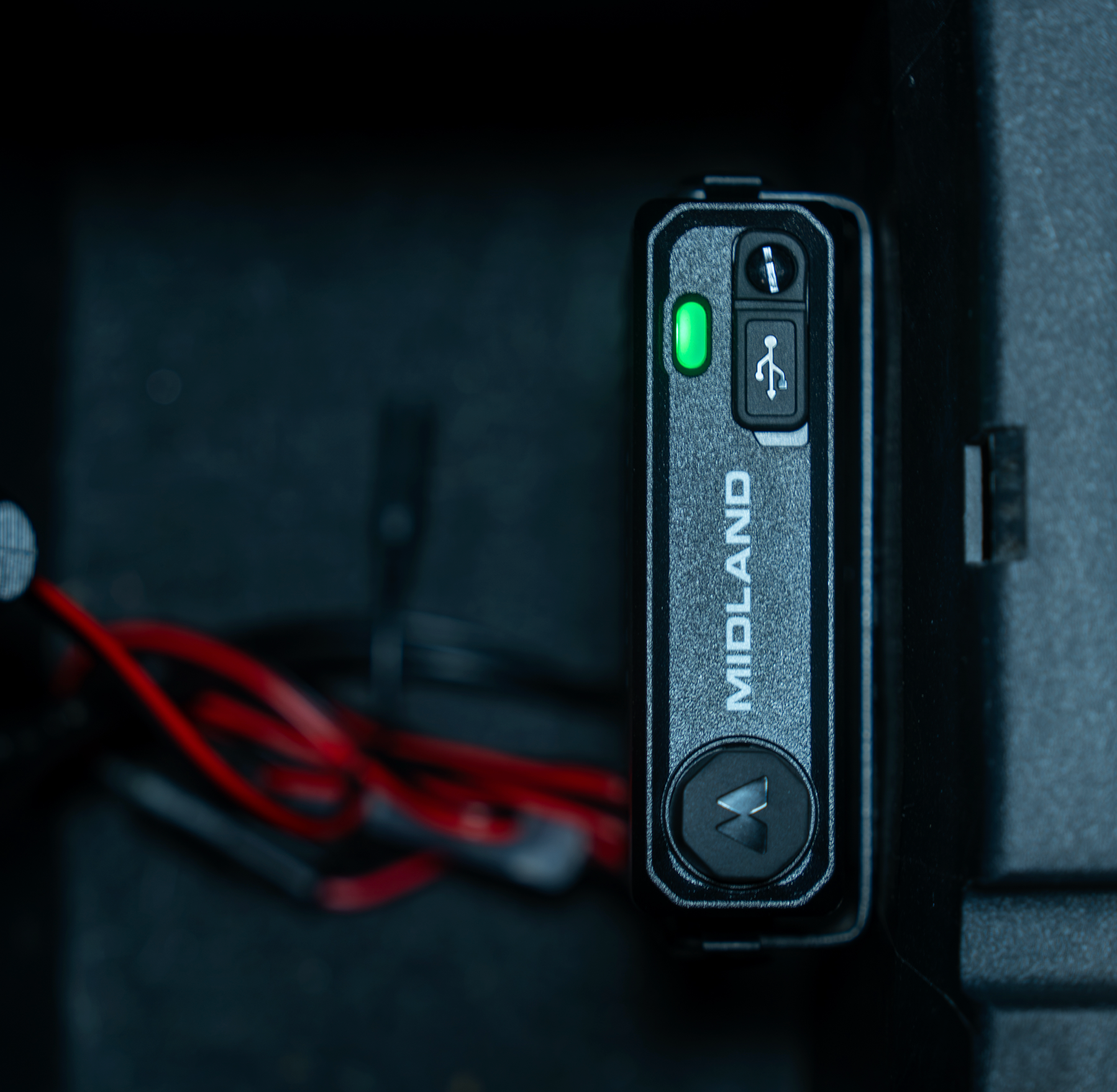
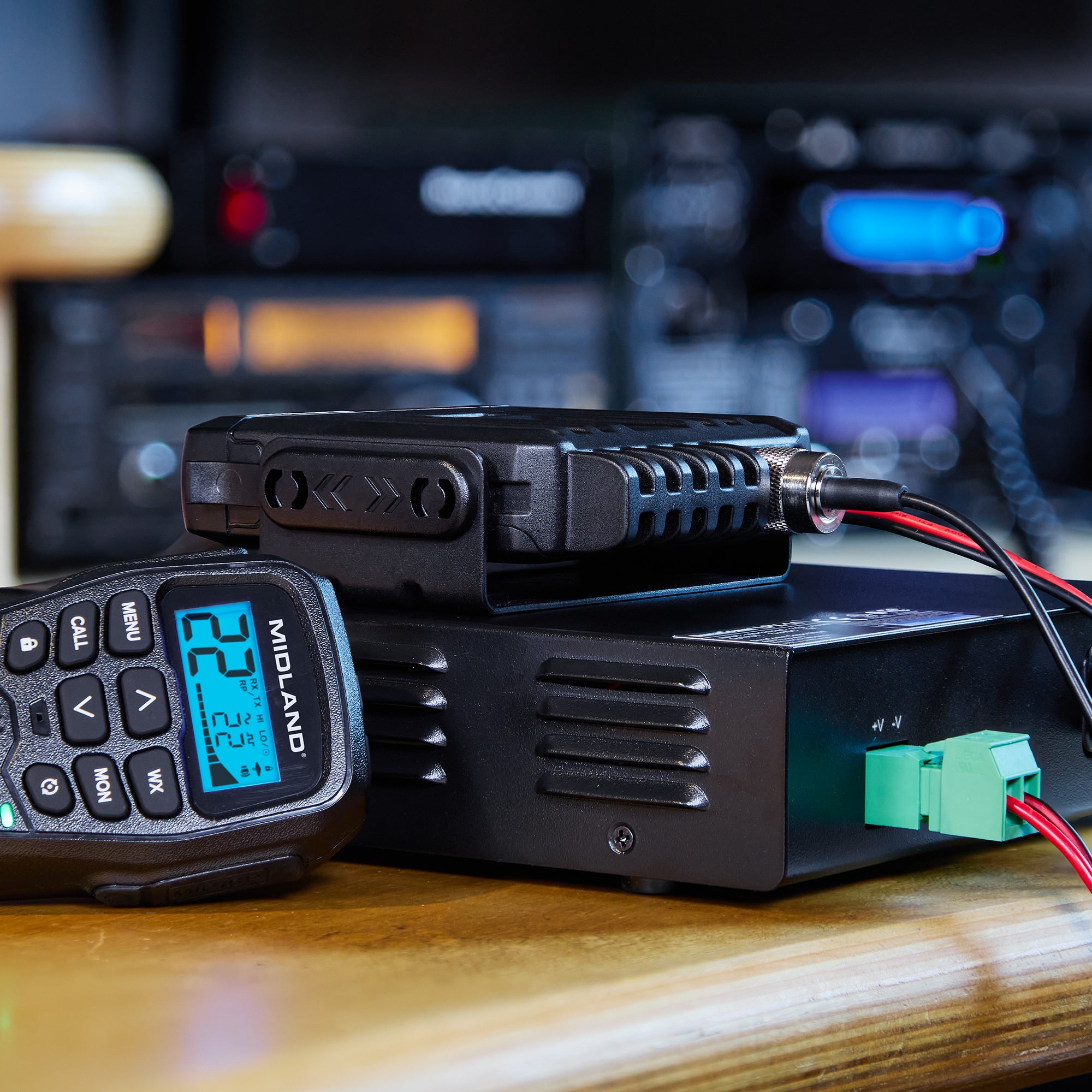
Keep installations clean and plug and play with the MXT295PRO’s DC vehicle adapter and hideaway unit, decluttering the dash of any rig, now with Intercom and PA functionality included.

FAQs

What separates the MXT295 PRO from the MXT275?

The MXT295 PRO has a Fully-Integrated Wireless Bluetooth® Mic, IP67 waterproof and dustproof protection, wired intercom compatibility, PA functionality, and expanded channel and privacy controls. 

How is the MXT295 PRO powered?  

The MXT295PRO will come with a DC power cord.

 How do I pair the mic with the radio?  

The radio and included Bluetooth® microphone are paired from the factory. If a different microphone needs to be paired to the radio, use the following procedure. 

1. Turn the microphone on. Since the microphone is not yet paired with the radio, it will pause at the Power On screen. 

2. From the Power On screen, press and hold both the UP and DOWN buttons on the microphone until the RX/TX LED begins to blink red, green, and blue. 

3. Press and hold the pairing button on the base unit for five seconds. 

4. After the pairing button is released, the pairing button will blink red and green until the pairing process completes. 

Shop The Accessories

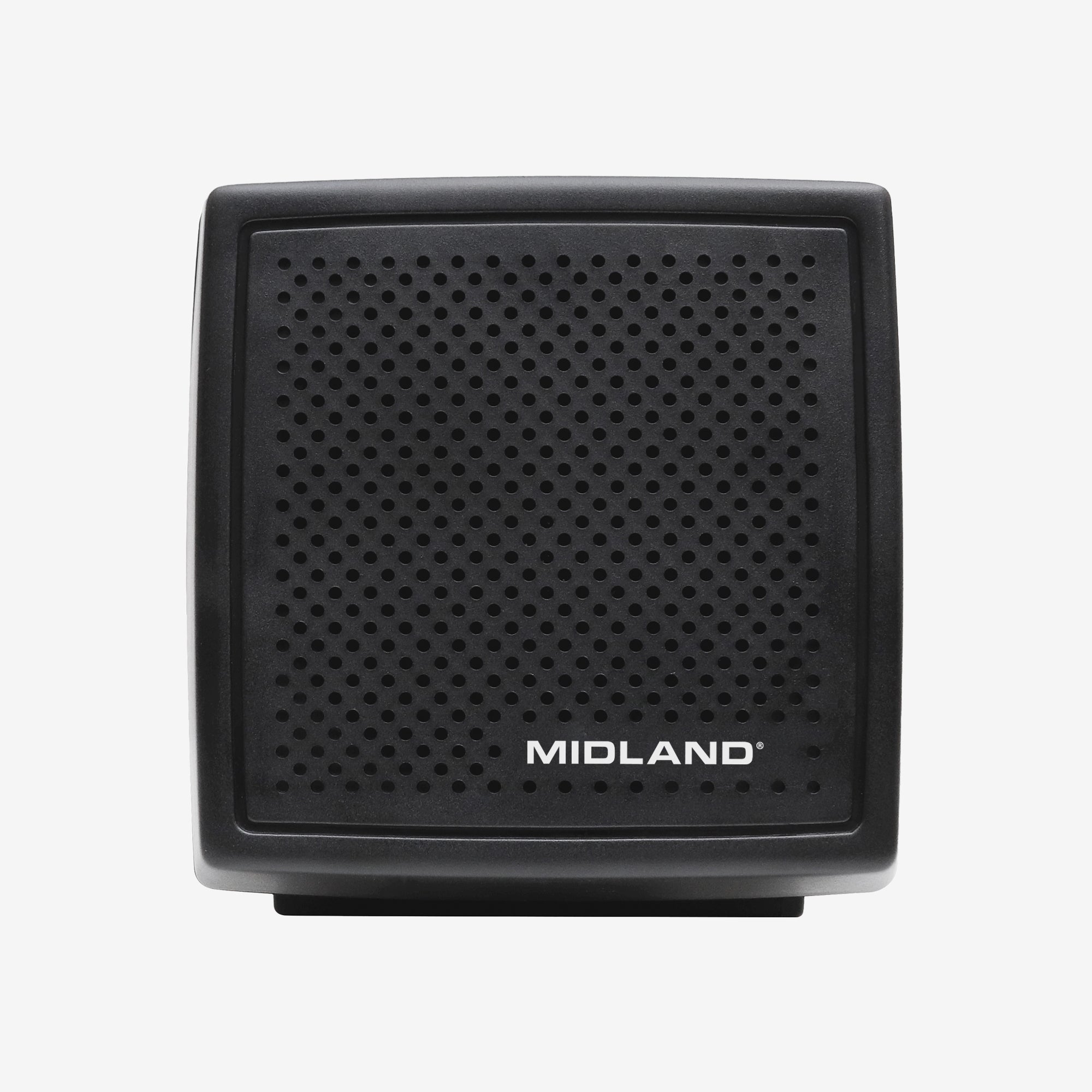
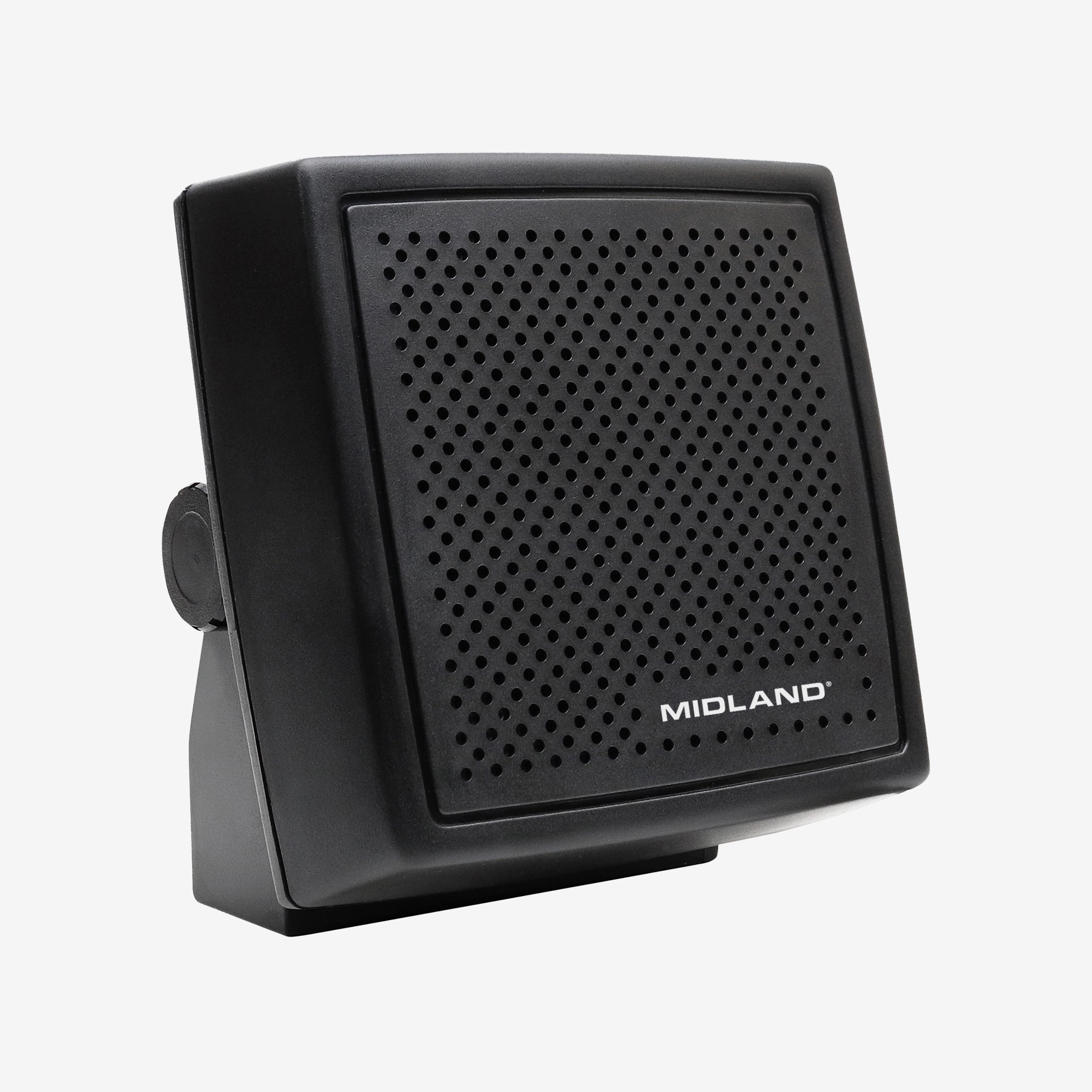
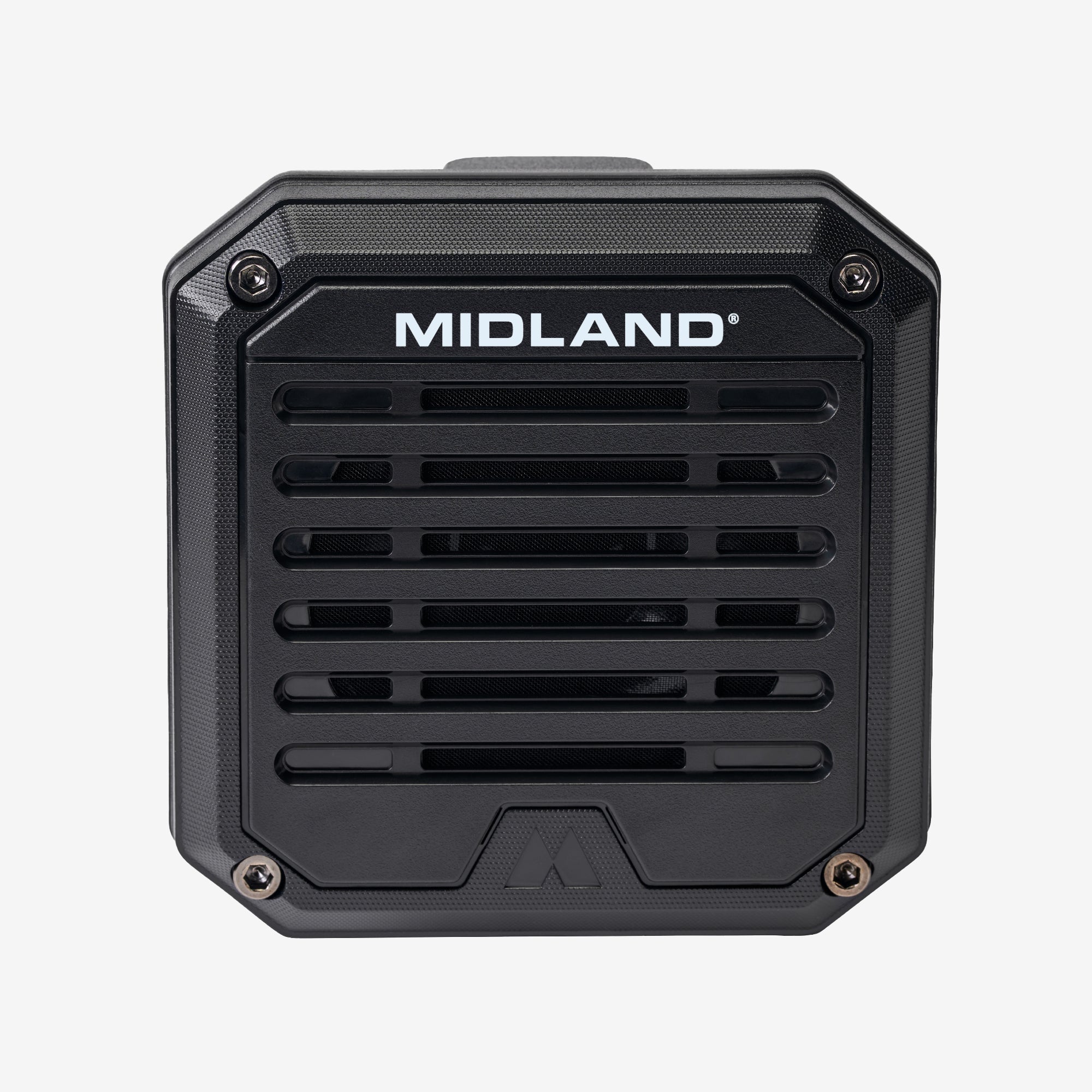
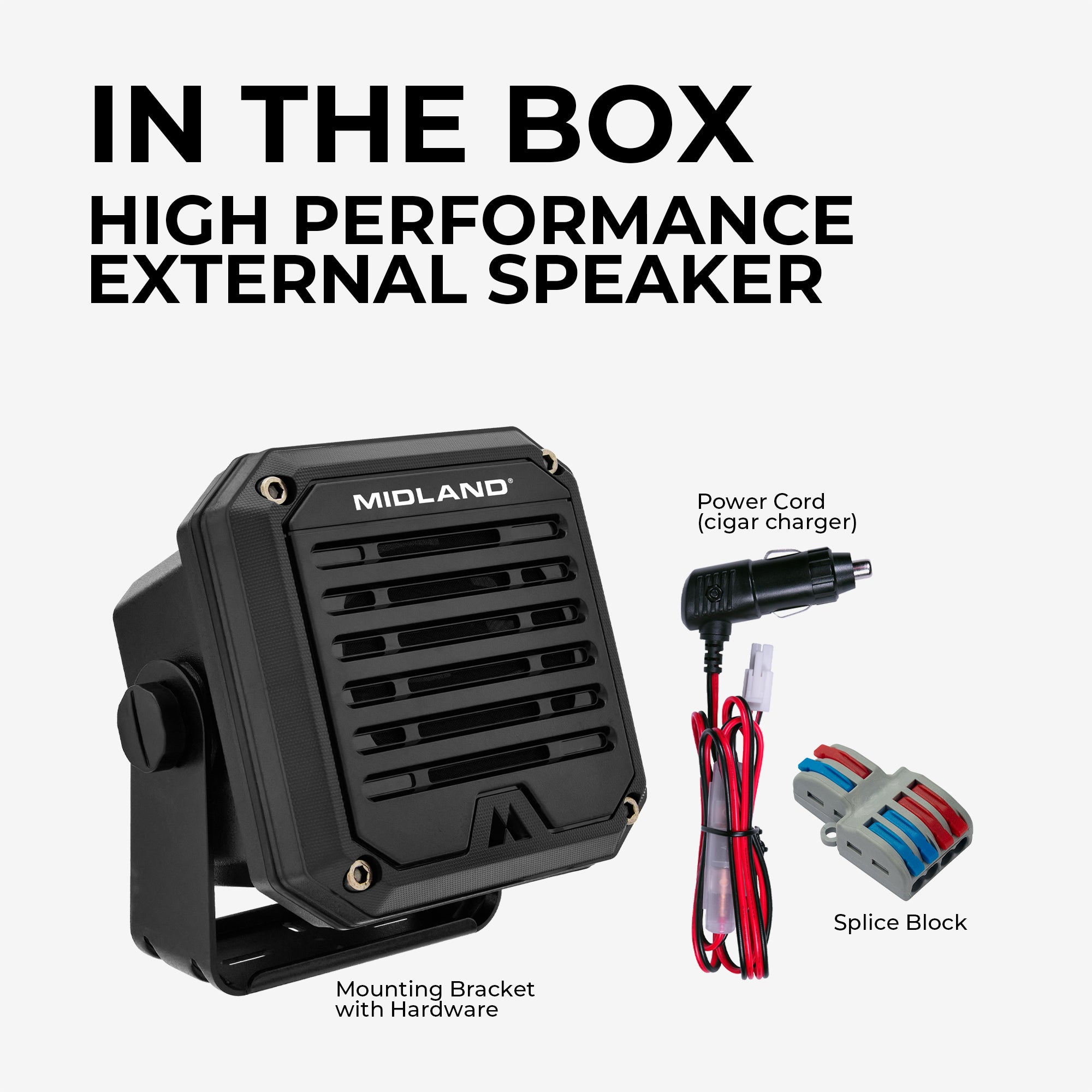
Deluxe External Speaker - 21-406
$39.99
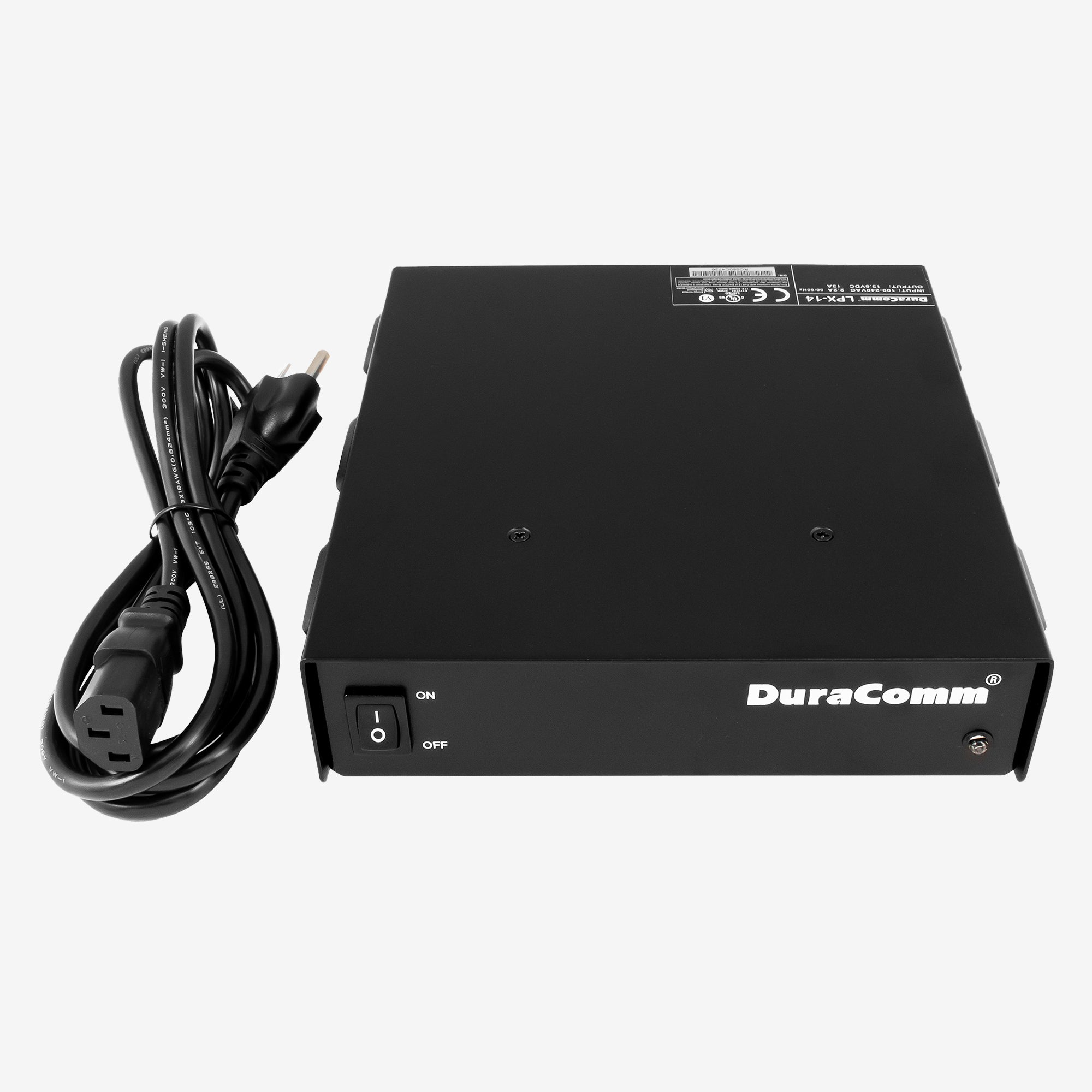
DuraComm Power Supply - LPX‑14
$179.99
MA75 MicroMobile Replacement Mic
$64.99
5.0
MA75J MicroMobile Jeep Microphone
$74.99
5.0
MicroMobile ANC Microphone - MXMC01
$109.99
5.0
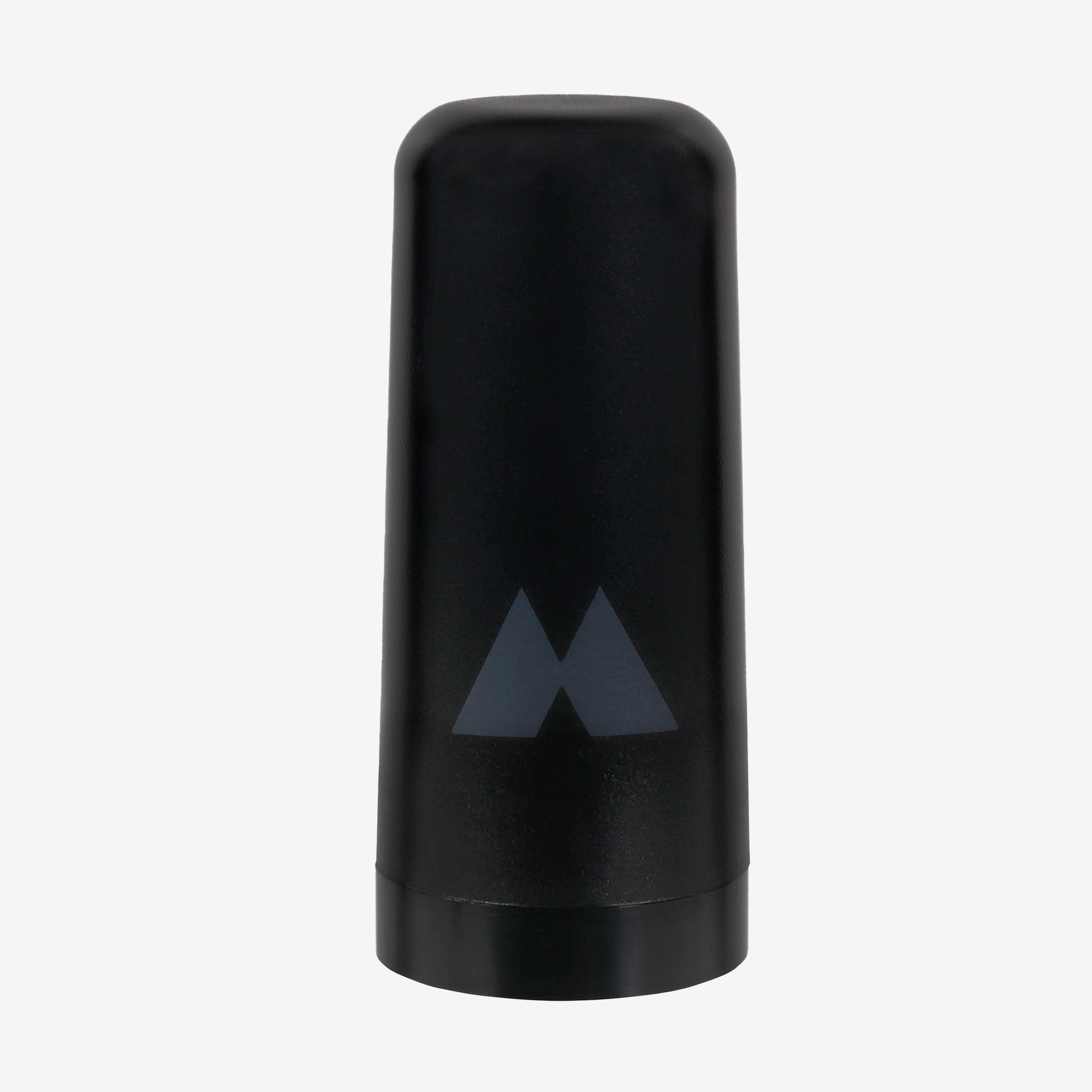
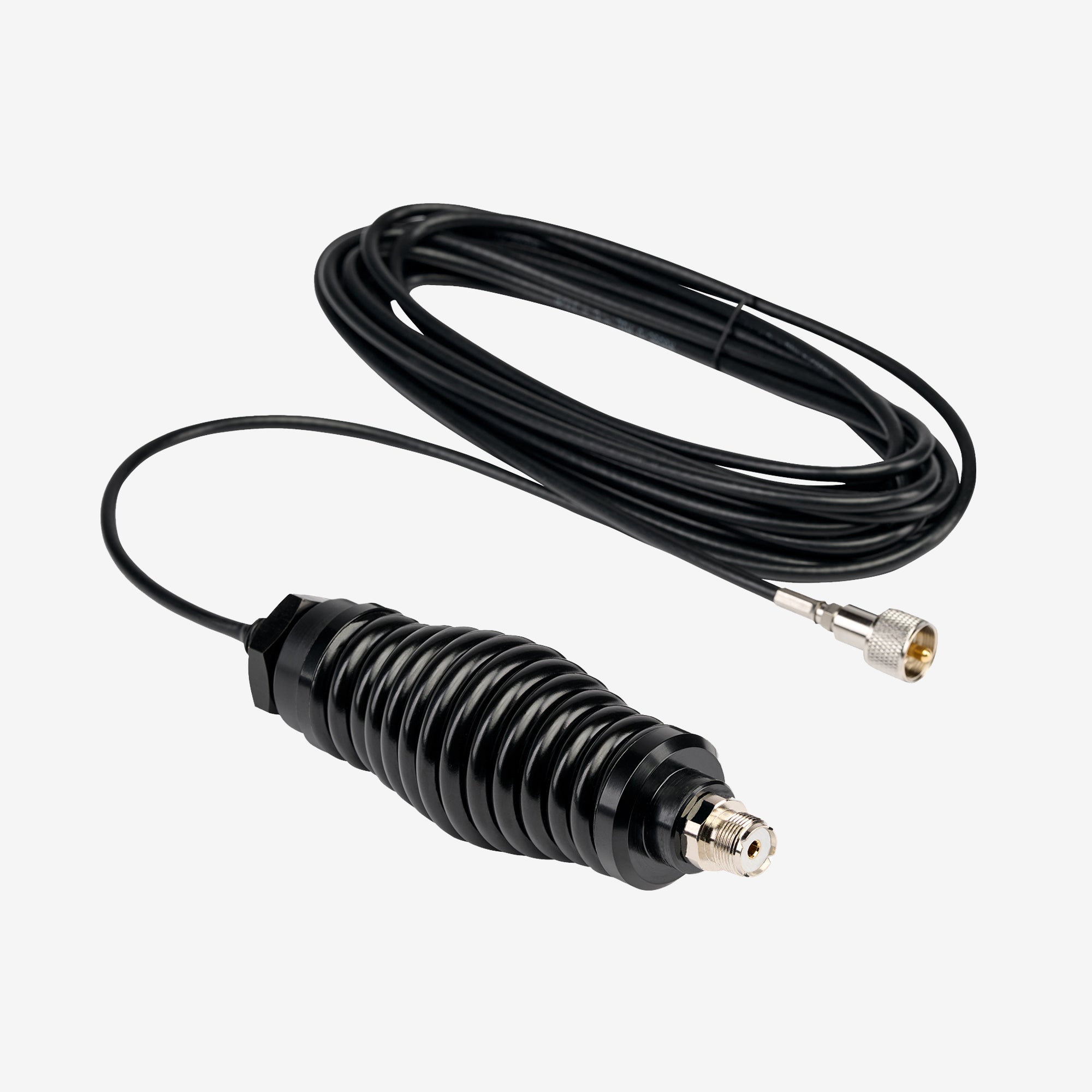
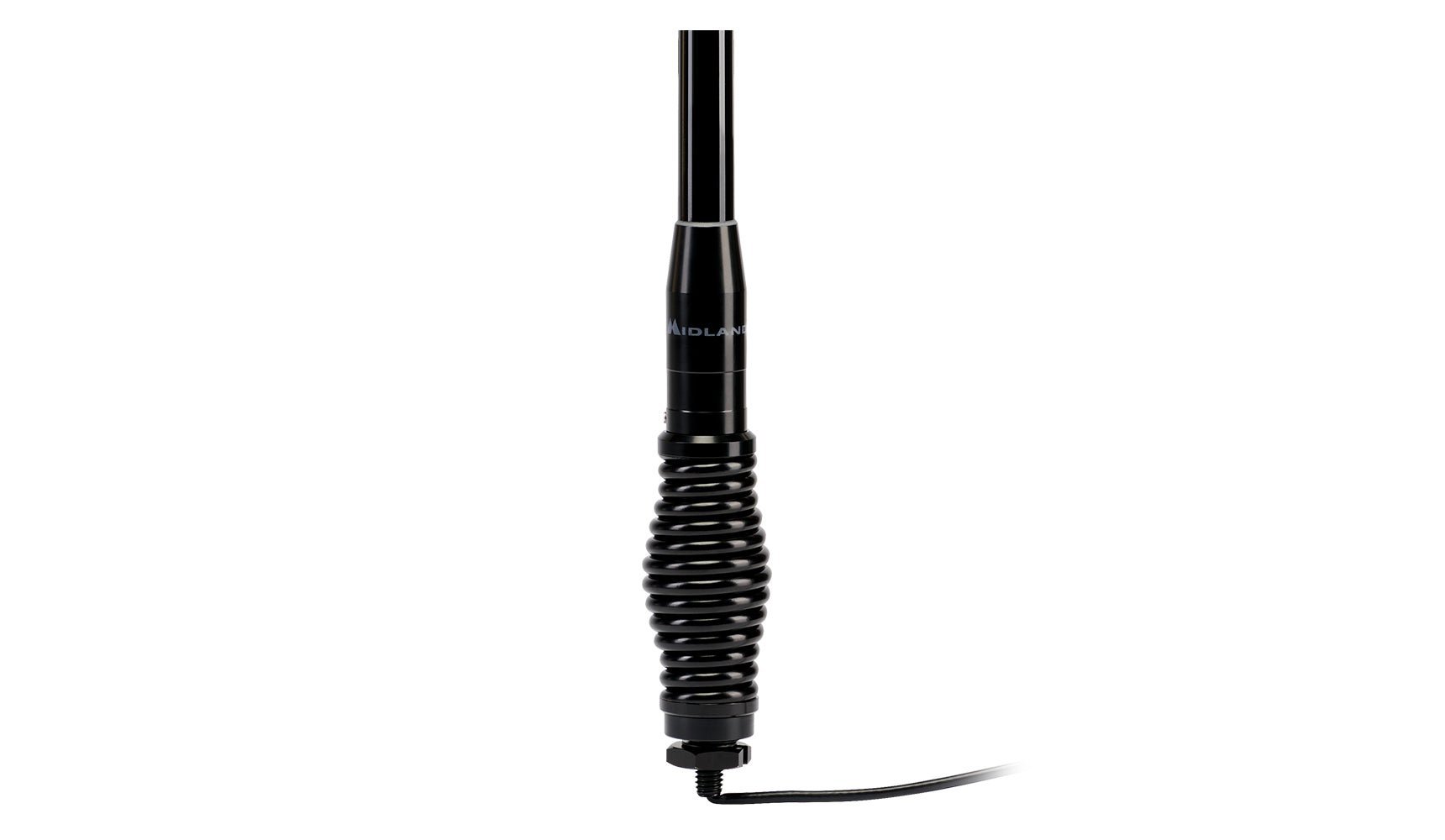
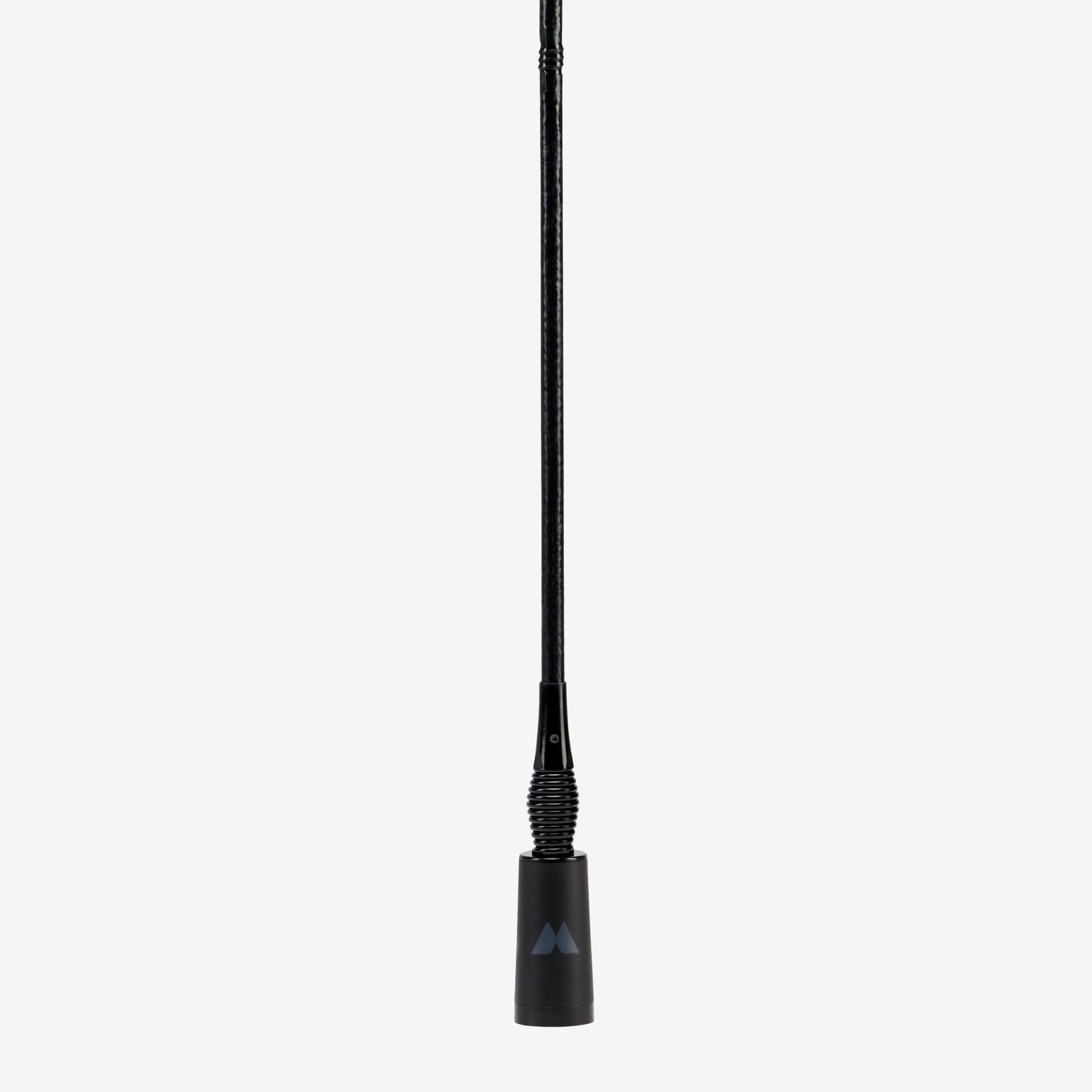
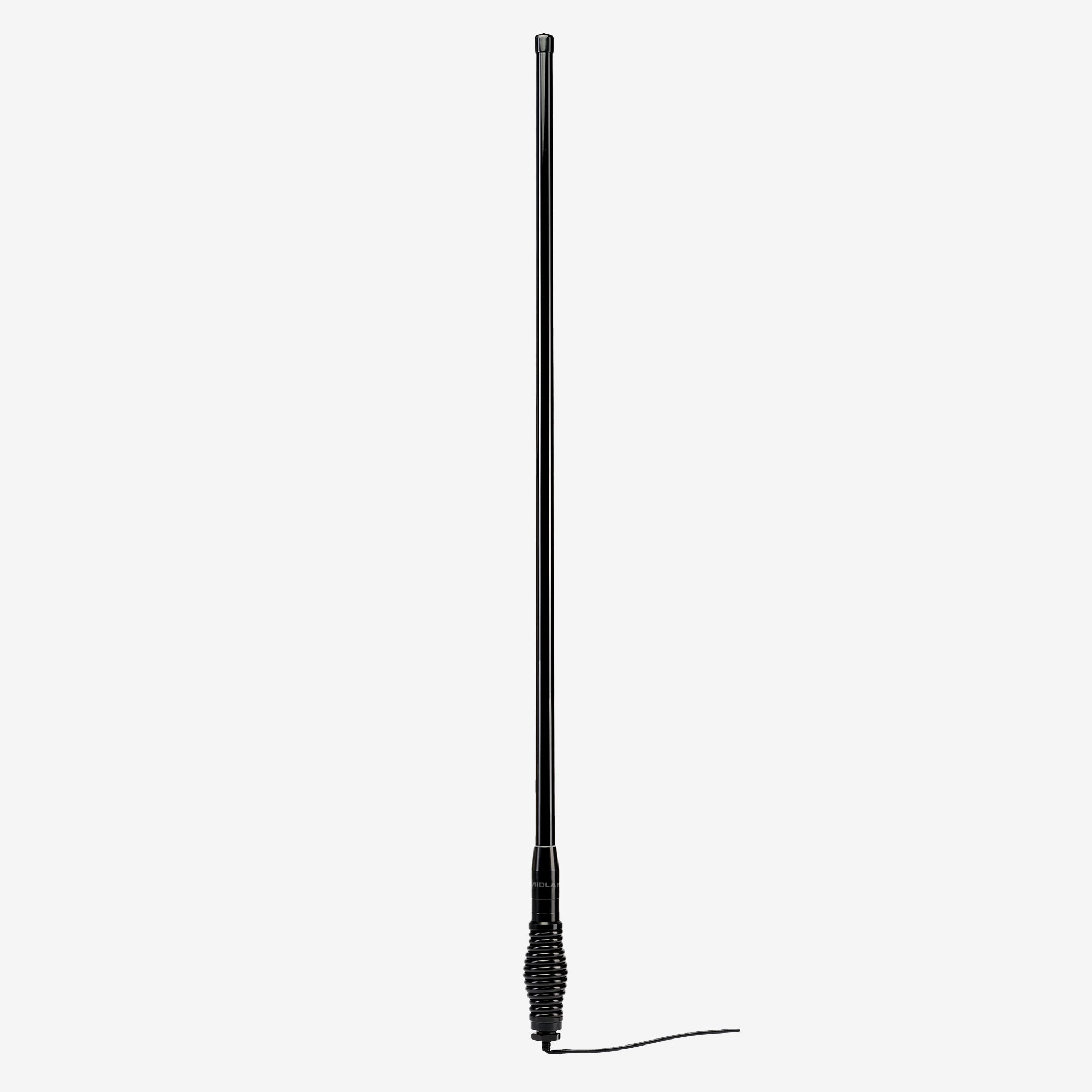
MXTA48 MicroMobile Heavy Duty Spring Base Antenna
$124.99
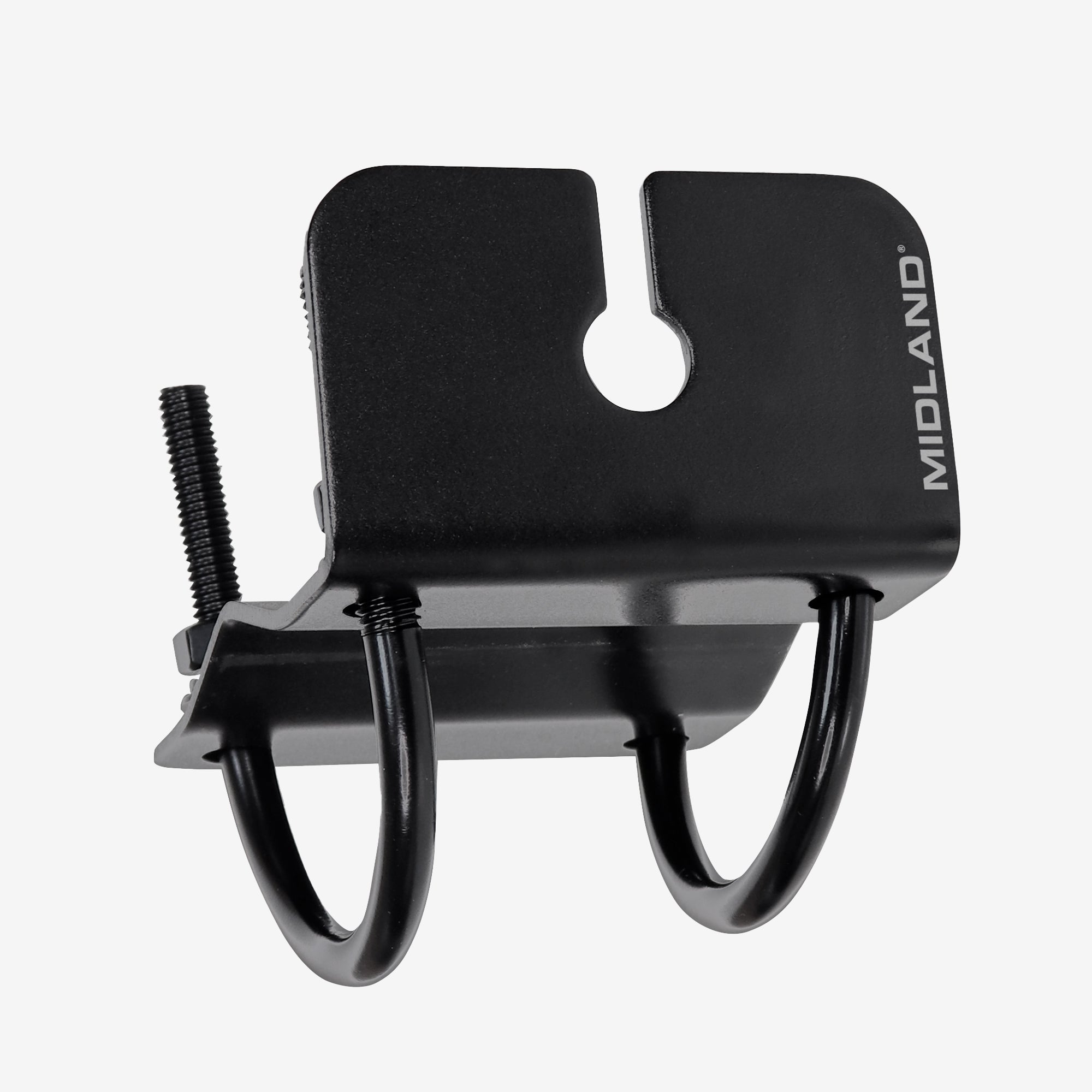
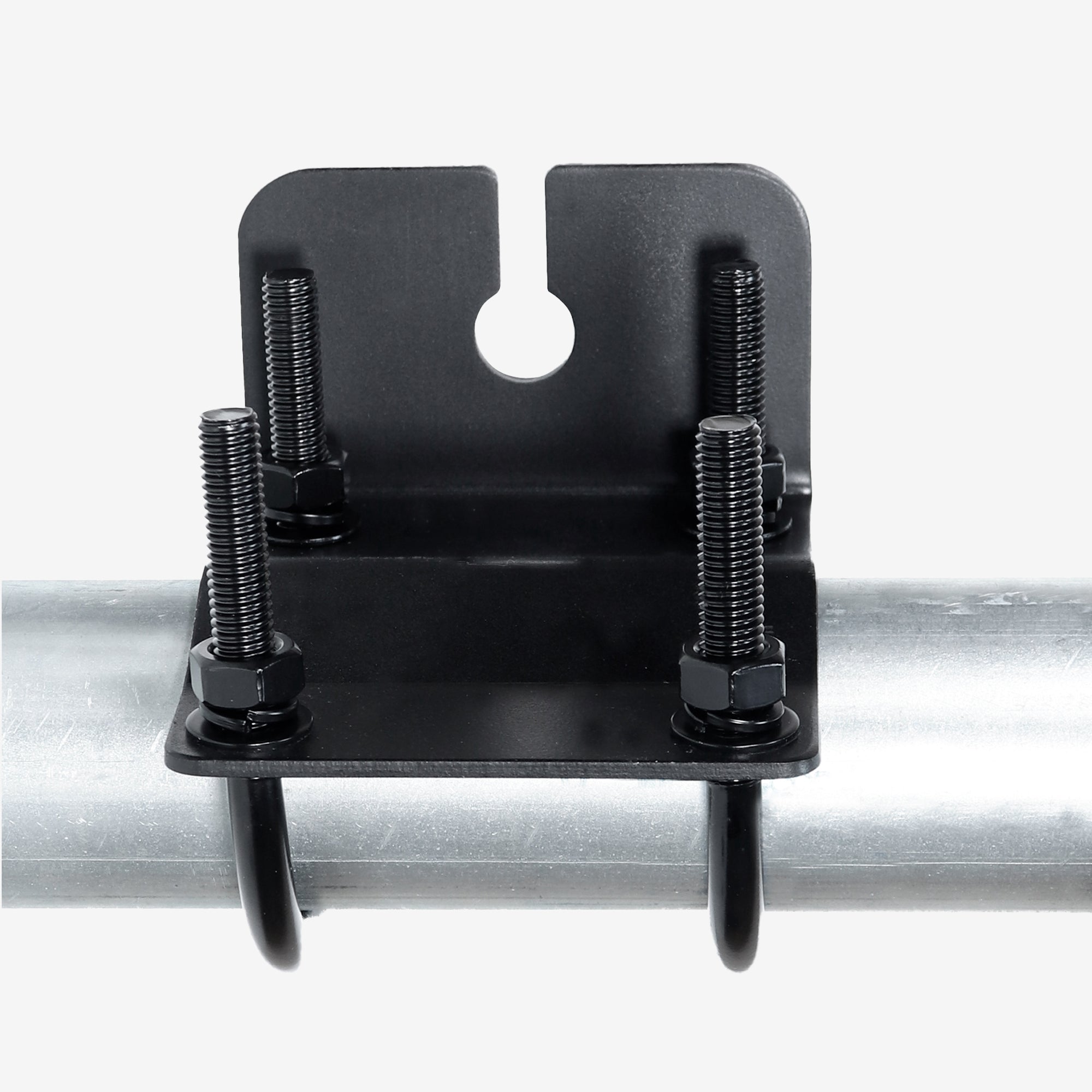
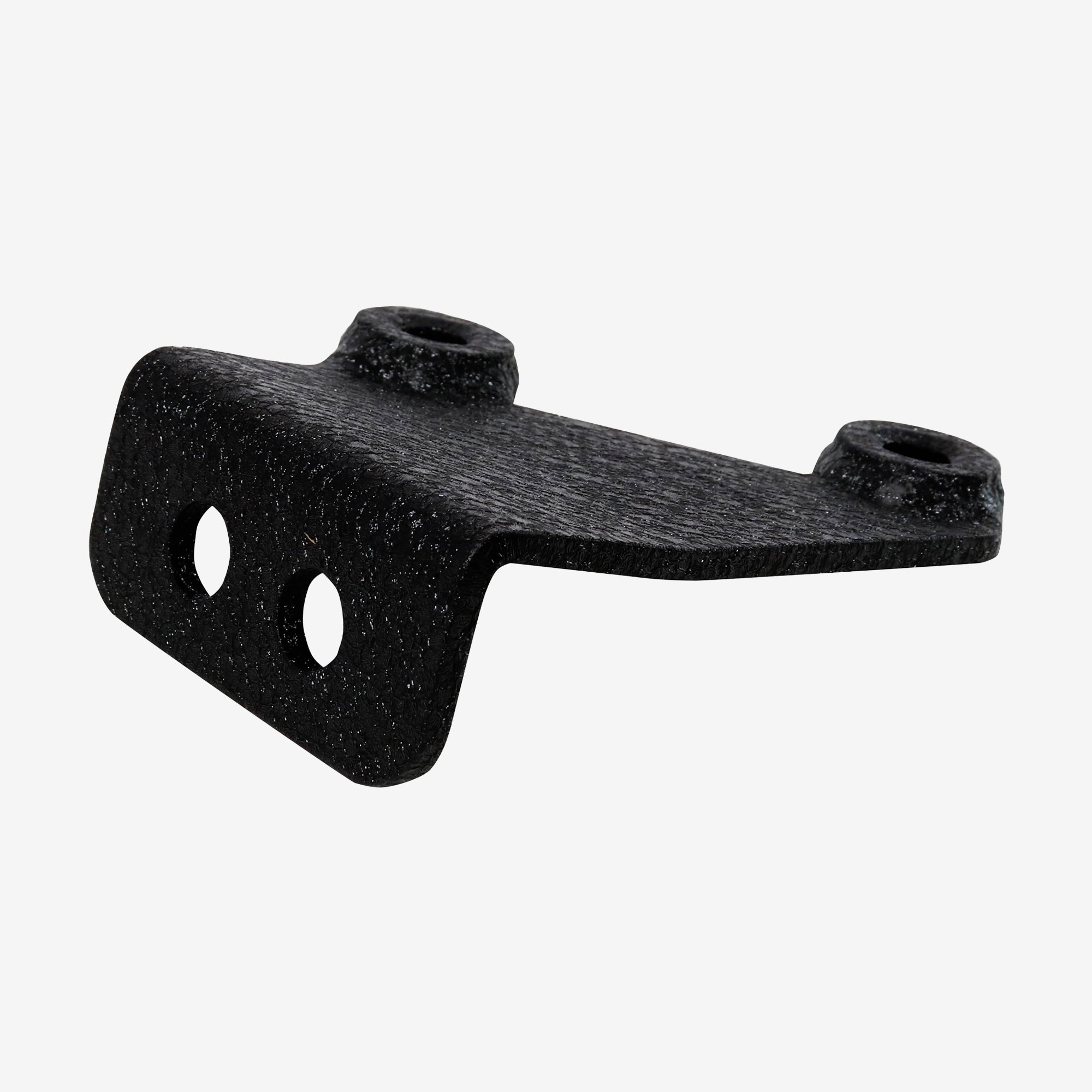
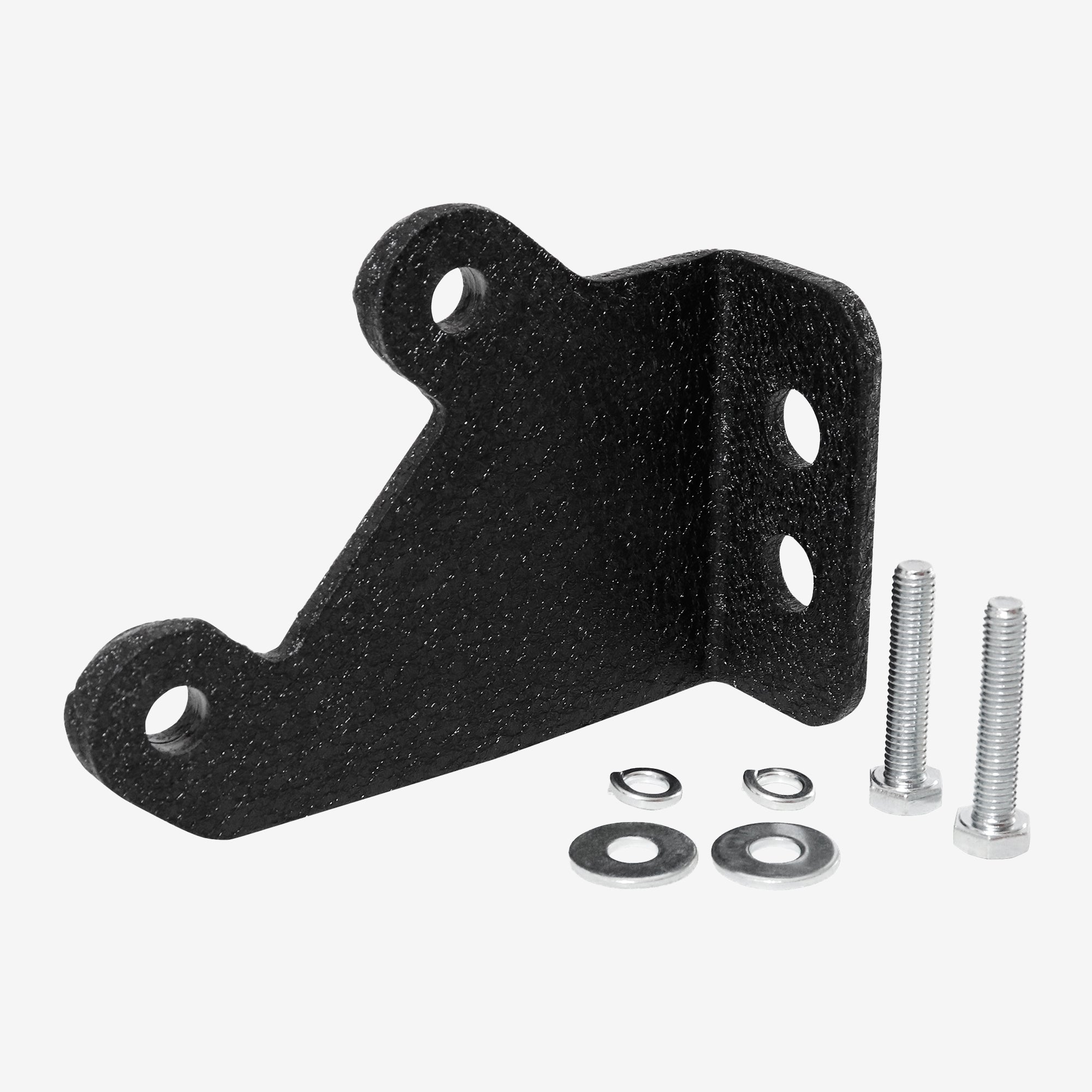
MXATMT1 MicroMobile Bull Bar Clamp Antenna Mount
$39.99
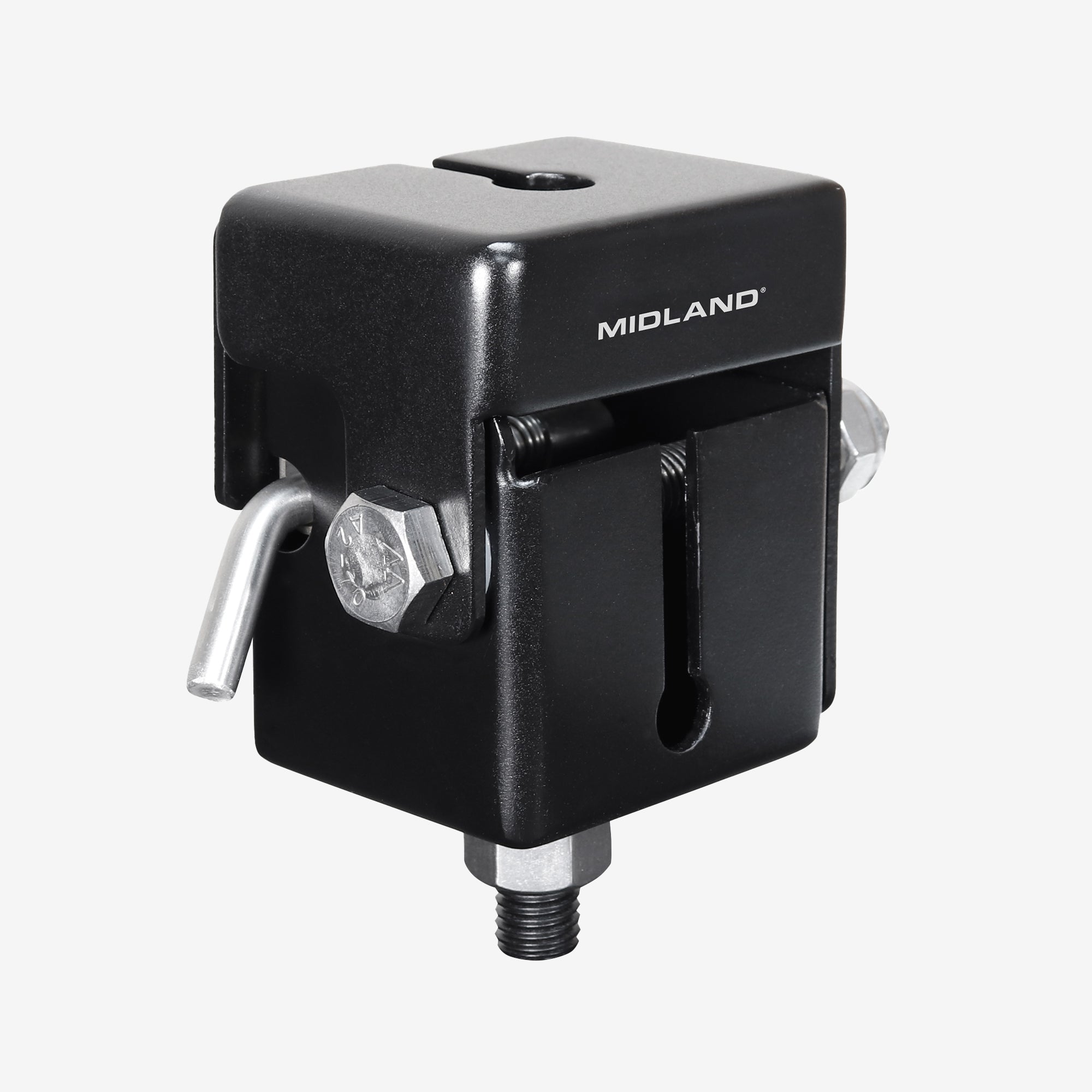
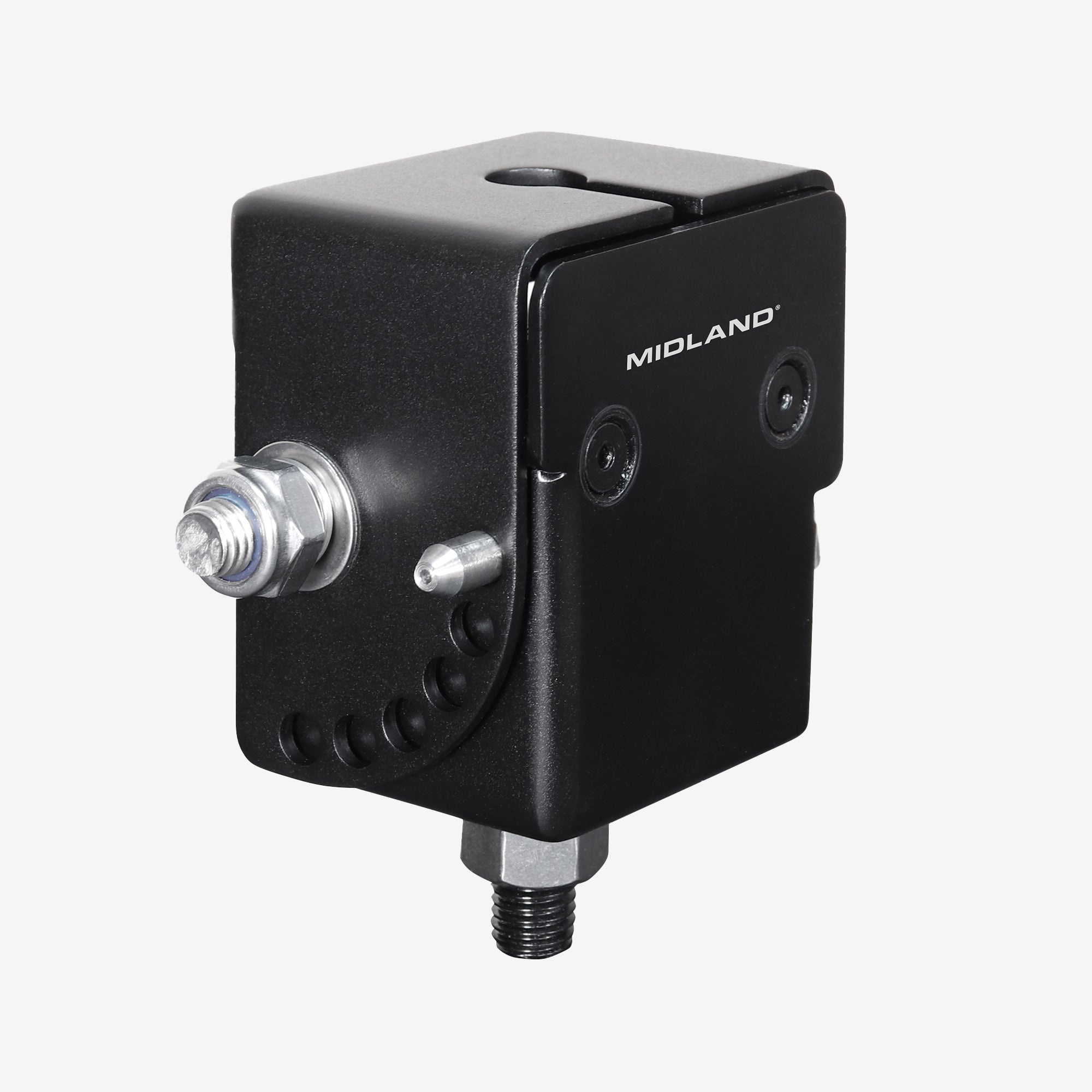
MXATMT2 MicroMobile Folding Bull Bar Antenna Mount
$94.99
Sold Out
MXTARRJK MicroMobile Jeep Wrangler Antenna Mount
$39.99
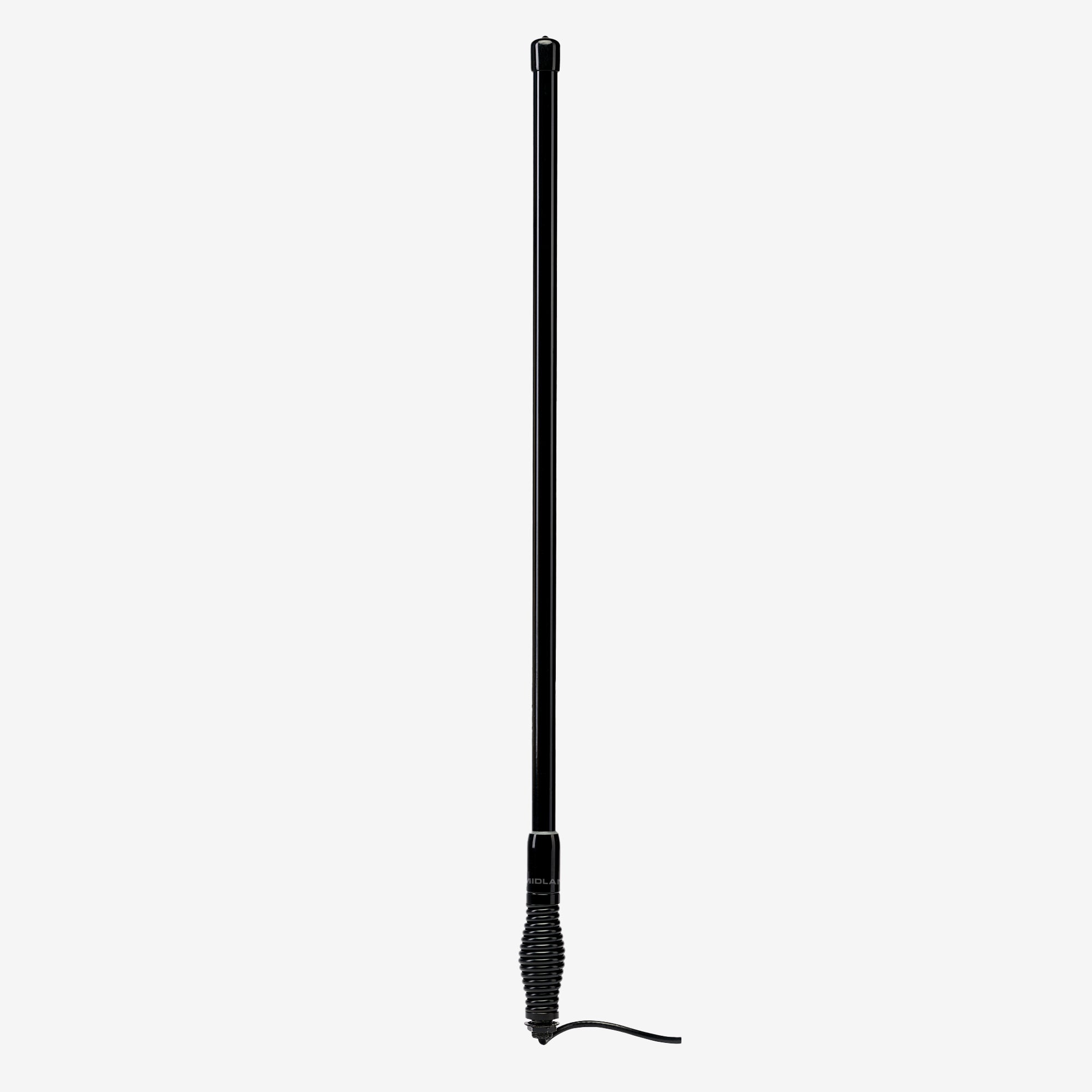
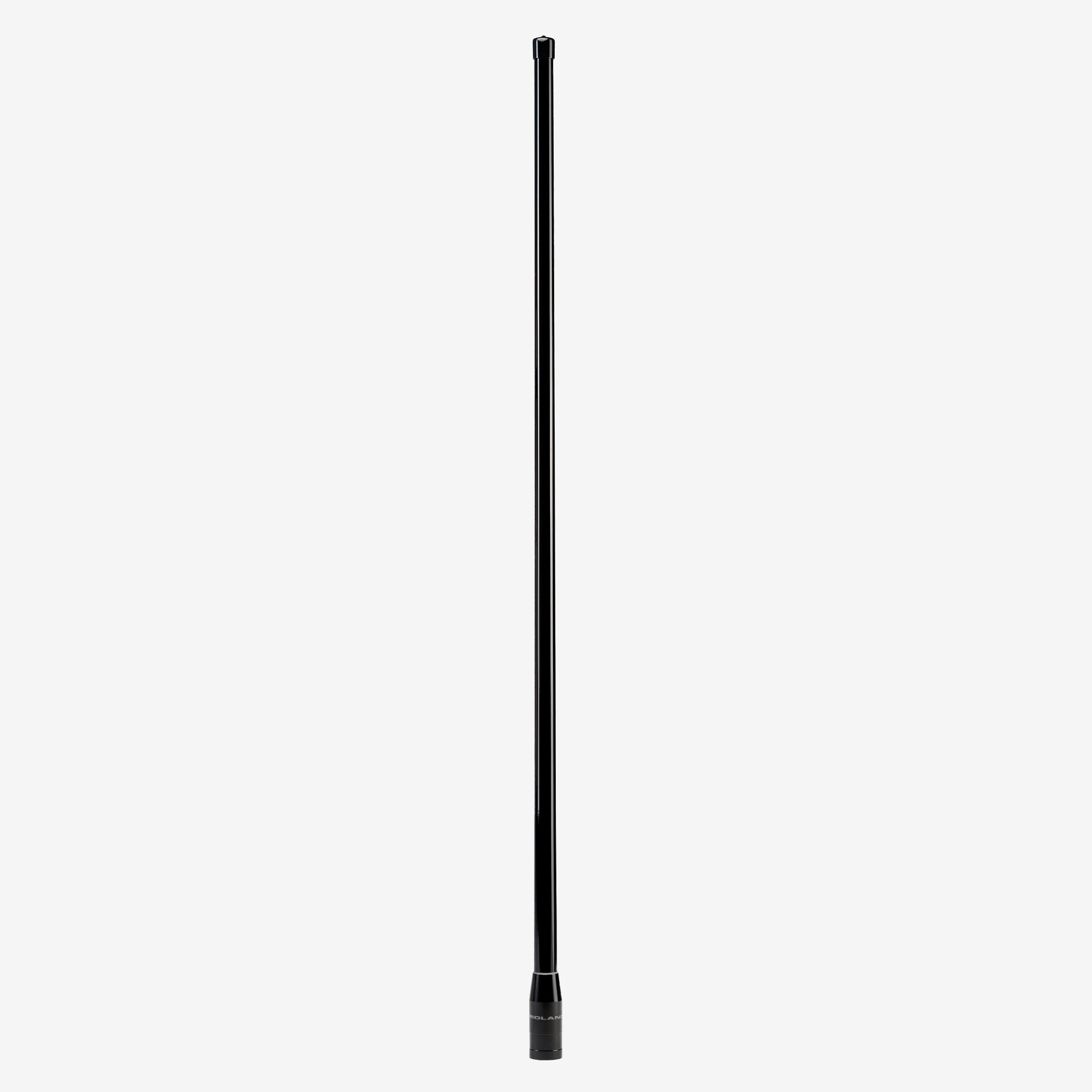
MXAT01VP MicroMobile 7.5 dB Gain Fiberglass Antenna  | Grand Vista
$194.99
5.0
MXAT03 MicroMobile 3 dB Gain Antenna | Canyon Edge
$214.99
5.0
MXAT04 MicroMobile 6.6 dB Heavy-Duty Bull Bar Antenna | Highland
$219.99

INSTALL TIPS AND TRICKS

The MXT295 PRO install is fast and easy, just plug in the power and antenna, power on the mic and go!
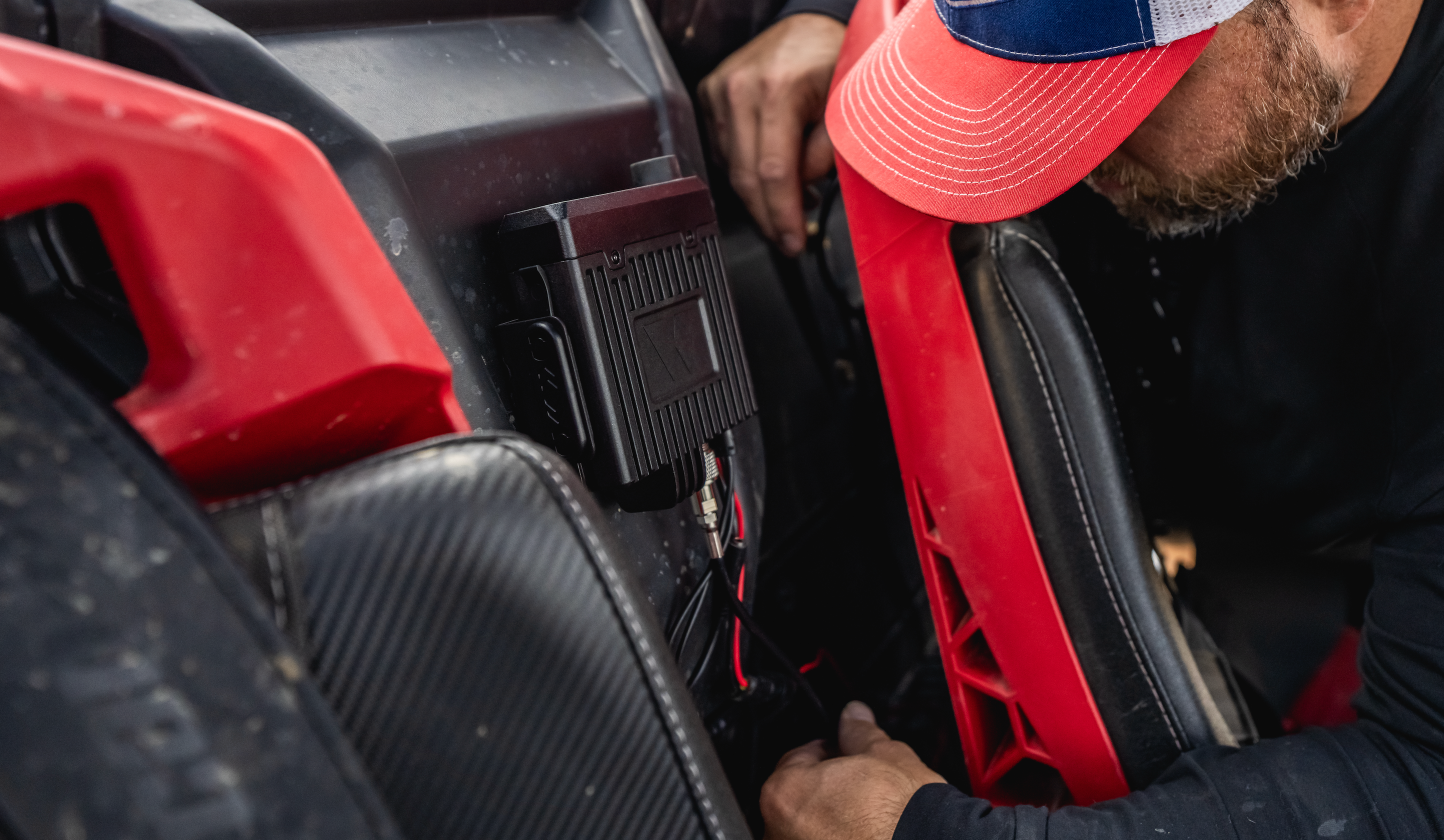
1. Position the Head Unit for Optimal Bluetooth Connectivity 

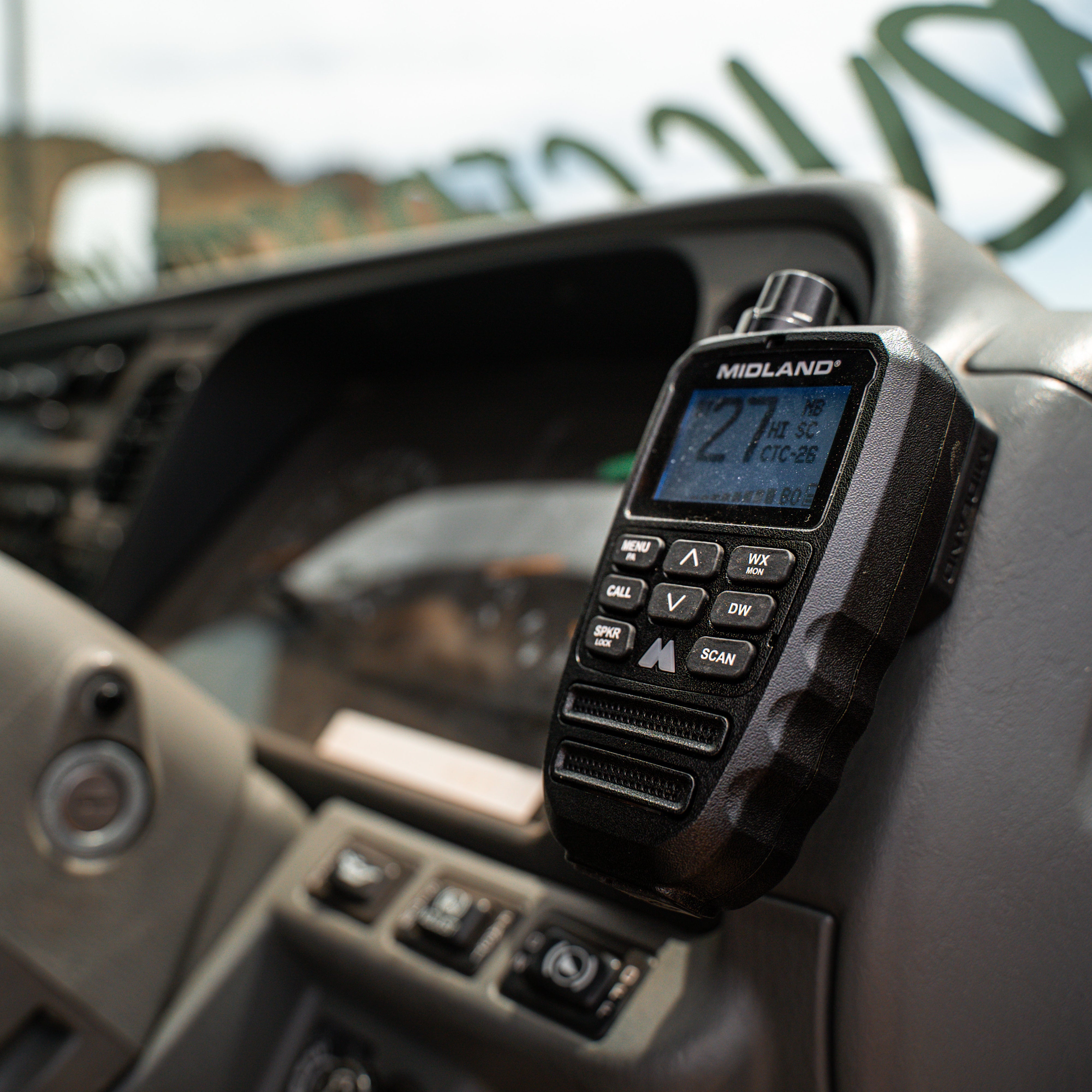
Make sure the main head unit is mountedfacing upward or outwardrather than completely buried inside a dense, shielded metal compartment or deep under the dash. Keeping the unit facing outward minimizes interference from surrounding metal body panels and ensures the best possible Bluetooth range and stable wireless connectivity.

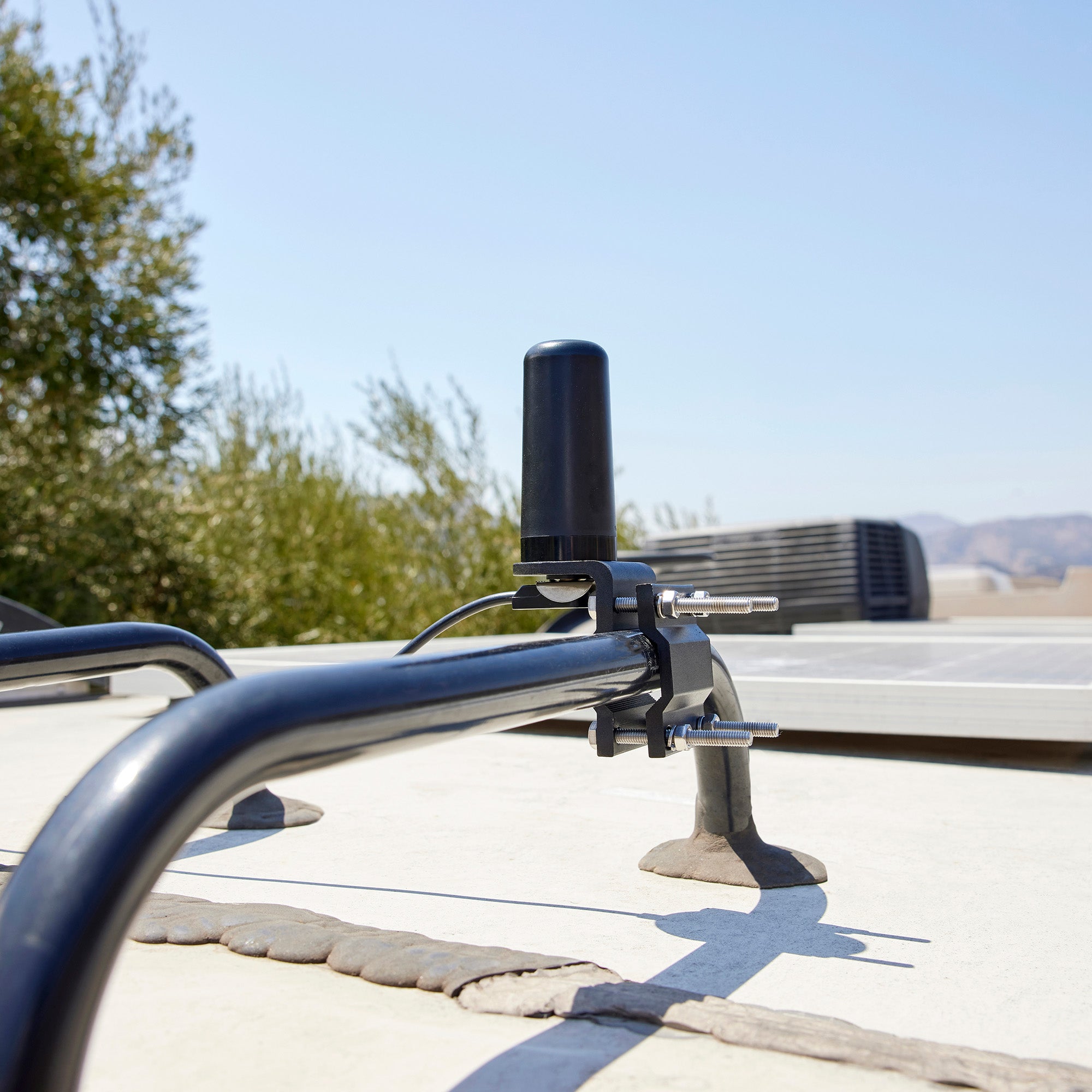
2. Maximize Range with Strategic Antenna Placement

Radio frequency (RF) performance relies heavily on your antenna. 

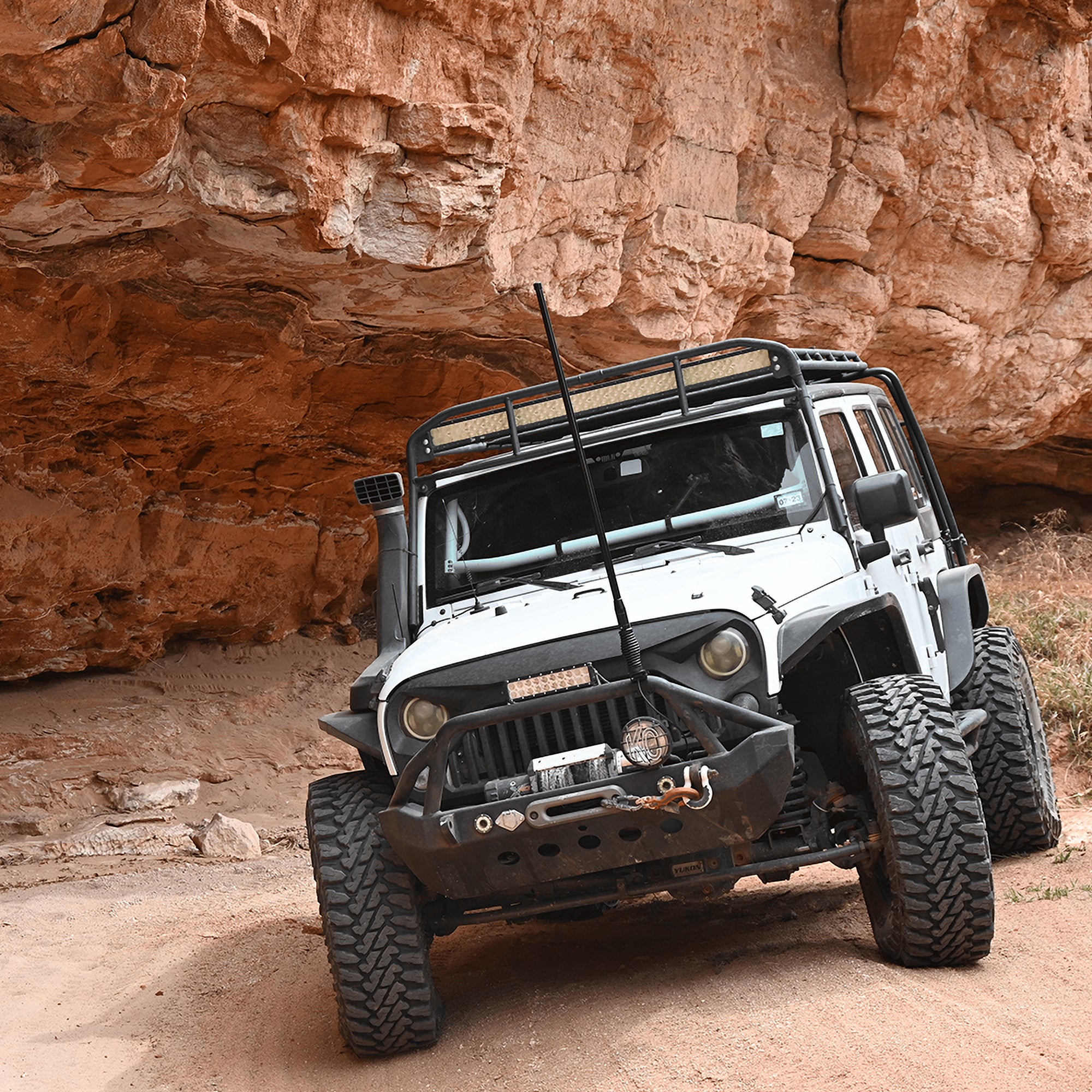
  • Go high: Mount the antenna as high on the vehicle as possible (such as the center of the roof or a sturdy hood/ditch bracket). 
  • Ensure a ground plane: Place it over a flat metallic surface whenever possible to act as a natural reflector for the RF signal. 
  • Tuning of GMRS antennas is not required or necessary.  

3. Wire Direct to the Battery for Clean Power

To avoid electrical noise (such as alternator whine or ignition hum) bleeding into your transmissions: 

  • Run your positive and negative power leads directly to the vehicle's battery or a dedicated, fused accessory circuit block. 
  • Ensure the inline fuse remains accessible near the power connection. 

4. Route Coax and Cables Away from Noise Sources

When running coax antenna cables and power leads through the cabin: 

  • Avoid running wires alongside high-current vehicle harnesses, ignition components, or complex dash electronics. 
  • Use existing factory rubber grommets to pass wiring through the firewall to protect the cables from sharp metal edges, pinching, and water intrusion. 

5. Mind Airbag Clearance and Ergonomics

We make things that work better and last longer. Our products solve real problems with clean design and honest materials.
{"statementLink":"","footerHtml":"","hideMobile":false,"hideTrigger":false,"disableBgProcess":false,"language":"en","position":"left","leadColor":"#146ff8","triggerColor":"#146ff8","triggerRadius":"50%","triggerPositionX":"right","triggerPositionY":"bottom","triggerIcon":"people","triggerSize":"medium","triggerOffsetX":20,"triggerOffsetY":20,"mobile":{"triggerSize":"small","triggerPositionX":"right","triggerPositionY":"bottom","triggerOffsetX":10,"triggerOffsetY":10,"triggerRadius":"50%"}}
false