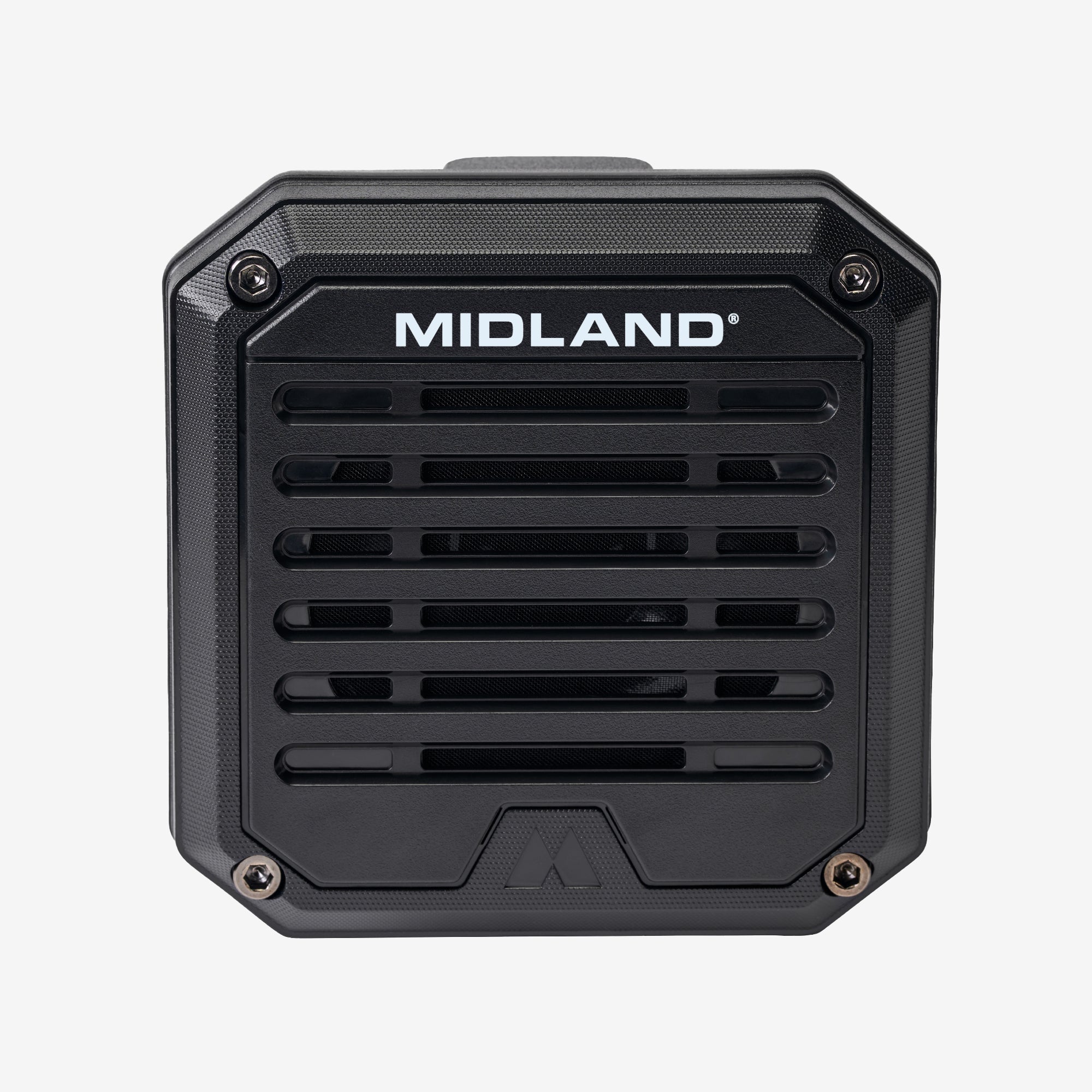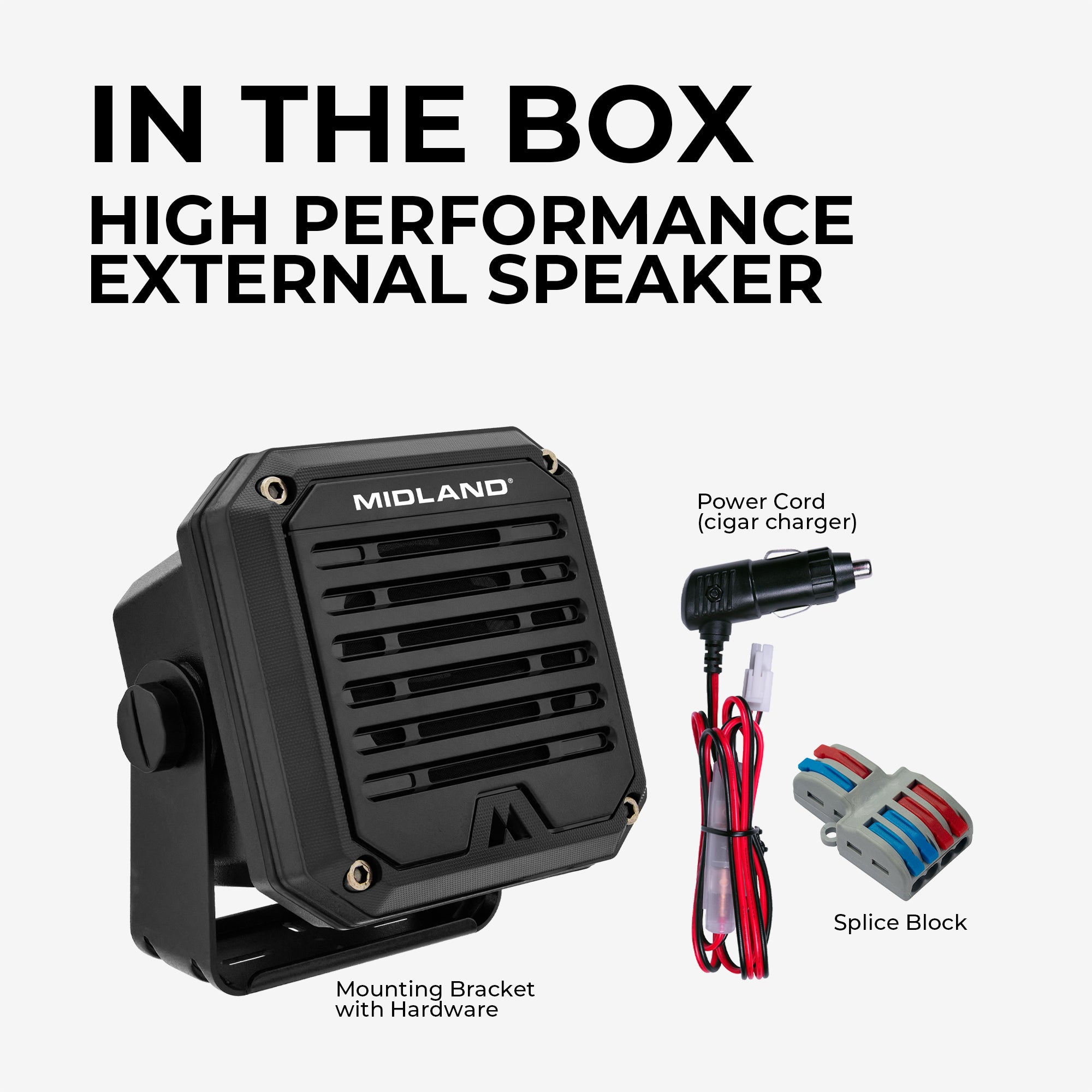


HIDE THE UNIT, FREE THE DASH
THE NEXT GENERATION OF MICROMOBILES
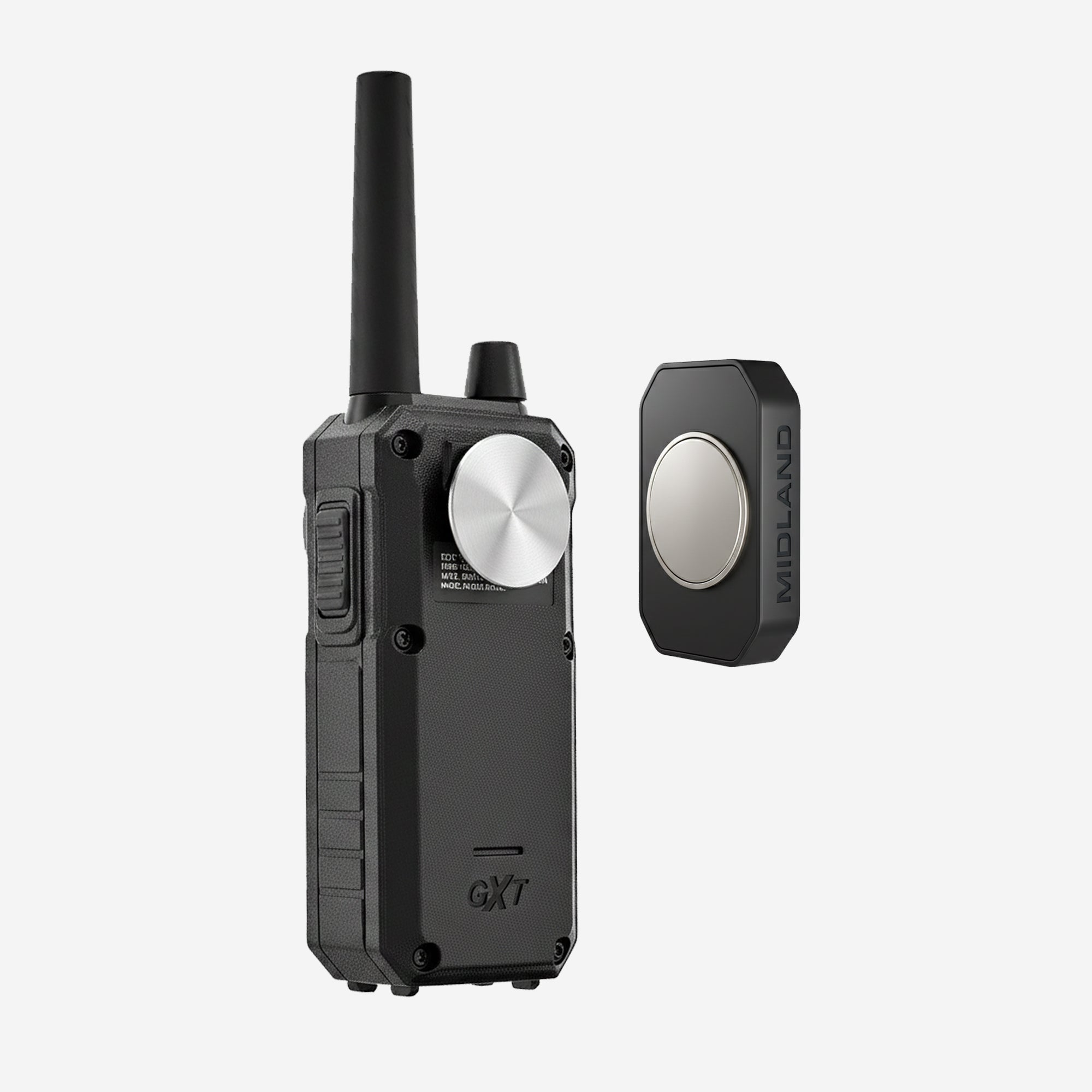
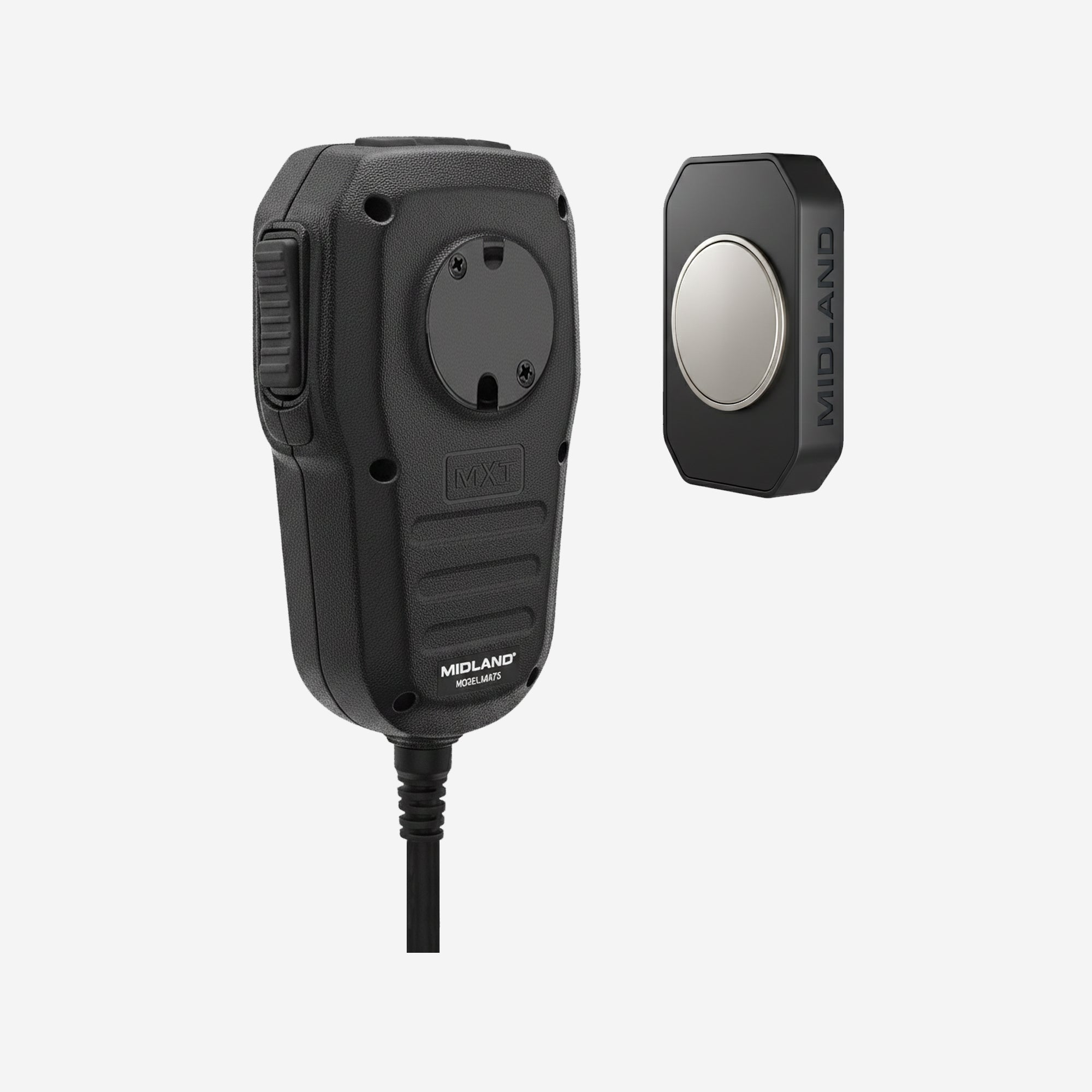
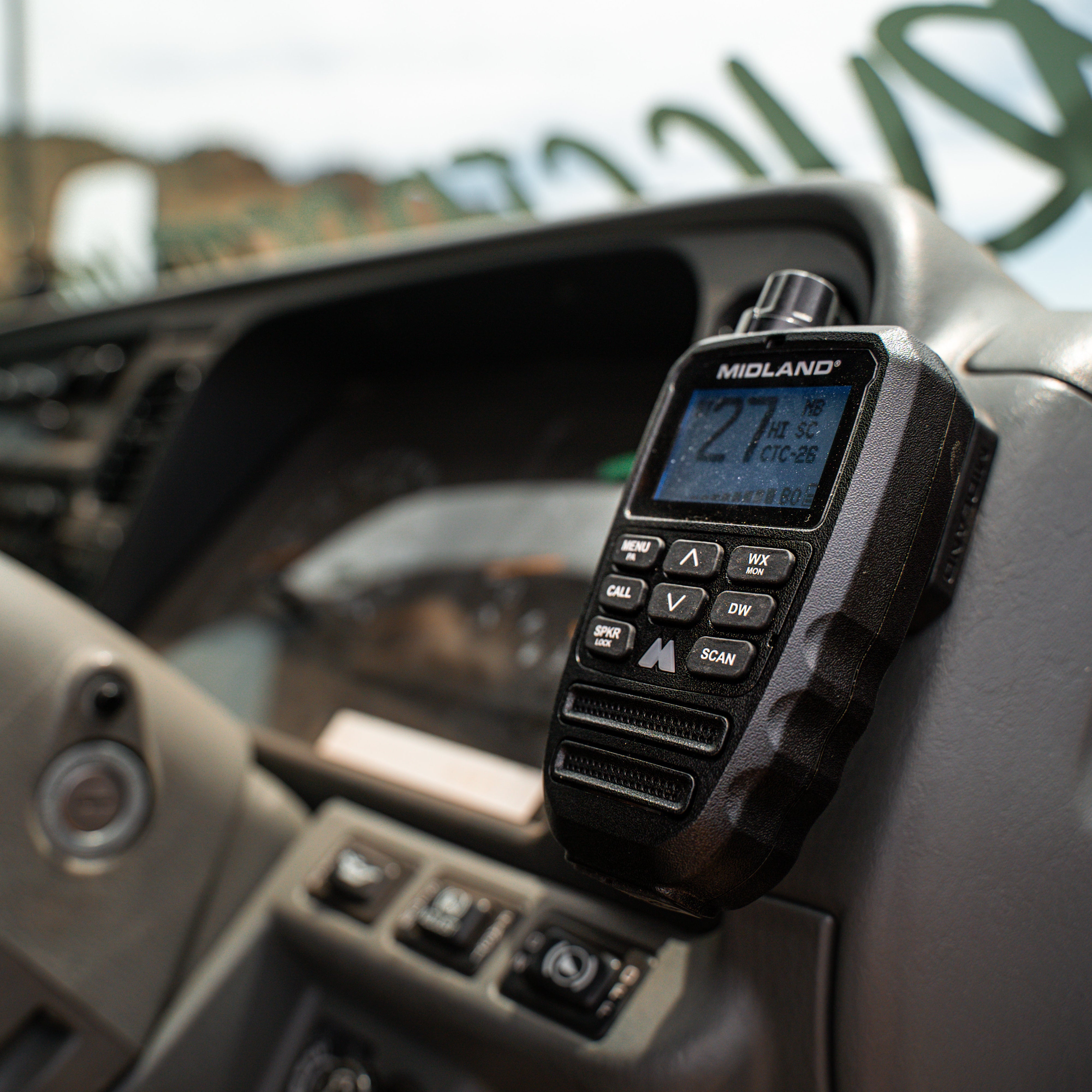
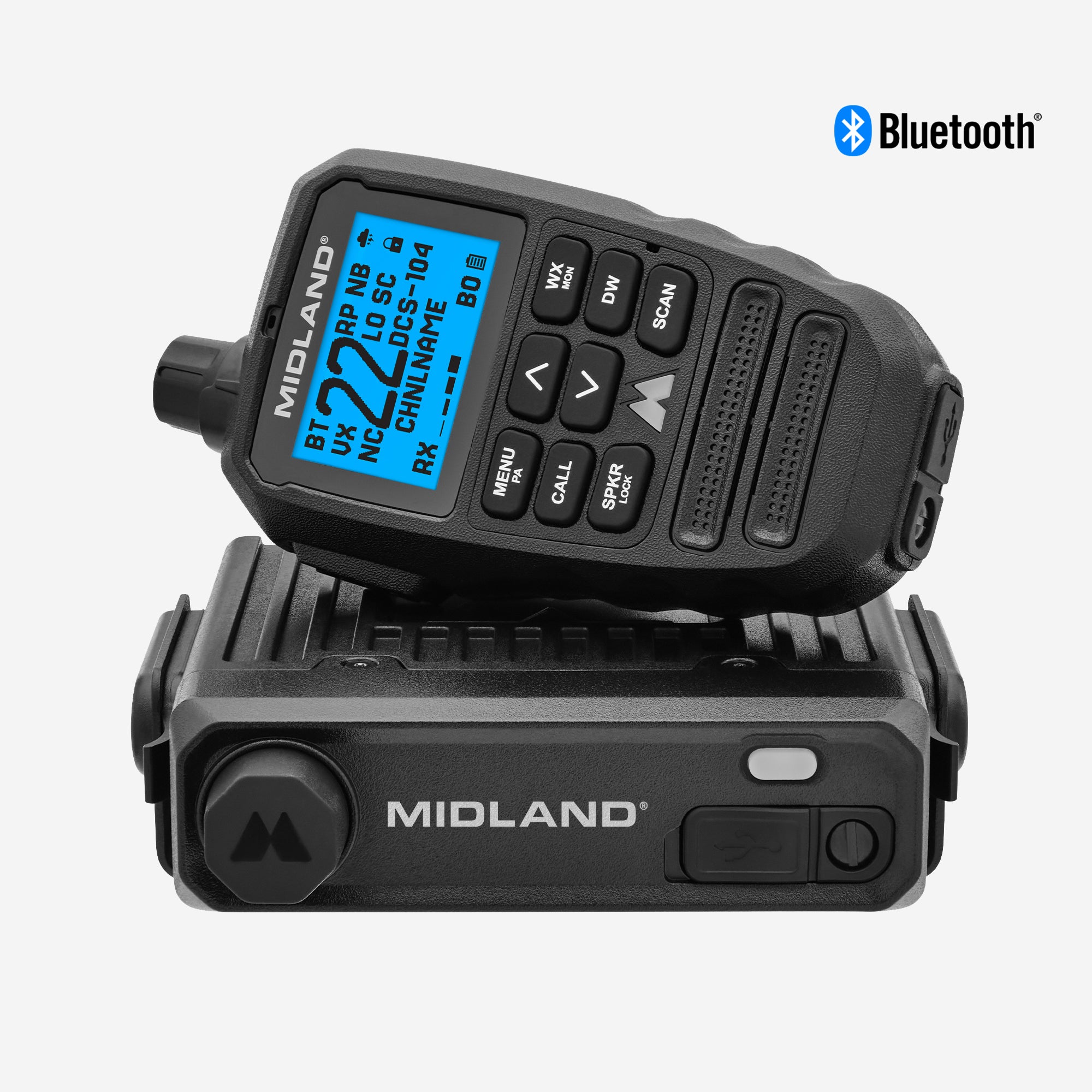
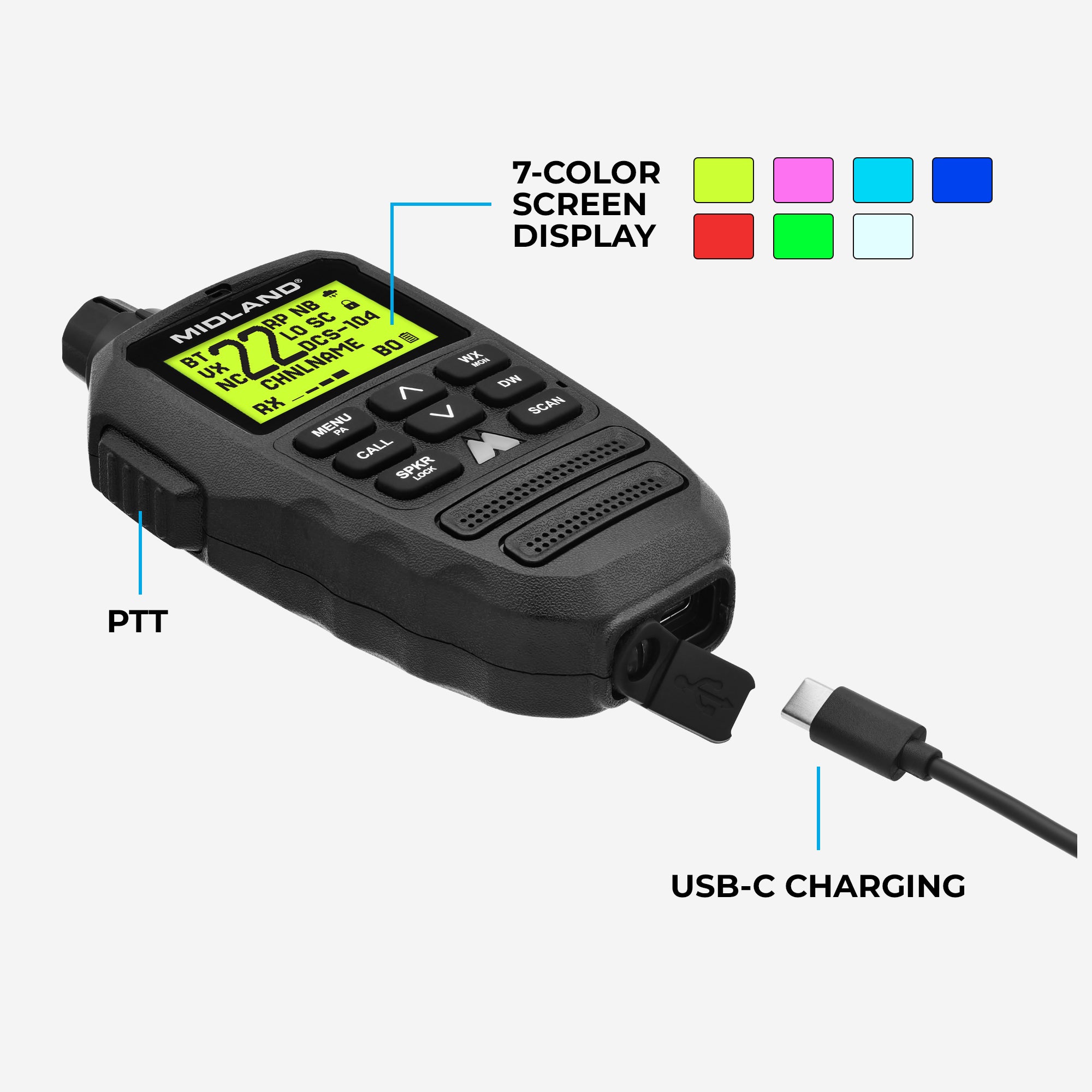
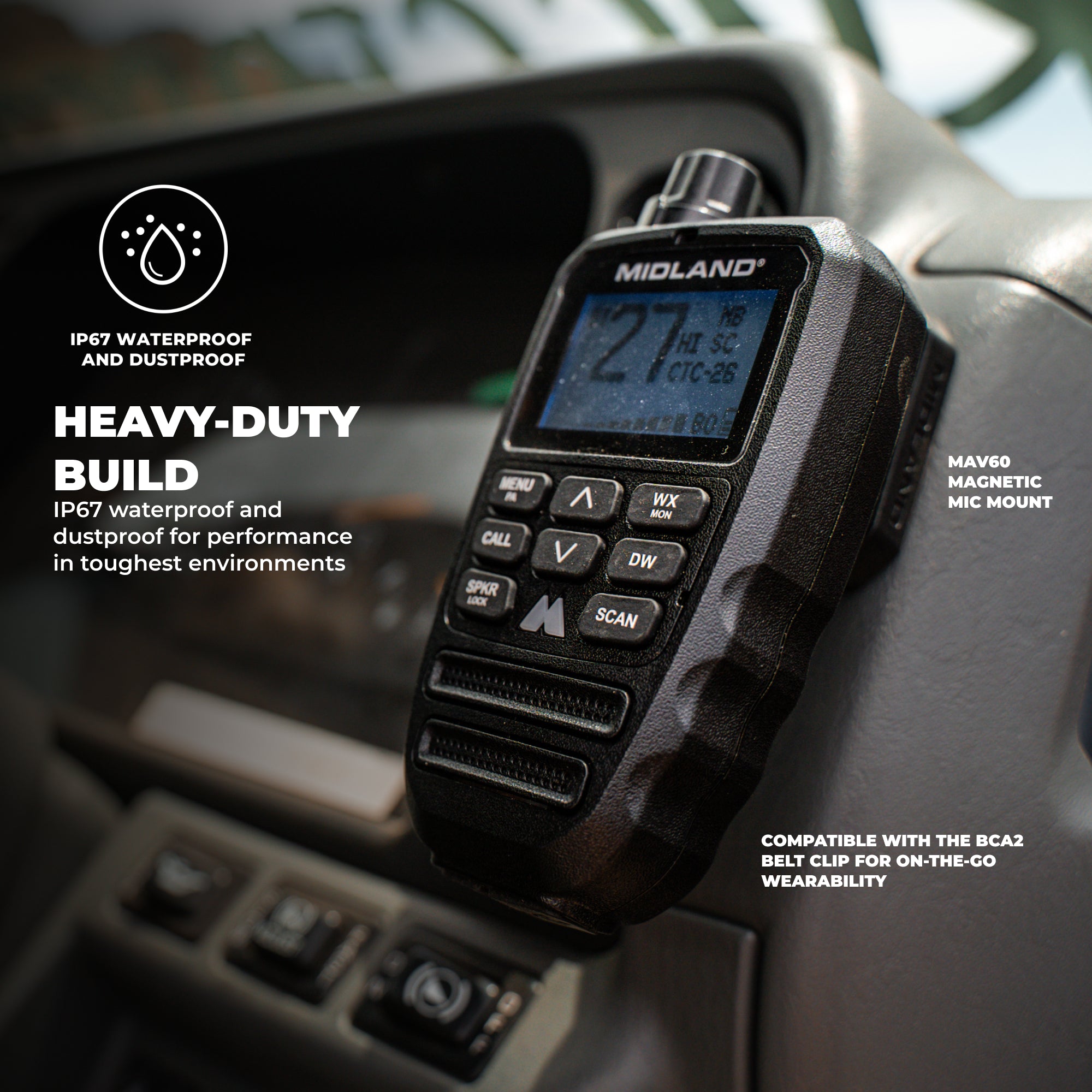
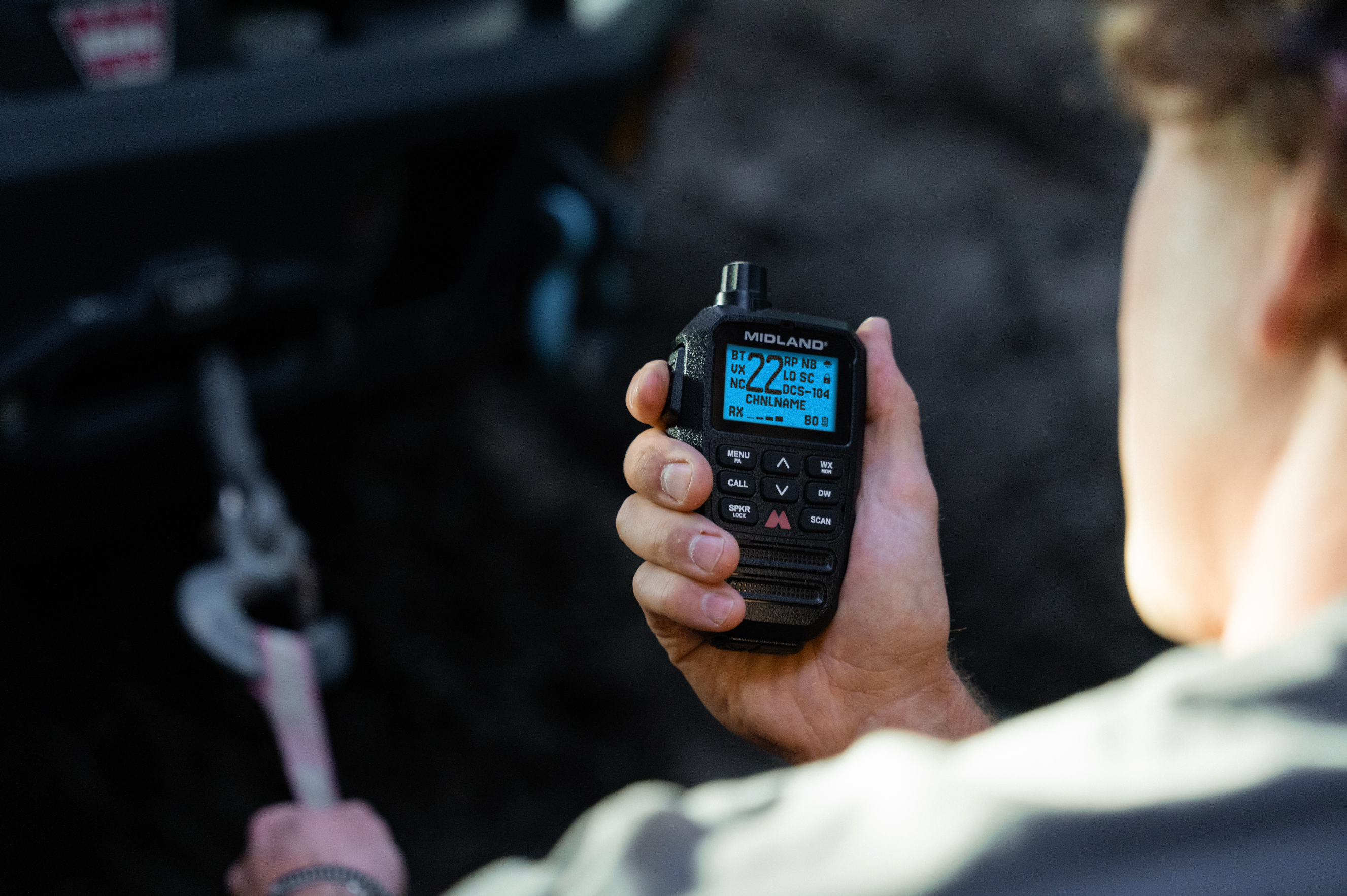
The most easy-to-use, compact 15-Watt GMRS mobile radio is designed to simplify how you communicate with a Fully-Integrated Wireless Bluetooth® Mic, hideaway unit, IP67 waterproof and dustproof protection, and expanded channel and privacy controls.
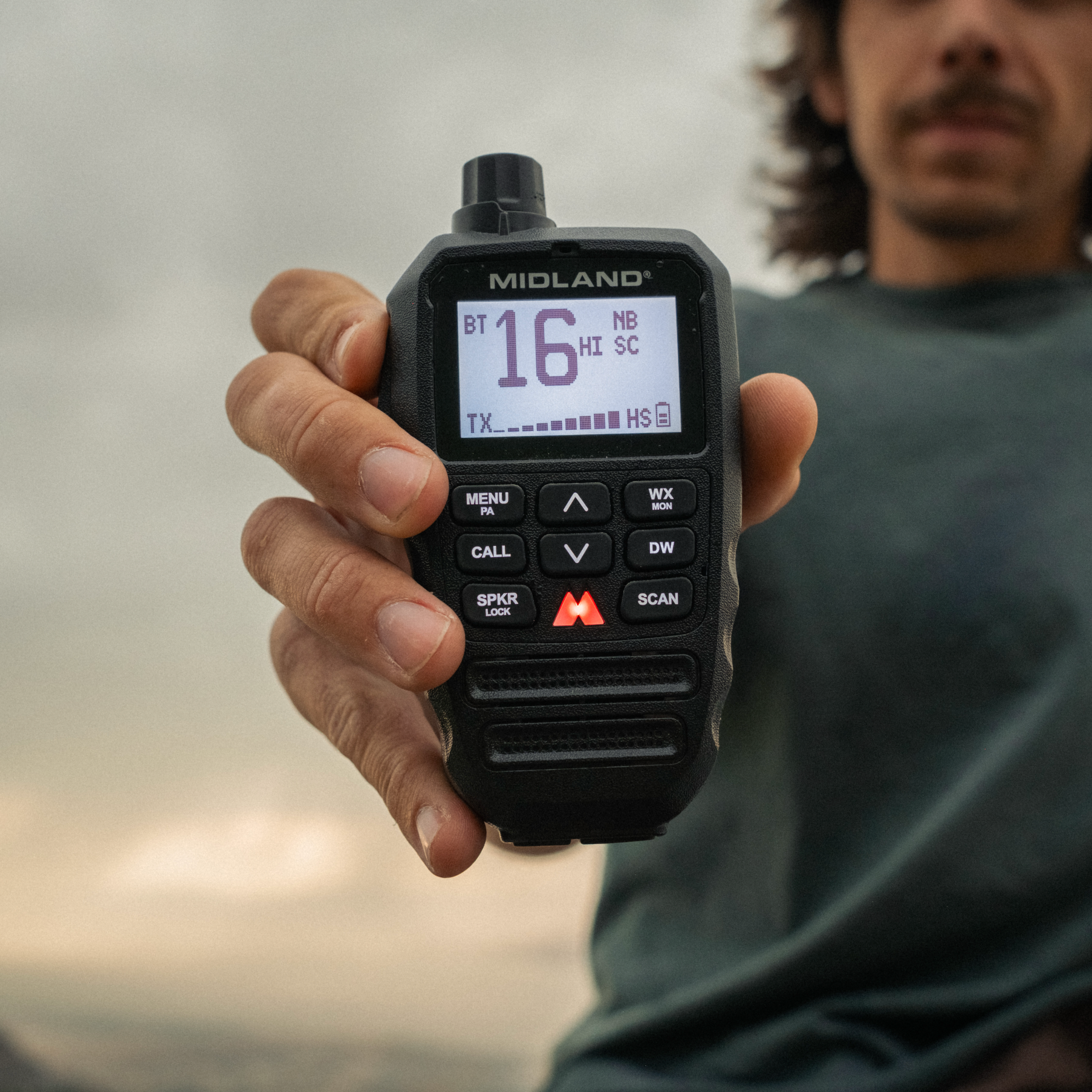



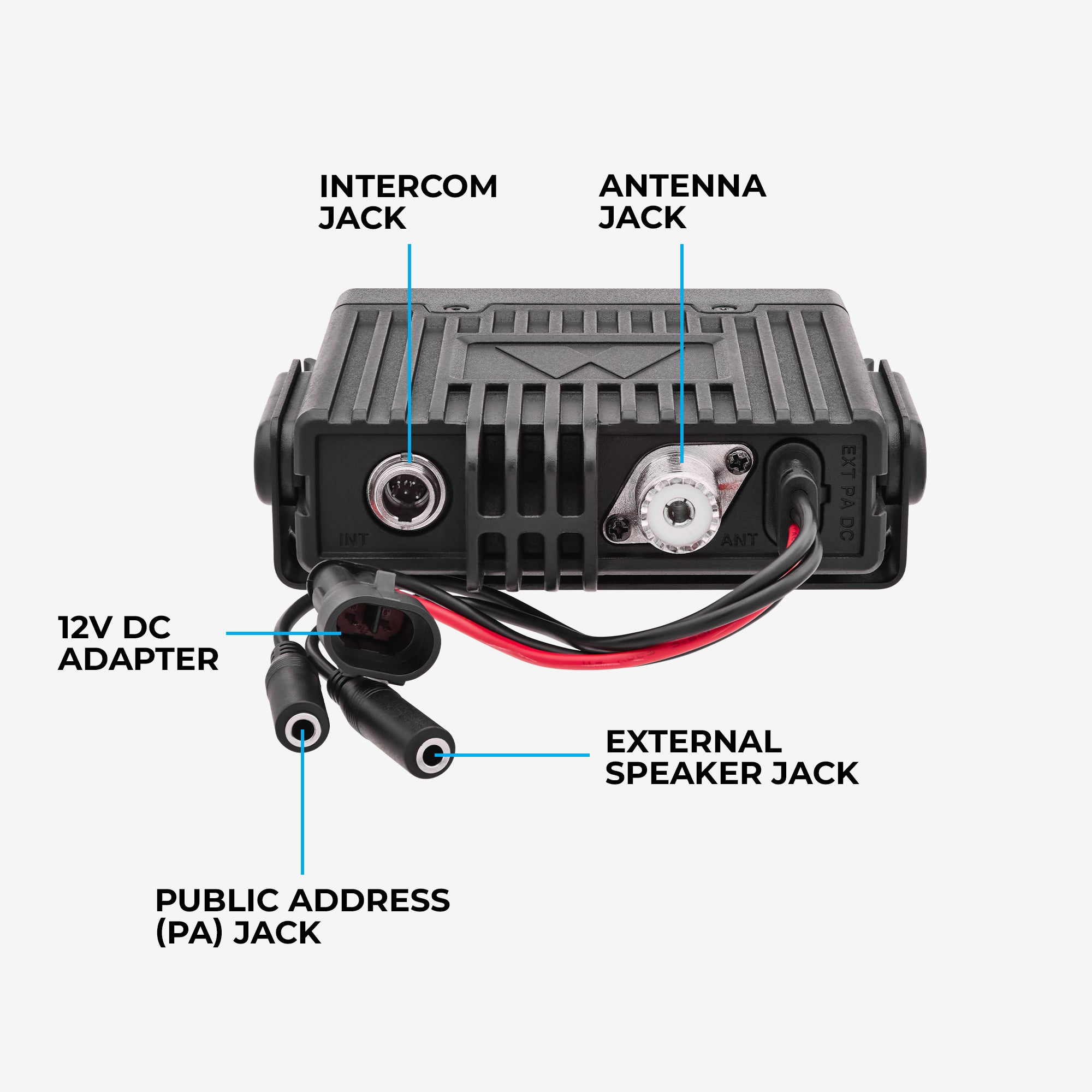

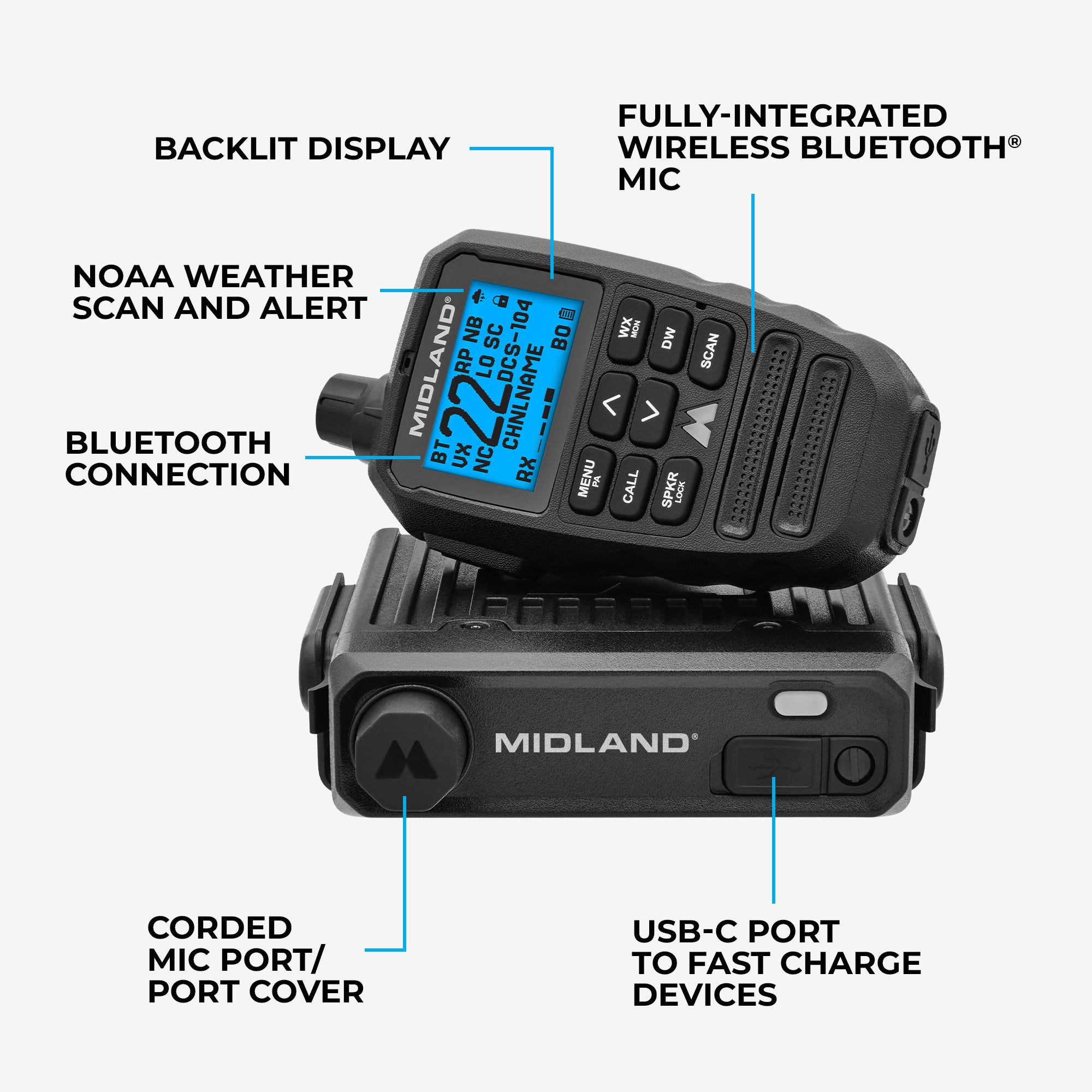
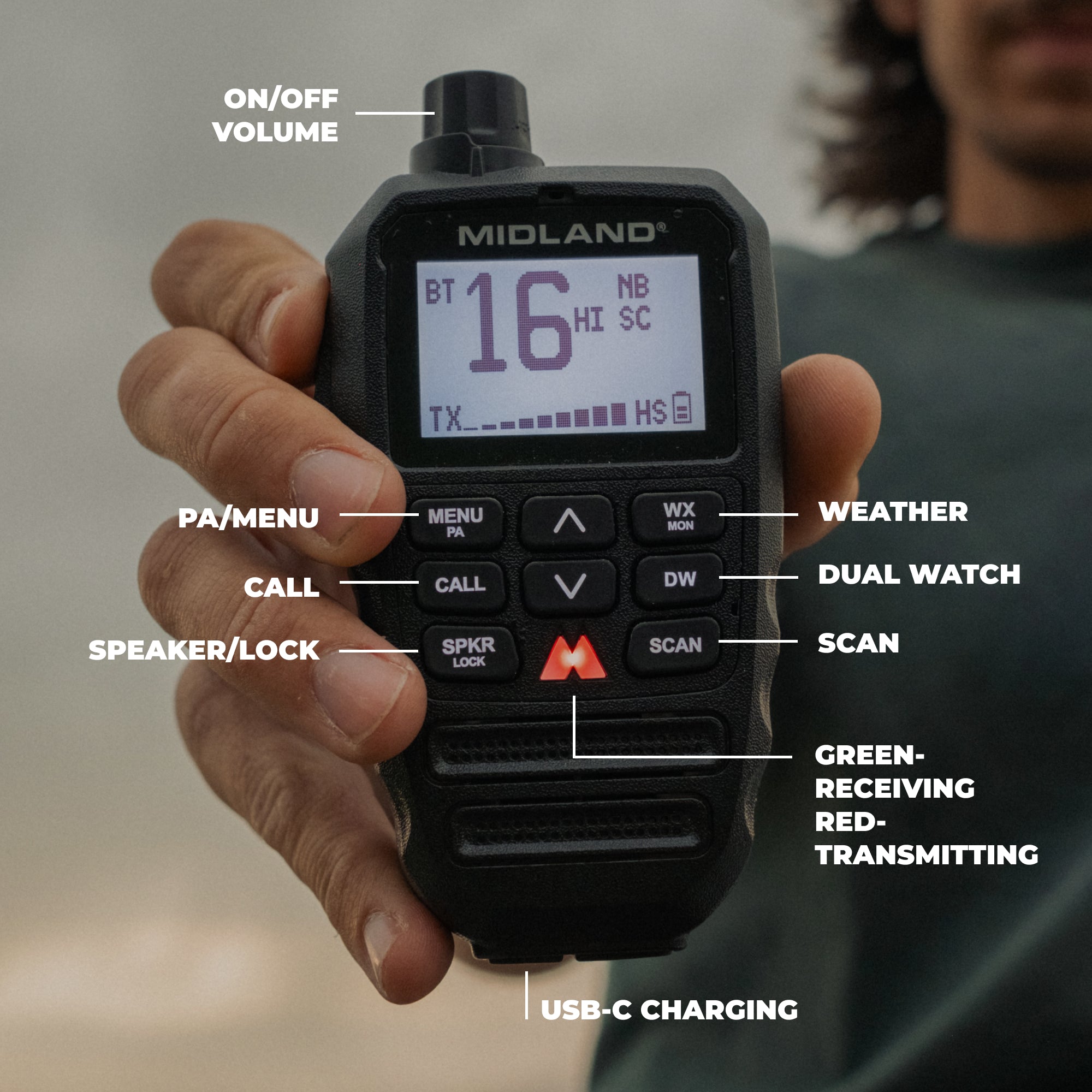
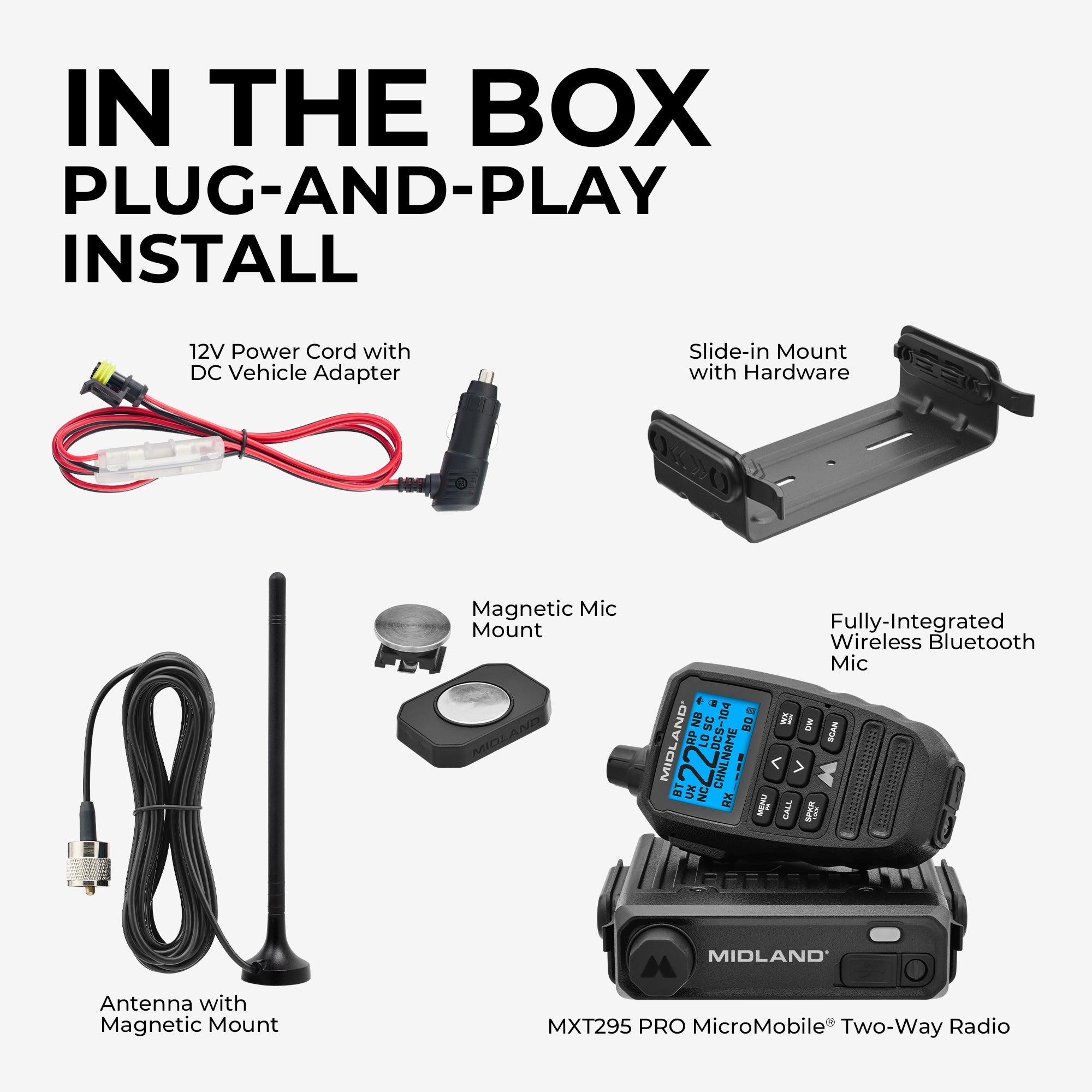

MXT295 PRO 15W MicroMobile GMRS Two-Way Radio
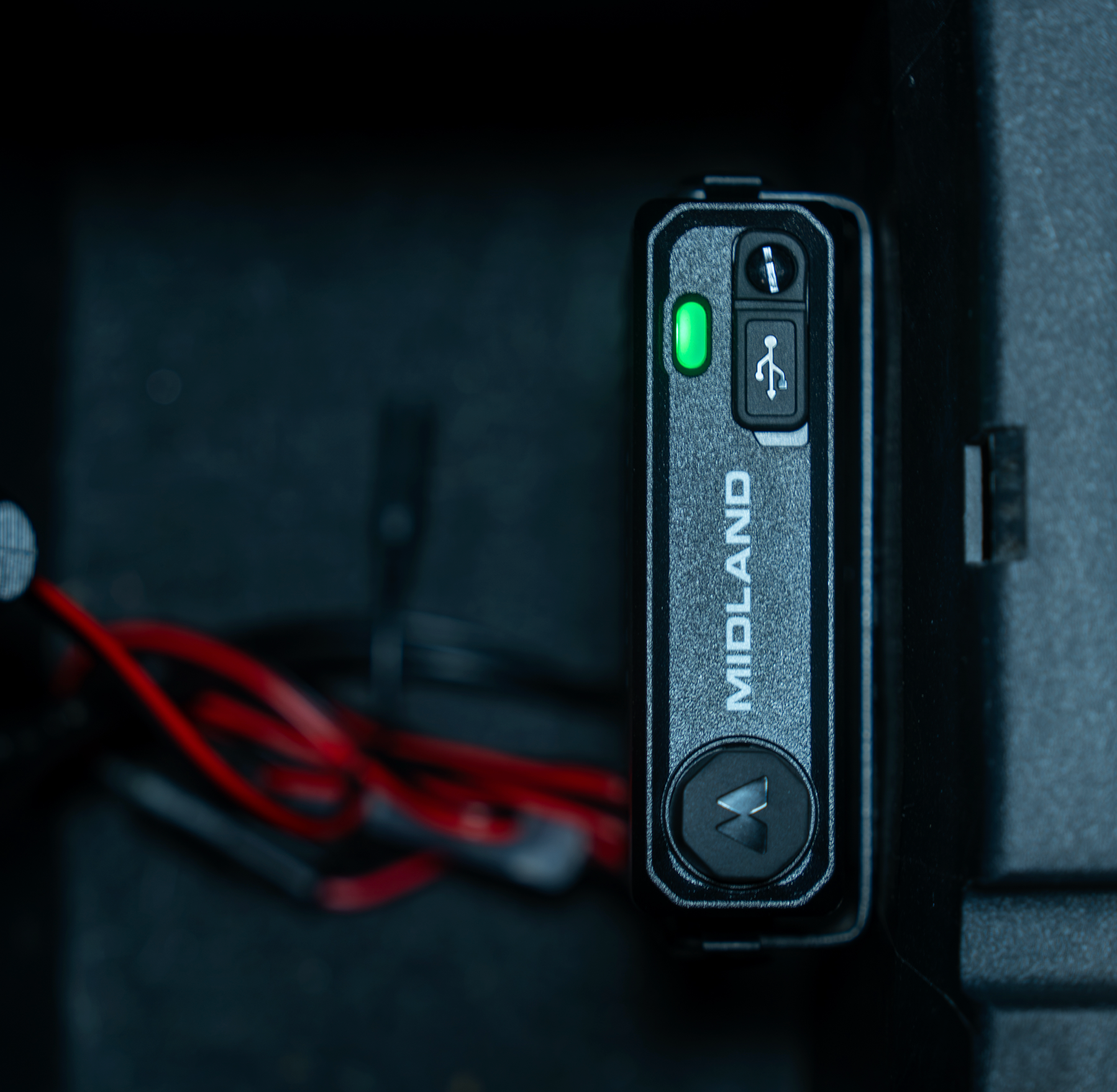
Keep installations clean with the MXT295 PRO’s hideaway unit, decluttering the dash of any rig. Its Fully-Integrated Wireless Bluetooth mic, IP67 waterproof and dustproof rating, and Bluetooth accessory compatibility ensure reliable communication. MXT295 PRO simplifies how you communicate on the go.
MXT295 PRO INSTALL TIPS AND TRICKS

1. Position the Head Unit for Optimal Bluetooth® Connectivity
Make sure the main head unit is mountedfacing upward or outwardrather than completely buried inside a dense, shielded metal compartment or deep under the dash. Keeping the unit facing outward minimizes interference from surrounding metal body panels and ensures the best possible Bluetooth range and stable wireless connectivity.
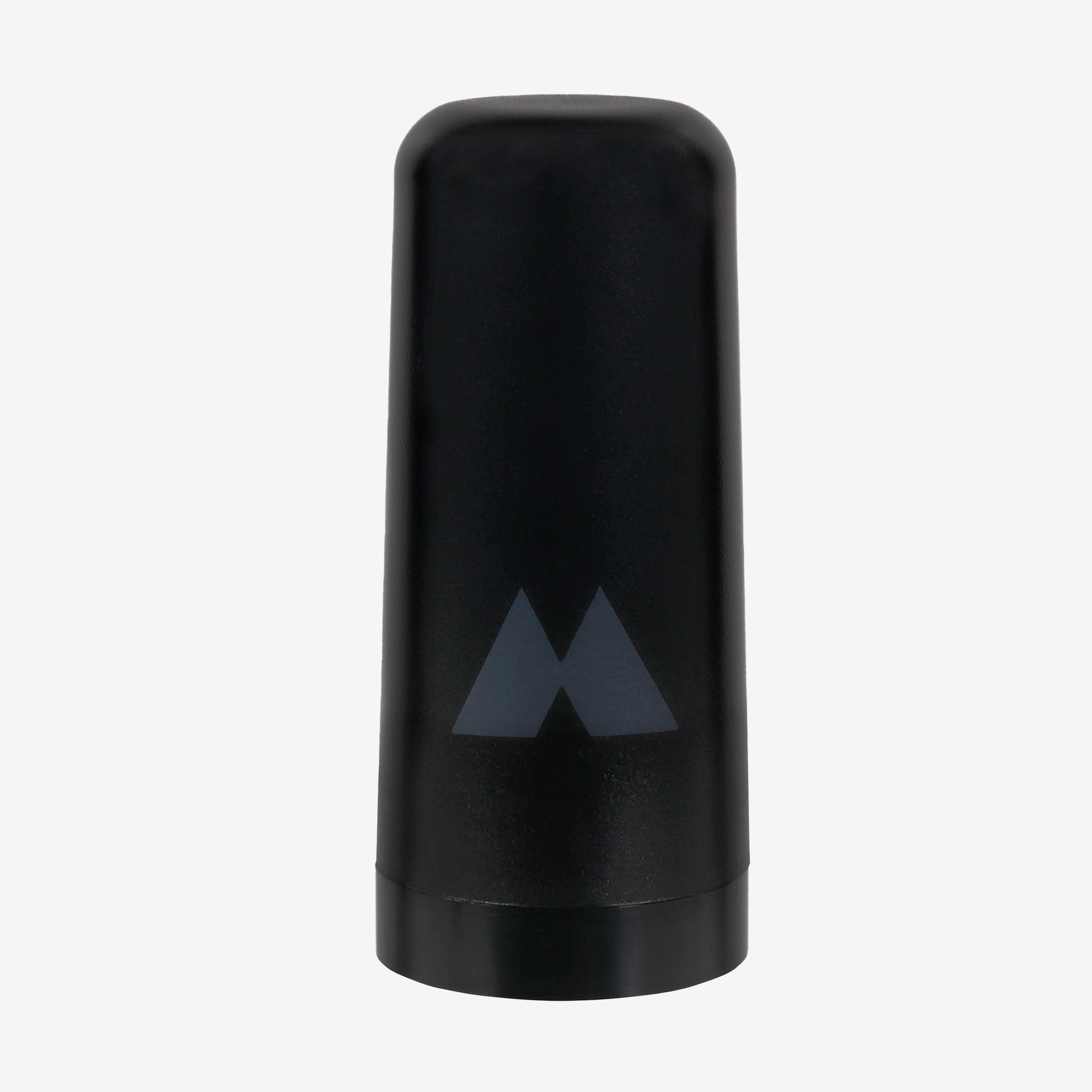
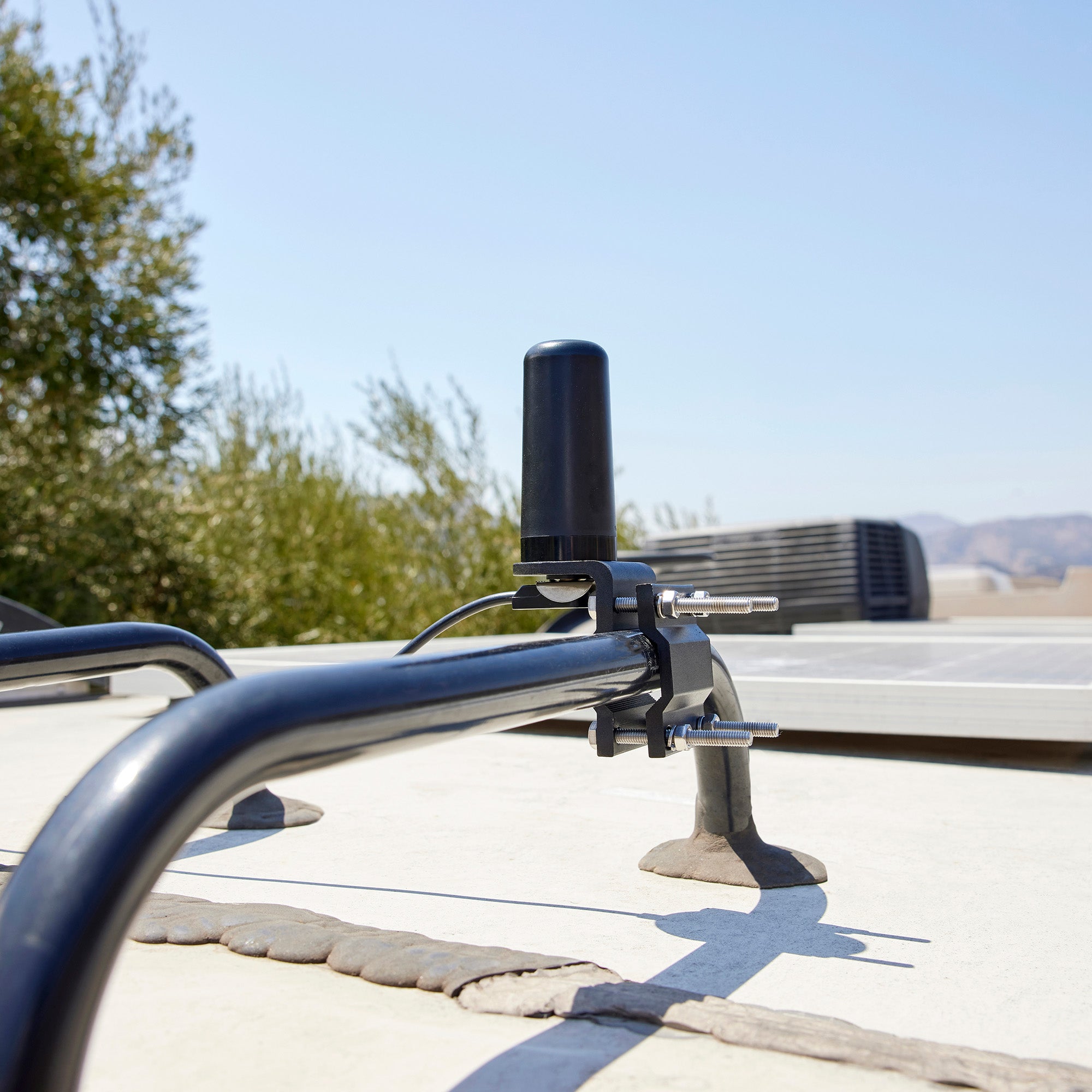
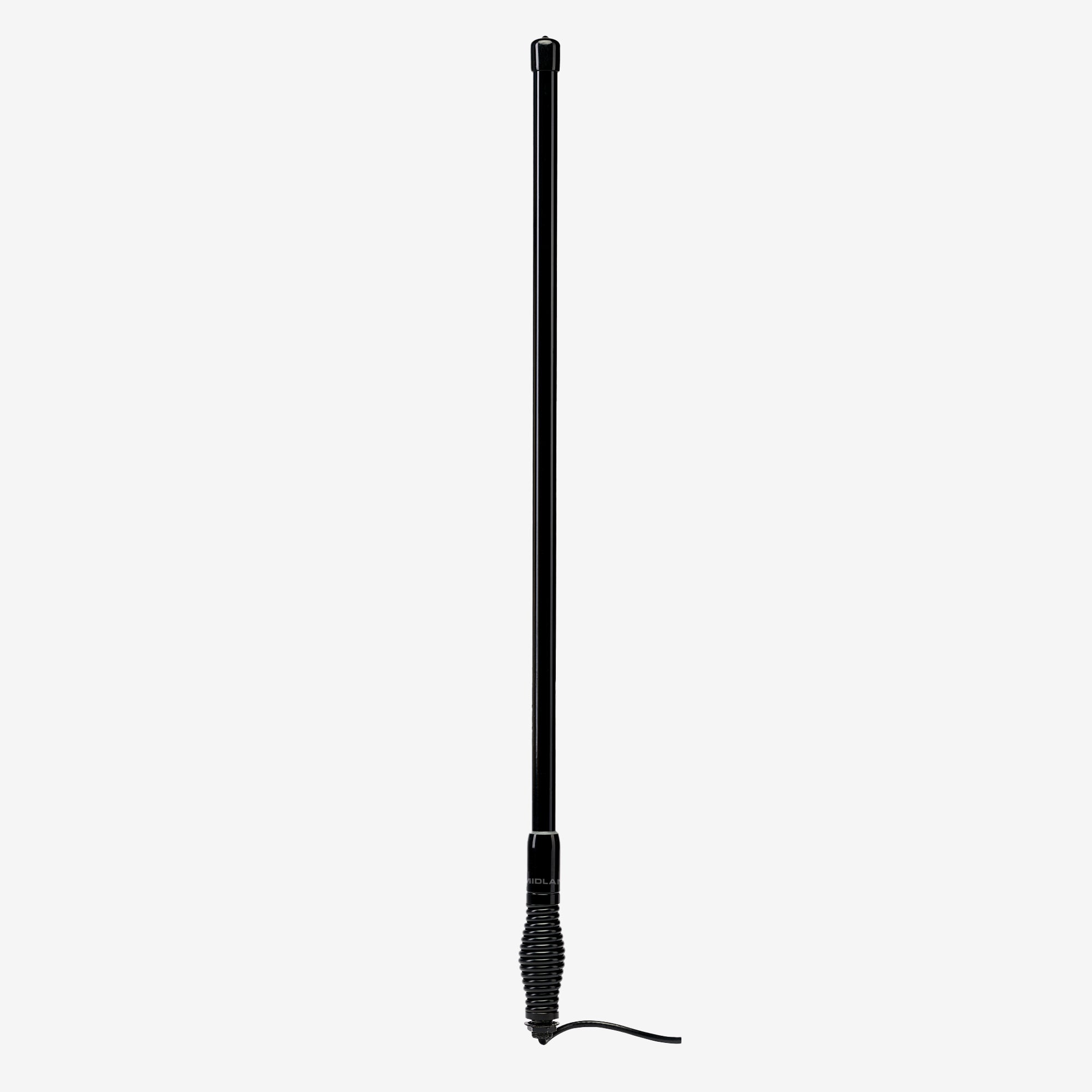
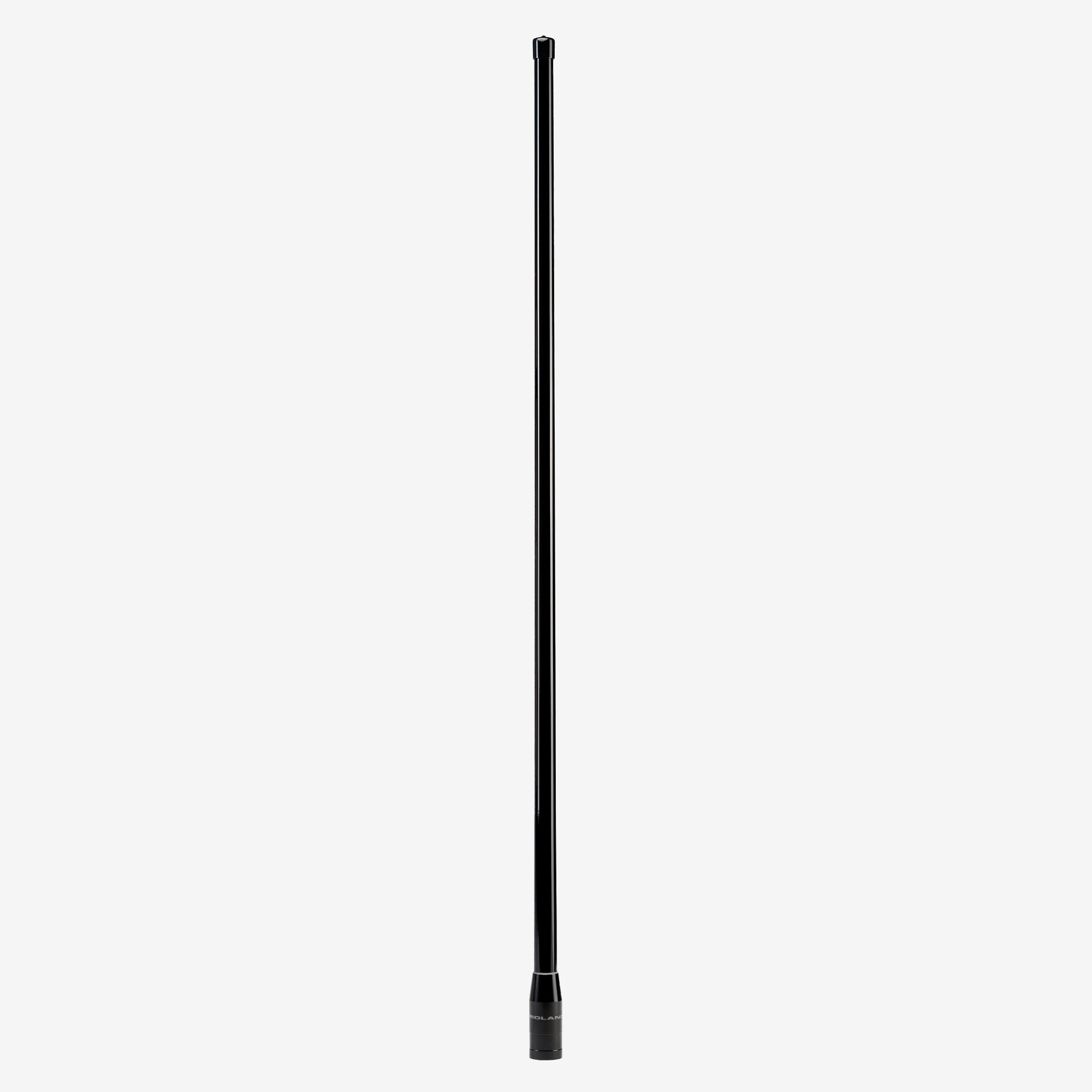
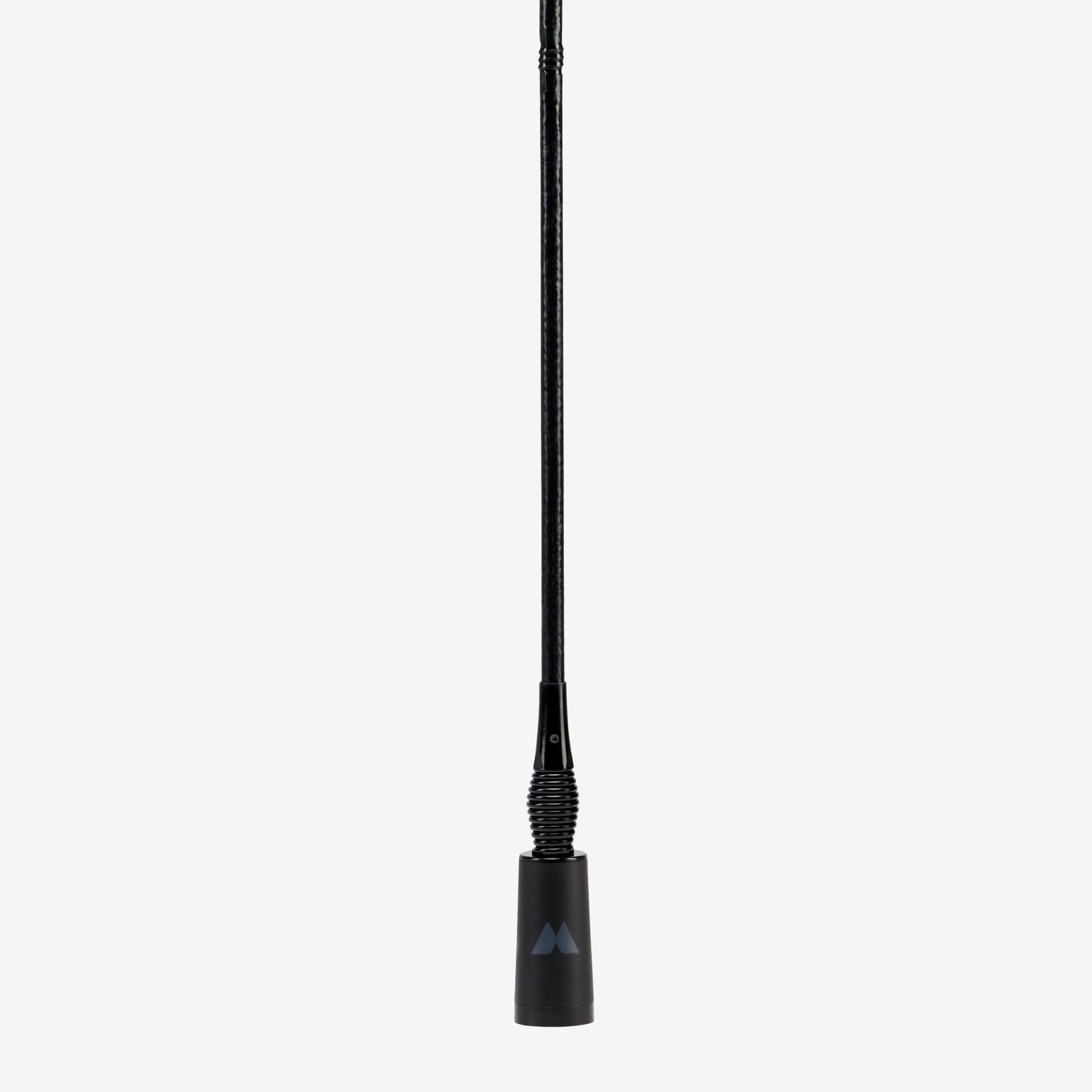
2. Maximize Range with Strategic Antenna Placement
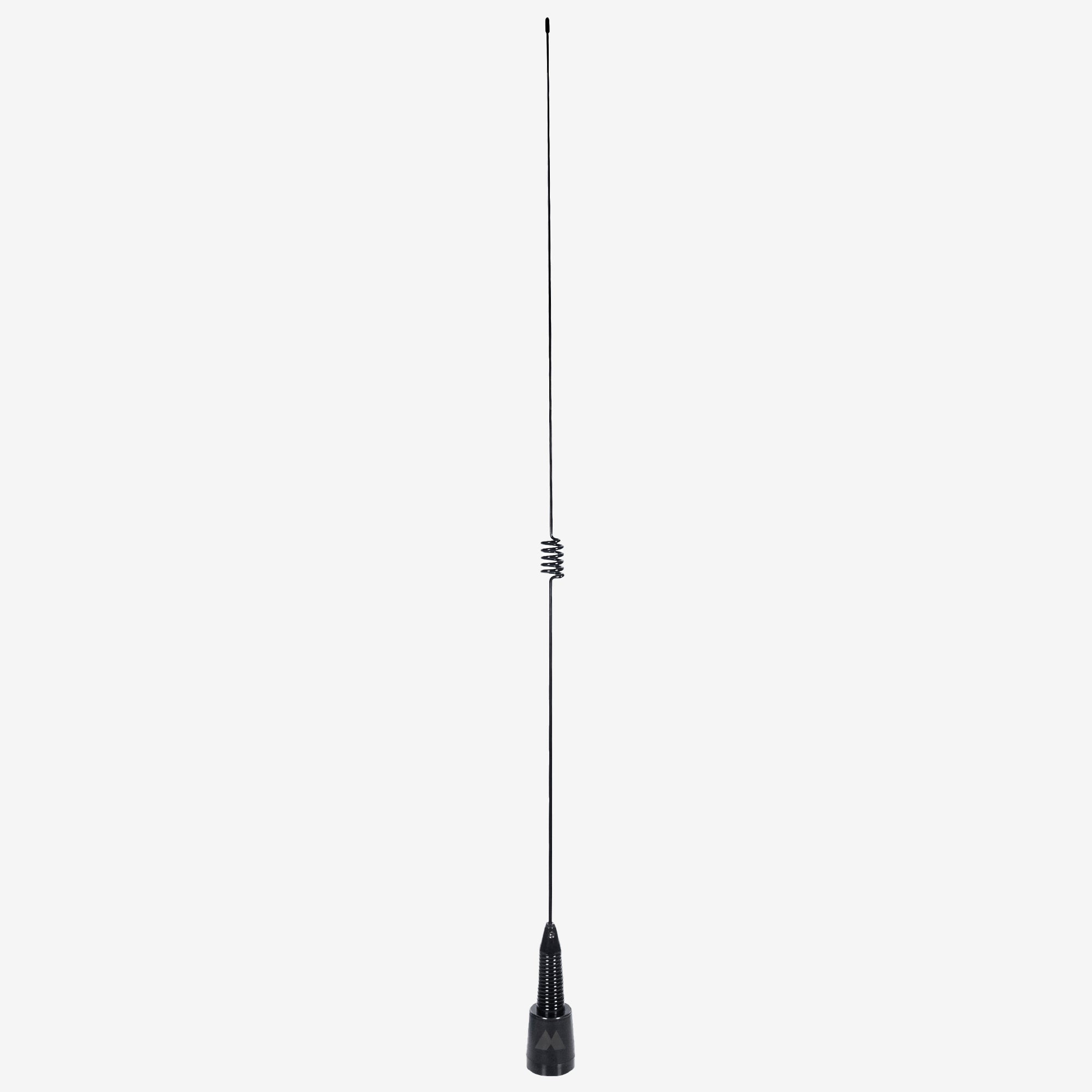
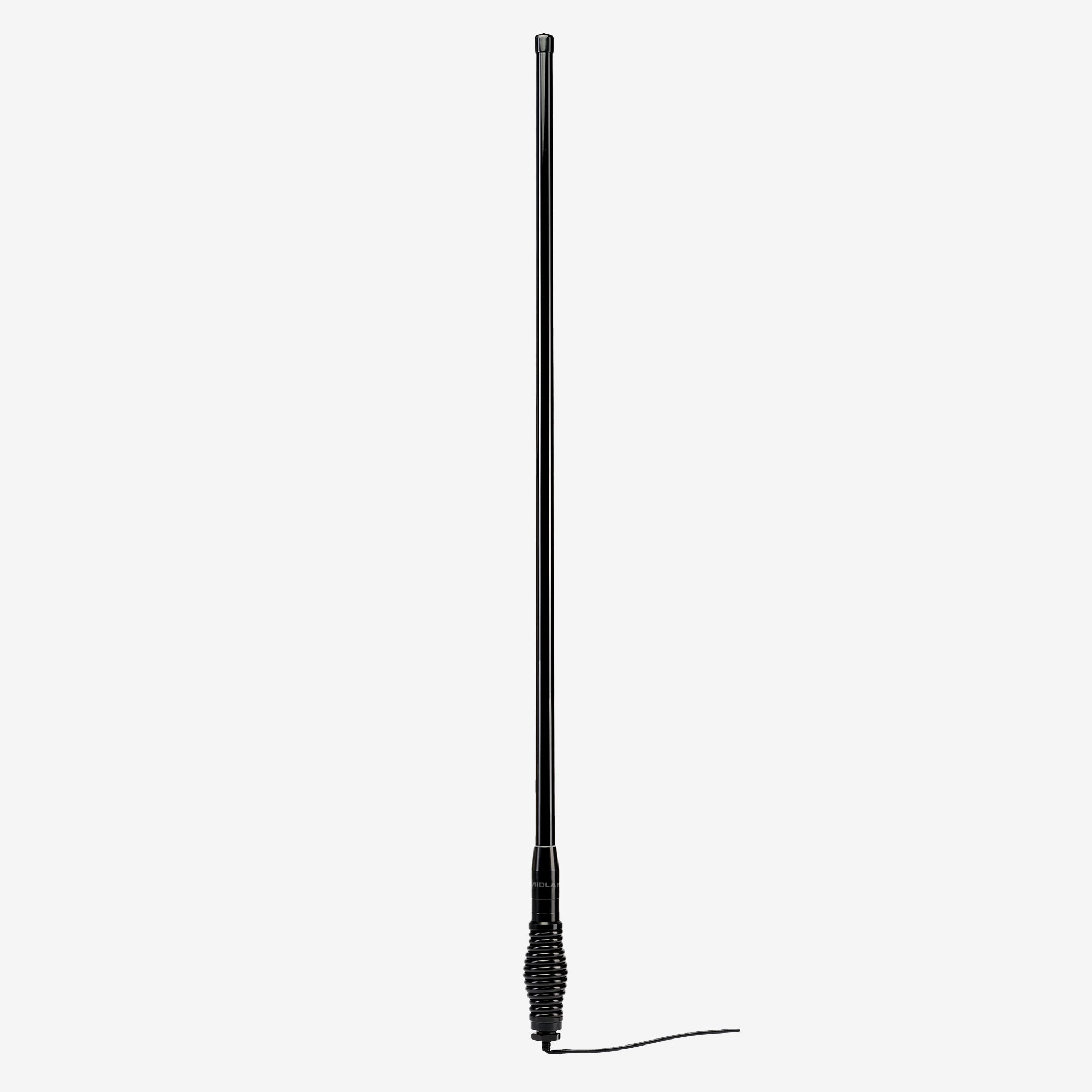
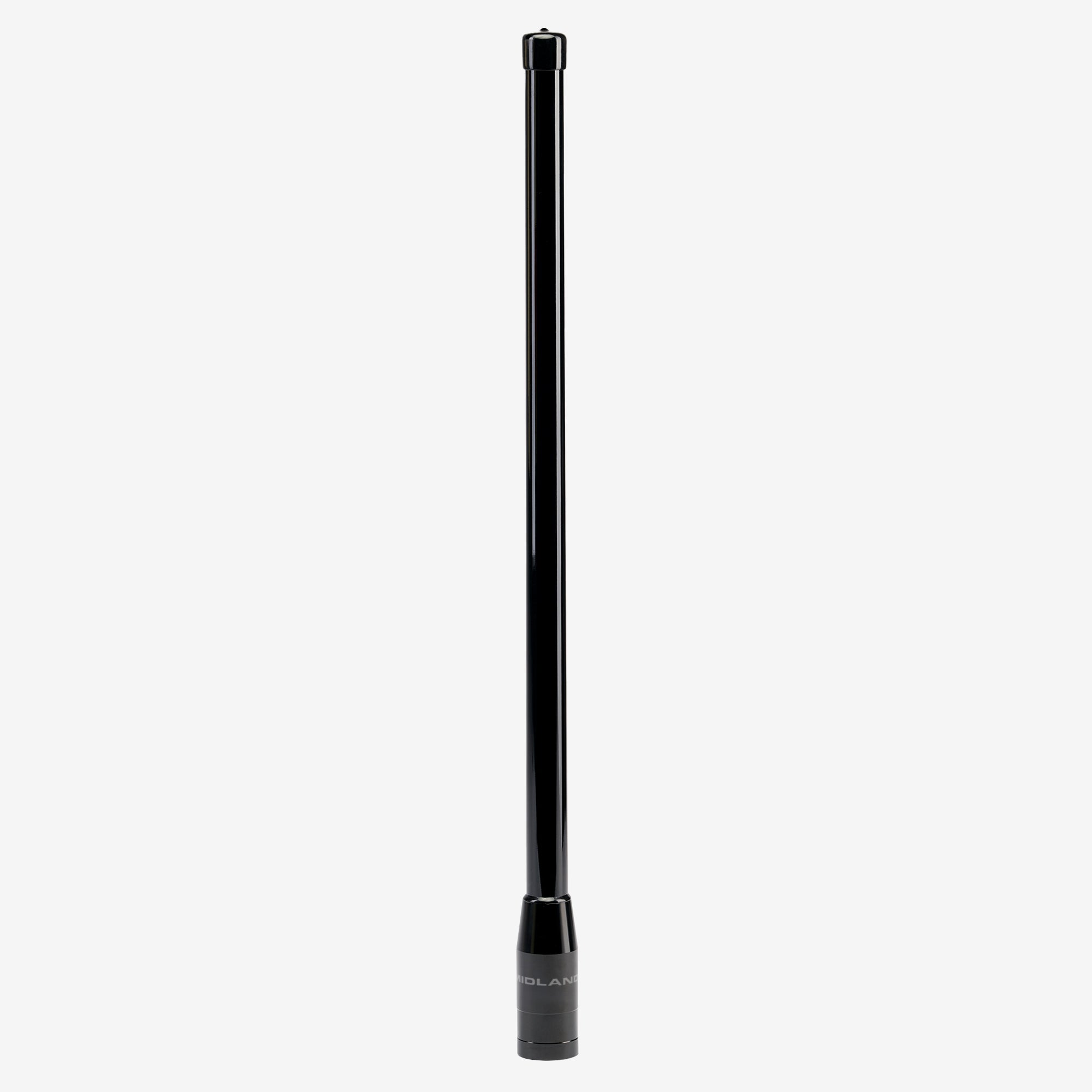
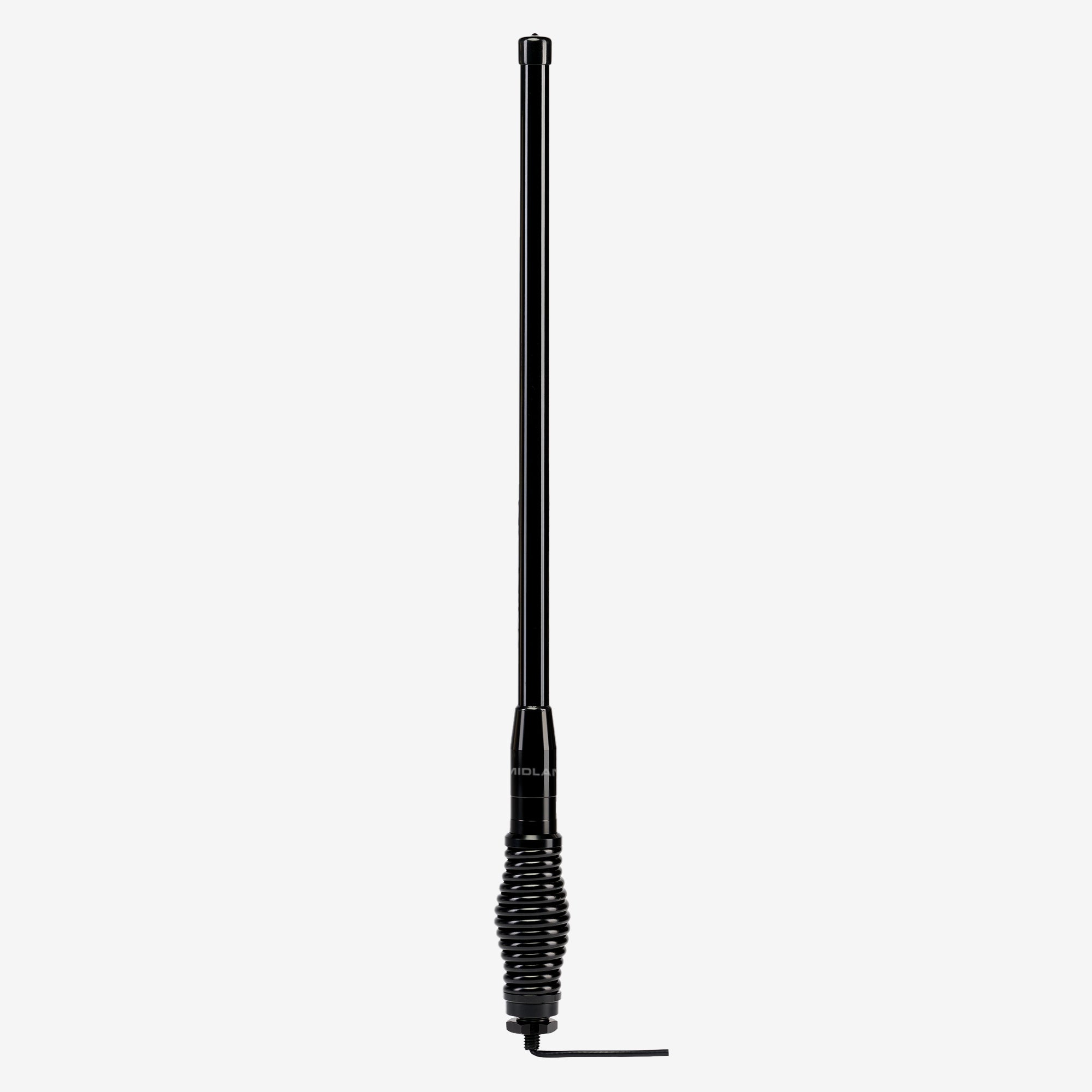
Radio frequency (RF) performance relies heavily on your antenna.
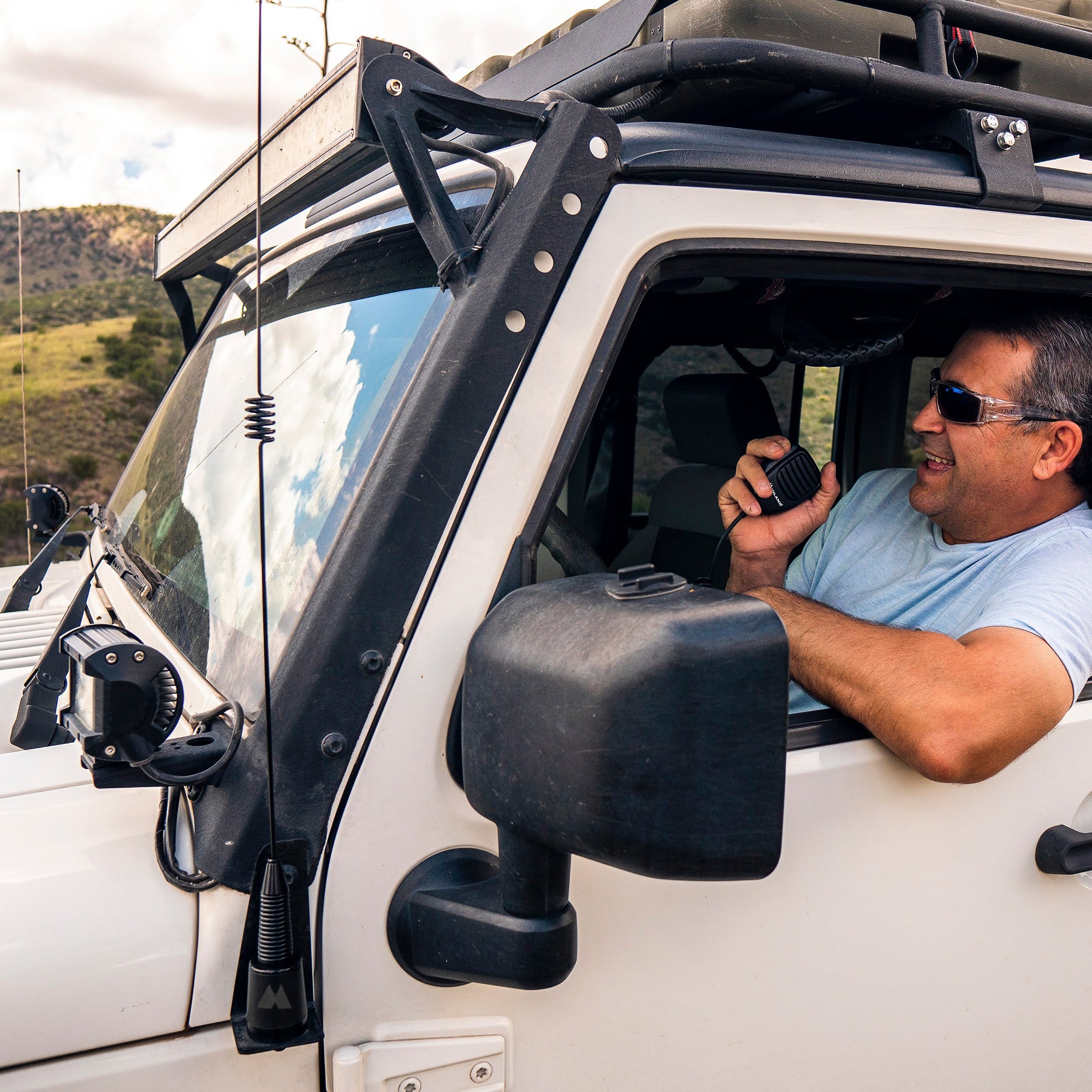
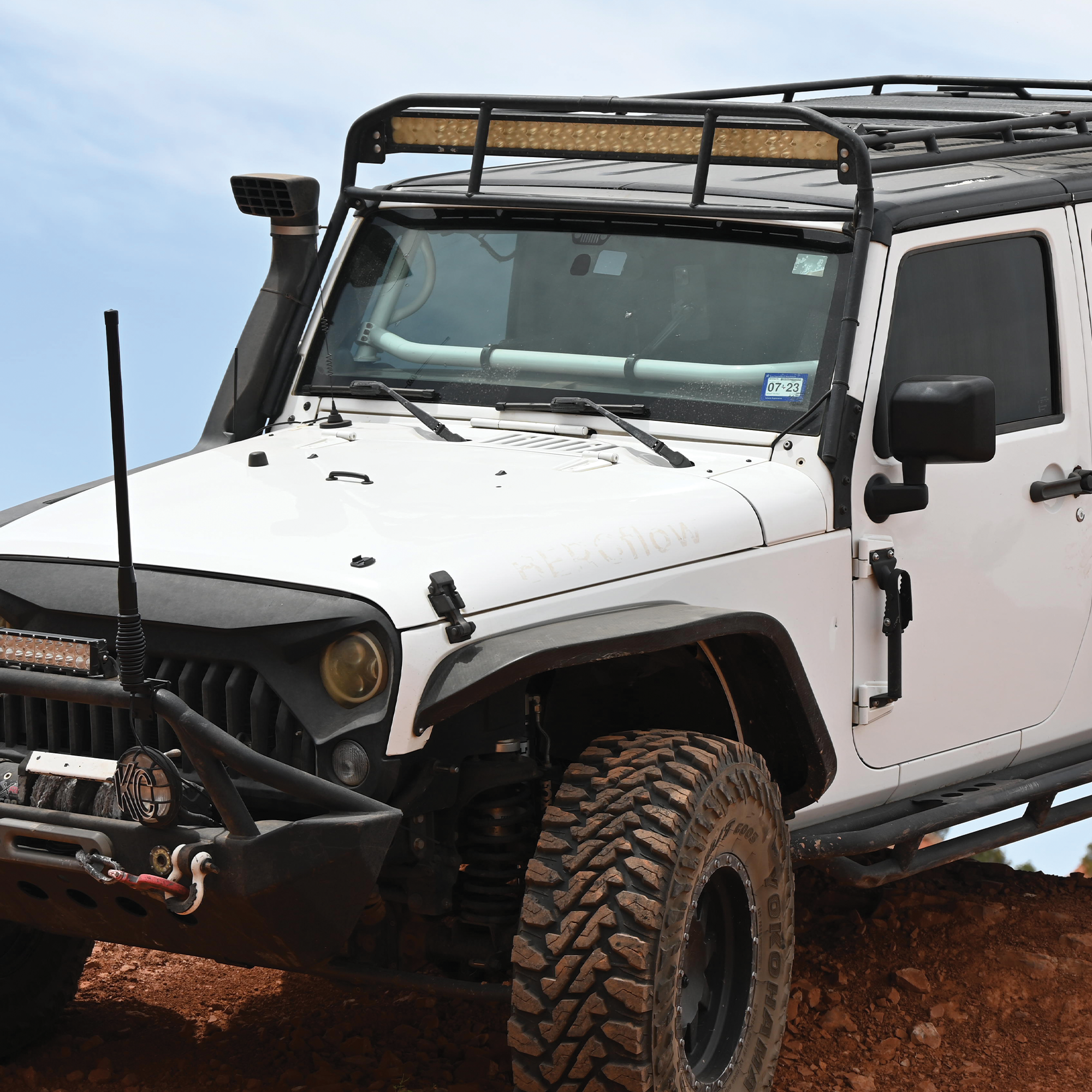
- - Go high: Mount the antenna as high on the vehicle as possible (such as the center of the roof or a sturdy hood/ditch bracket).
- - Ensure a ground plane: Place it over a flat metallic surface whenever possible to act as a natural reflector for the RF signal.
- - Tuning of GMRS antennas is not required or necessary.
3. Wire Direct to the Battery for Clean Power
To avoid electrical noise (such as alternator whine or ignition hum) bleeding into your transmissions:
- - Run your positive and negative power leads directly to the vehicle's battery or a dedicated, fused accessory circuit block.
- - Ensure the inline fuse remains accessible near the power connection.

4. Route Coax and Cables Away from Noise Sources
When running coax antenna cables and power leads through the cabin:
- Avoid running wires alongside high-current vehicle harnesses, ignition components, or complex dash electronics.
- Use existing factory rubber grommets to pass wiring through the firewall to protect the cables from sharp metal edges, pinching, and water intrusion.
5. Mind Airbag Clearance and Ergonomics
Select a mounting location that gives you easy access to the controls without obstructing your view or physical driving controls. Most importantly, ensure the unit, bracket, and routed cabling stay completely clear of driver and passenger airbag deployment zones (such as knee airbags or steering column covers).
PREFER TO SEE THE BASE UNIT?
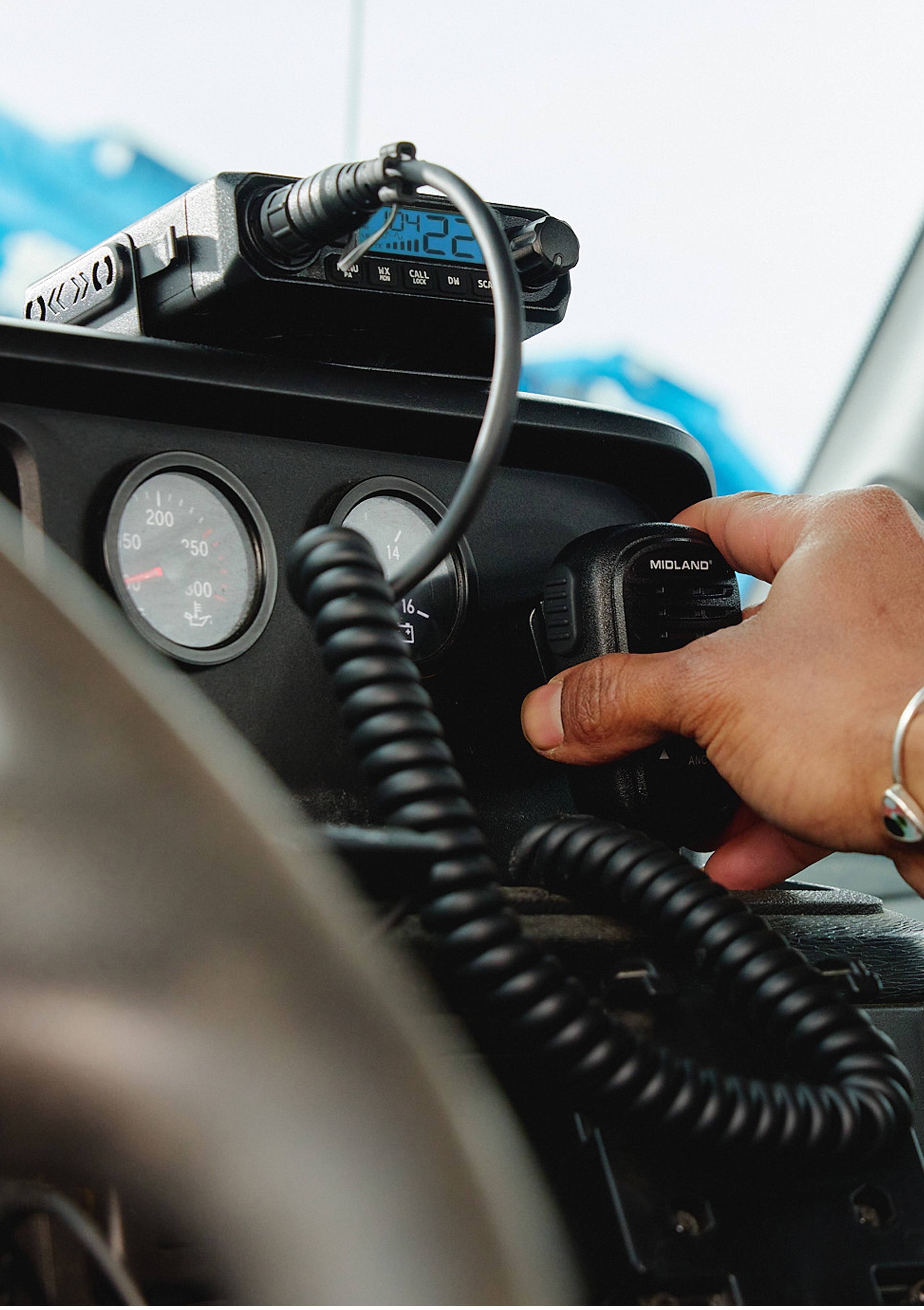
Launched earlier this year, the MXT115P PRO is a huge upgrade from the original MXT115. Now with IP67 waterproof and dustproof rating, PA and Intercom functionality the MXT115P PRO.