
2025 CNN All-Star Emergency Radio

2025 CNN All-Star Emergency Radio

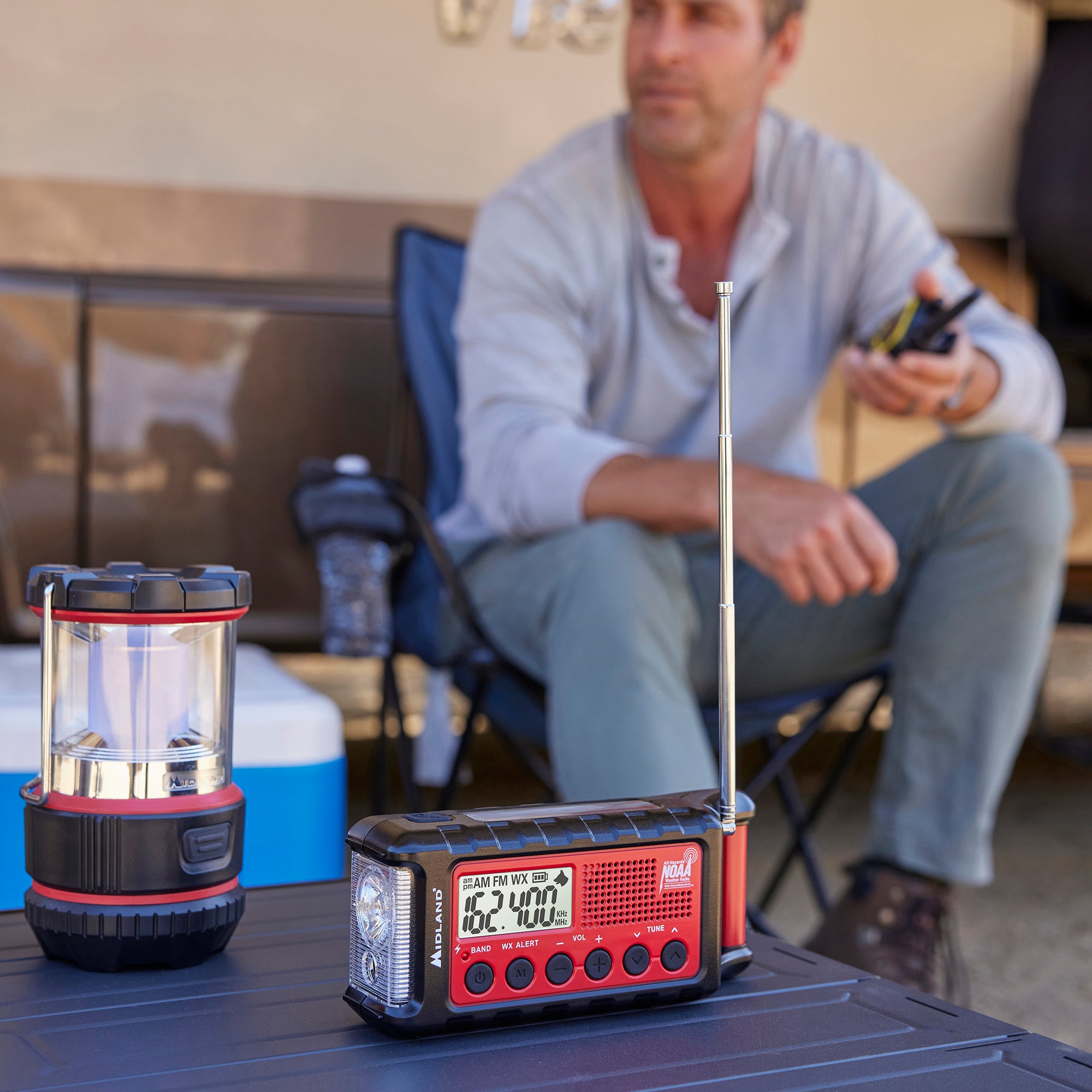
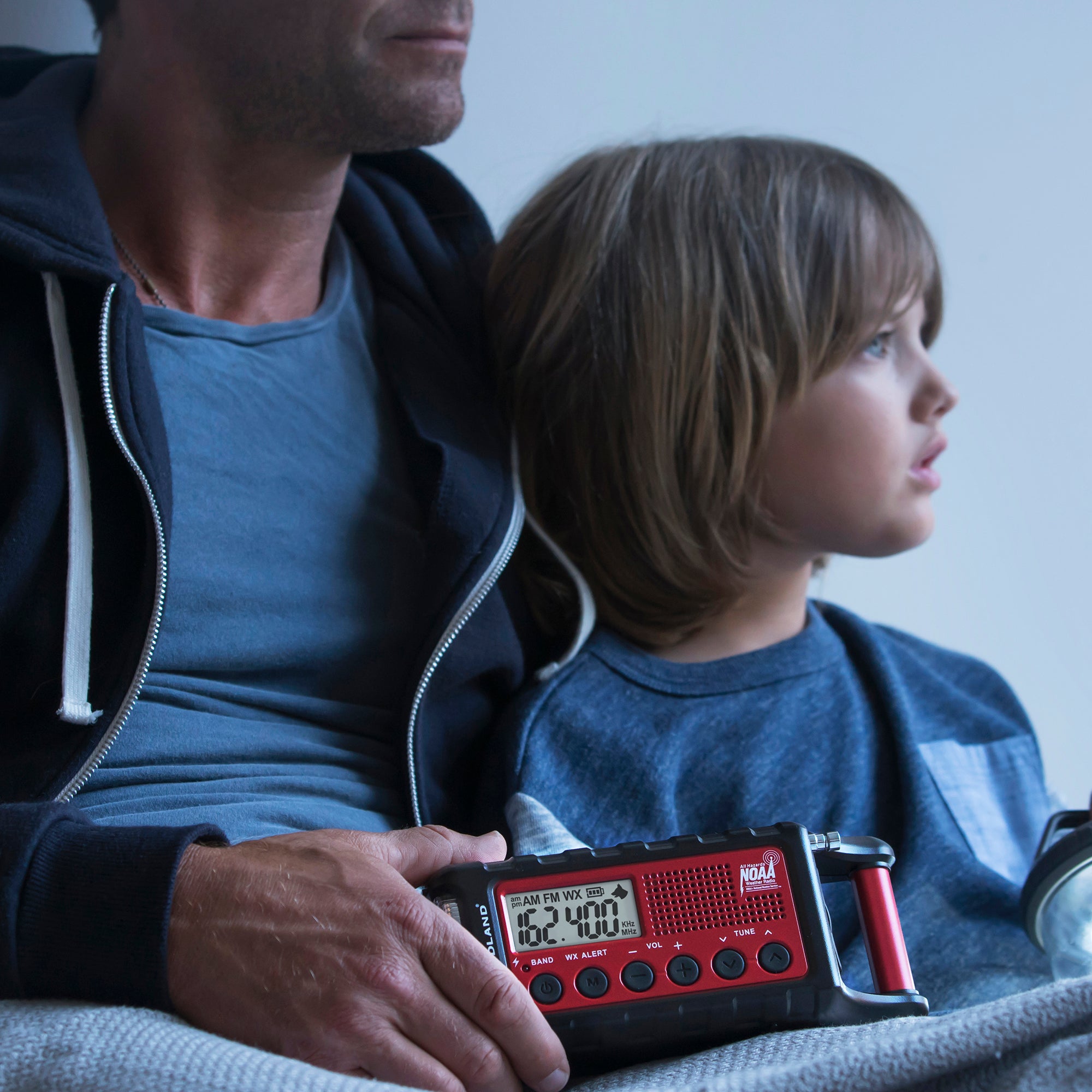
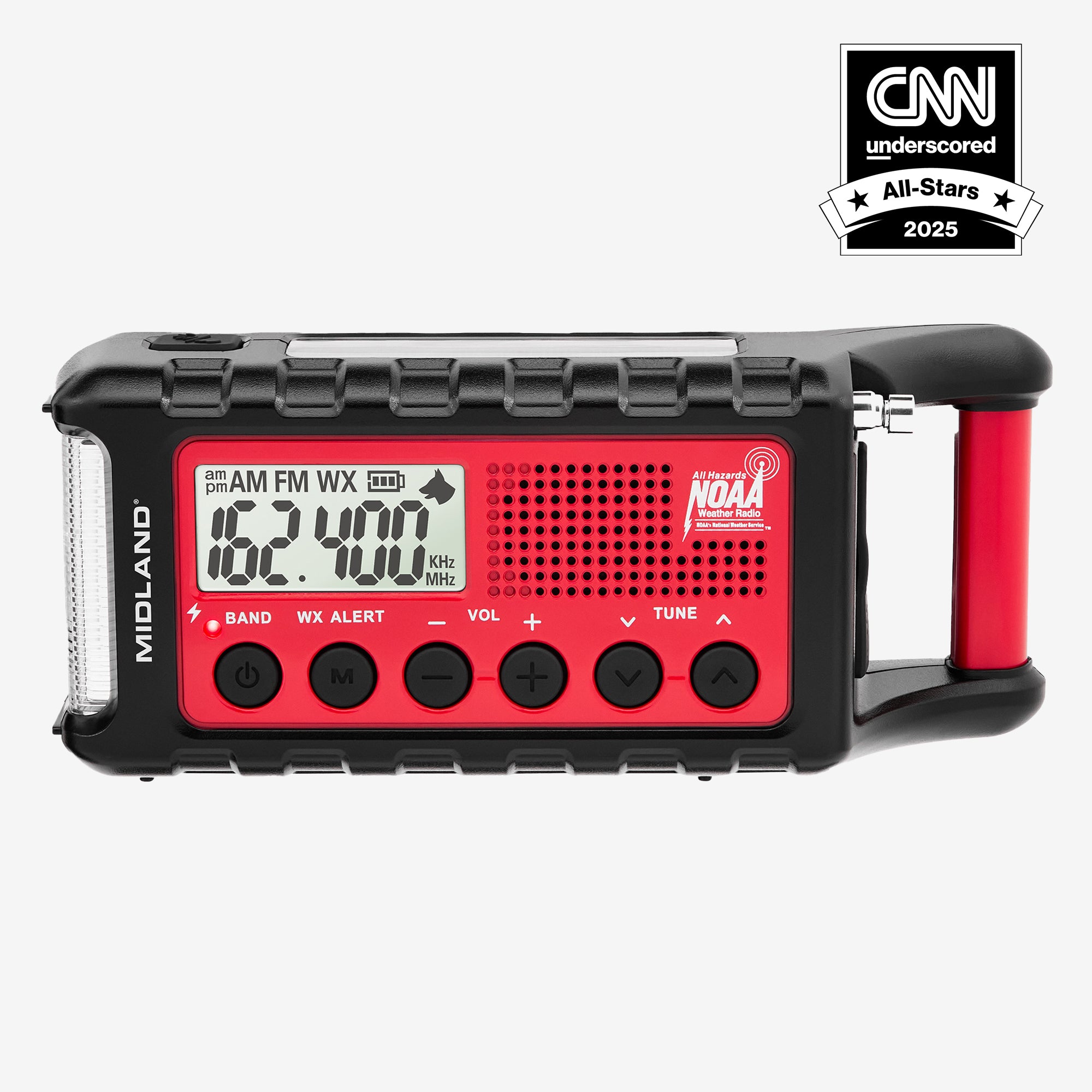
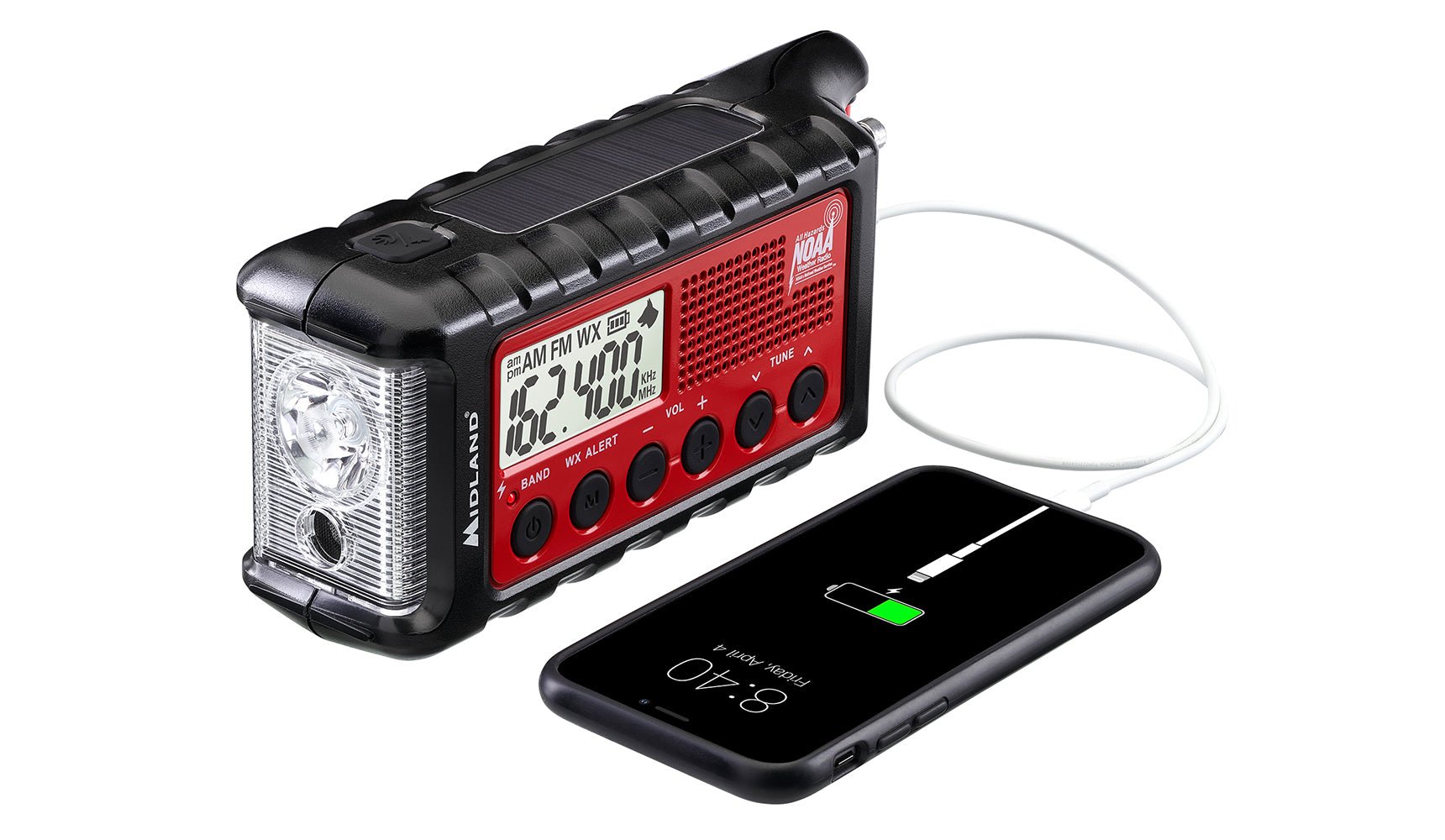
Voted the Top Emergency Radio, Midland’s portable ER310 will you bring emergency and weather alerts straight from the National Weather Service, anytime, anywhere.

Go-Bag Ready

Go-Bag Ready

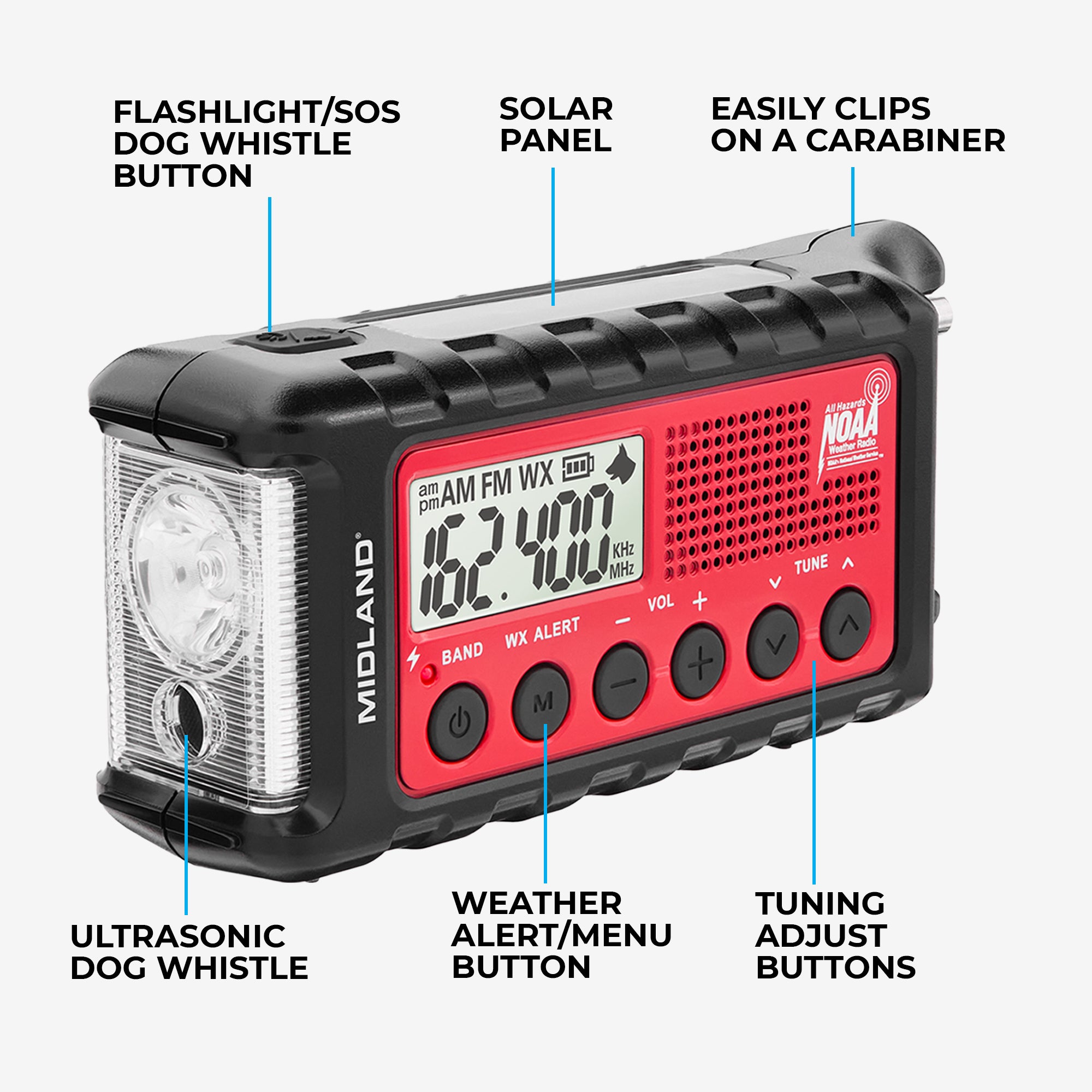
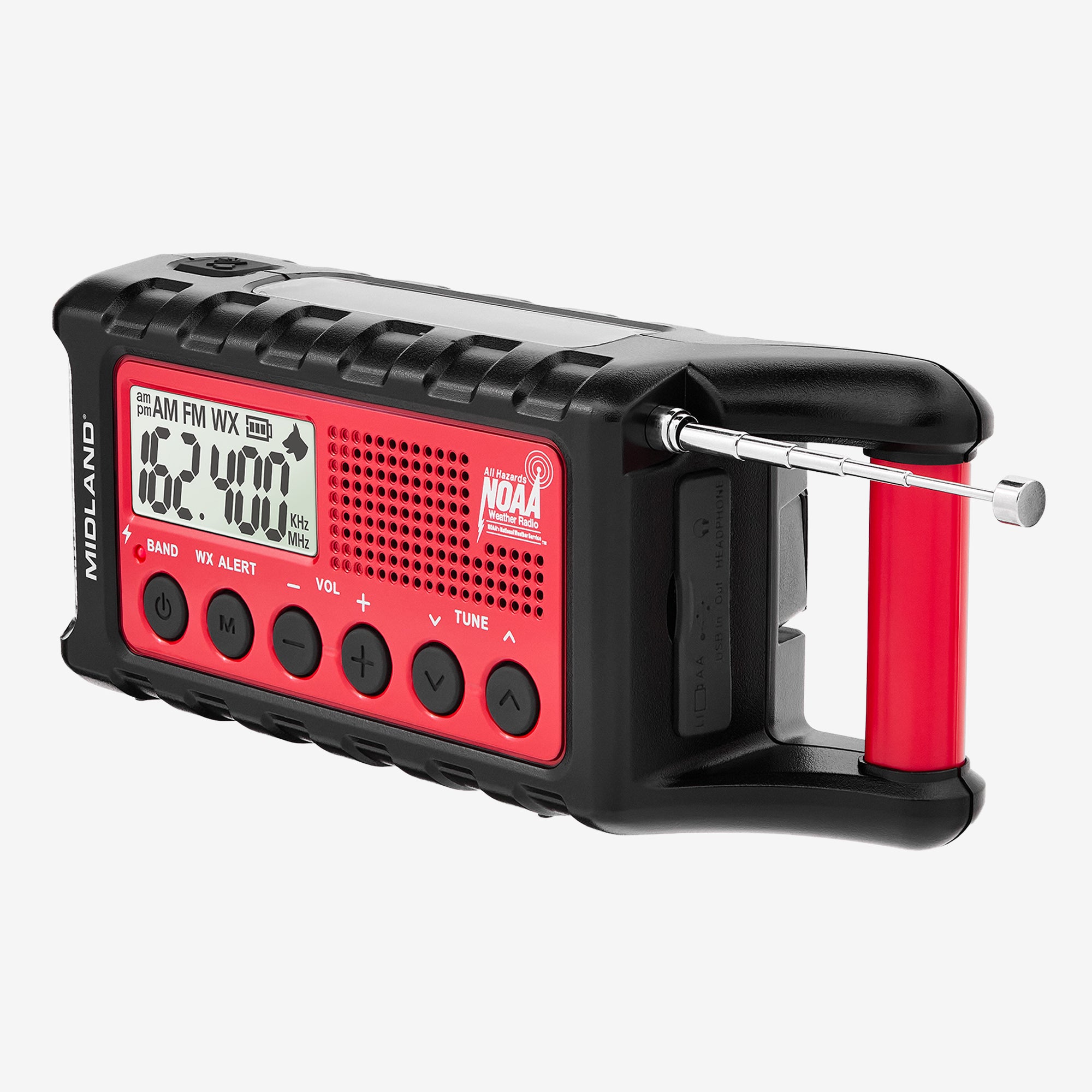
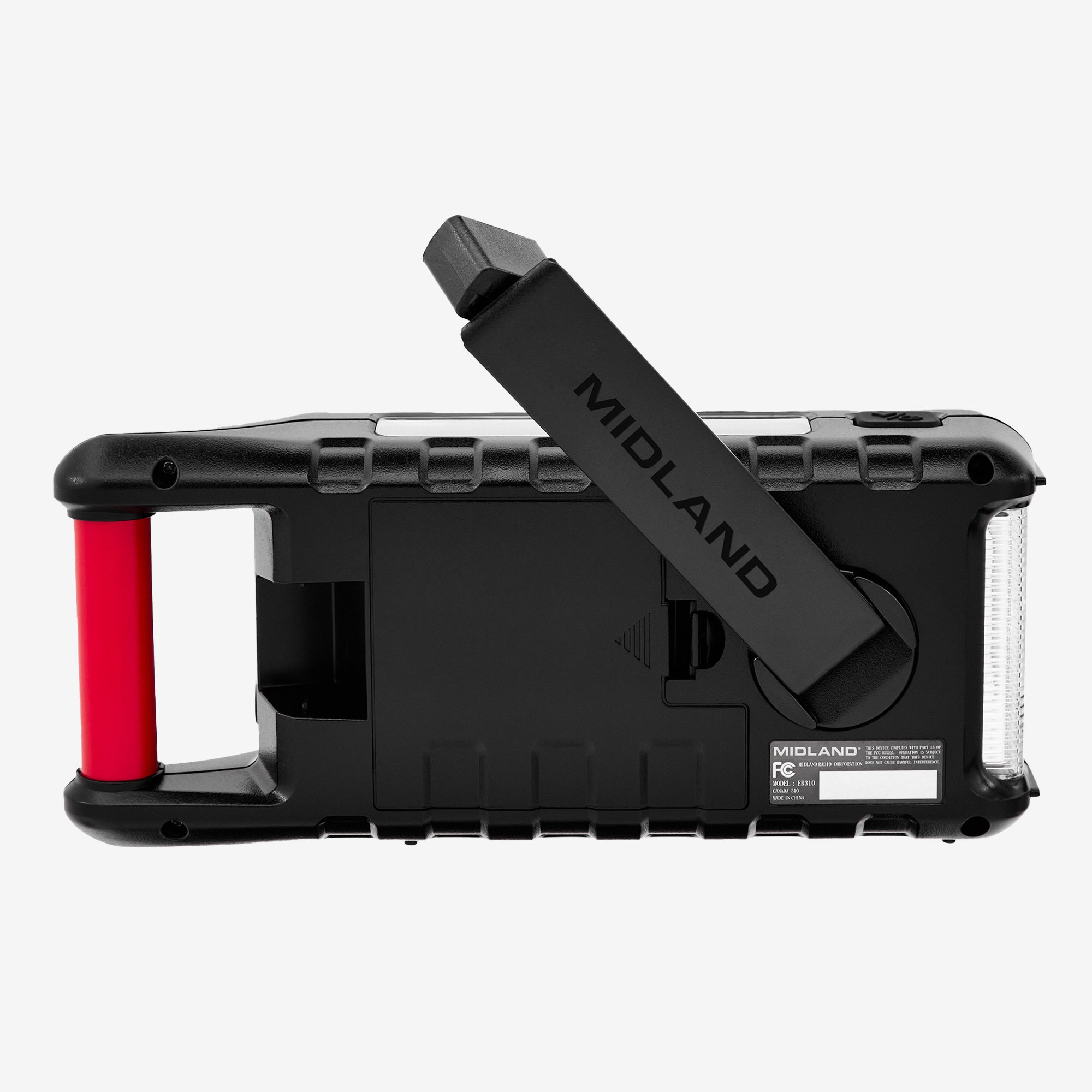
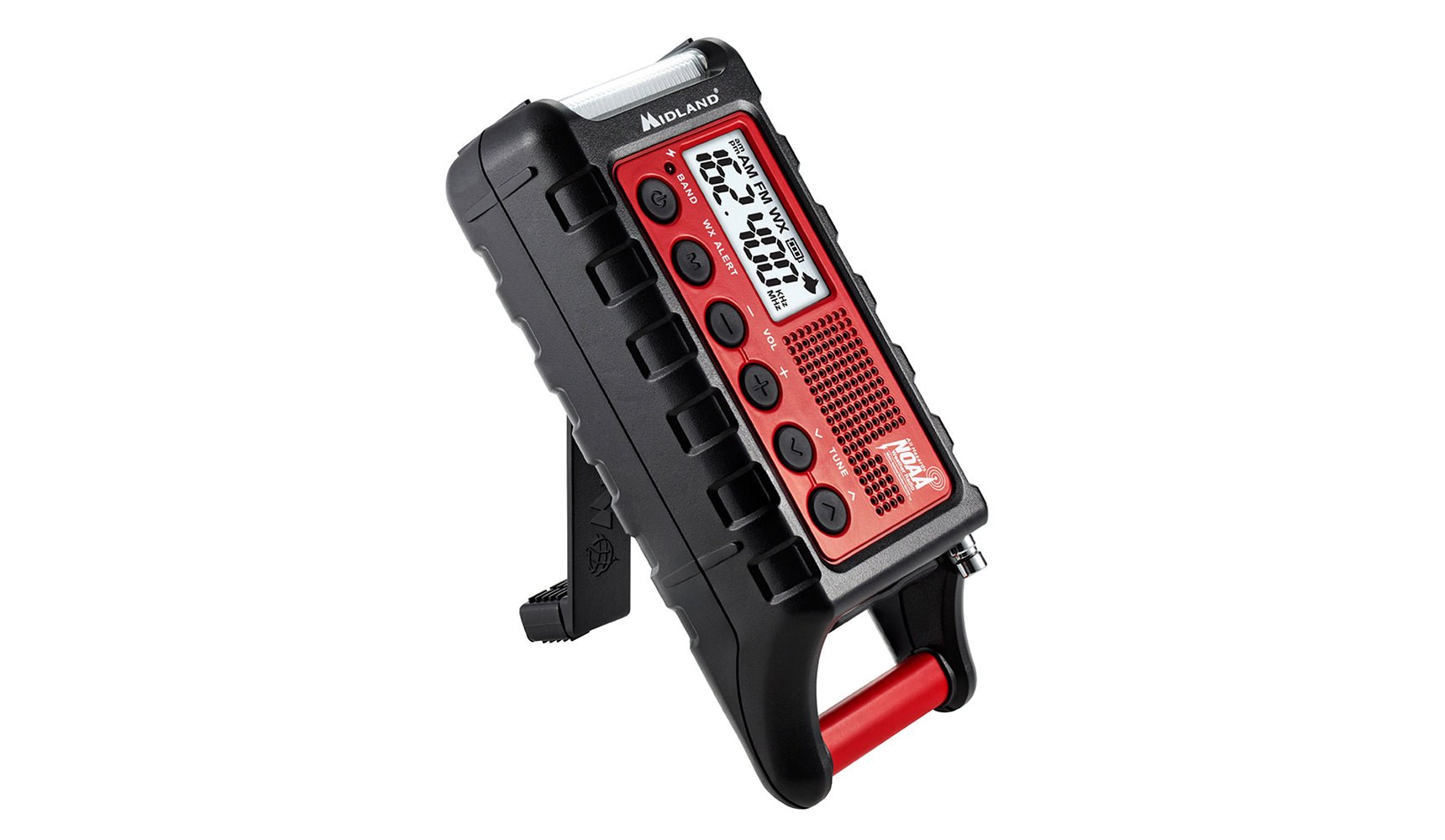
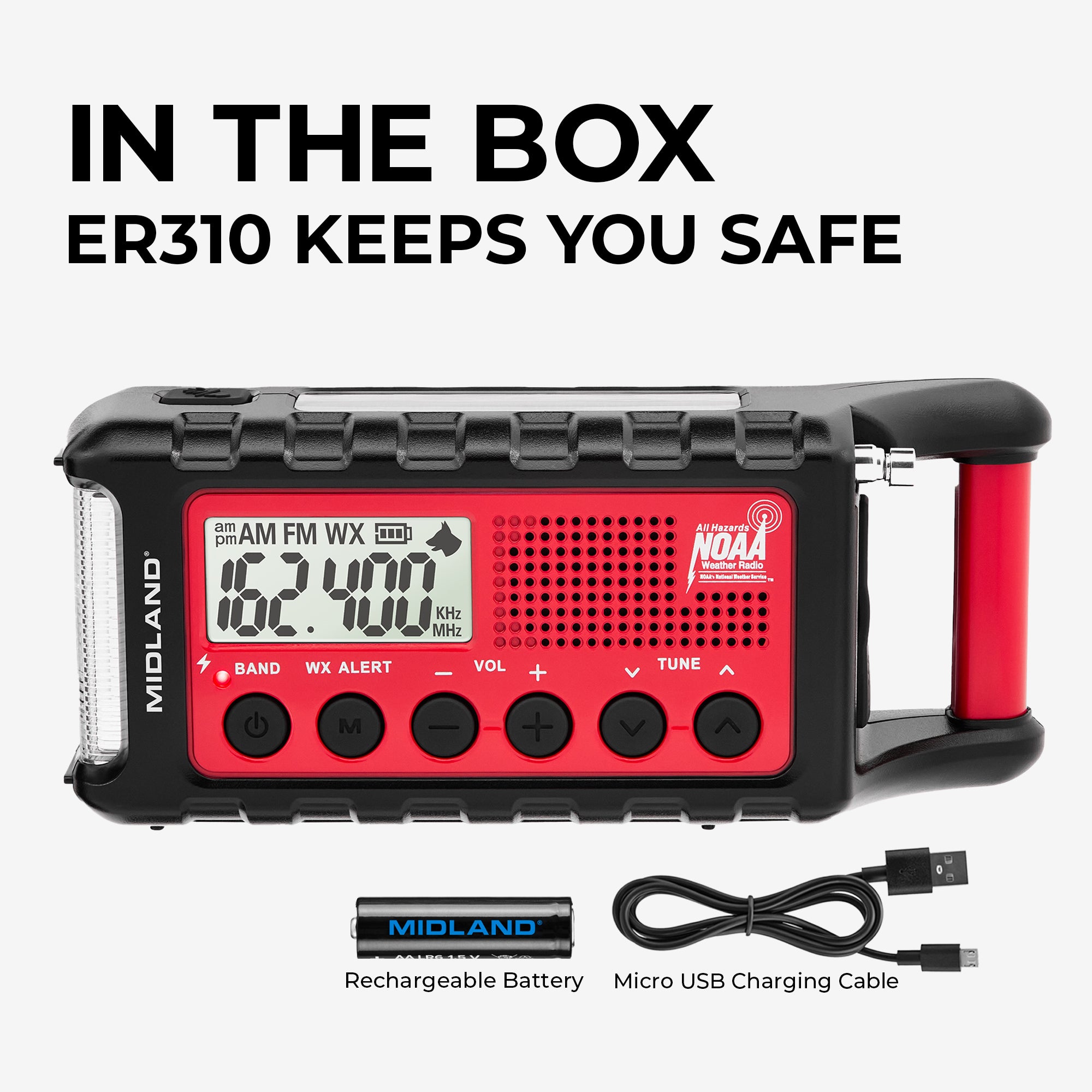
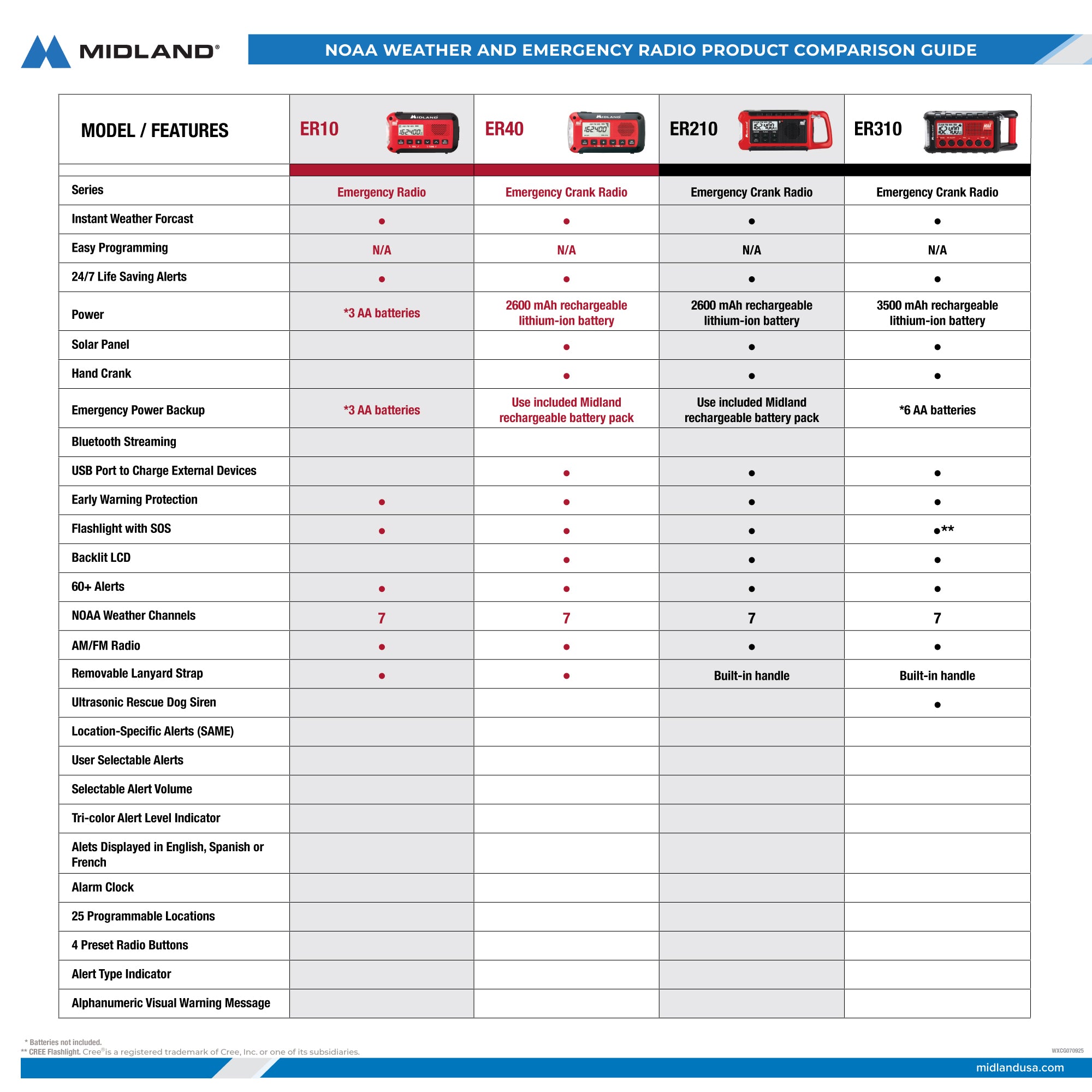
Equipped with a Cree® LED Flashlight with SOS strobe, hand crank, rechargeable battery, solar charging panel, and ultrasonic dog whistle, and long battery life, the ER310 is the perfect dependable device for before, during, and after the storm or emergency.  

Stay Prepared, Enjoy the Fun
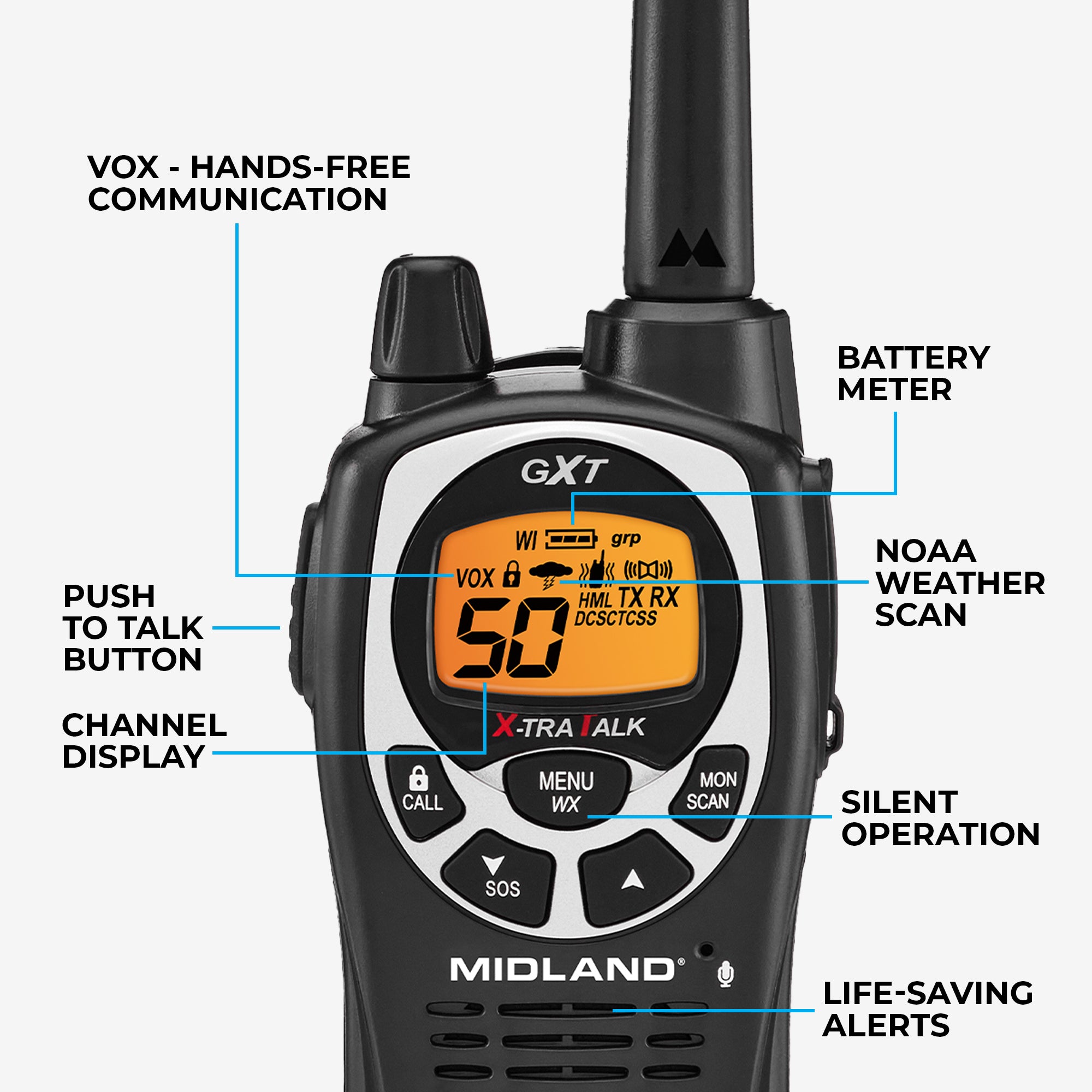
Stay Prepared, Enjoy the Fun

Outside of its emergency alerts and features, the ER310 also comes with FM/AM radio and digital clock making it a great addition to any adventure.

Shop The Accessories

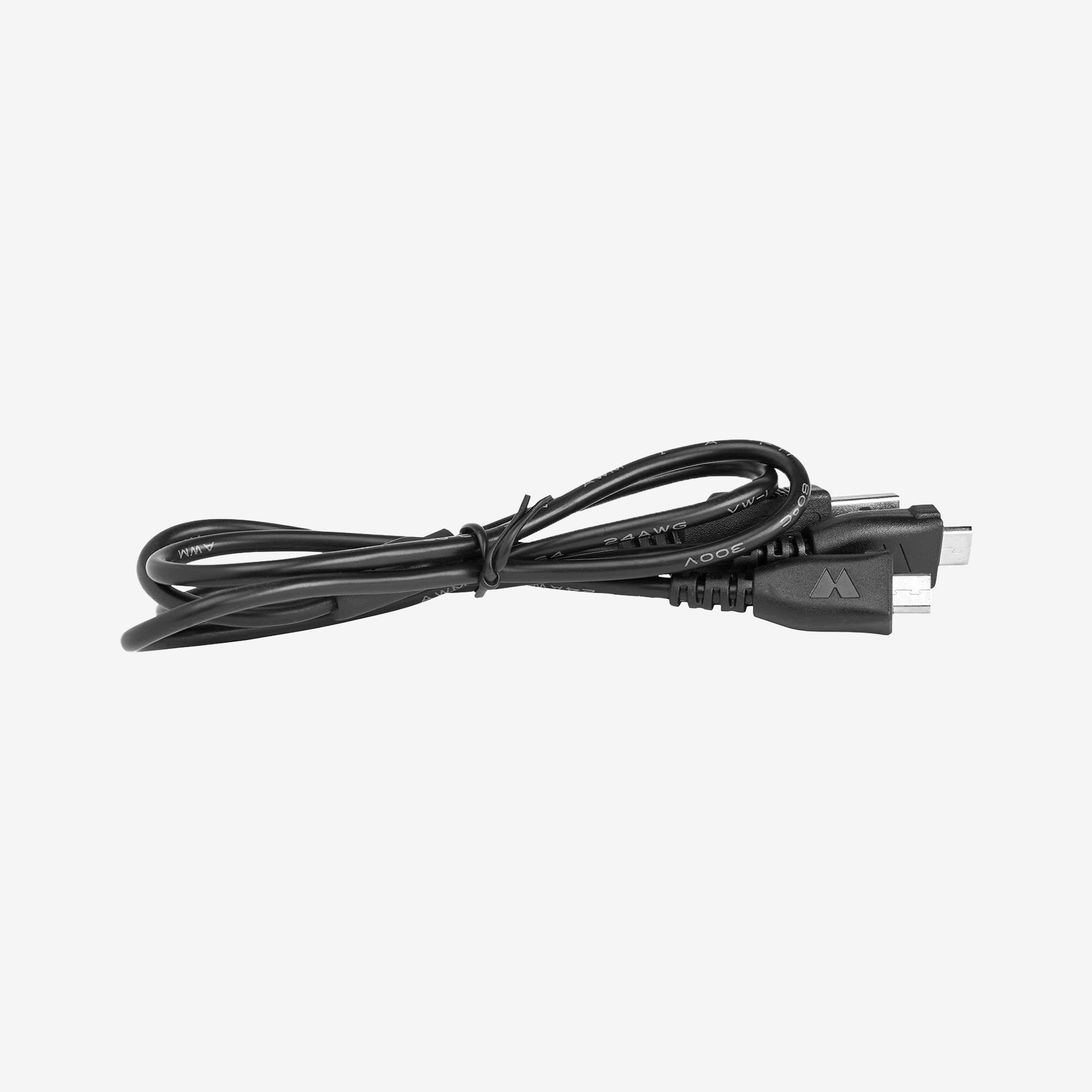
X-Talker USB to Micro USB Y-Charger - AVP26
$14.99
Sold Out
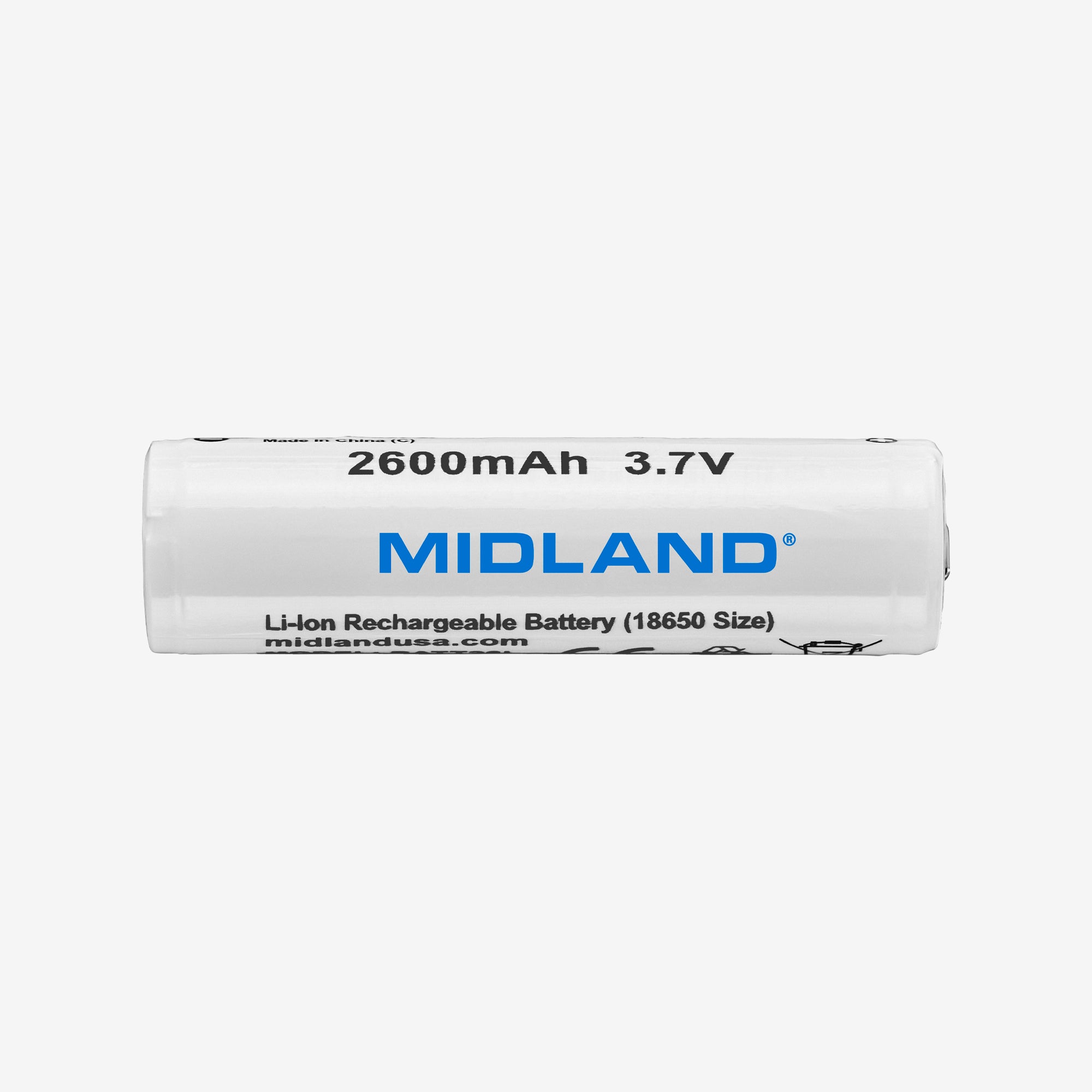
E+Ready‚ Rechargeable Battery - BATT26L
$14.99

FAQ's

Q: The device is fully charged yet when I plug in a cell phone or tablet it will not charge. When I plug in the cable the phone says charging and then immediately stops. The battery section of my phone confirms that. What could be the problem?
A: The ER310 was developed in the early 2000's and was meant to provide an emergency only charge to a mobile device, but the older model devices 10+ years ago had much smaller battery function. The new-gen iPhones (X and greater) and Android devices have batteries that draw too much power from the weather radios and because the weather radios are meant to be life-saving emergency devices, they will not charge a device at the expense of its own battery.
Q: How can I power off my ER310?
A: The ER310 can only be powered off fully by removing the battery.
Q: I've had my radio in the sun for several hours and it's not recharging. What's wrong with it?
A: The solar panel isn't intended to charge the battery from a low or discharged state. Instead, it is meant to extend the charge of a fully charged battery. It is best to fully charge via the USB cord and then place the radio in a sunny spot. Typically this will allow you to go 2-3 weeks between charges, whereas not keeping it in a sunny place will only yield about a week's worth of charge.
Q: How do I navigate the menu settings?
A. To access the menu, press and hold the M WX Alert button for 2 seconds. The radio will flash “hr. 12” first. To move to each menu setting, press the M WX Alert button again A1. First Menu Setting: 12 hour or 24-hour clock The radio will say “hr 12” for a 12-hour clock. By pressing the up or down arrow, the radio will show “hr 24” to set the clock in 24-hour time A2. Second Menu Setting: Setting the time The hour will flash; you can use the UP or DOWN arrow to select the correct hour. *Note: when using 12-hour time, the radio will have a.m. or p.m. showing on the upper lefthand corner. To switch between a.m. and p.m., you will need to cycle all the way through. For example, if your radio reads 10:00 a.m. and you need it to read 10:00 p.m., you should press and hold the down button until you pass 12, switching the radio to PM, then continue until you get to 10:00 A3. Third Menu Setting: Backlight The radio will show “bl:5”. When using the UP and DOWN arrows, you will have 3 options: 5, ON, and OFF The backlight will turn on for 5 seconds when a button is pressed and then turn off On: The backlight will always be on Off: The backlight will always be off A5. Fourth Menu Setting: Weather Channel Display Option The radio will show WX at the top of the screen and “FR” will be flashing. The radio has 2 options, “FR” and “CH”. FR: When listening to the weather broadcast, the radio will show the broadcast frequency CH: When listening to the weather broadcast, the radio will show the channel
Q: How do I turn the radio off? Pressing and holding the BAND button does not power it down.
A: The ER310 is meant to stay on 24/7. Pressing and holding the BAND button will pause/stop the weather or AM/FM radio that is playing, but the screen will stay on and show the time. If you wanted to store the radio in a powered-down state, you will need to remove the battery and store it separately
Q: How can I switch between AM, FM, and Weather?
A: If the radio is currently not playing, you can press and release the BAND button. This will begin playing the band and station you had last used. Let’s say I was last listening to AM radio. If I press and release the BAND button, it will change to FM. Once more, and it will change to WX.
Q: How long will it take solar power to fully charge the radio?
A: The solar power charging is not as powerful as USB charging and not meant to fully charge the radio. The radio operates best when charged overnight with the USB charger, then put in a sunny place. Typically, this will allow the radio to go 2-3 weeks in between full USB charges, whereas not keeping it in a place where it is getting solar exposure gives approximately only a week of charge. You will need to charge the radio using the USB charger first, as solar power alone will not charge a dead battery. Solar power will also likely not make your battery bar indicator increase.
Q: Can I customize the alerts I receive?
A: The ER310 does not have the option to customize alerts. When WX is enabled, the radio will receive all alerts for your area, including the weekly test.
Q: I am not getting weather alerts, what is wrong with my radio?
A: First, make sure the WX is flashing on the top of the screen. If it is not, short press the WX M button. Secondly, when listening to the broadcast, you will want to make sure that you are listening to the correct channel for your county. To check which channel you should be using, click here and select your state, then your county. If there are multiple channels available for your county, choose the one that comes in the clearest on the radio.
Q: Why won’t the radio charge my phone?
A: These ER radios have a mAh (milliampere-hour, which is a unit of measurement for the amount of electrical charge a battery can store) of 2600 mAh. A newer iPhone could very easily take 4000 all the way to 8000 mAh. Older phones, which would have been more commonly used when this radio was first designed, have a lower battery capacity. A 2600 mAh battery trying to fill something that takes, say, 4000 mAh, all while maintaining its own power will likely not even move the needle at all, but maybe just one percentage on these new, much more powerful devices. we all use today.
Q: What voltage AC adapter should I use?
A: The ER310 comes with a supplied micro USB micro-USB cord, but it does not come with an AC adapter. Use a 5V adapter to charge the radio.
Q: Should I hear anything when I activate the dog whistle (search and rescue alert)? ?
A: The dog whistle feature is intended for search and rescue dogs to find you in the event of a natural disaster. When activated, the whistle emits a noise above the frequency most humans can hear. The whistle is intended to be used with trained dogs only. It is not quite the same as a training dog whistle, and your own dog may have little to no reaction upon hearing it.
{"statementLink":"","footerHtml":"","hideMobile":false,"hideTrigger":false,"disableBgProcess":false,"language":"en","position":"left","leadColor":"#146ff8","triggerColor":"#146ff8","triggerRadius":"50%","triggerPositionX":"right","triggerPositionY":"bottom","triggerIcon":"people","triggerSize":"medium","triggerOffsetX":20,"triggerOffsetY":20,"mobile":{"triggerSize":"small","triggerPositionX":"right","triggerPositionY":"bottom","triggerOffsetX":10,"triggerOffsetY":10,"triggerRadius":"50%"}}
false