
Life-Saving Alerts

Life-Saving Alerts

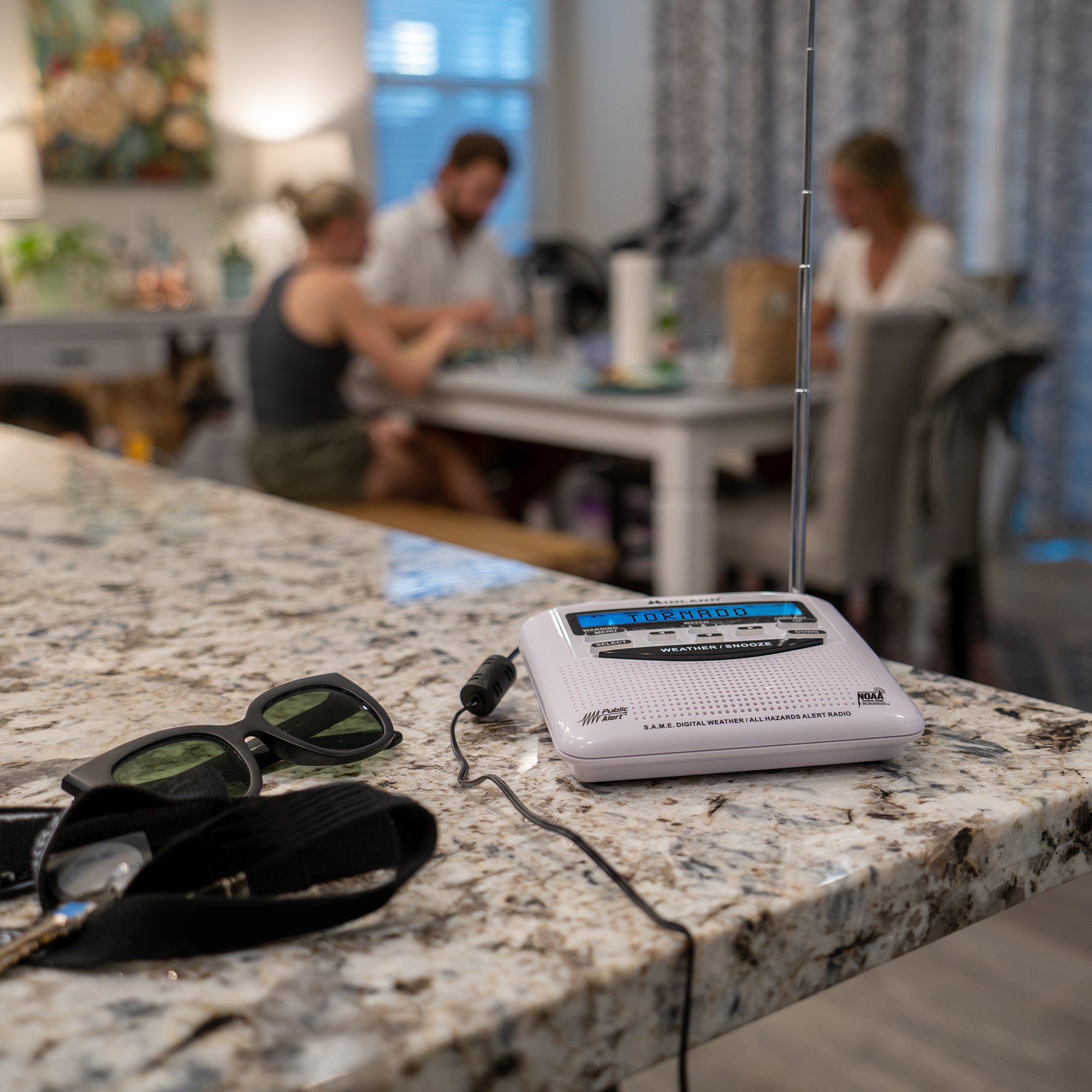
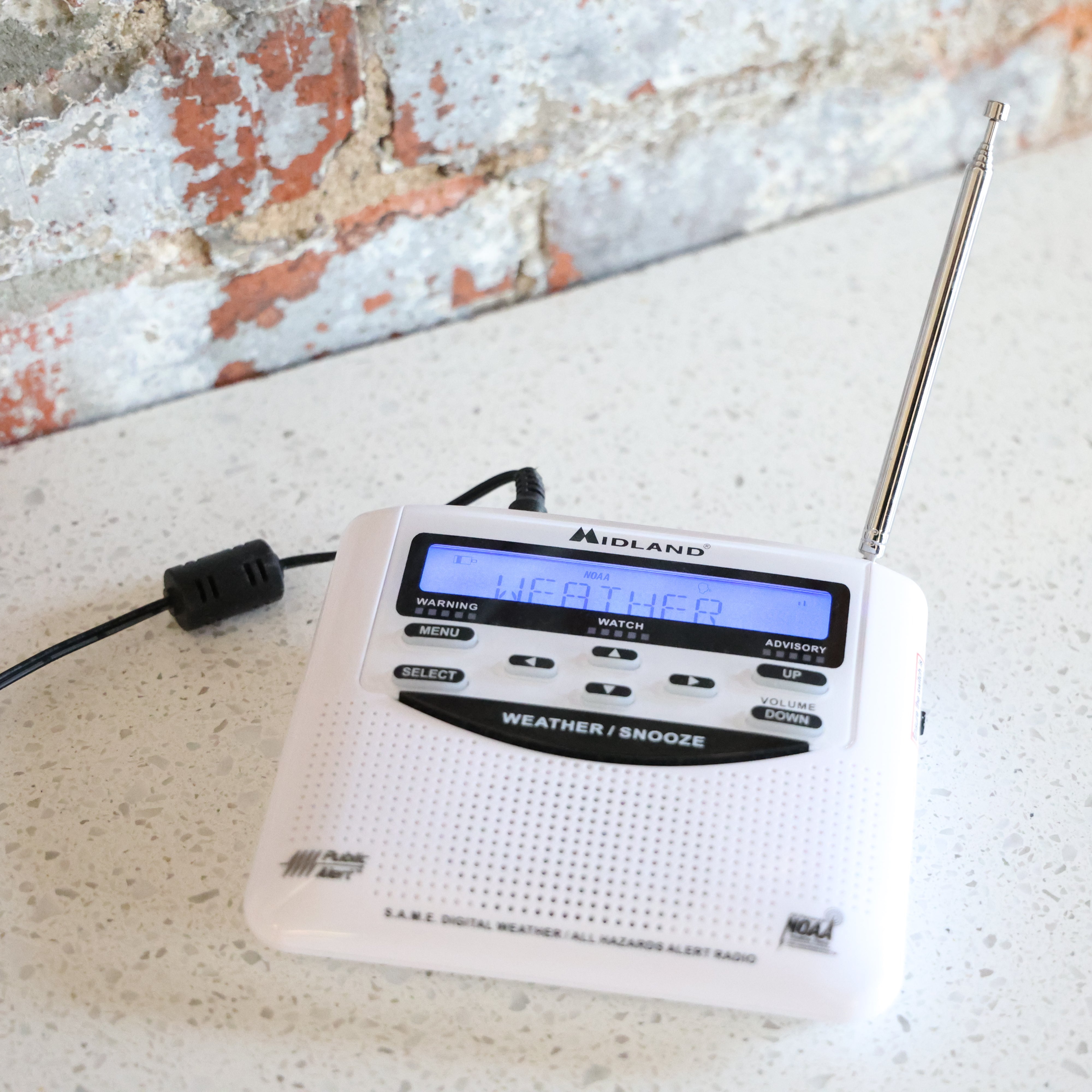
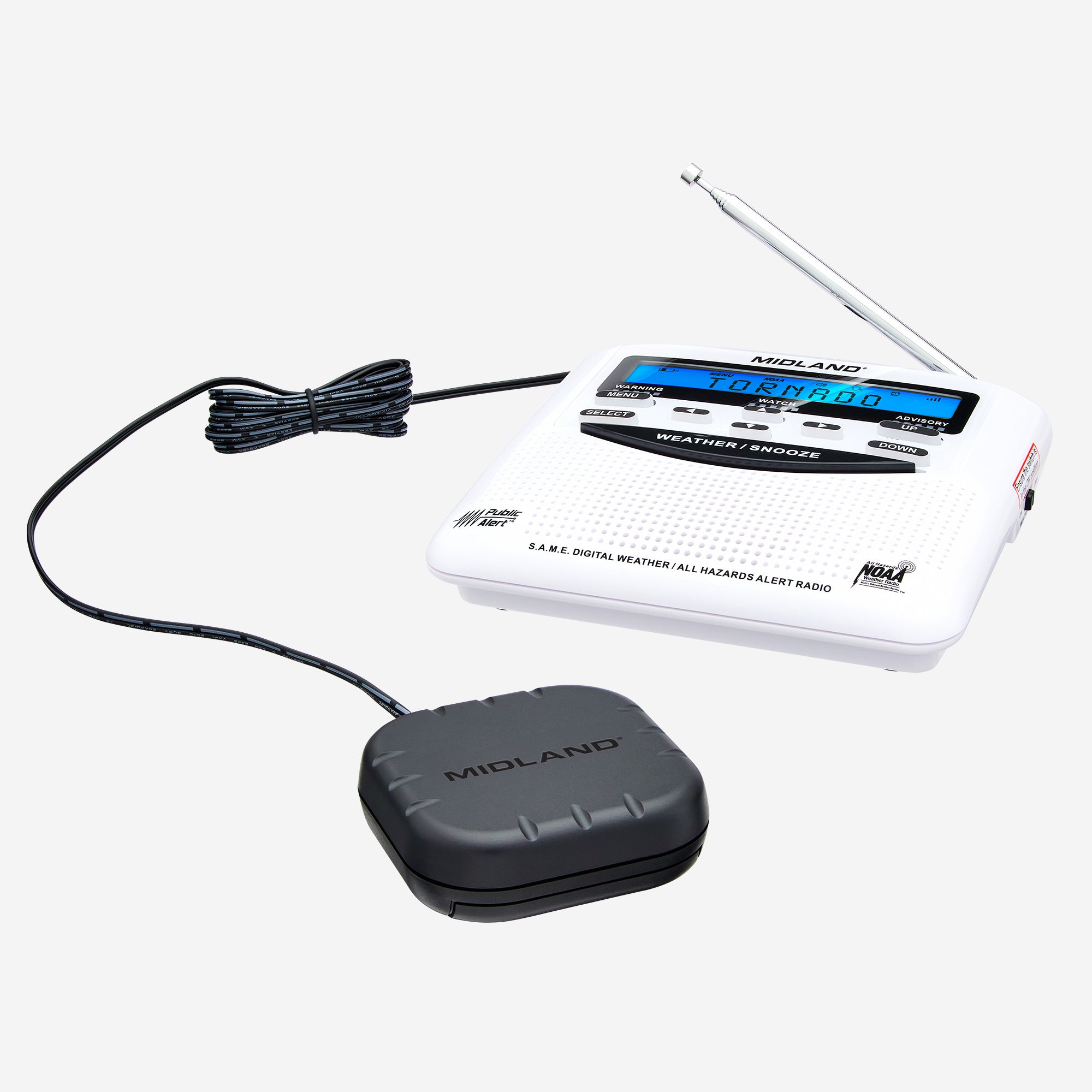
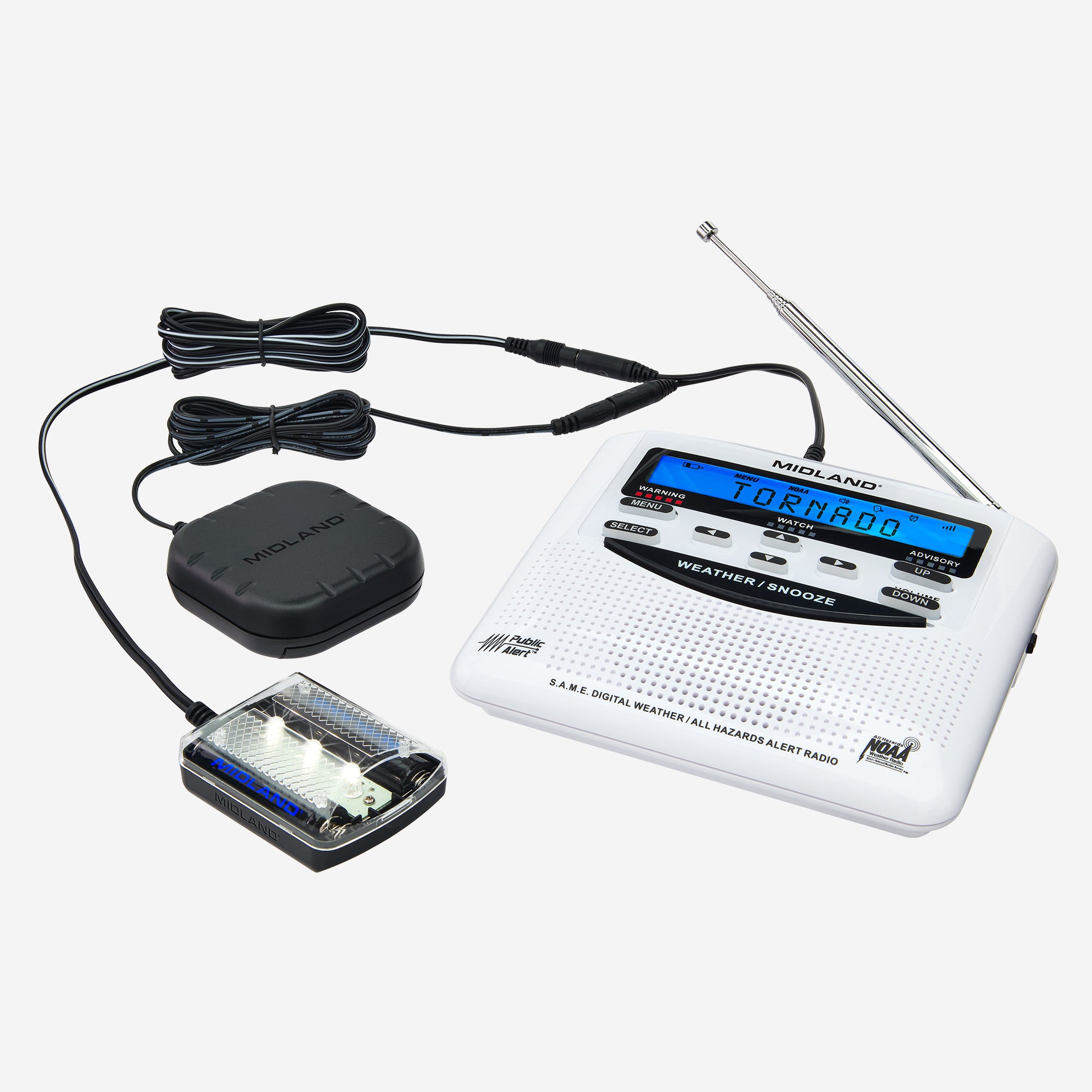
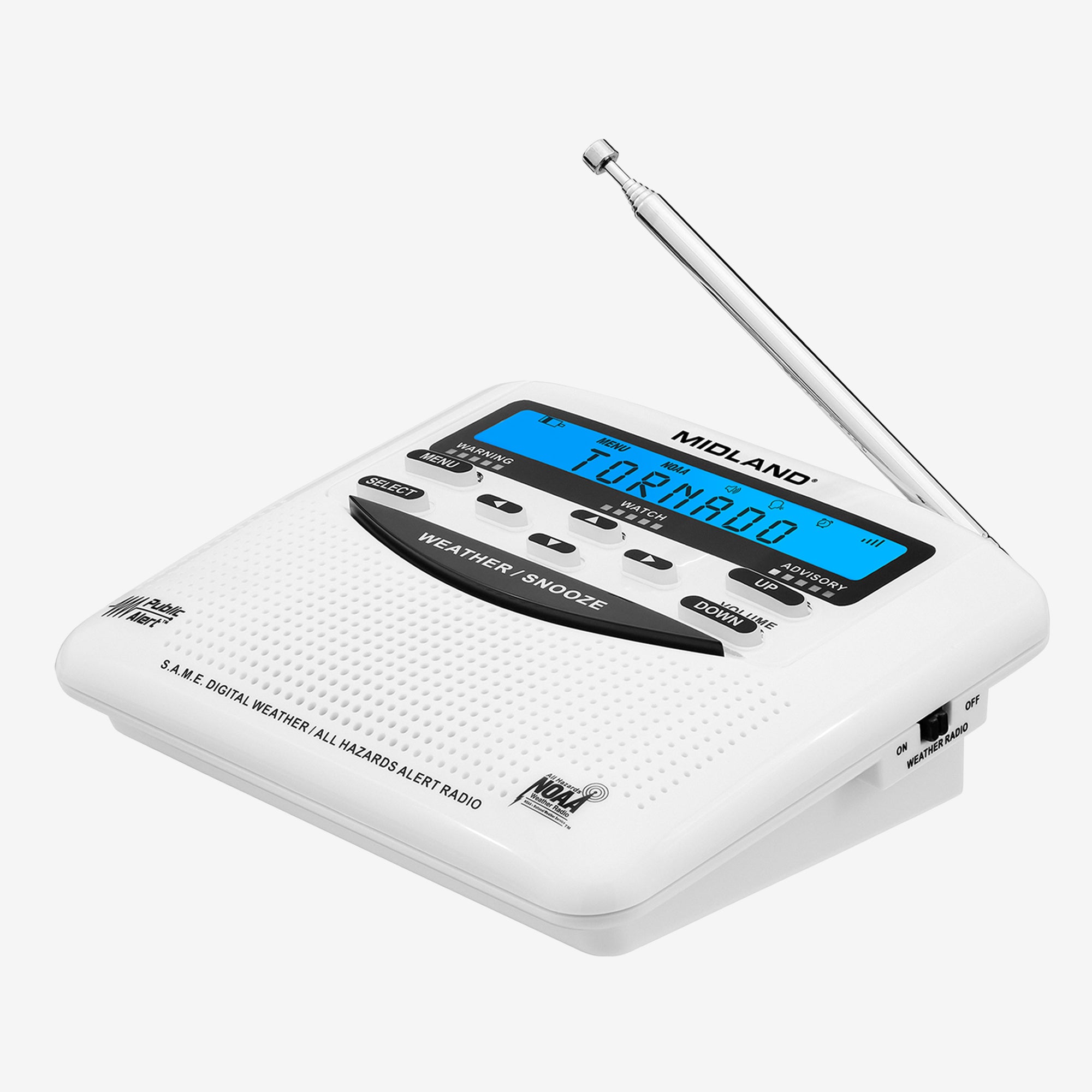
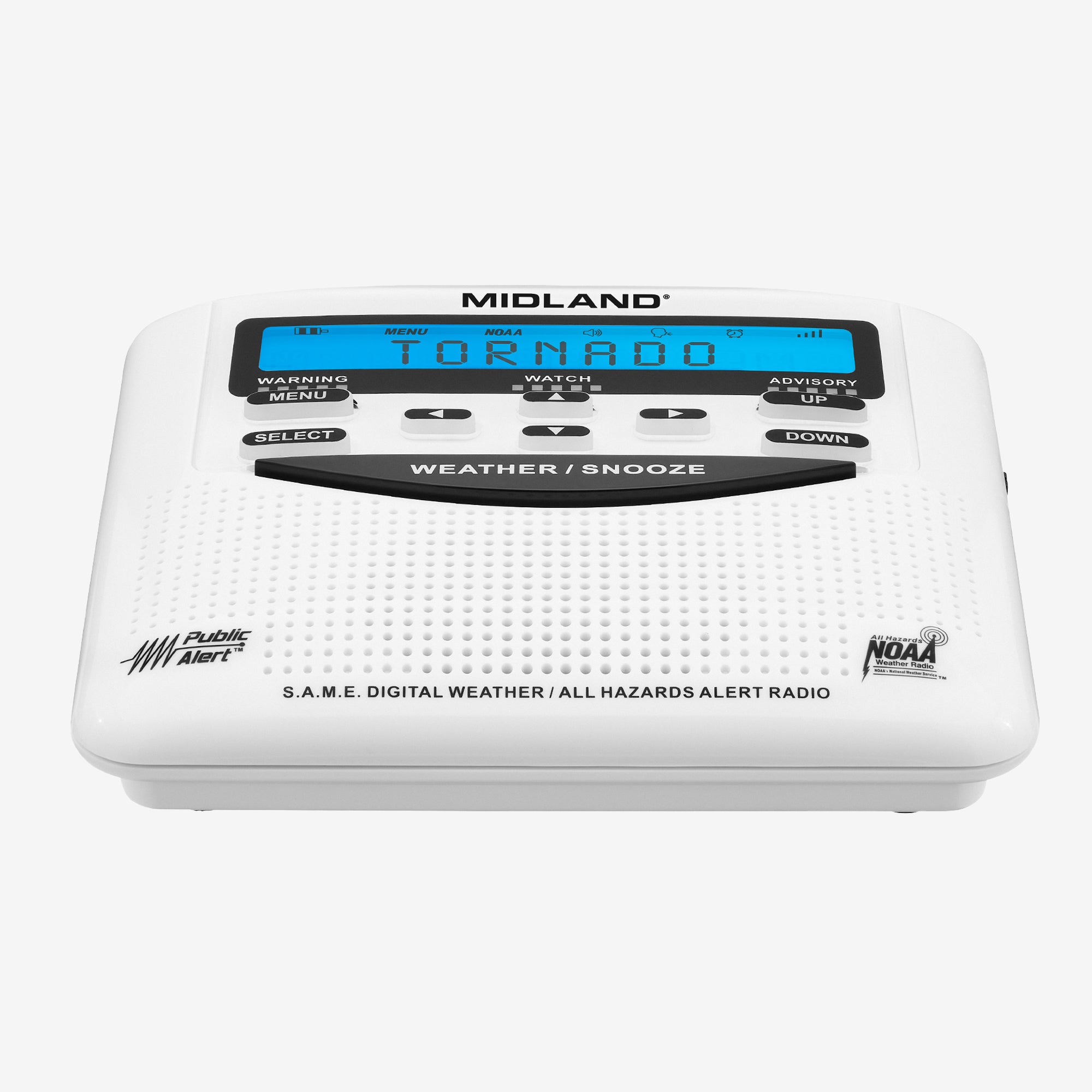
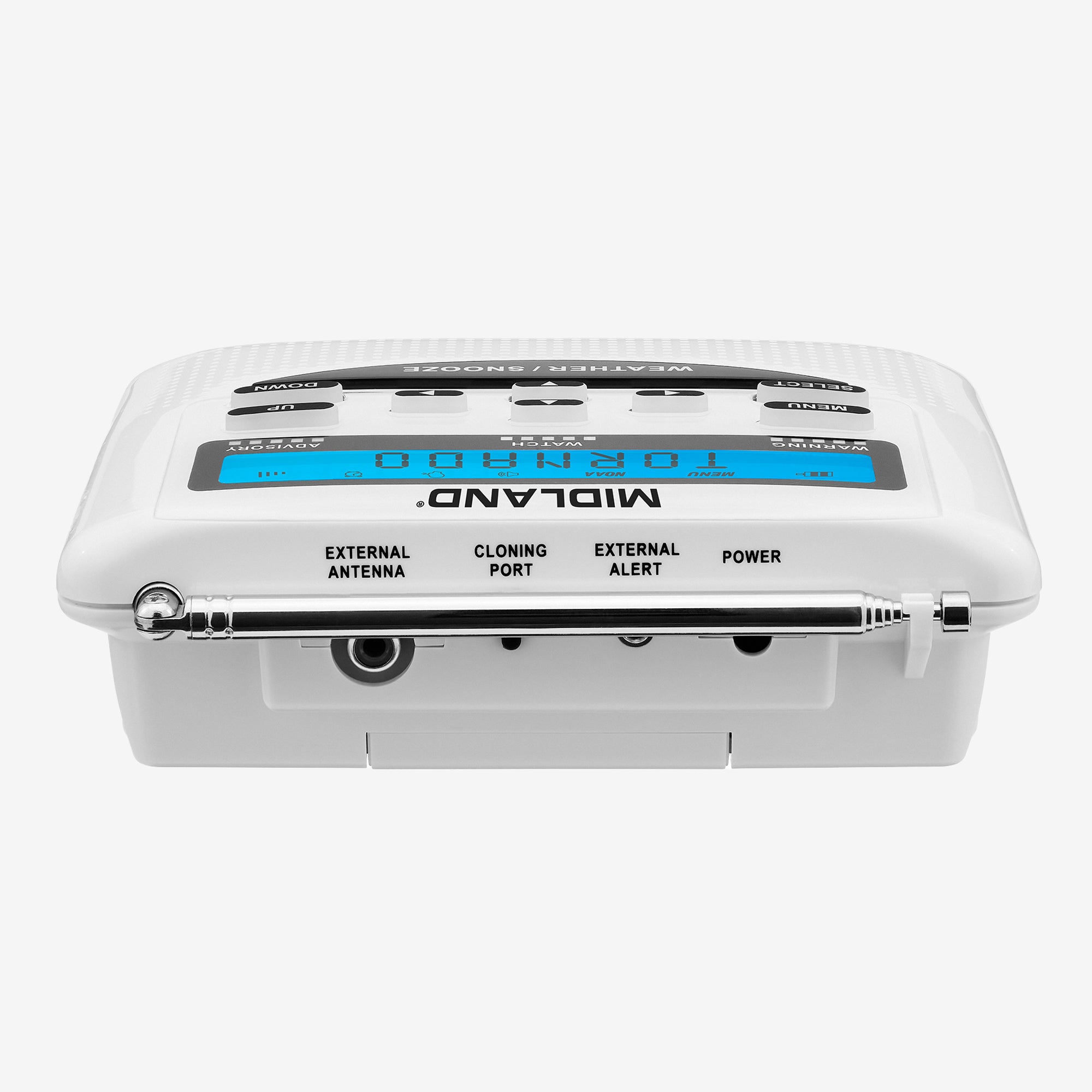
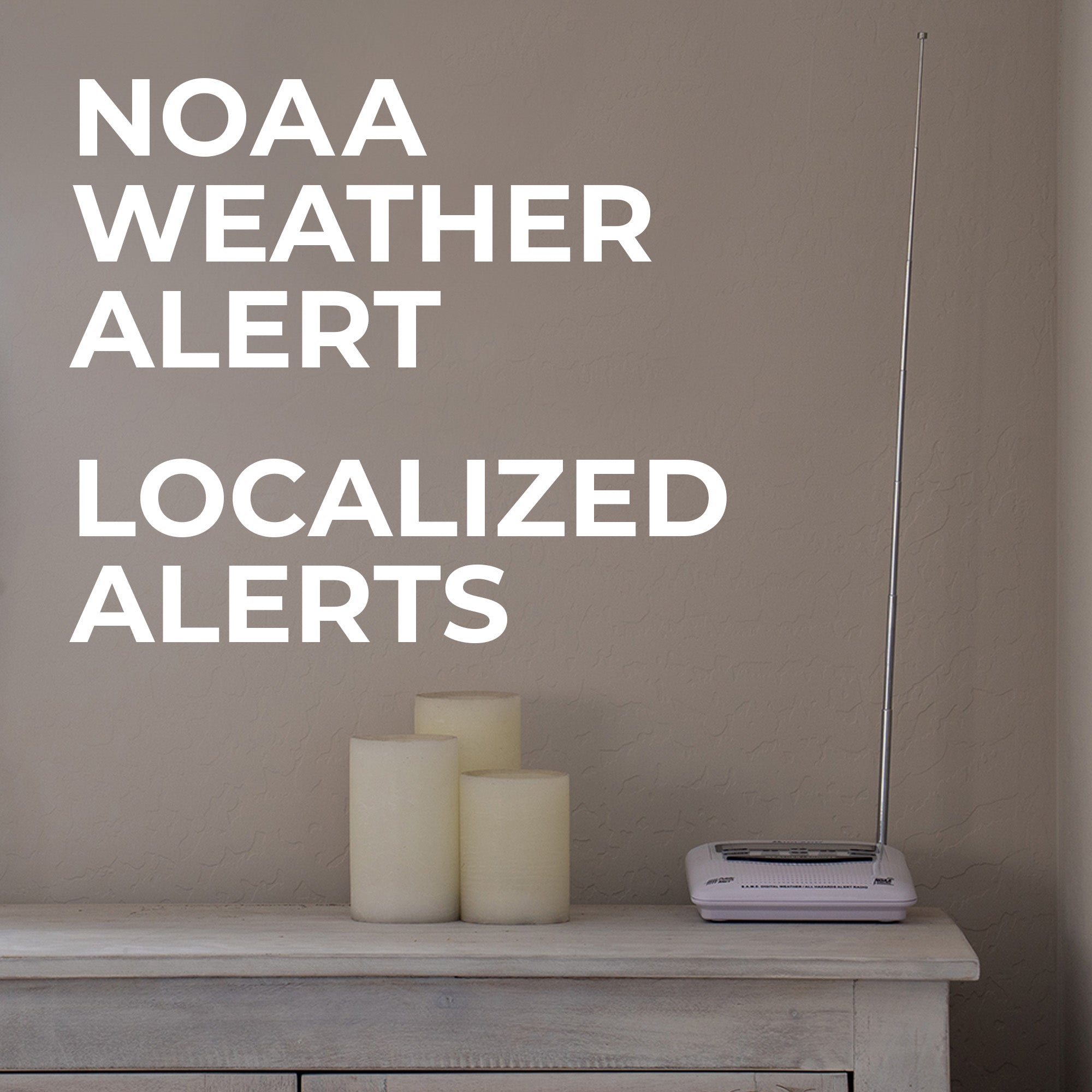
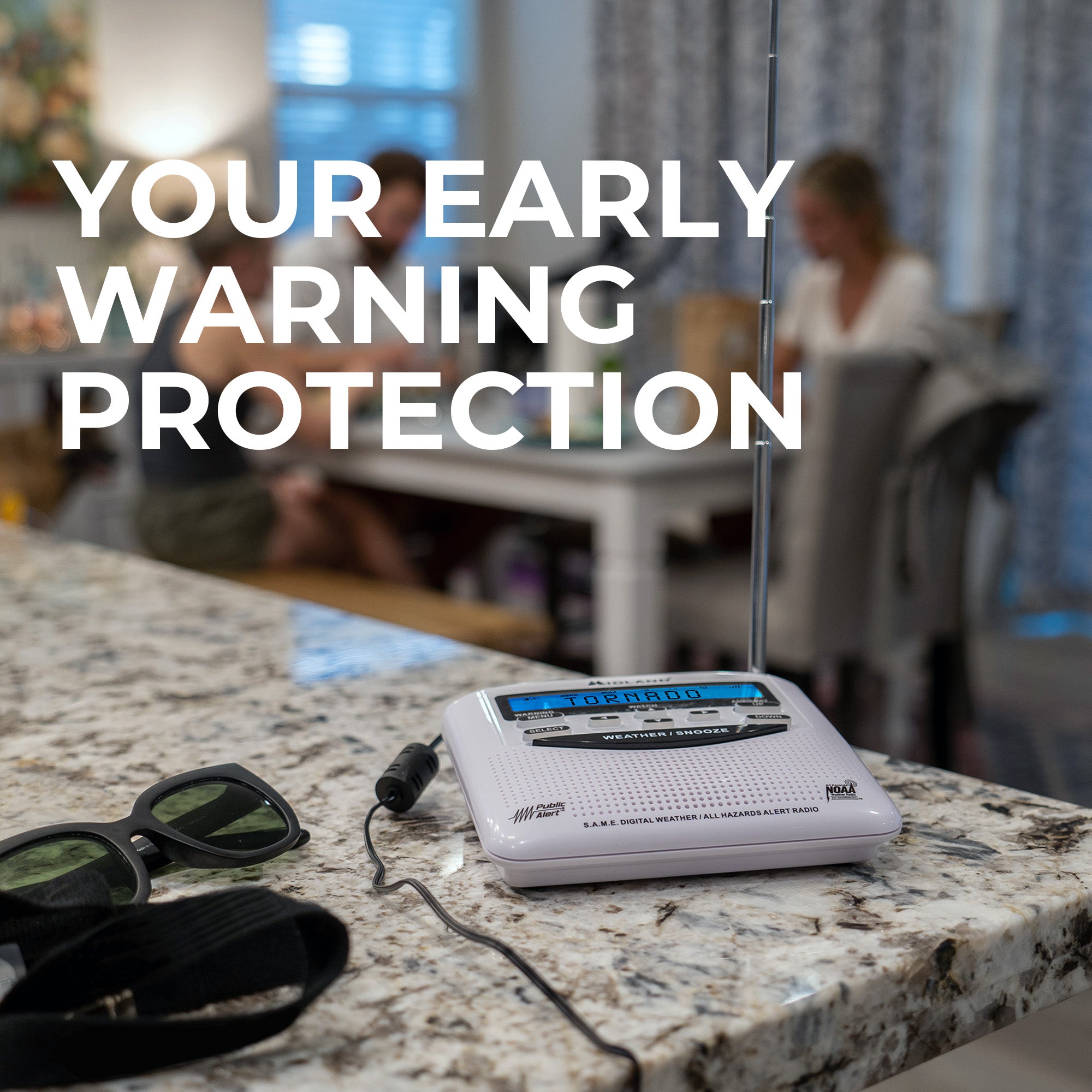
Stay informed and prepared with the WR120 NOAA Weather and Emergency Alert Radio. This compact and reliable radio receives NOAA weather alerts for your area, ensuring you are always in the know about severe weather conditions close by.

Through the Storm

Through the Storm

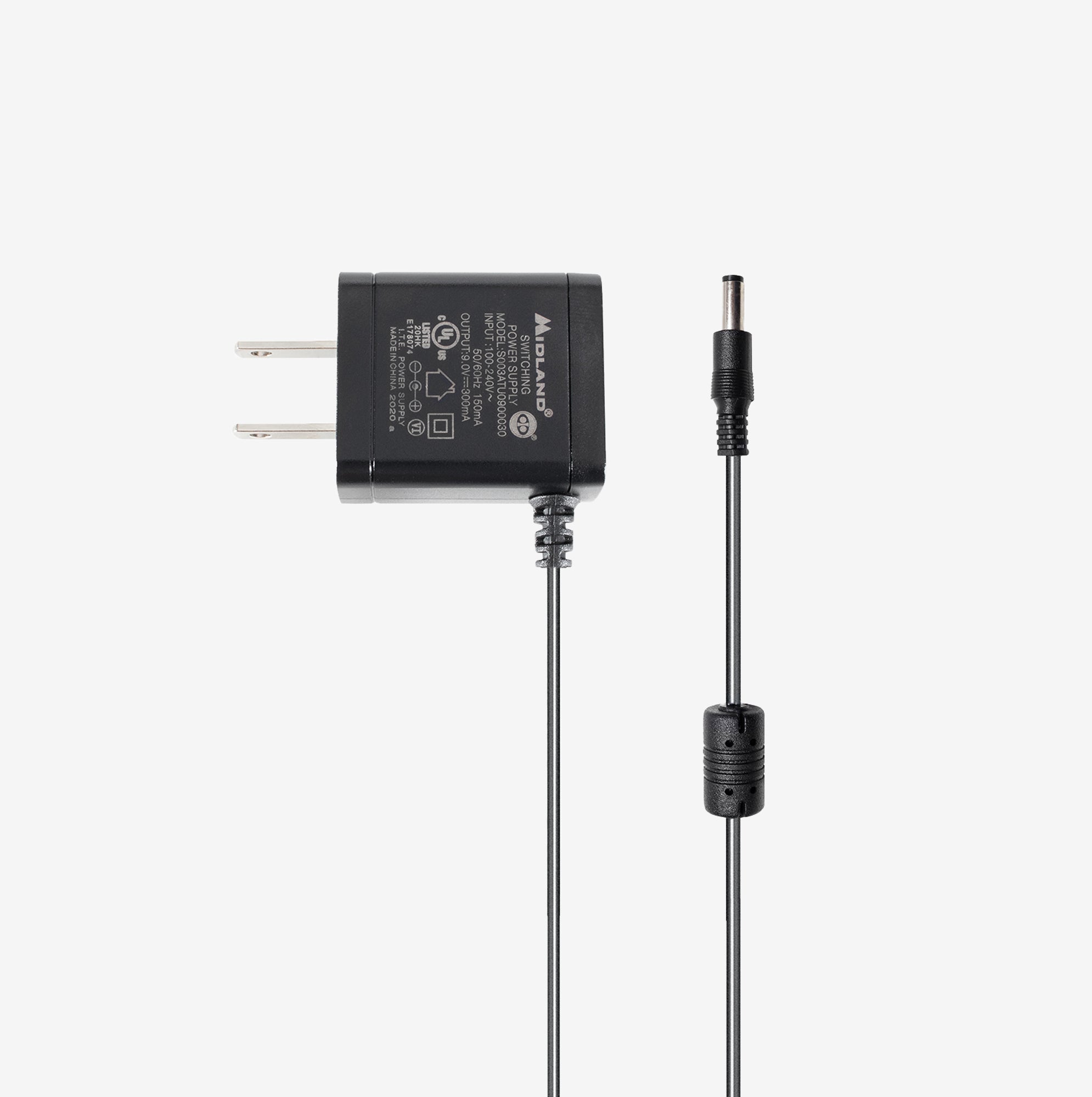
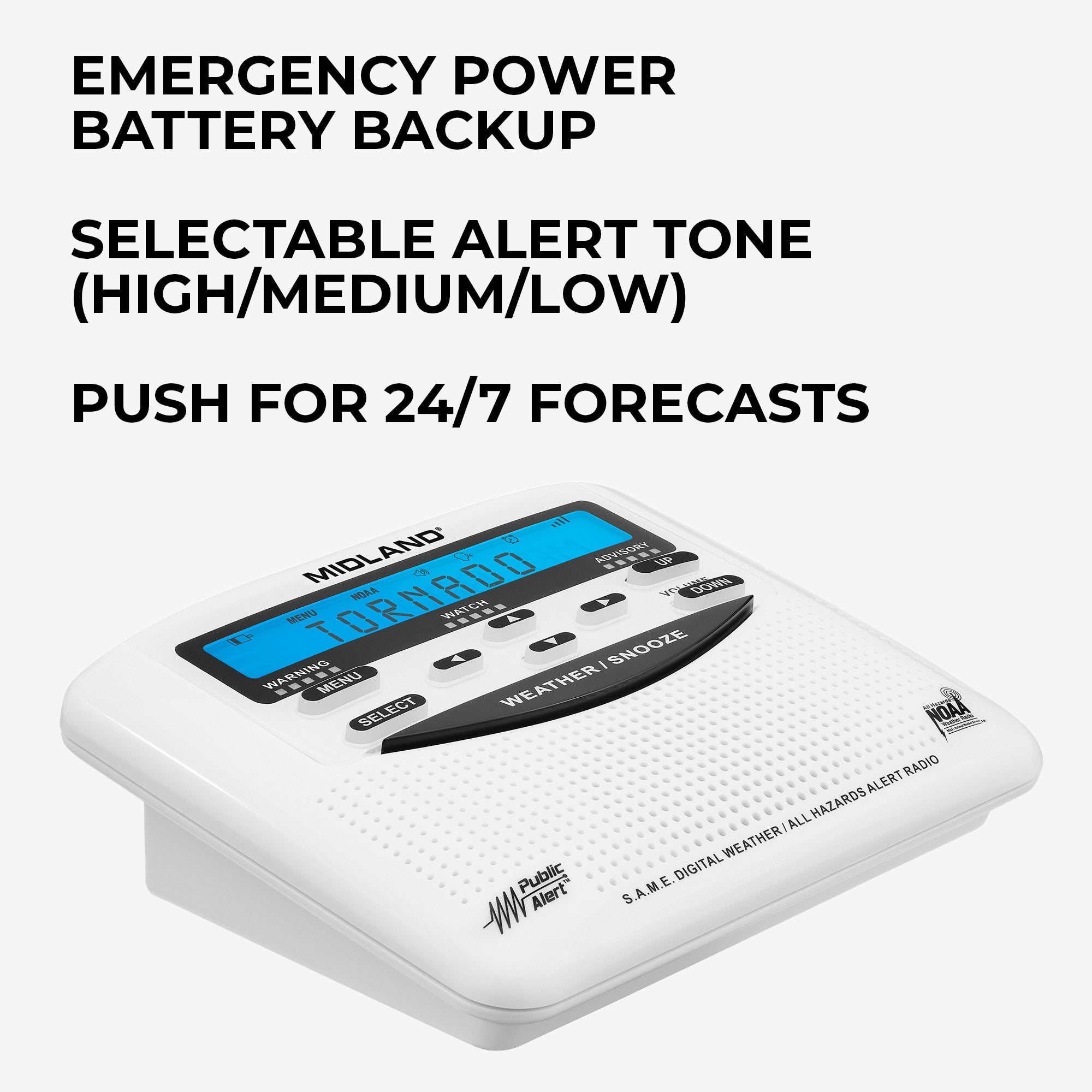
Don't worry if the power goes out, the WR120 has multiple power sources to keep you aware through the worst of it. Also equipped with customizable alerts, alert override, time and alarm clock, and editable loud alert sirens.

Stay Prepared, Enjoy the Fun
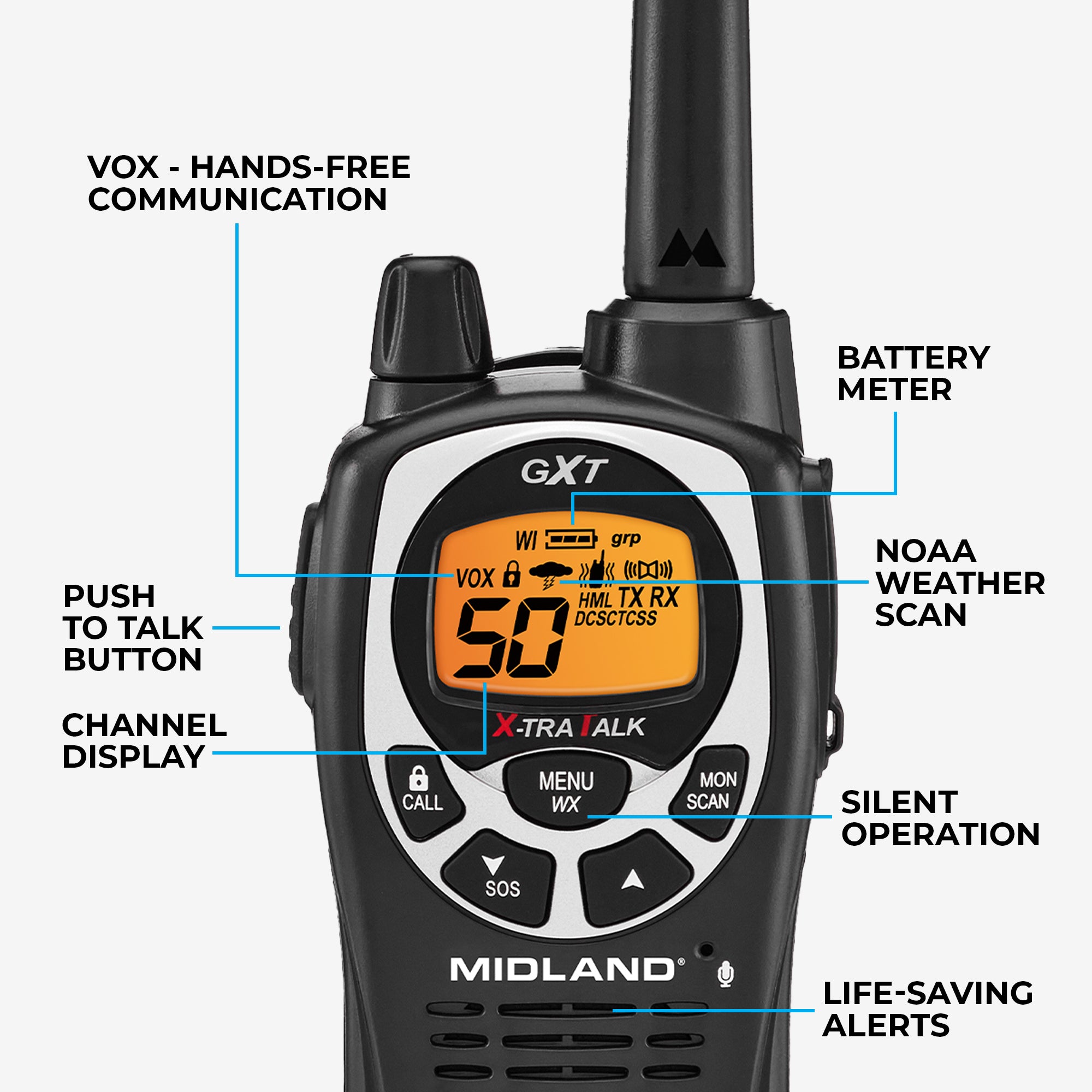
Stay Prepared, Enjoy the Fun
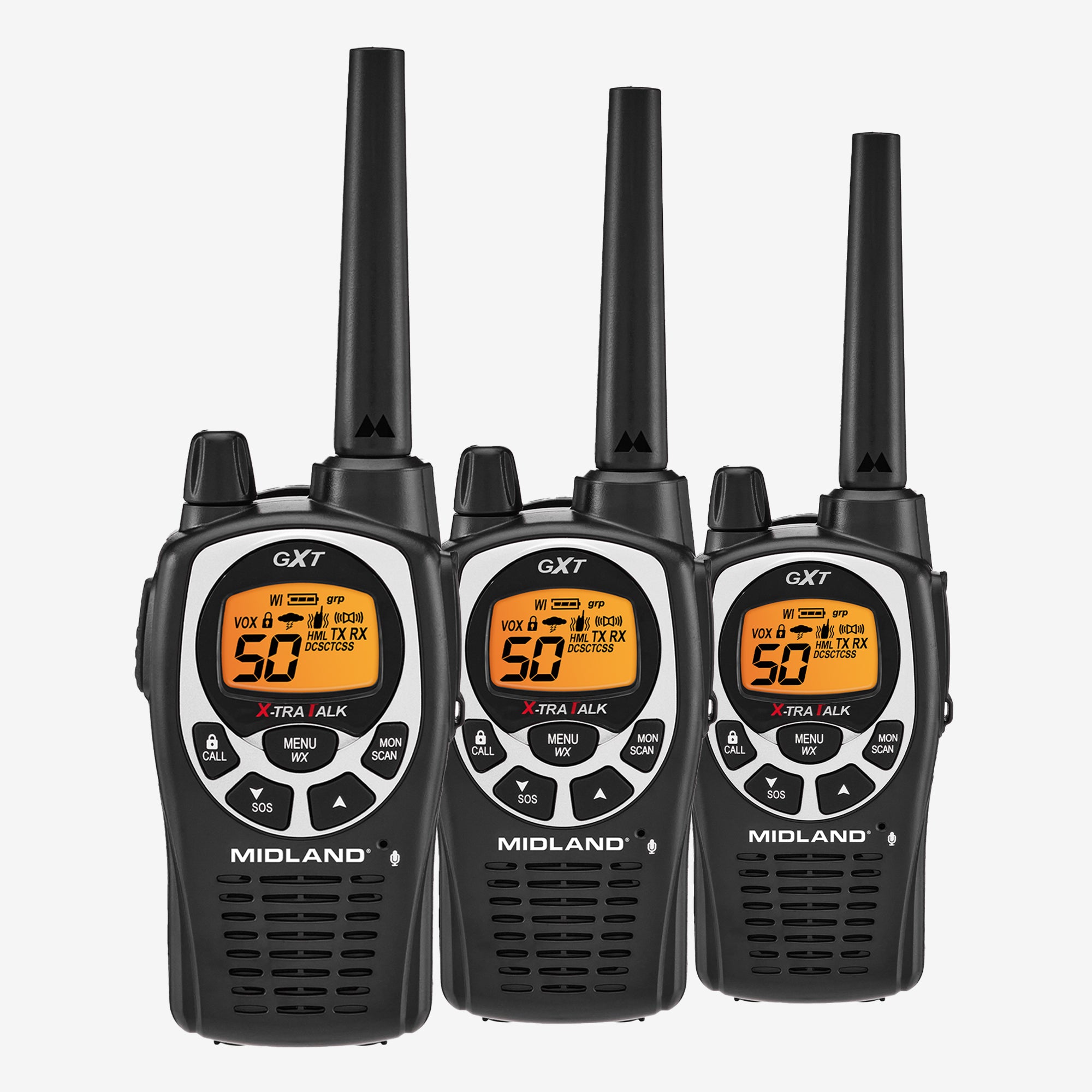
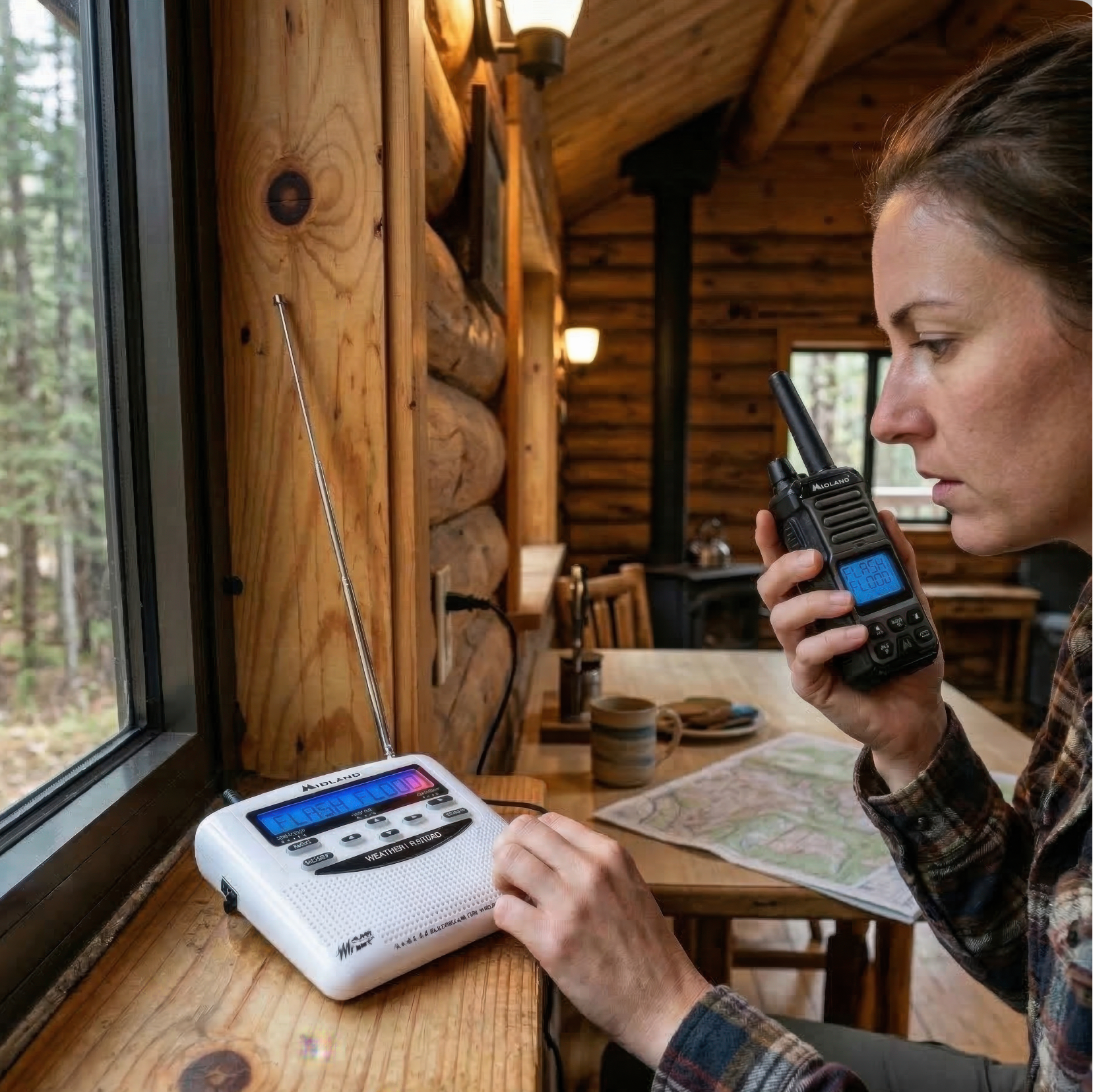
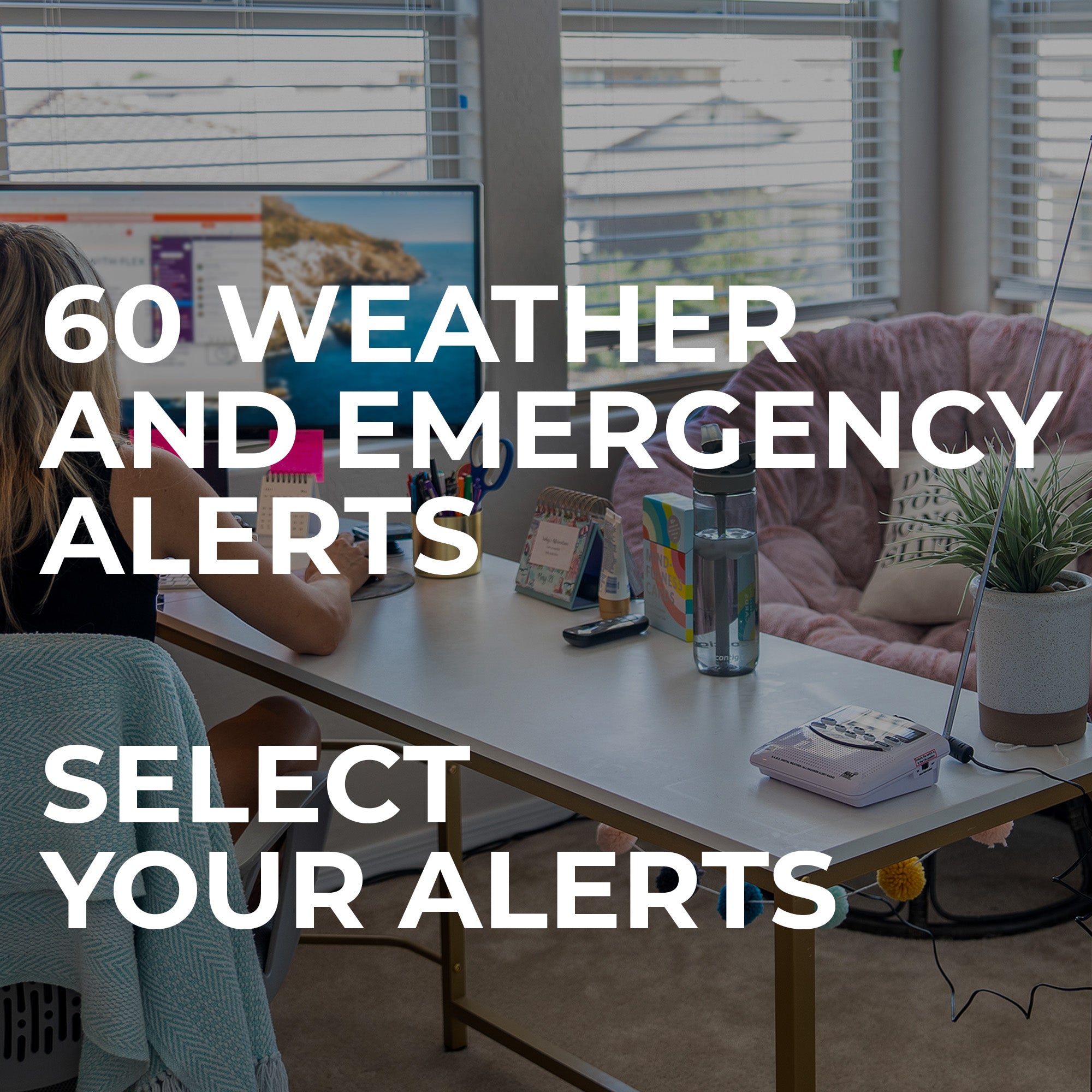
It is never to early to prepare for the unexpected, the WR120 receives alerts for hurricanes, tornadoes, floods, and more. Don't be caught off guard - stay tuned in with the WR120 NOAA Weather and Emergency Alert Radio.

Shop The Accessories

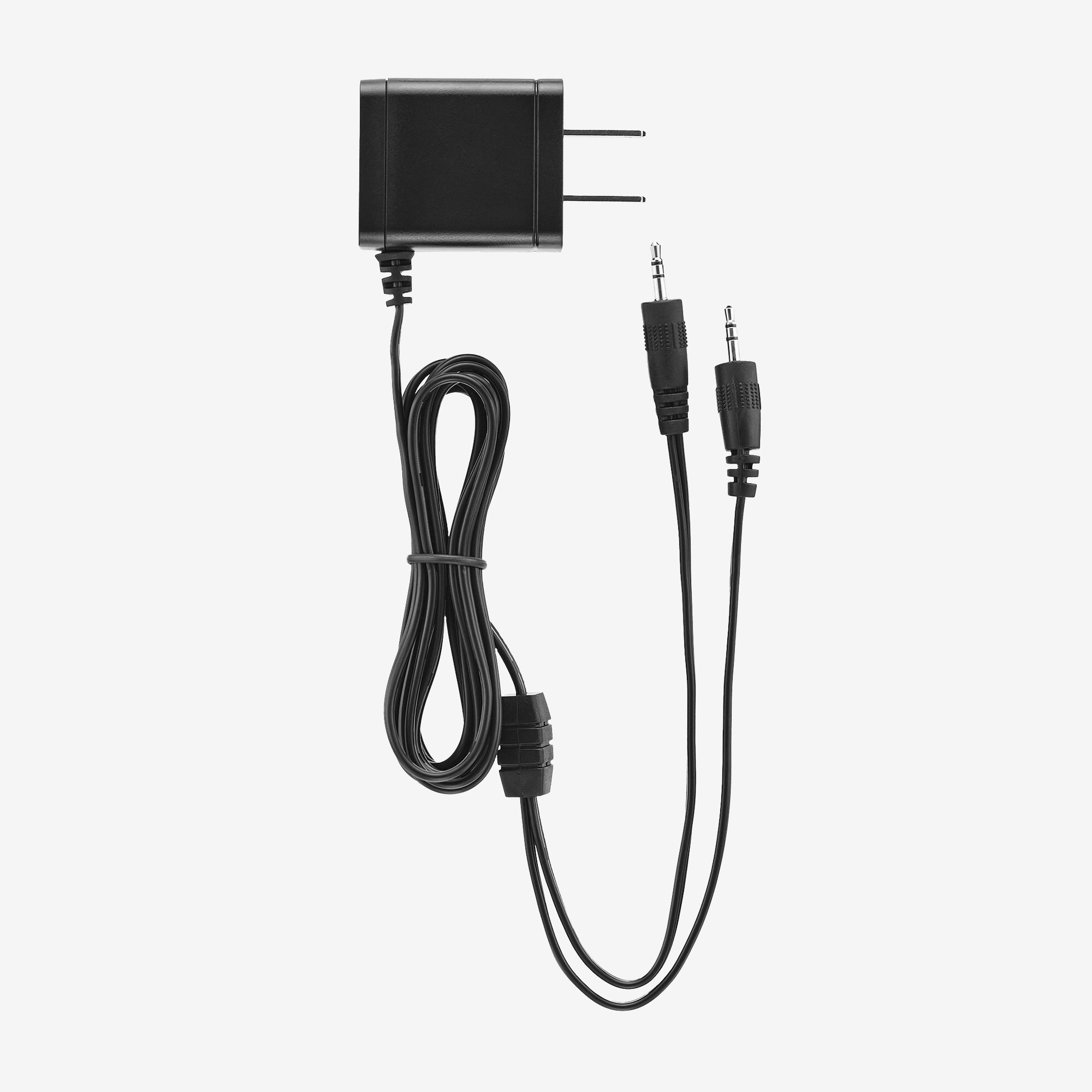
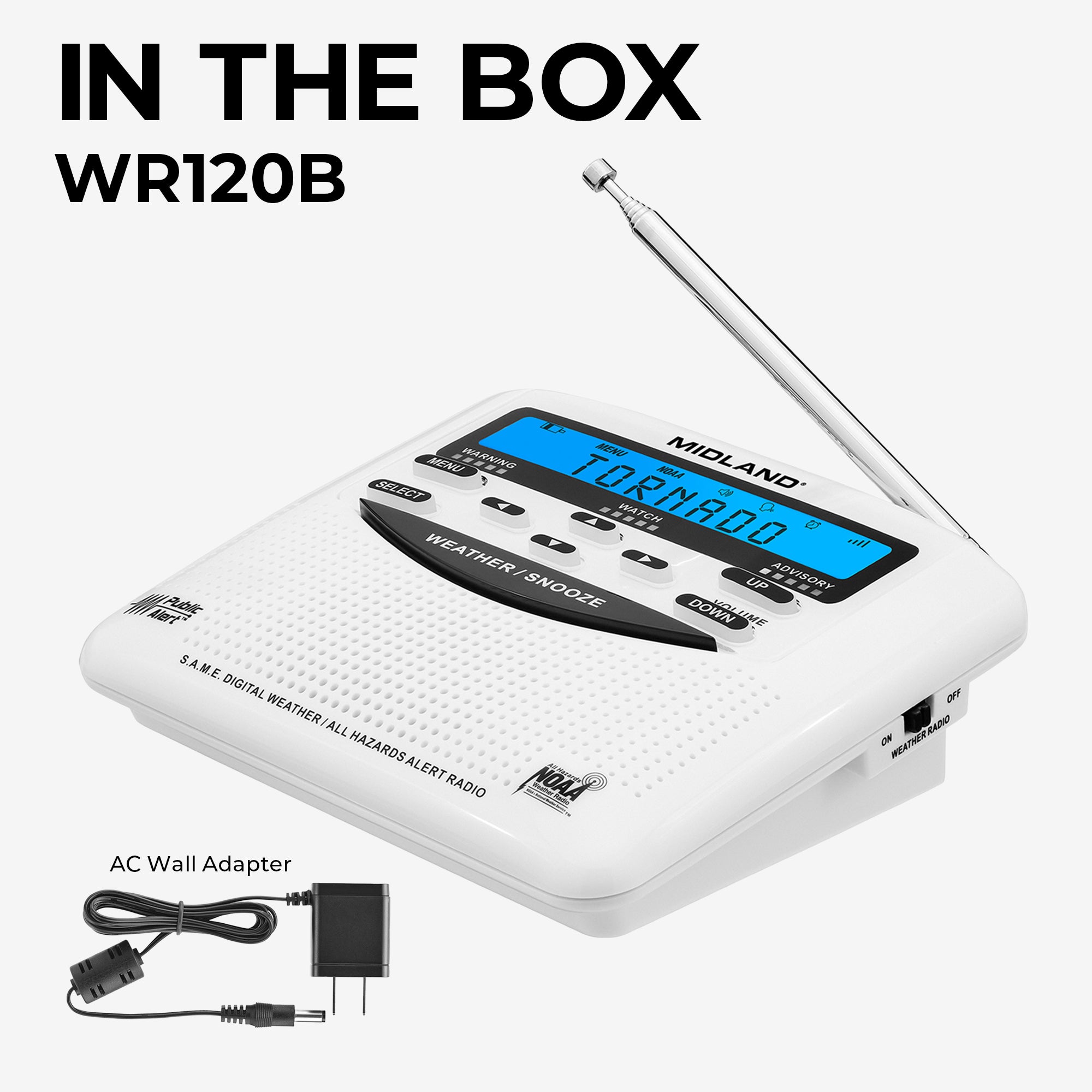
WRA3 Replacement WR120 Power Adapter
$14.99
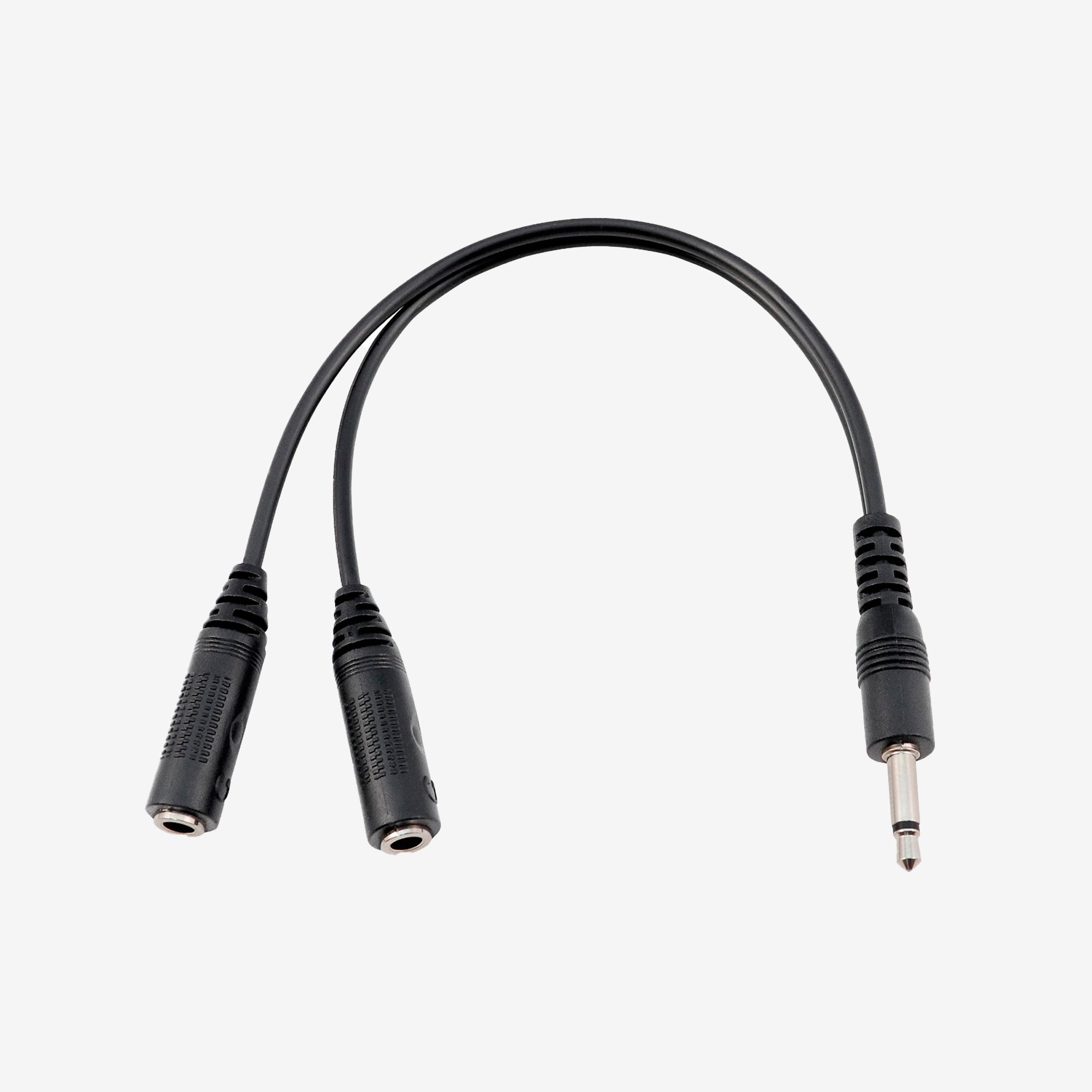
SYCBL Weather and Emergency Radio Cable
$14.99
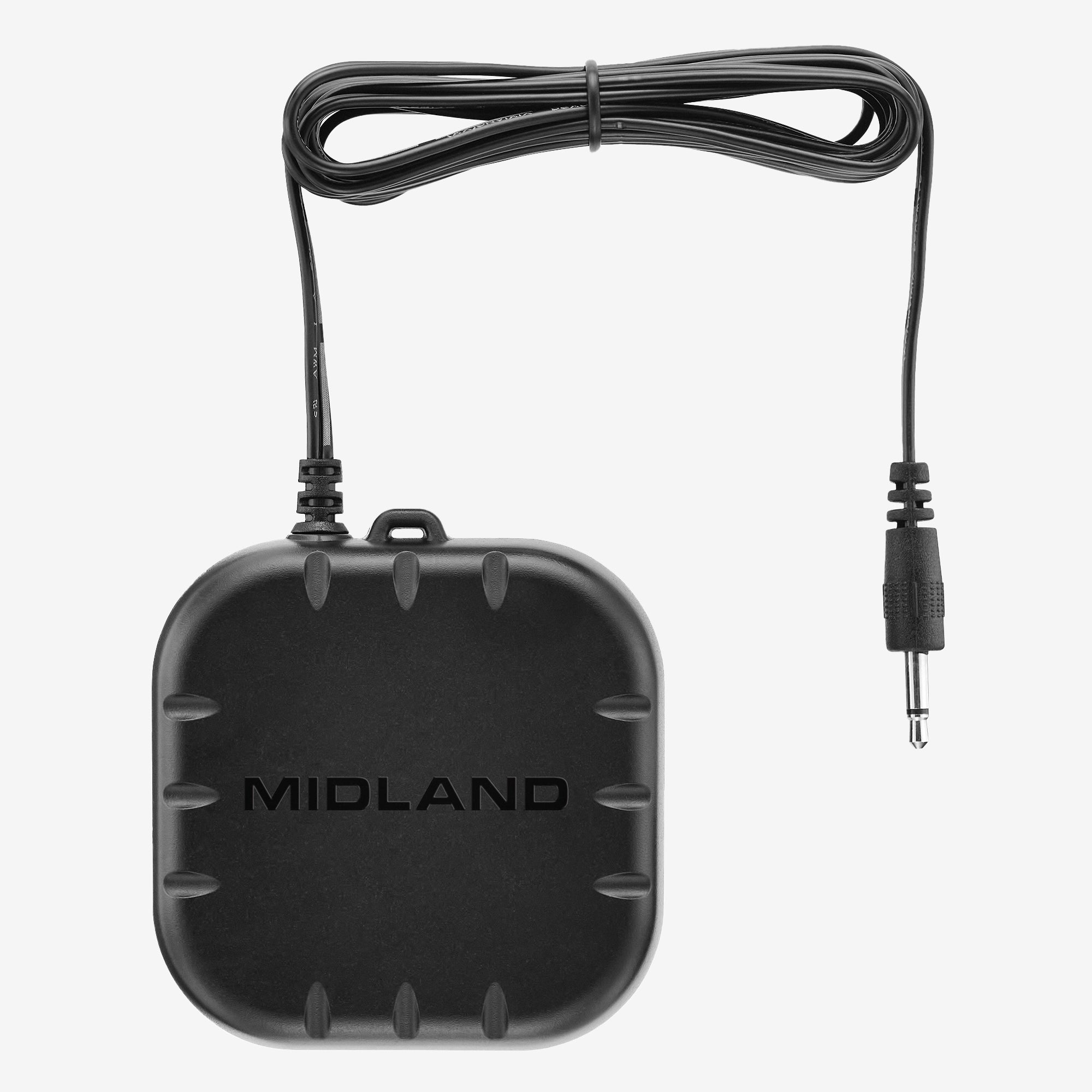
SHKR100 Weather and Emergency Radio Pillow Shaker
$39.99
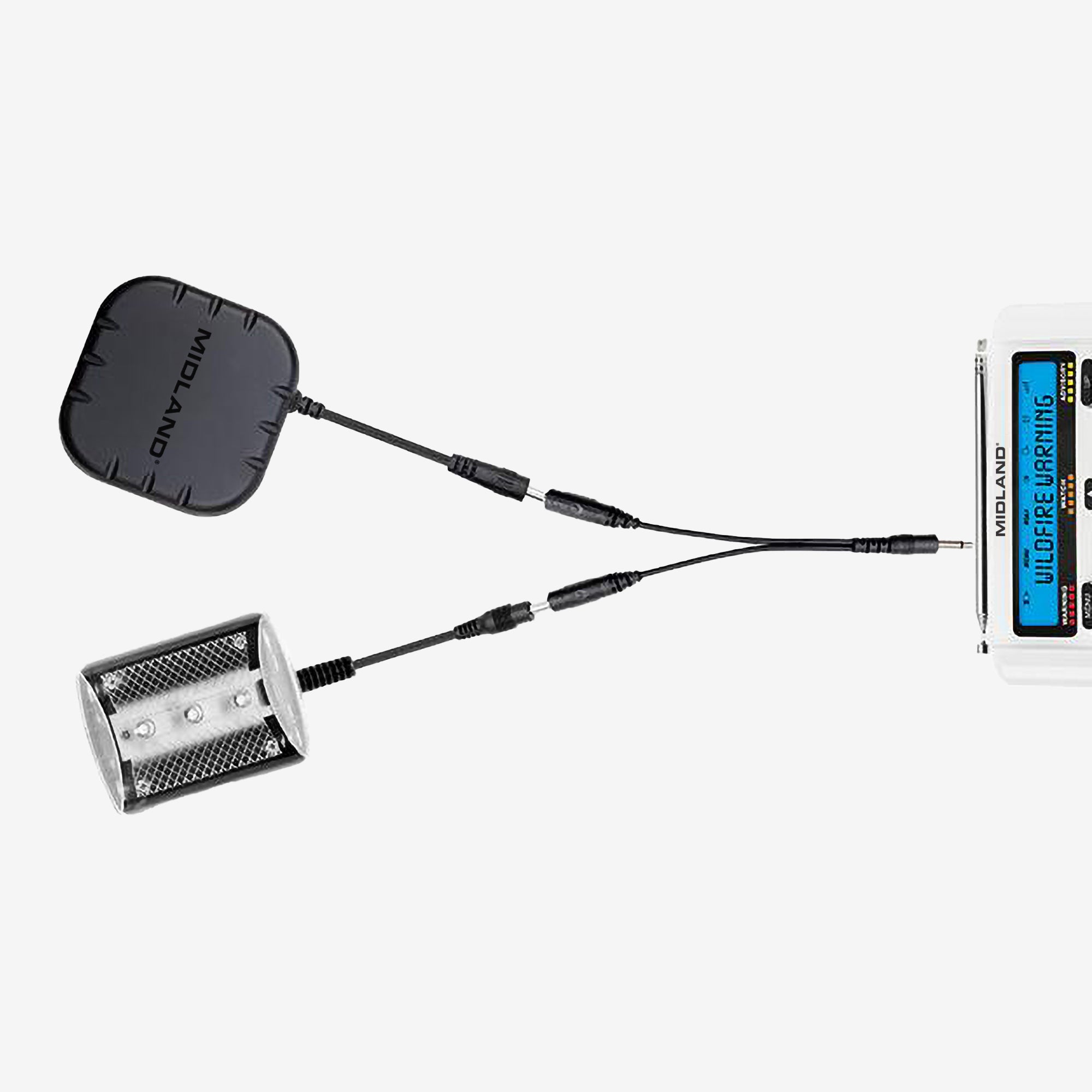
SBNDL Strobe Light Pillow Shaker Bundle
$64.99
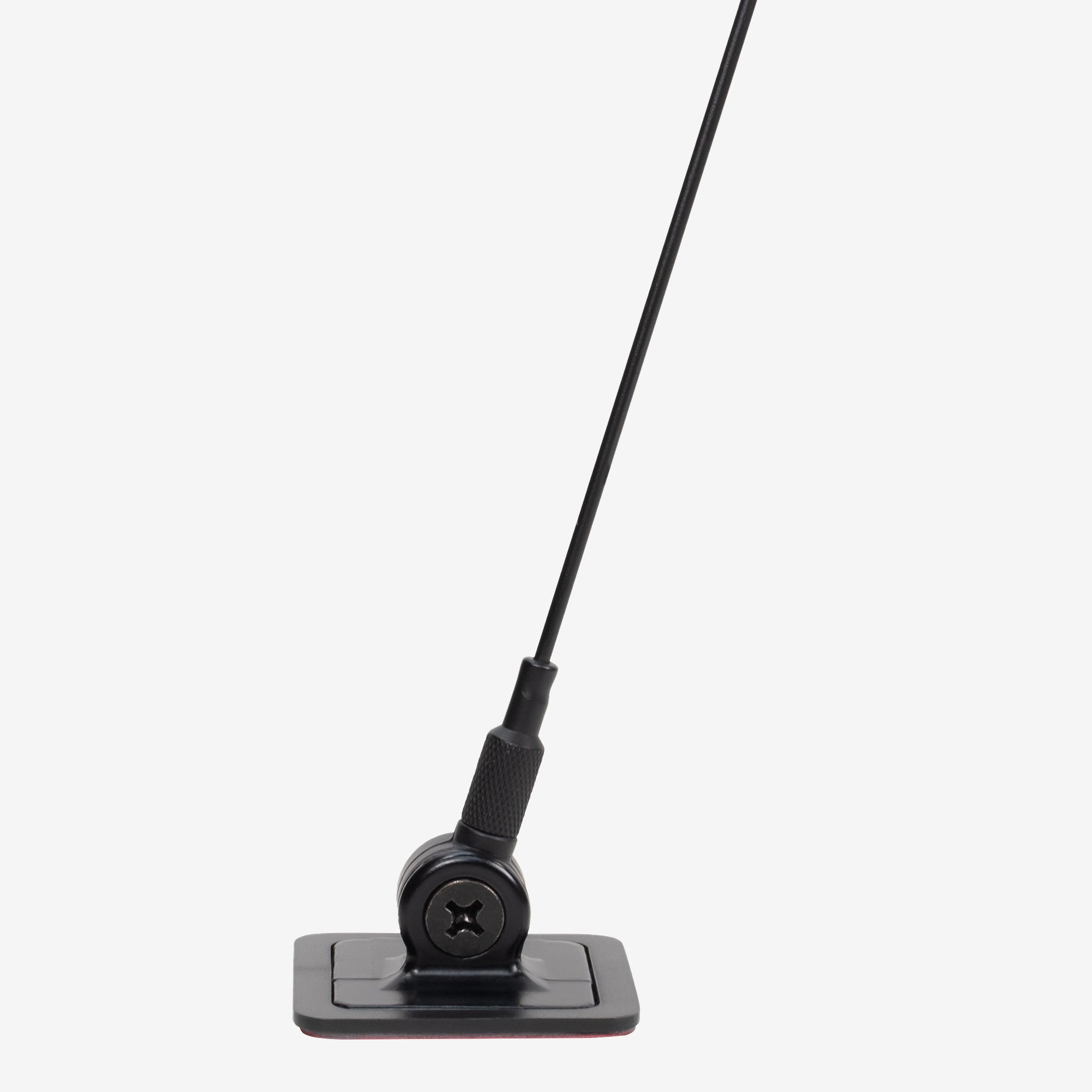
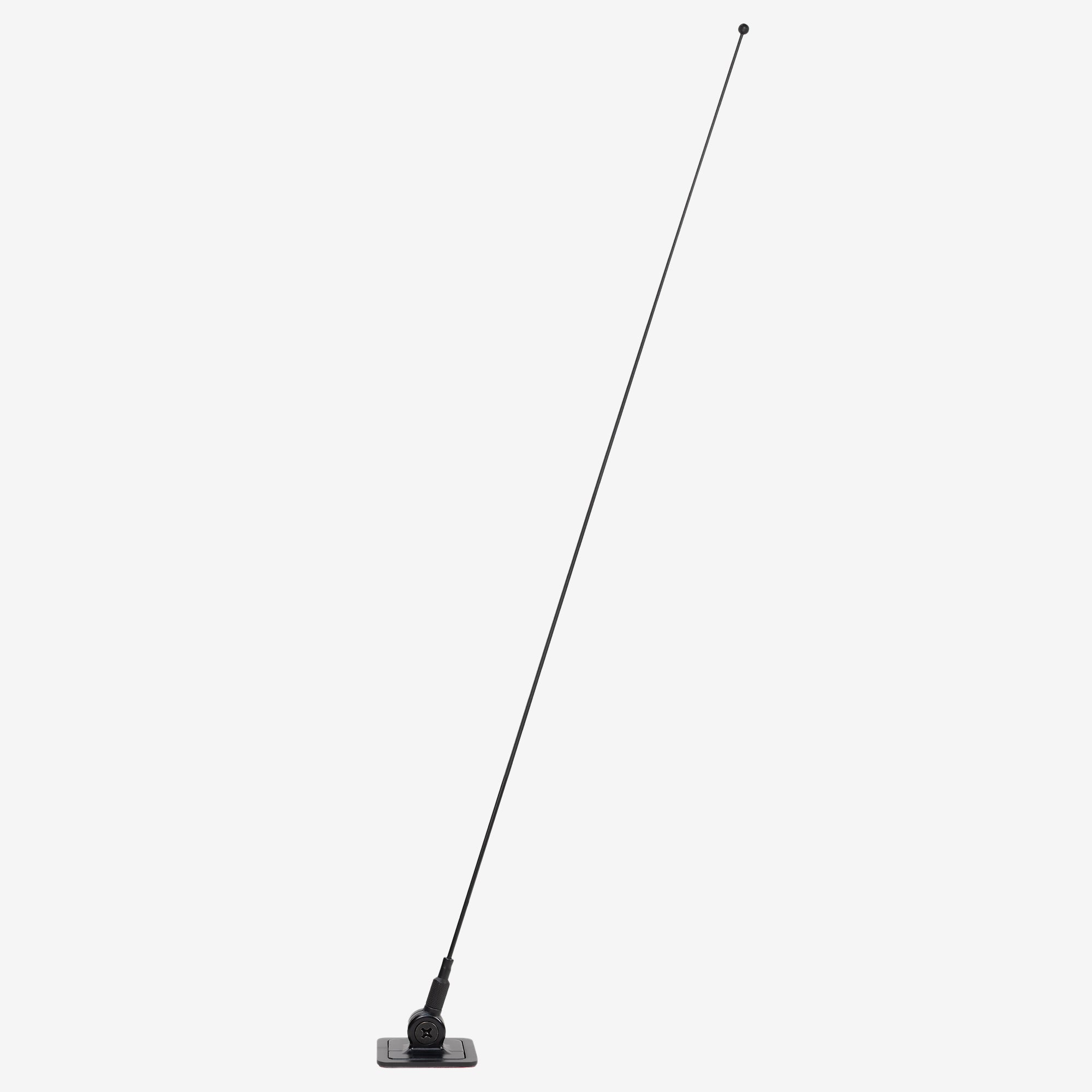
E+Ready Window Mount Antenna - 18-259W
$34.99

FAQ's

What is NOAA Weather Radio?
NOAA Weather Radio (NWR) is a nationwide network of radio stations broadcasting continuous weather information direct from a nearby National Weather Service office. NWR broadcasts National Weather Service warnings, watches, forecasts, and other hazard information 24 hours a day. For more information visit the NWS website.
I can't find "Tornado Warnings" in my Set Events/ Edit Events menu! That is the whole reason I bought this radio!
These types of alert (Tornado Warnings, Hurricane Warnings, etc.) are always on by default and cannot be disabled. Because of that, they won't show up in the EDIT EVENTS menu, as there is no option to turn them off or on. If you would only like your radio to alert for a warning like this, go to SET EVENTS and select ALL OFF. This mutes all the optional alerts, but because Tornado Warning is locked in, it will still audibly alert.
My radio hasn't gone off, but we've had severe weather.
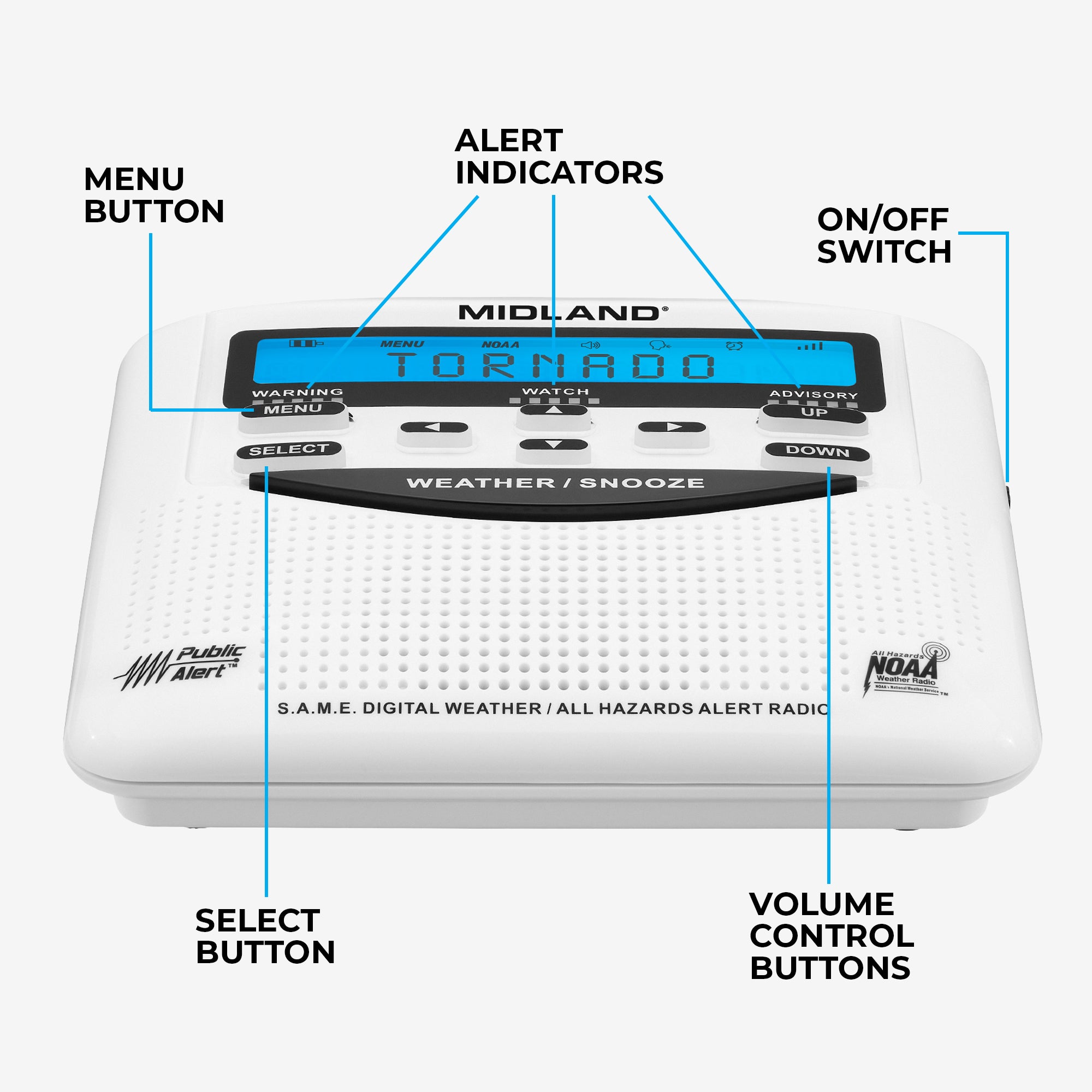
1. Ensure the ON/OFF switch is ON 2. Do you hear anything when you press the WEATHER/SNOOZE button? 3. Ensure you are tuned to the proper CHANNEL for your county: https://www.weather.gov/nwr/counties 4. Ensure SET LOCATION is set to your county, and not a county in a different state. 5. Is your local transmitter on the air and operating properly? You can check that here: https://www.weather.gov/nwr/outages 6. Has your county truly had a severe weather that would produce an alert? Often times, while there might have been severe weather in your area, your county was not included or affected by any of the warnings, so an alert would not have sounded. 7. Ensure your batteries are in good working condition. 8. Try moving the radio to a better location If "NOAA" is blinking on the display, it means the radio is not receiving 100% signal strength. 9. SET EVENTS should be set to ALL DEFAULT, or ALL ON. If SET EVENTS is ALL OFF, the radio will still receive Tornado Warnings (as per NOAA regulations), but it would not sound for Severe Thunderstorm, Flash Flood and other warnings. You can find a full list of default alerts here: https://cdn.shopify.com/s/files/1/0531/2856/0817/files/SAME_List_of_Emergencies_Non-Weather_Emergencies.pdf?v=1636648846
Troubleshooting you NOAA Weather Radio
https://support.midlandusa.com/hc/en-us/articles/23371617533079-Troubleshooting-your-NOAA-Weather-Radio
{"statementLink":"","footerHtml":"","hideMobile":false,"hideTrigger":false,"disableBgProcess":false,"language":"en","position":"left","leadColor":"#146ff8","triggerColor":"#146ff8","triggerRadius":"50%","triggerPositionX":"right","triggerPositionY":"bottom","triggerIcon":"people","triggerSize":"medium","triggerOffsetX":20,"triggerOffsetY":20,"mobile":{"triggerSize":"small","triggerPositionX":"right","triggerPositionY":"bottom","triggerOffsetX":10,"triggerOffsetY":10,"triggerRadius":"50%"}}
false