
Model AVP34
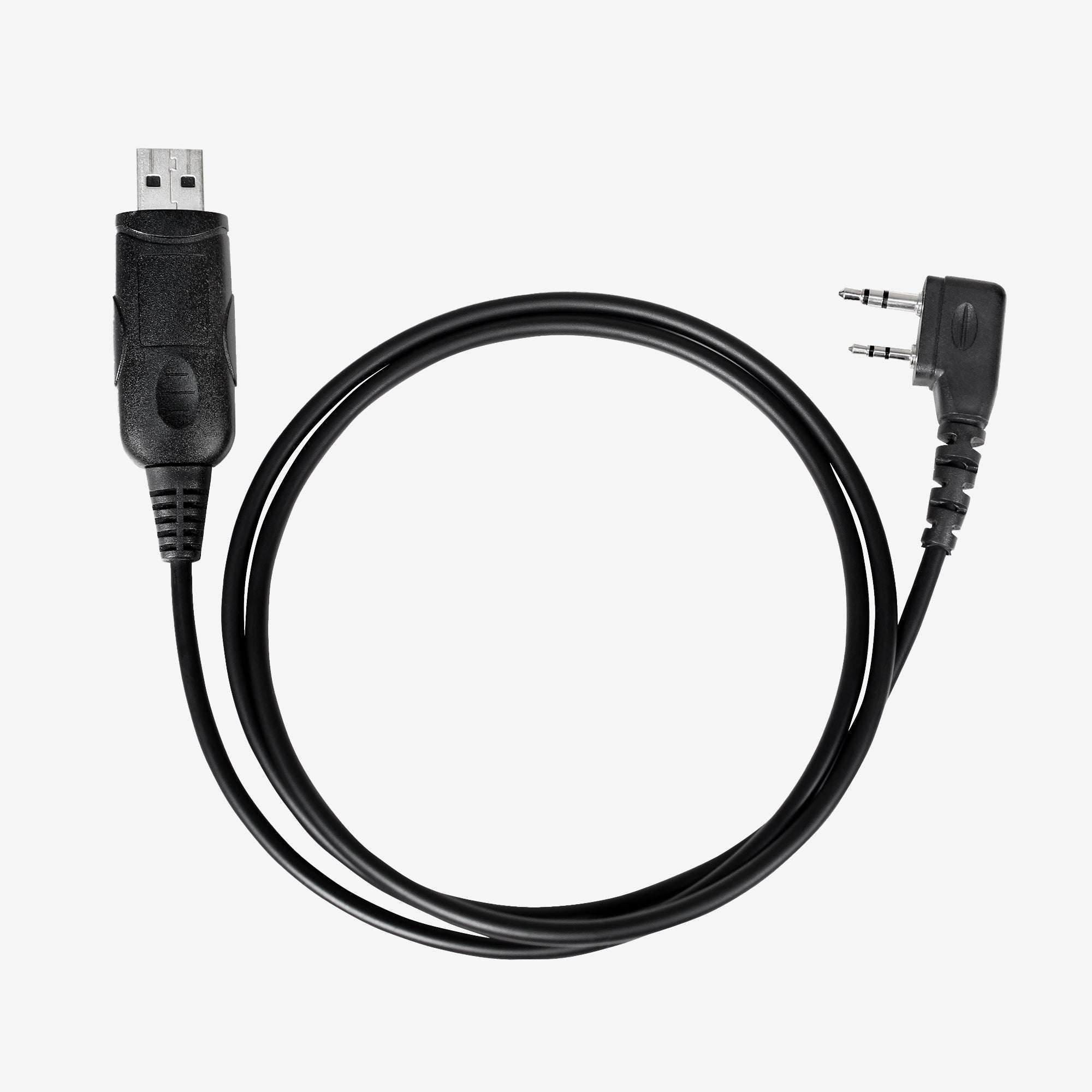
GXT67 PRO Programming Cable - AVP34
Product Details
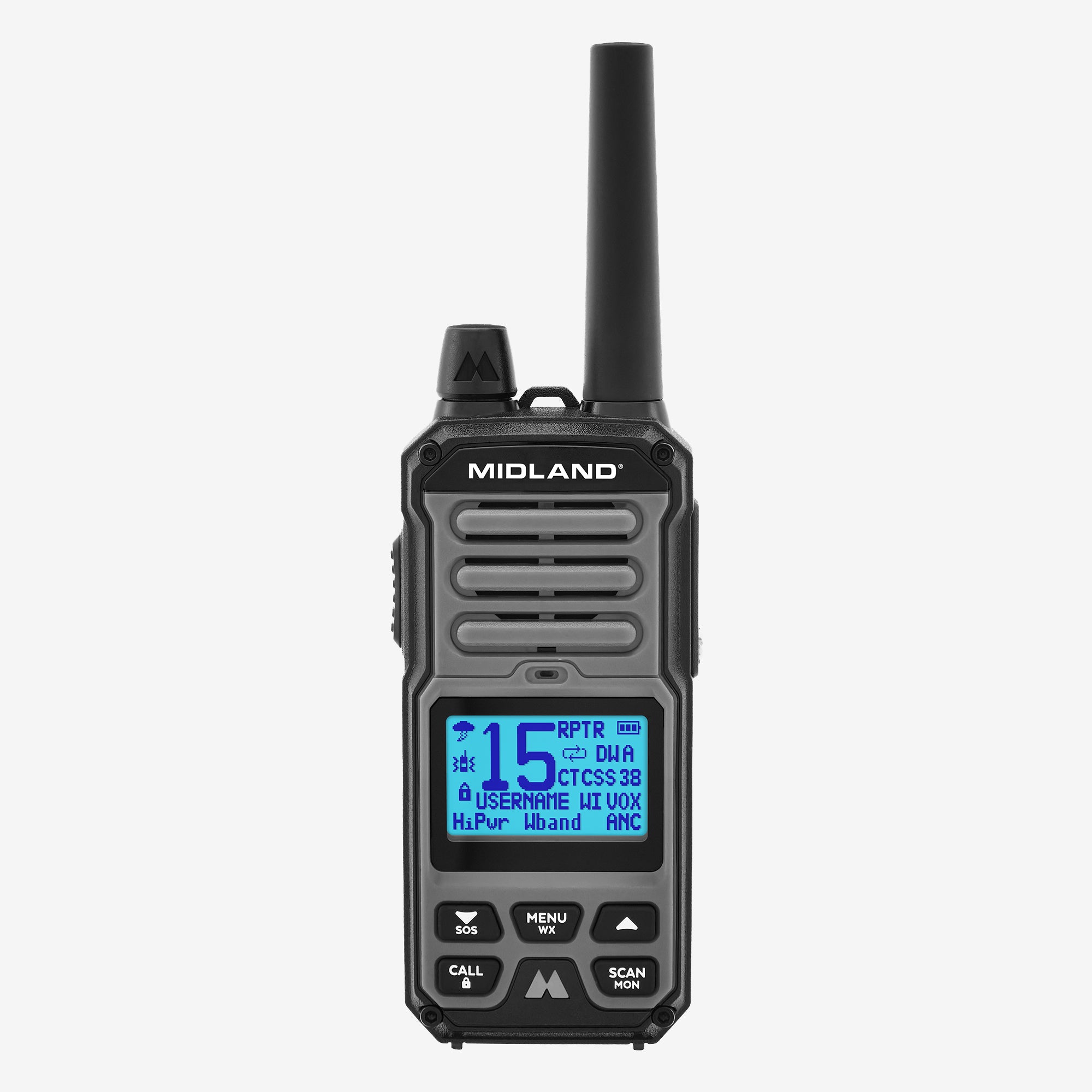
View and change the configuration of the menu options and how they display on the radio menu.
OPTIONAL COMPUTER (PC) INTERFACE
In addition to providing a convenient interface for viewing and changing a radio’s configuration, the PC interface provides the following capabilities that are not available using the radio menu interface:
1. Save and (re)Load configurations
2. Define up to 49 custom channels (51 – 99)
3. Assign a custom name to a channel (containing up to 8 letters or numbers)
To use the optional PC interface, obtain the interface cable and download the
PC application through the Midland GXT67 Pro product page at midlandusa.com.
Compatible with GXT67 PRO. Software: GXT67_Setup.exe
Key Features Specs
- Compatible with GXT67 PRO
What's in the Box
1 Programming cable
Documentation
GXT67 PRO Programming Cable - AVP34
If you have any questions, you are always welcome to contact us. We'll get back to you as soon as possible, within 24 hours on weekdays.
-
Shipping Information
Use this text to answer questions in as much detail as possible for your customers.
-
Customer Support
Use this text to answer questions in as much detail as possible for your customers.
-
FAQ’s
Use this text to answer questions in as much detail as possible for your customers.
-
Contact Us
Use this text to answer questions in as much detail as possible for your customers.