
Life-Saving Alerts

Life-Saving Alerts

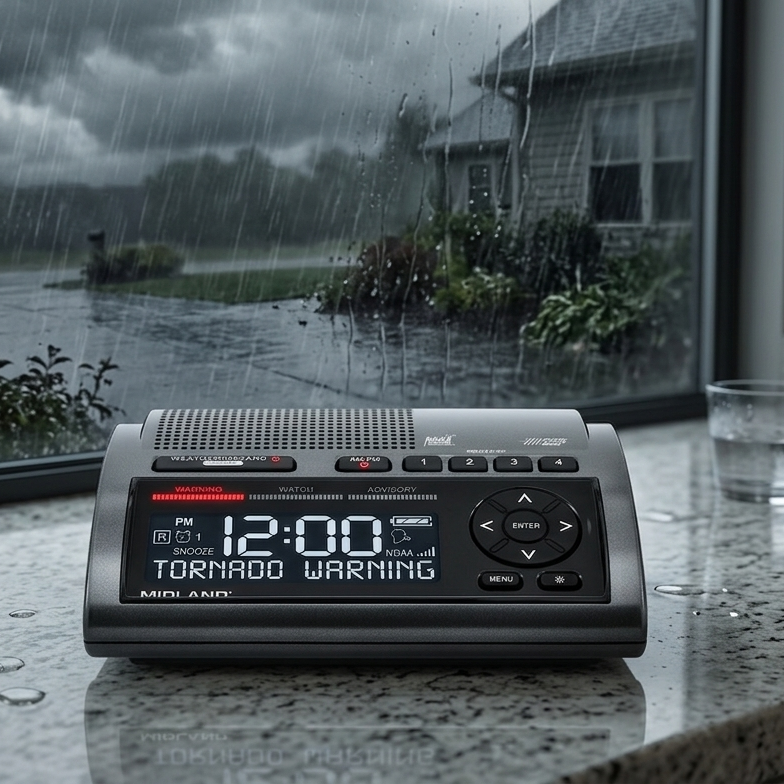
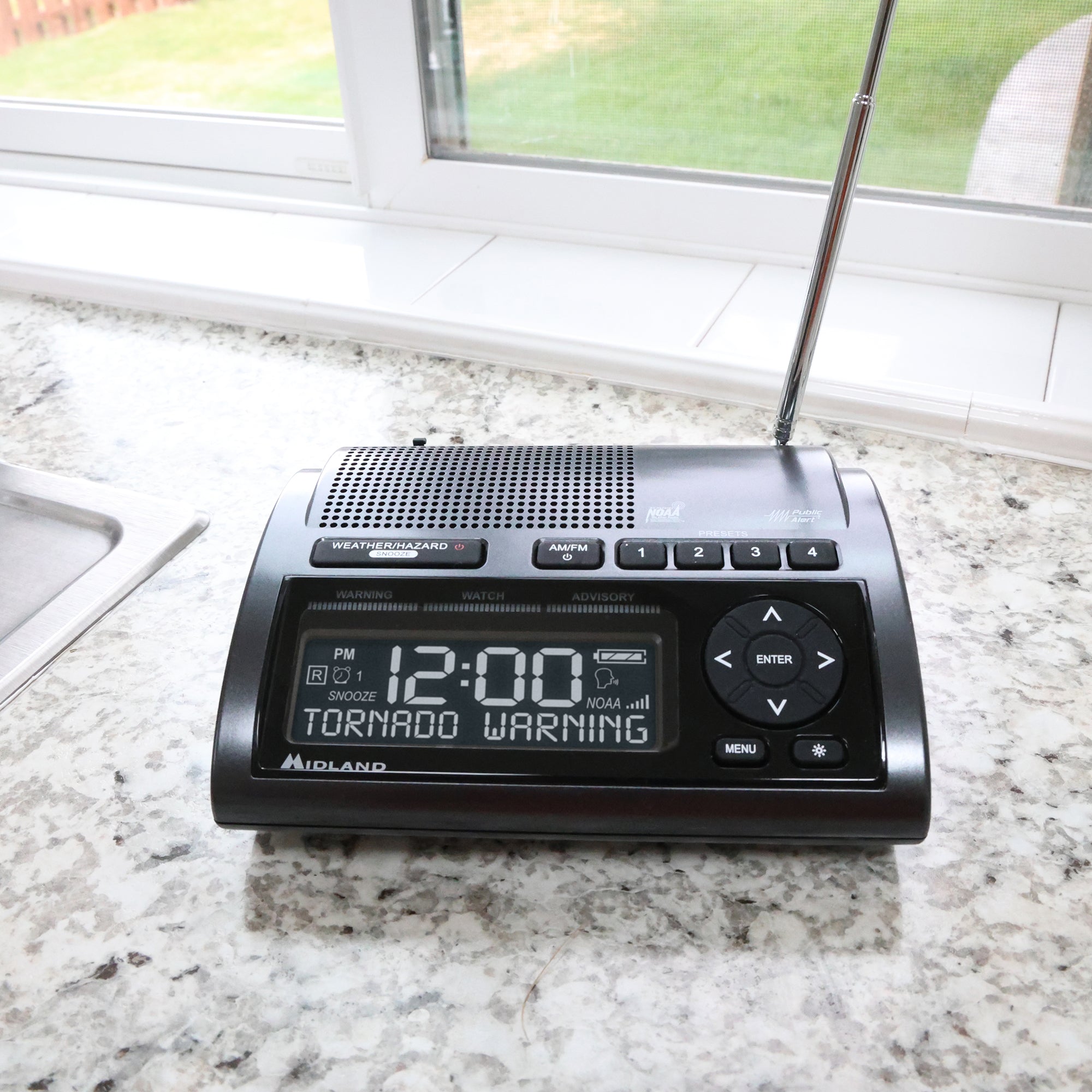
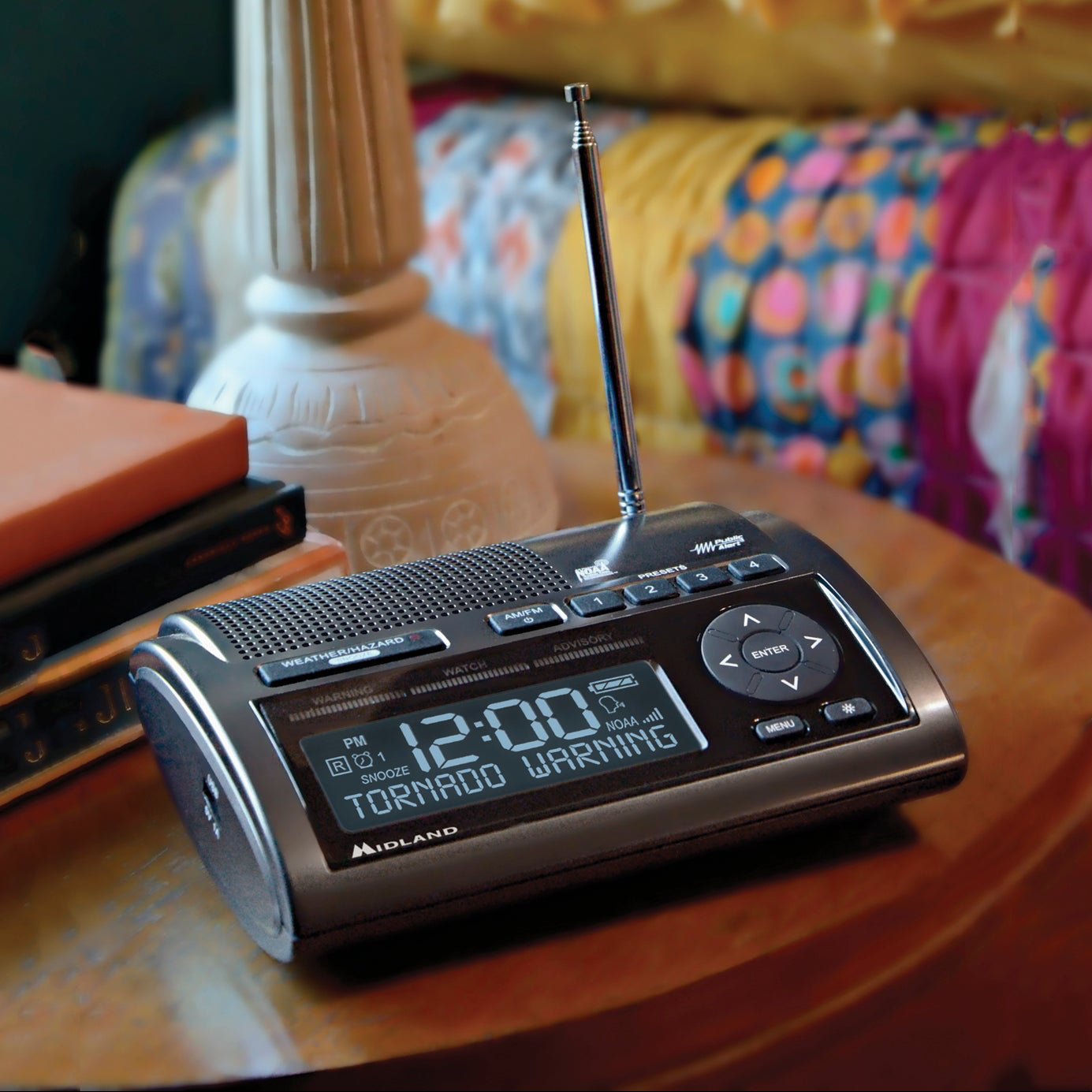
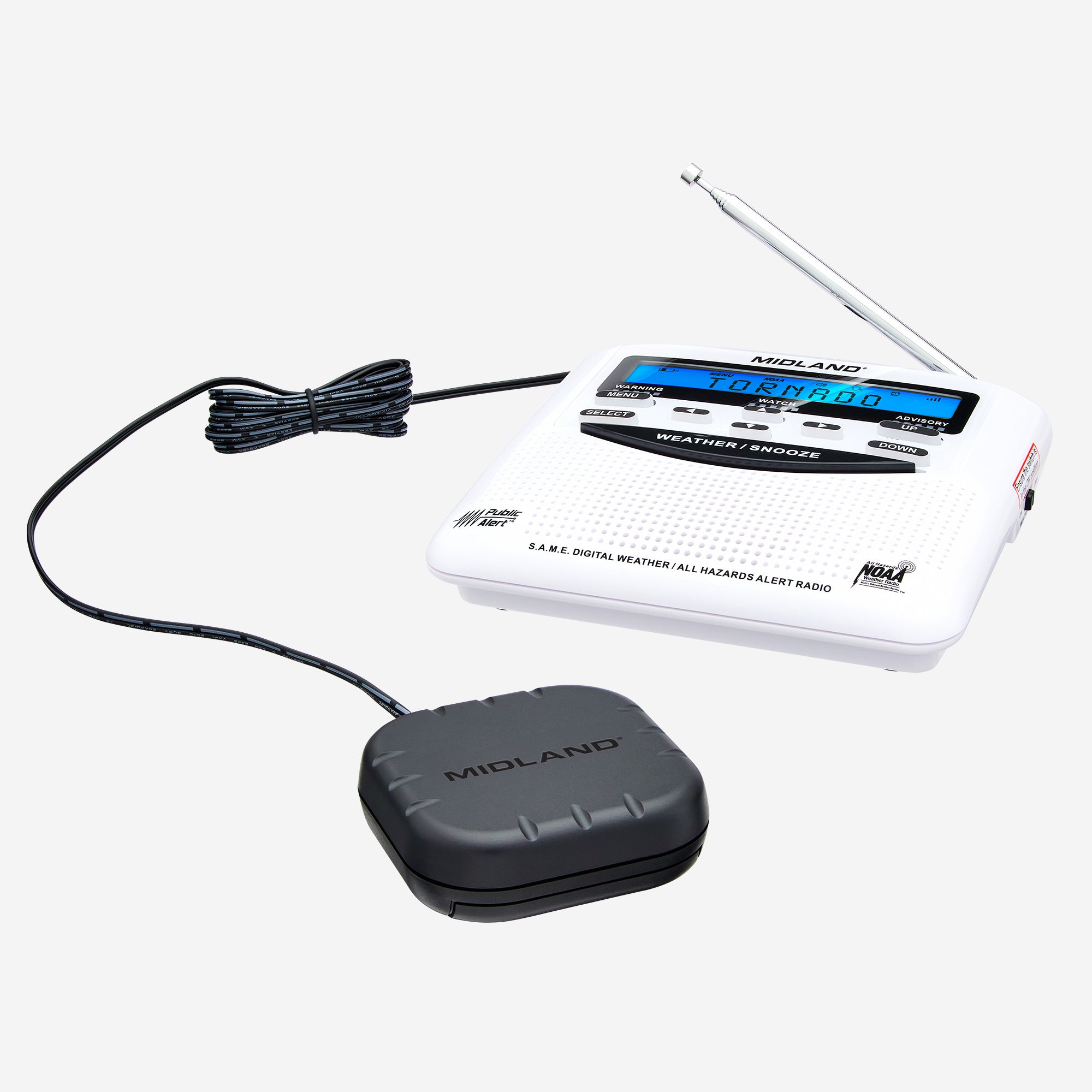
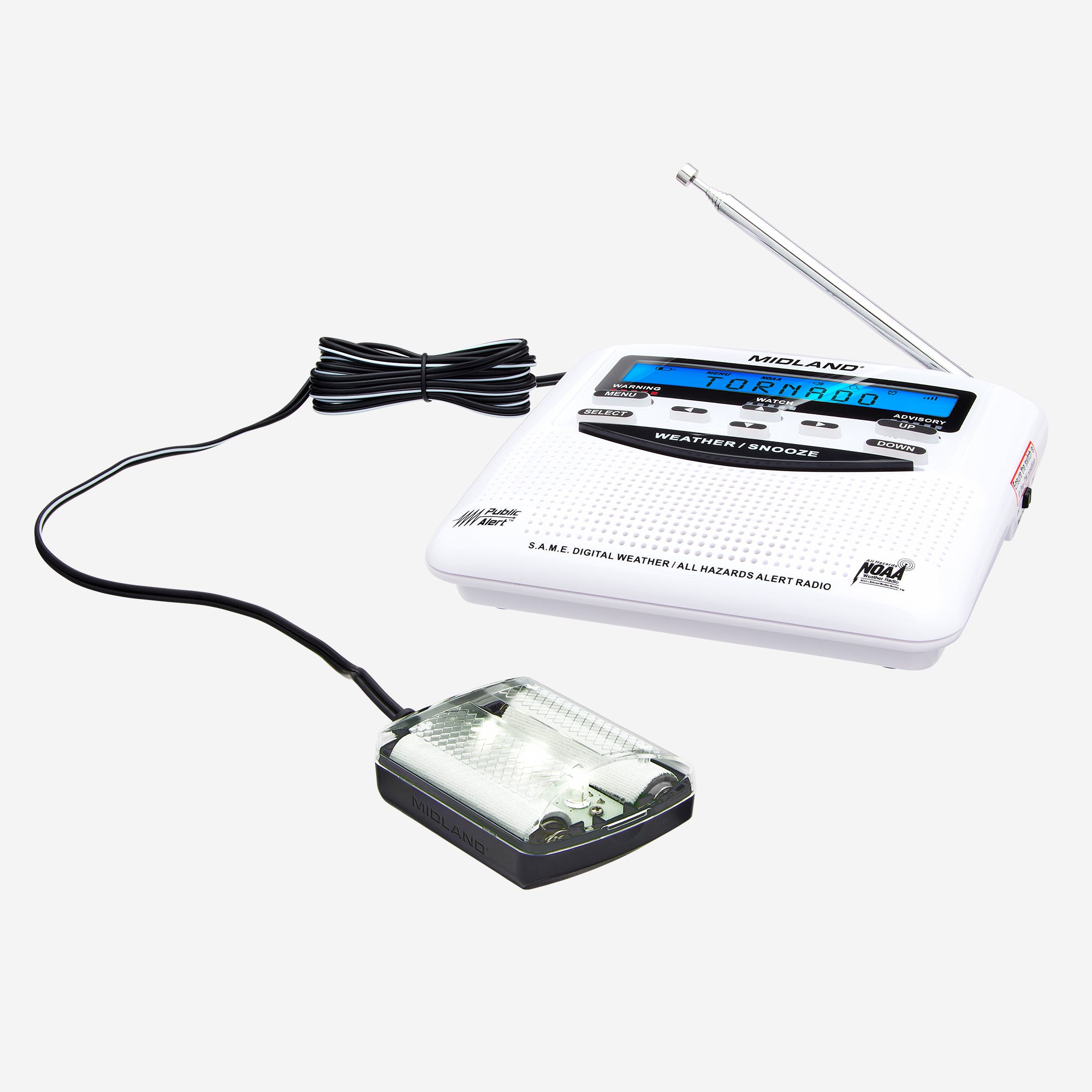
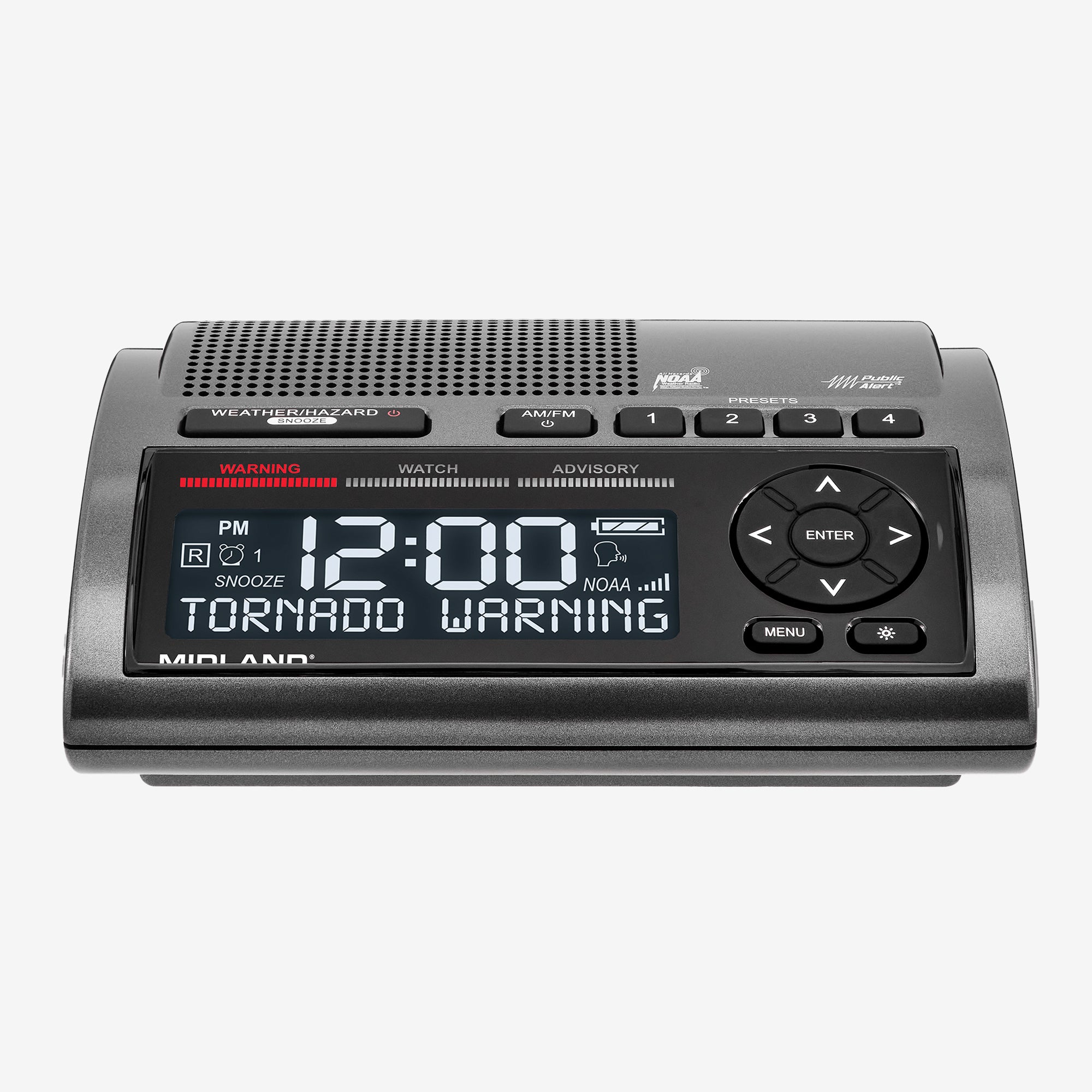
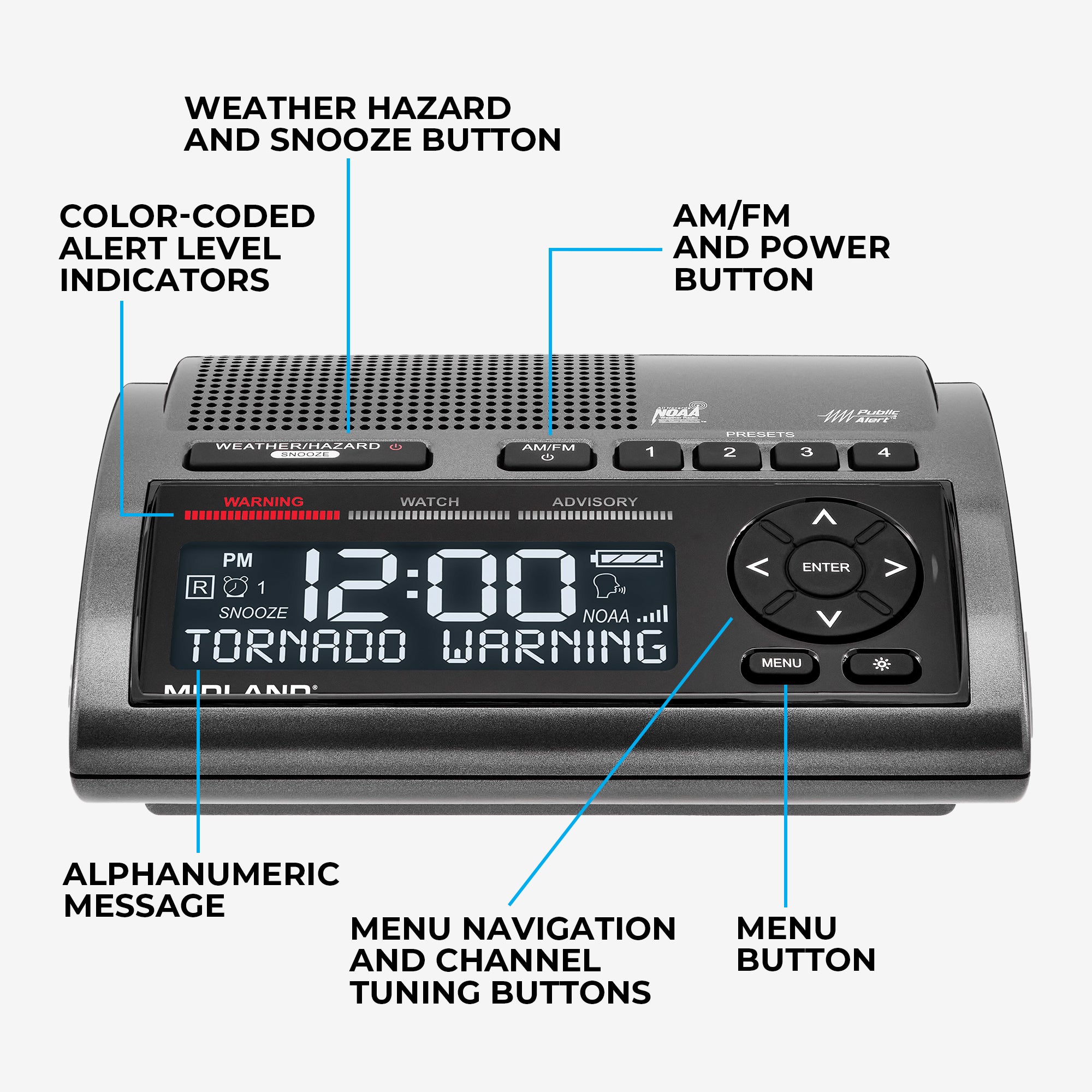
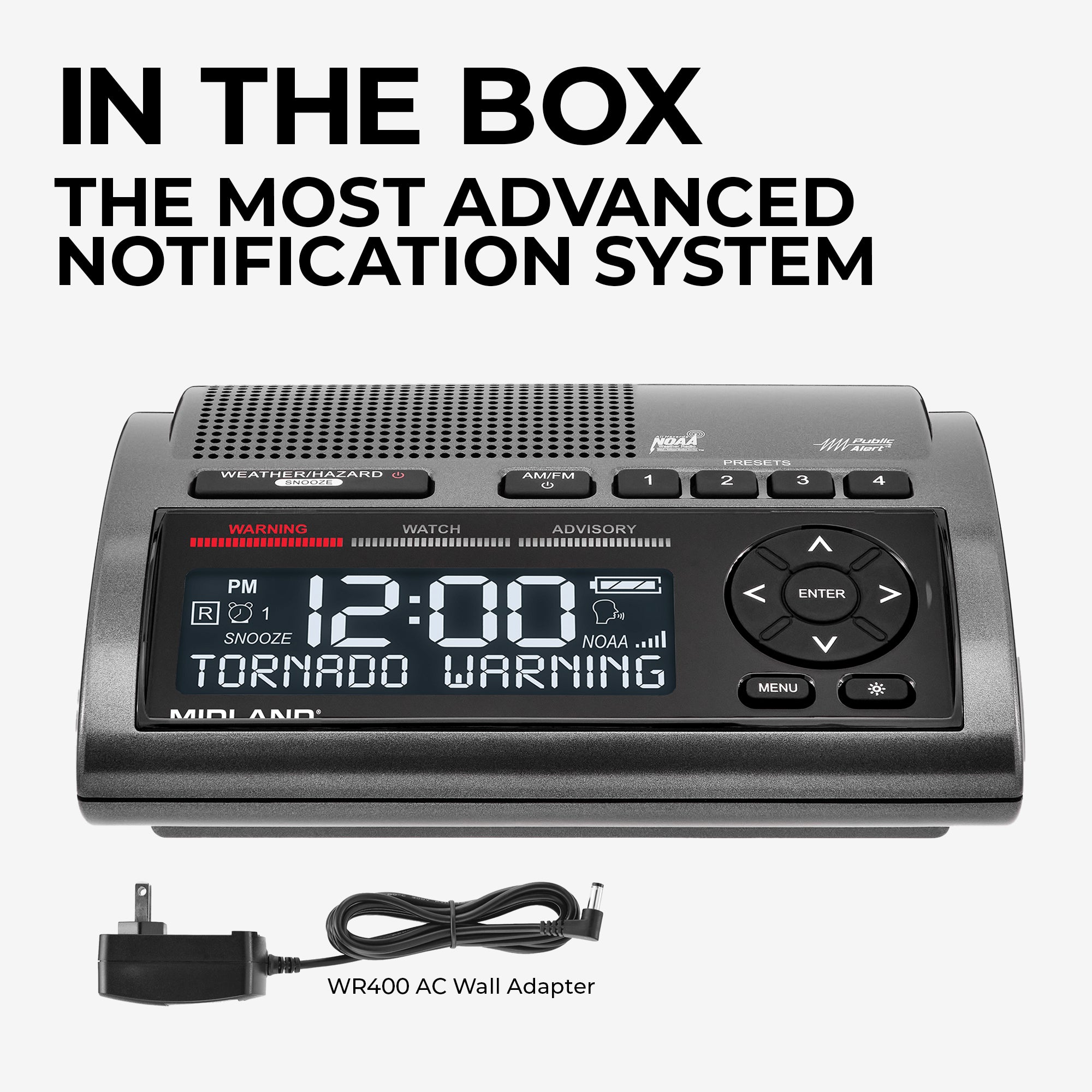
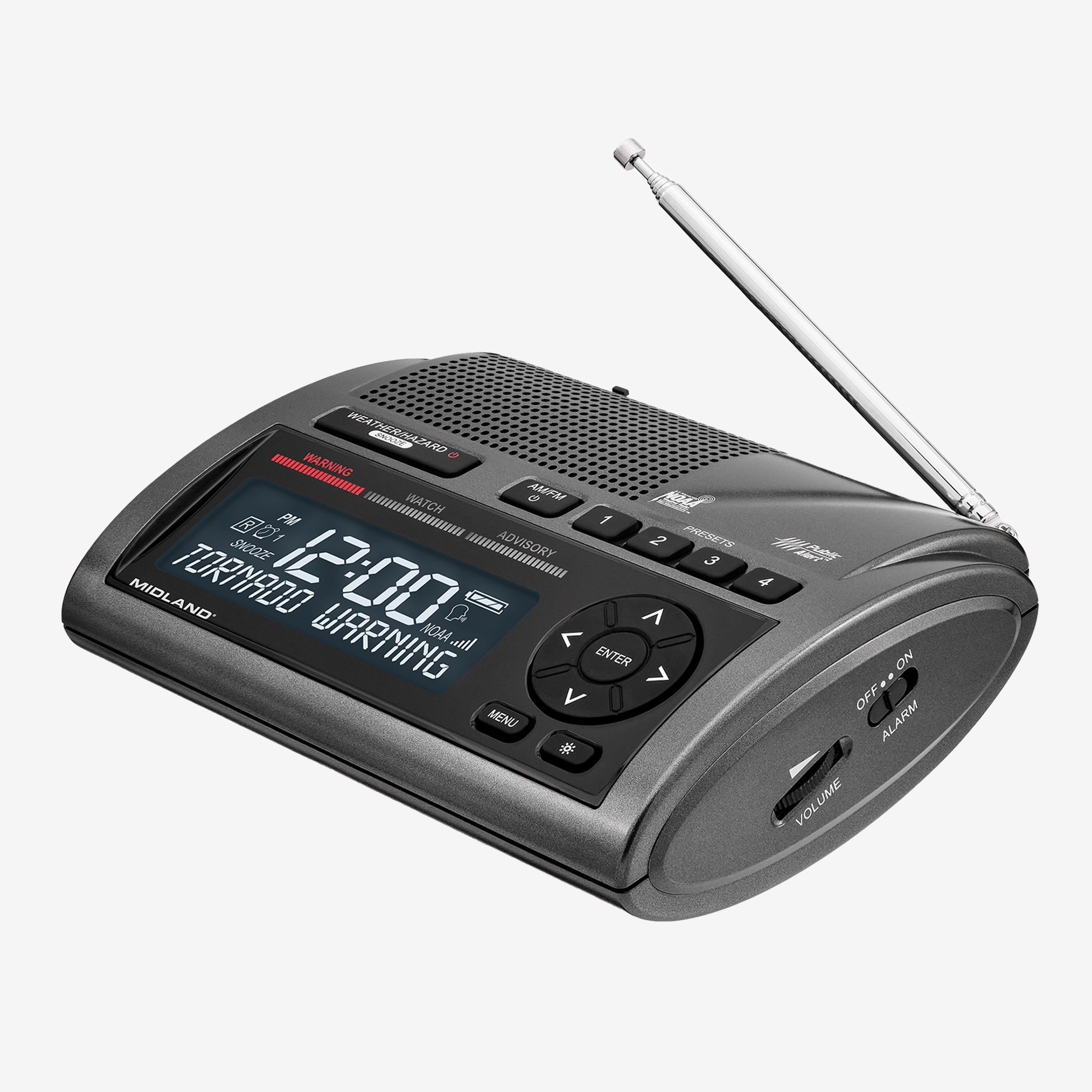
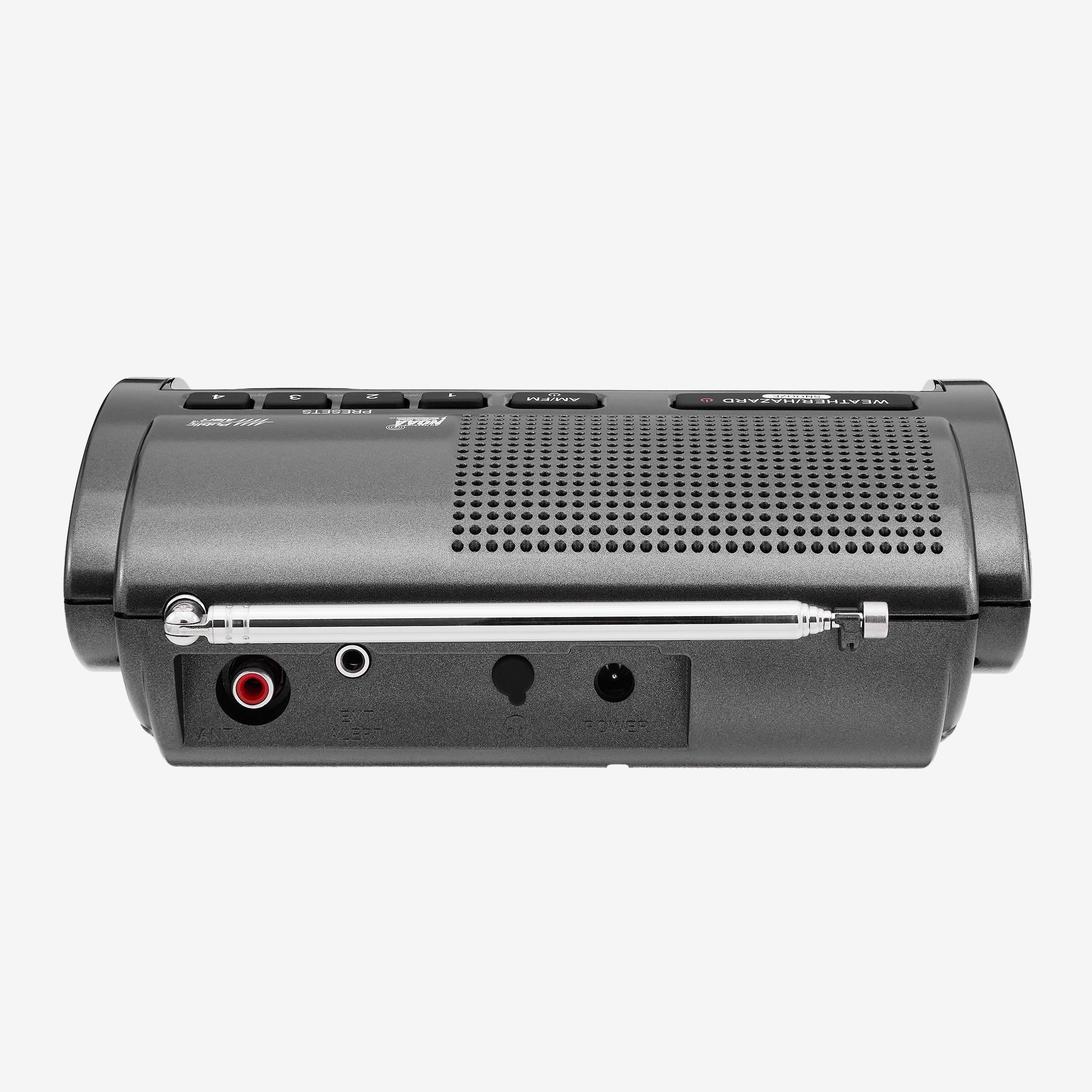
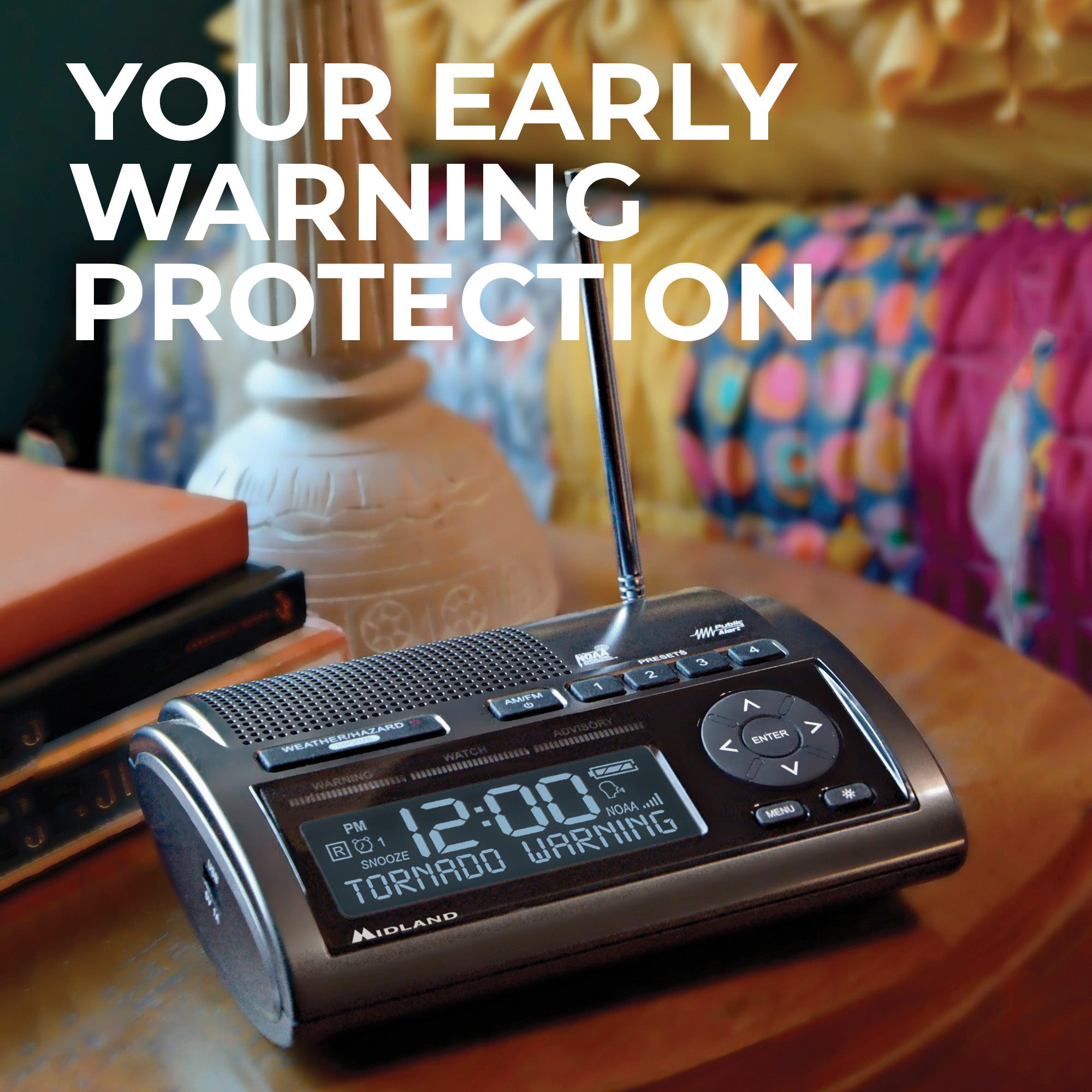
Stay informed and prepared with the WR400 NOAA Weather and Emergency Alert Radio. This compact and reliable radio receives NOAA weather alerts for your area, ensuring you are always in the know about severe weather conditions close by.

Through the Storm

Through the Storm

Don't worry if the power goes out, the WR400 has multiple power sources to keep you aware through the worst of it. Also equipped with customizable alerts, alert override, time and alarm clock, and editable loud alert sirens.

Stay Prepared, Enjoy the Fun
Stay Prepared, Enjoy the Fun
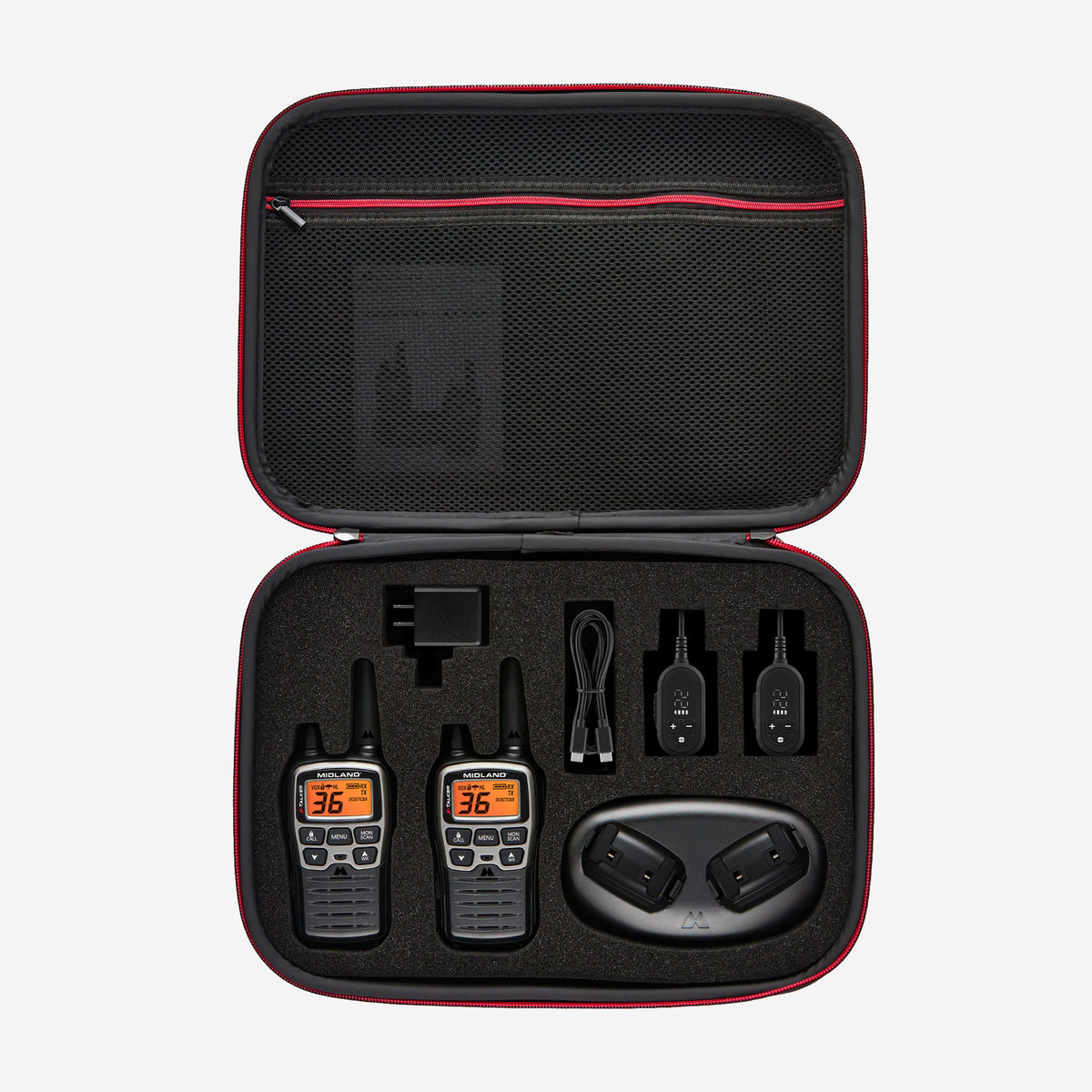
It's never to early to prepare for the unexpected, the WR400 receives alerts for hurricanes, tornadoes, floods, and more. Don't be caught off guard - stay tuned in with the WR120 NOAA Weather and Emergency Alert Radio.

Shop The Accessories

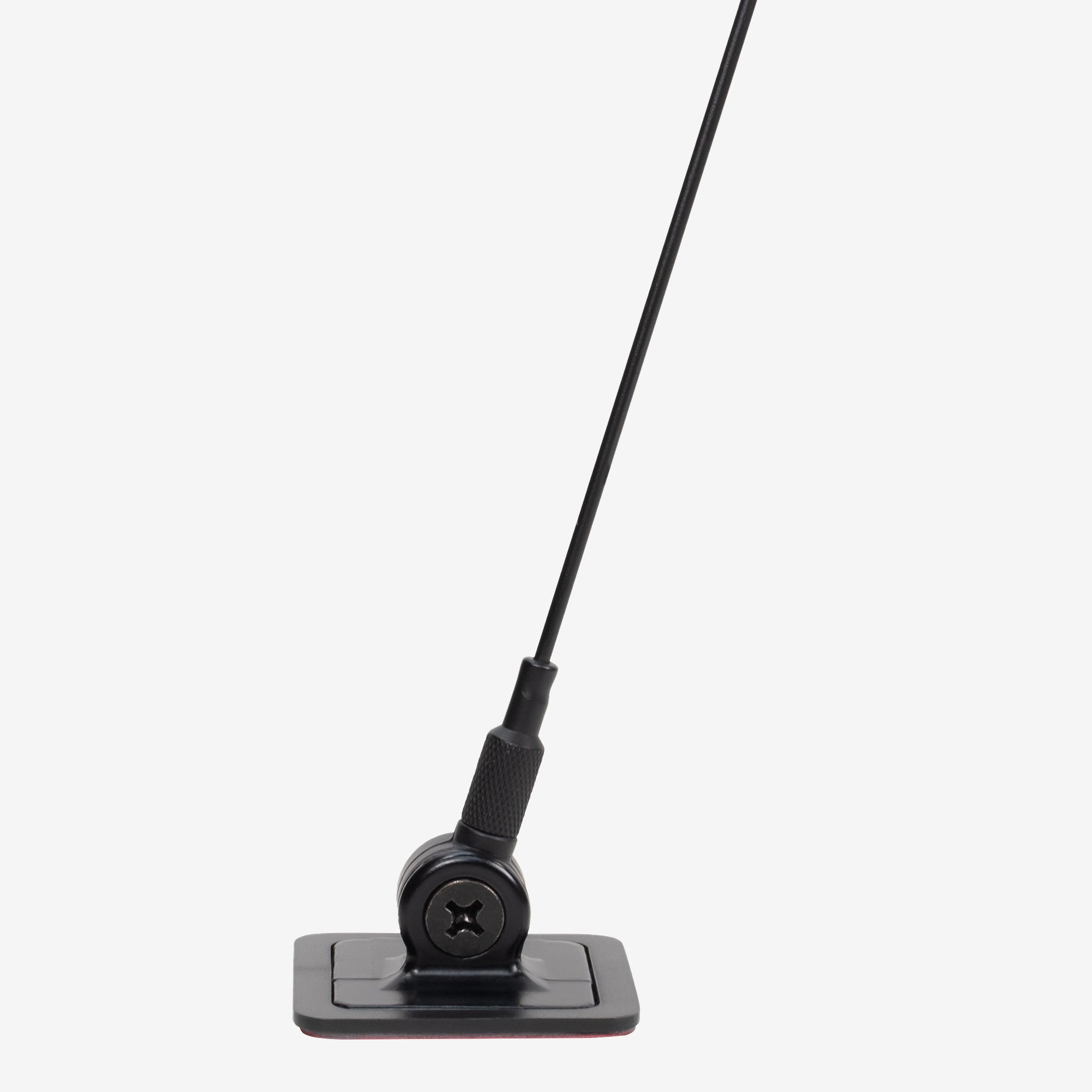
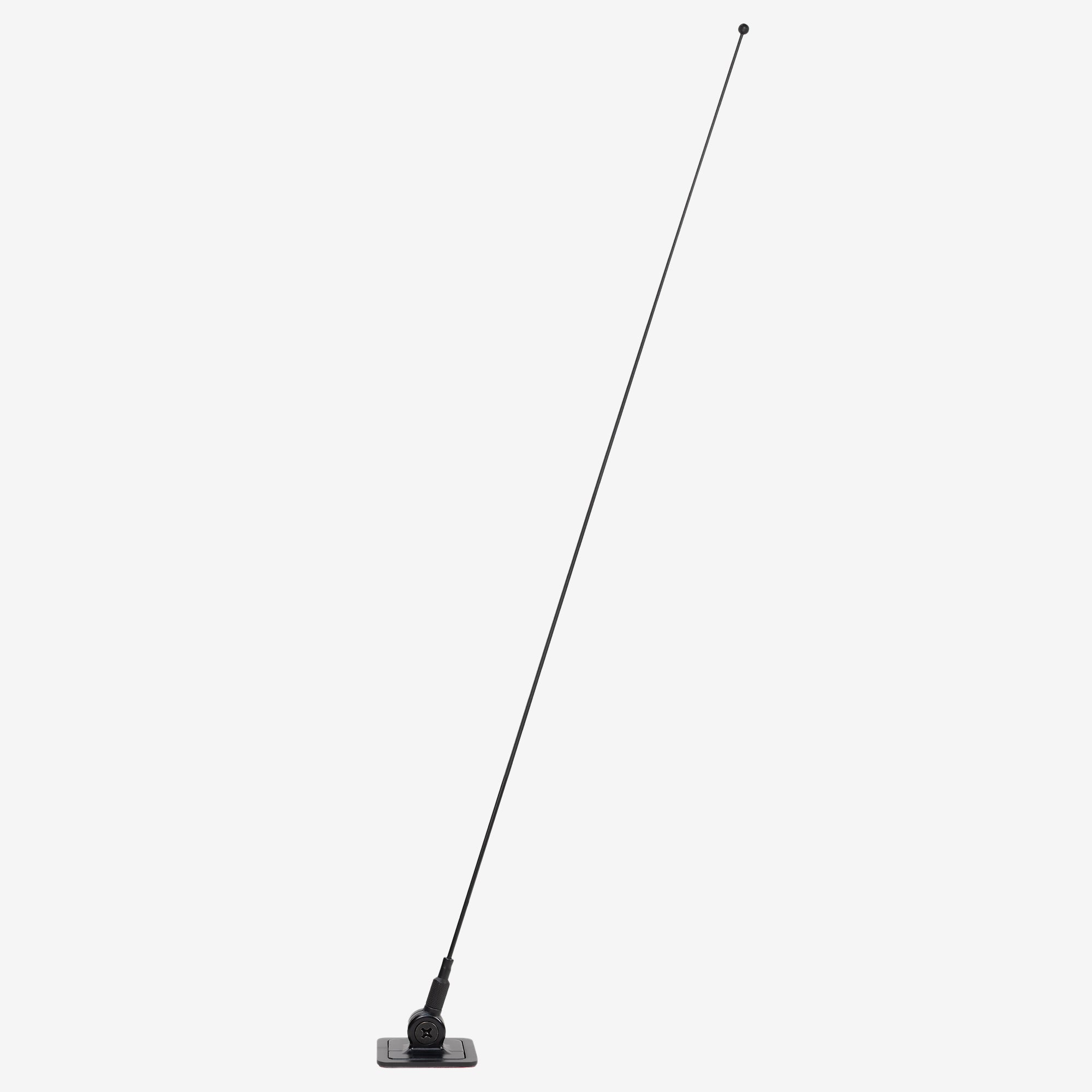
E+Ready Window Mount Antenna - 18-259W
$34.99
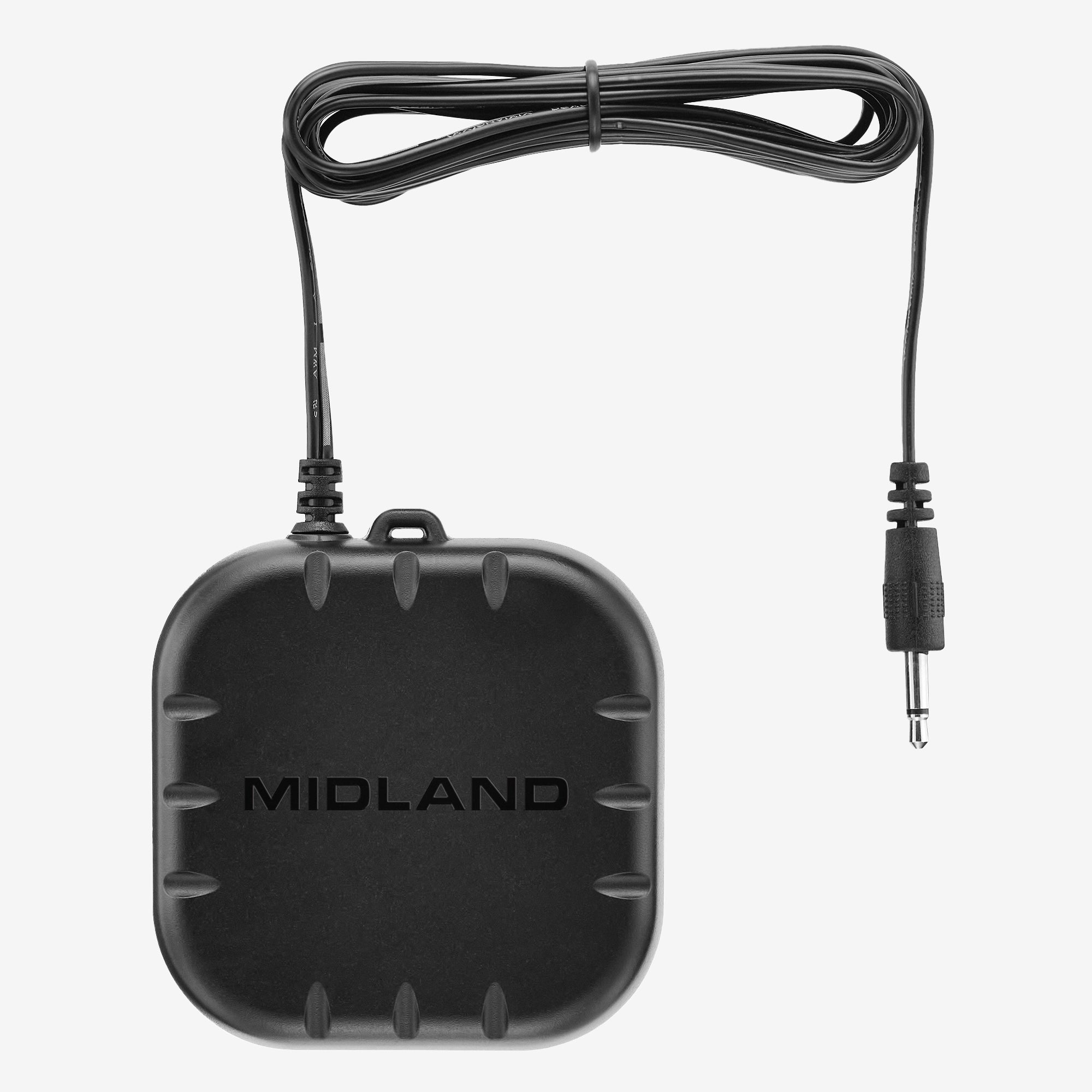
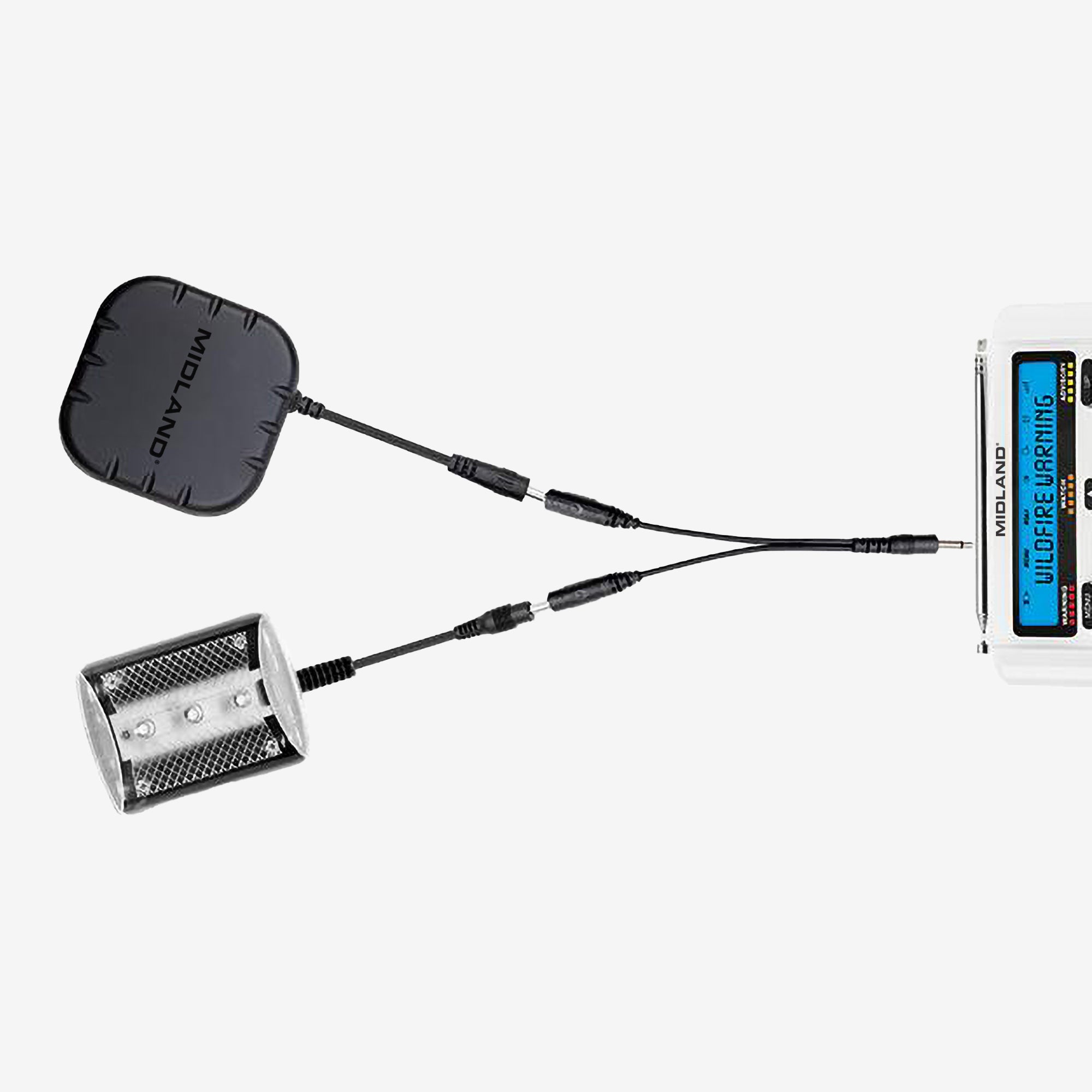
SHKR100 Weather and Emergency Radio Pillow Shaker
$39.99
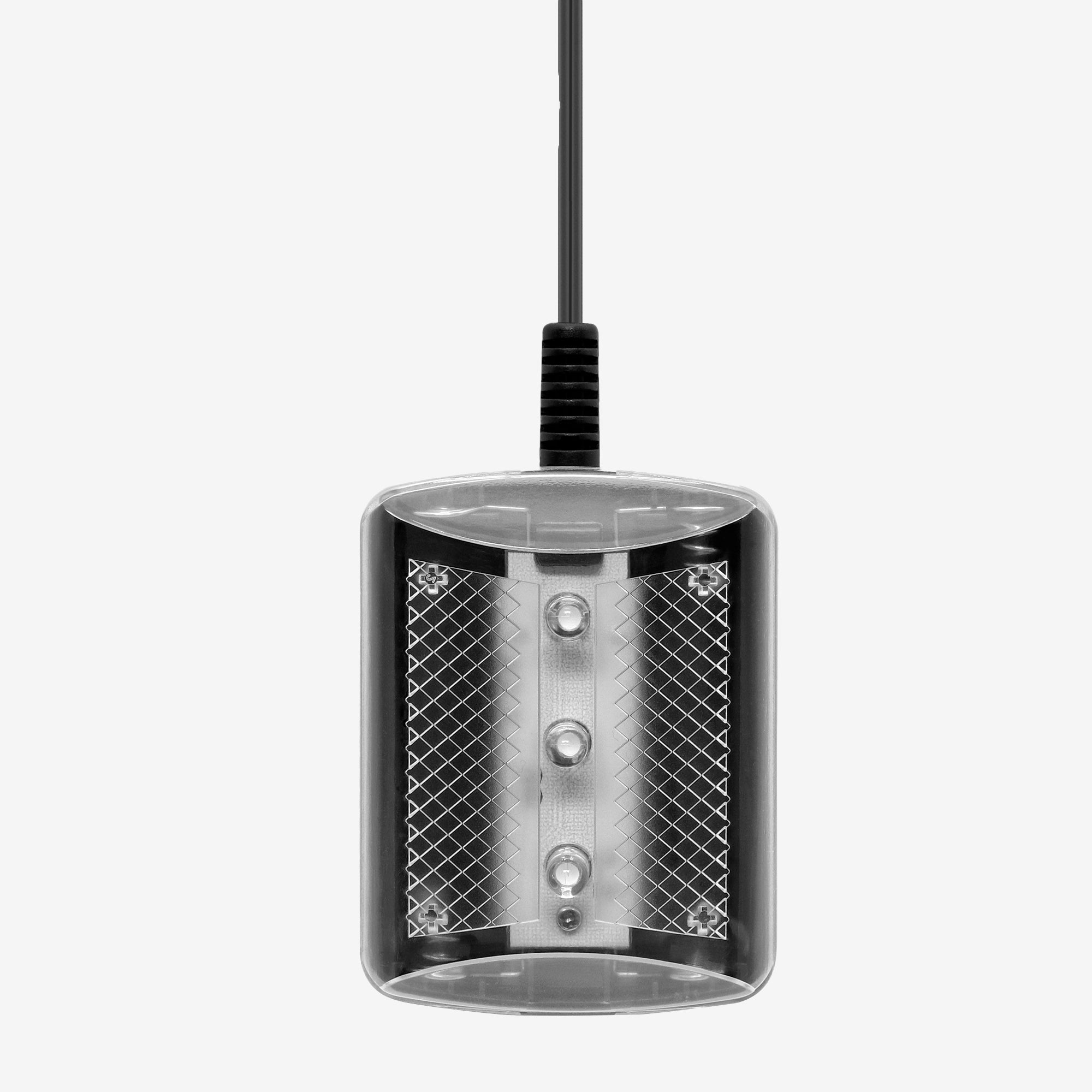
STR180 Weather and Emergency Radio Strobe Light
$34.99
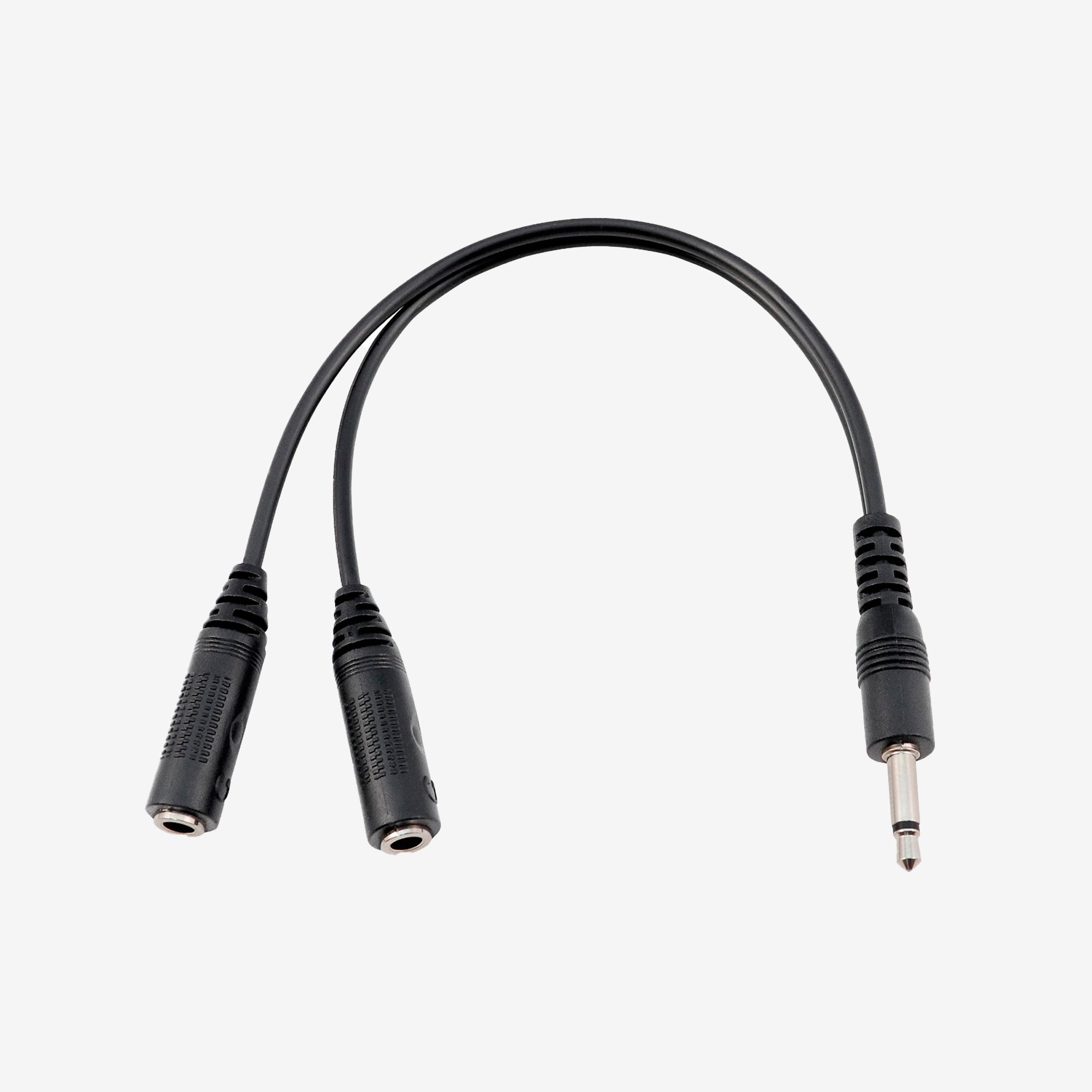
SYCBL Weather and Emergency Radio Cable
$14.99
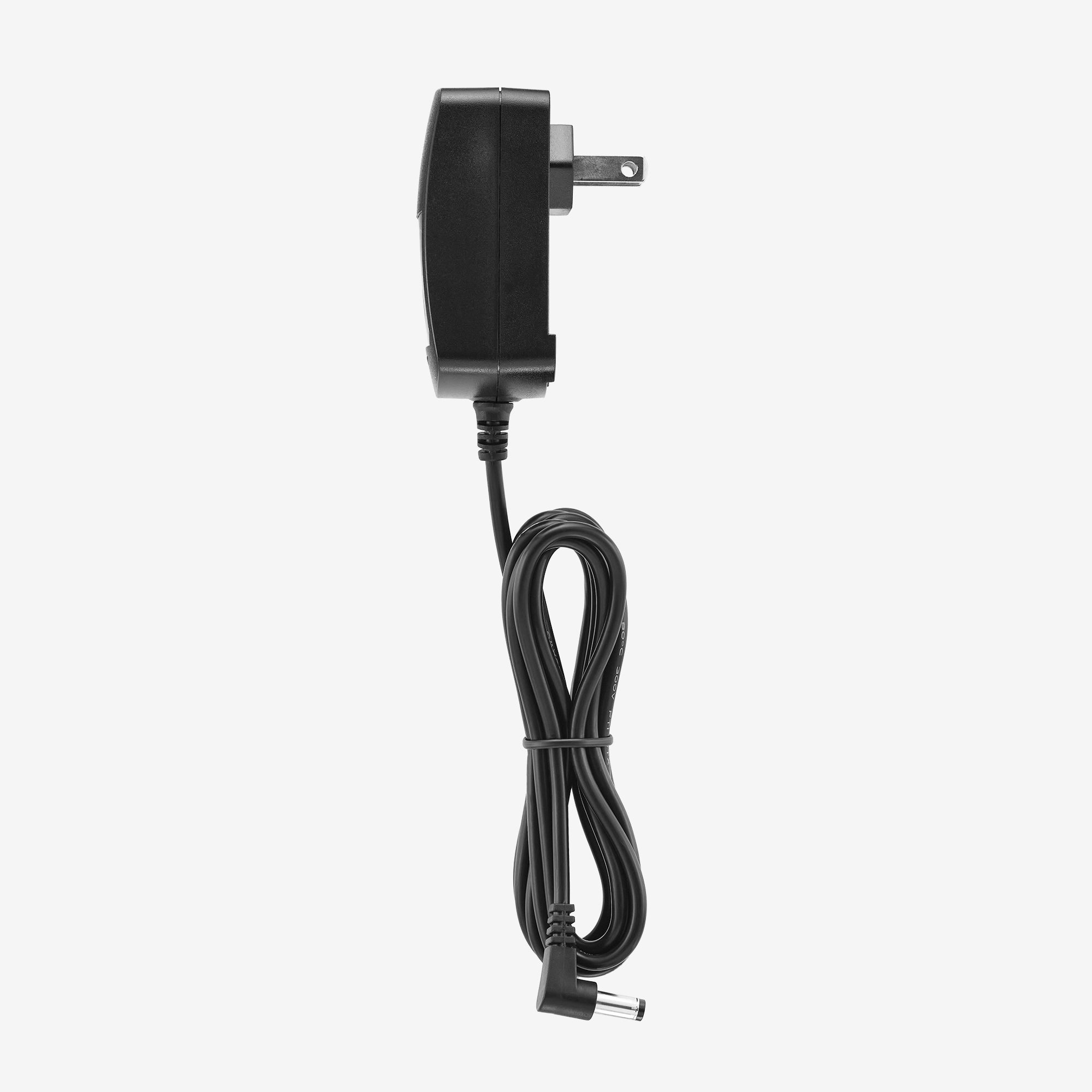
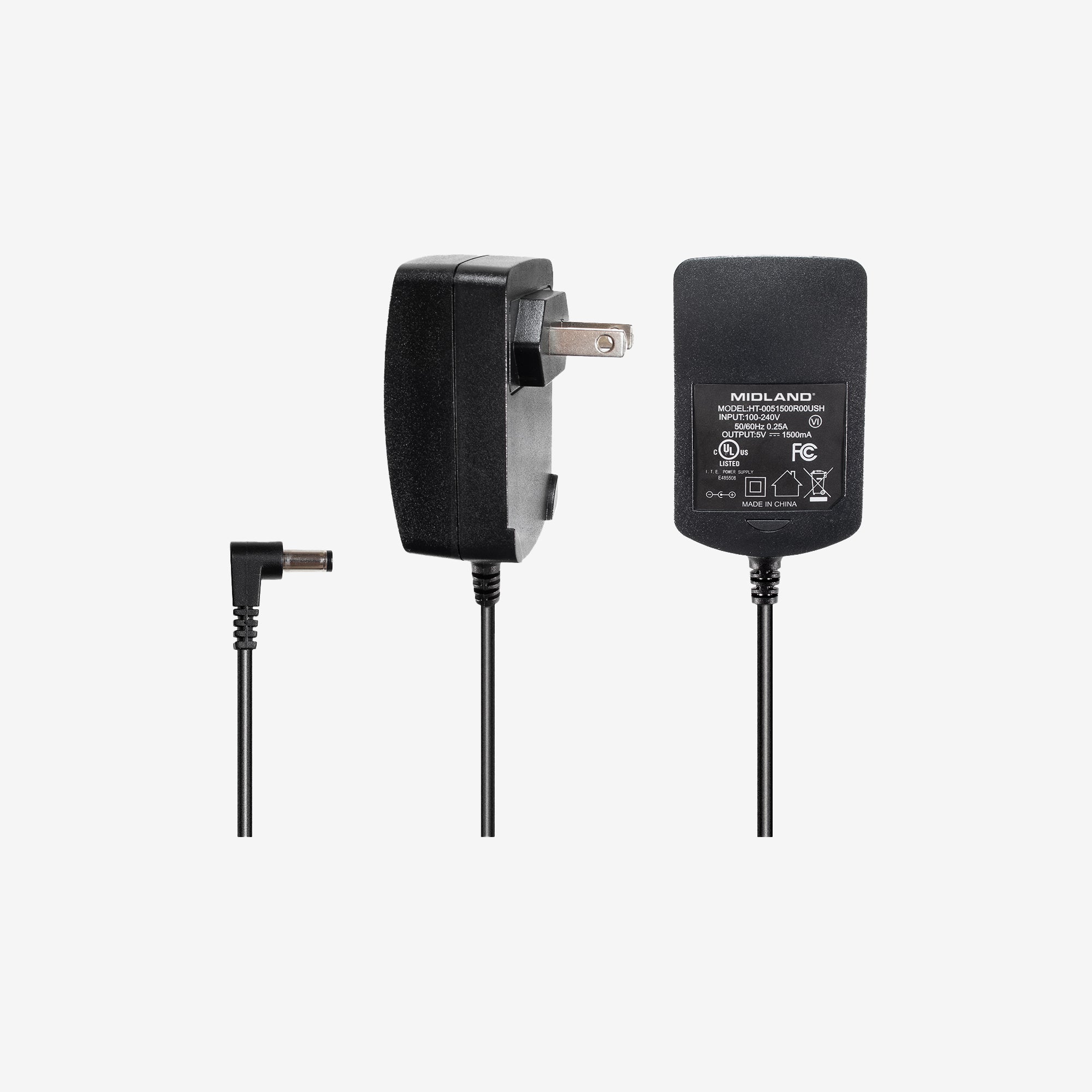
WRA4 WR400 Replacement Power Adapter
$14.99

FAQ's

What are S.A.M.E. codes and how to I find the right one for my county?
Specific Area Messaging Encoding, or S.A.M.E., is the National Weather Service's way to direct their alerts to certain geographical areas. For example, if you live in Florida, you likely do not need to be alerted of an avalanche warning in Colorado. By using this coding system, the National Oceanic & Atmospheric Administration (NOAA) and the Emergency Alert System (EAS) can notify individuals and communities of only the alerts that directly impact them, thereby reducing unnecessary alarms. With approximately 50 NOAA weather stations around the country, it is necessary to link your weather alert radio to the appropriate station. Although you may be able to tune into a NWS station to hear the weather, doesn't mean that station broadcasts warnings and alerts. It is important to reference the SWS's complete listing of S.A.M.E. codes for each county. This list of county S.A.M.E. codes will provide maps of alert areas helping you choose the appropriate S.A.M.E. code for your radio. (Link to "complete listing of S.A.M.E. codes is here: https://www.weather.gov/nwr/counties)
Why am I not receiving the required weekly test?
Desktop weather radios default to a "silent" weekly test. During the test, the "ADVISORY" light illuminates and "Required Weekly Test" will be visible on the display. The radio will not sound an audible alert tone to avoid giving the impression of an actual alarm. The visual response to the test is confirmation that your radio is working properly. To receive an audible weekly test, go to Menu - Use the up or down arrows to find Set Events - hit Enter. Set to All On and press Select. If you want to single out alerts you don't want to hear, go to Menu - Set Event - Edit Events. Press and hold the down arrow until you get to Required Weekly Test and hit Select, then turn to On and press Select again. Then press Menu until the radio displays "Saving" on the screen.
Will my weather radio still work in case of a power outage?
Although your radio is primarily powered by the A/C power from the outlet, make sure to install AA batteries in your radio. In the event of a power outage, you'll want your NOAA weather radio to have a backup power source.
{"statementLink":"","footerHtml":"","hideMobile":false,"hideTrigger":false,"disableBgProcess":false,"language":"en","position":"left","leadColor":"#146ff8","triggerColor":"#146ff8","triggerRadius":"50%","triggerPositionX":"right","triggerPositionY":"bottom","triggerIcon":"people","triggerSize":"medium","triggerOffsetX":20,"triggerOffsetY":20,"mobile":{"triggerSize":"small","triggerPositionX":"right","triggerPositionY":"bottom","triggerOffsetX":10,"triggerOffsetY":10,"triggerRadius":"50%"}}
false